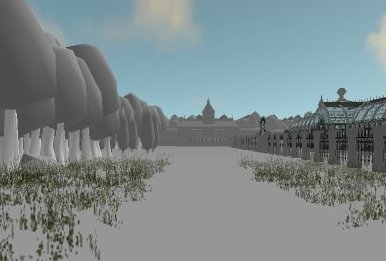
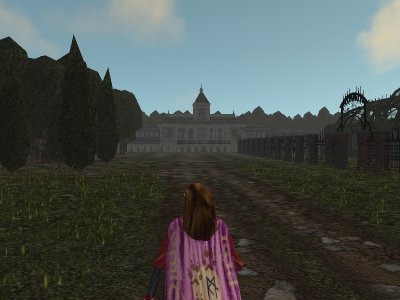
Some DirectX9 compatible graphics cards do not handle the compressed textures in custom haks (Such as the most excellent CEP2 and CTP1). Because of this these users only see white (or black) NULL textures. (See screenshots)
Simply drag and drop the HAK file onto the included program (One with the icon)
This uses a most useful tool (which you have to download separately on this sight) to convert the DDS files. This can be found here:






 Site
Site




 at 2007-05-19 18:06:35




