This is an updated version of the NWN-J3D Java model loader by Revinor. It was recompiled by Alessandro Borges in order to work with newer versions of Java 3D- which is required to run the program!
Click HEREto view a tutorial on how to use the model viewer, on YouTube
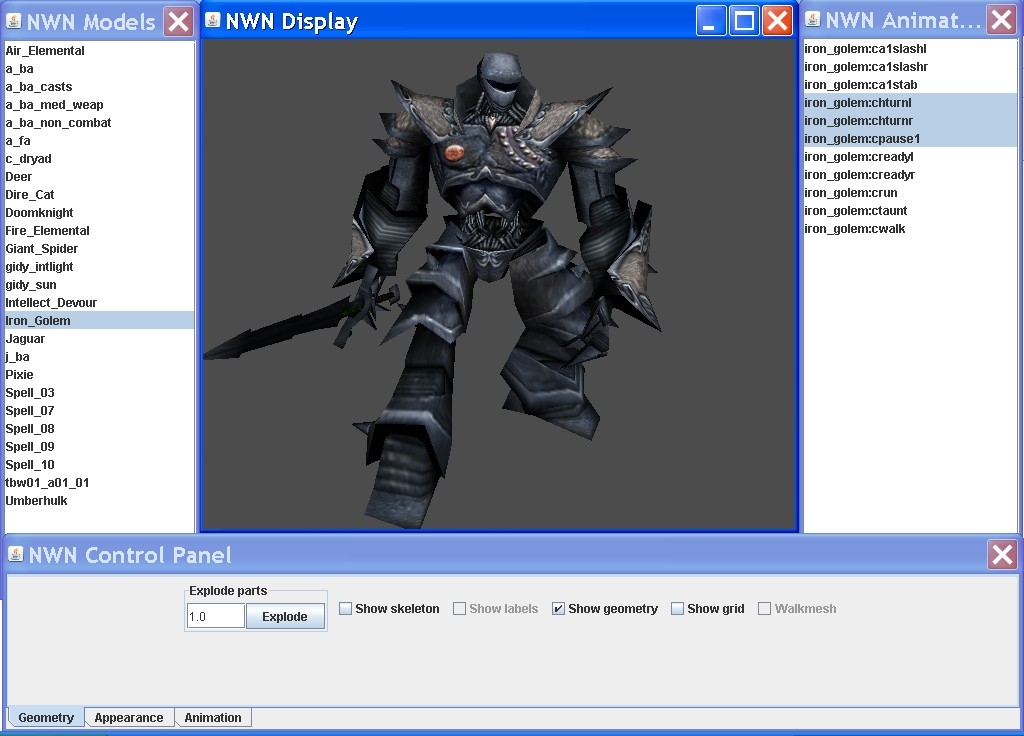
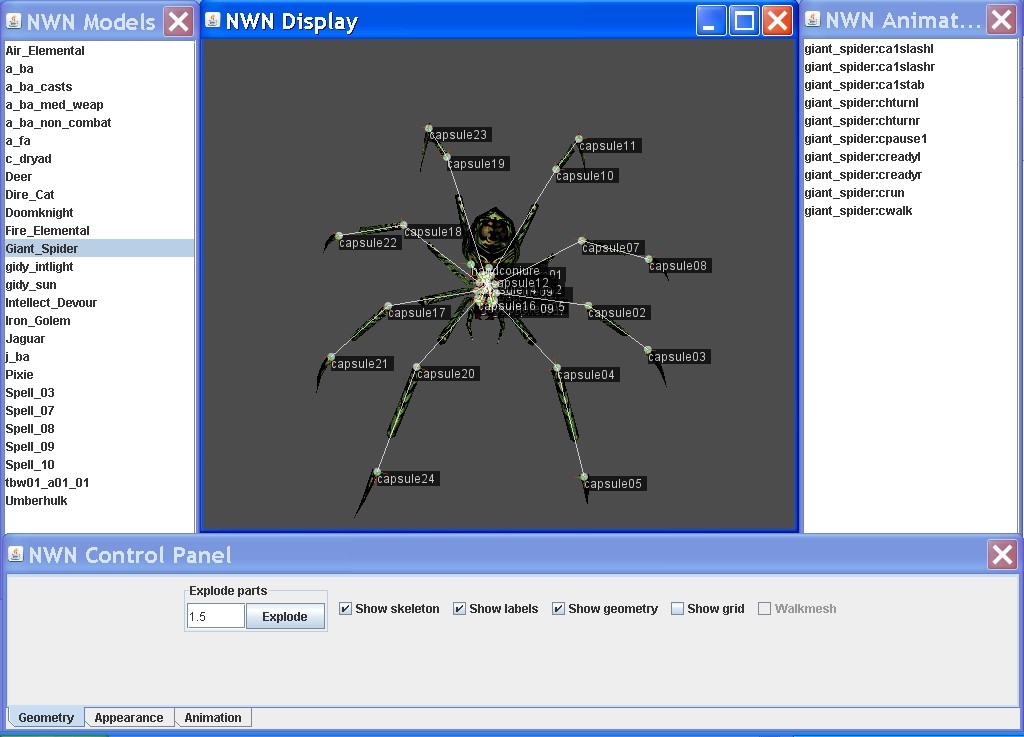
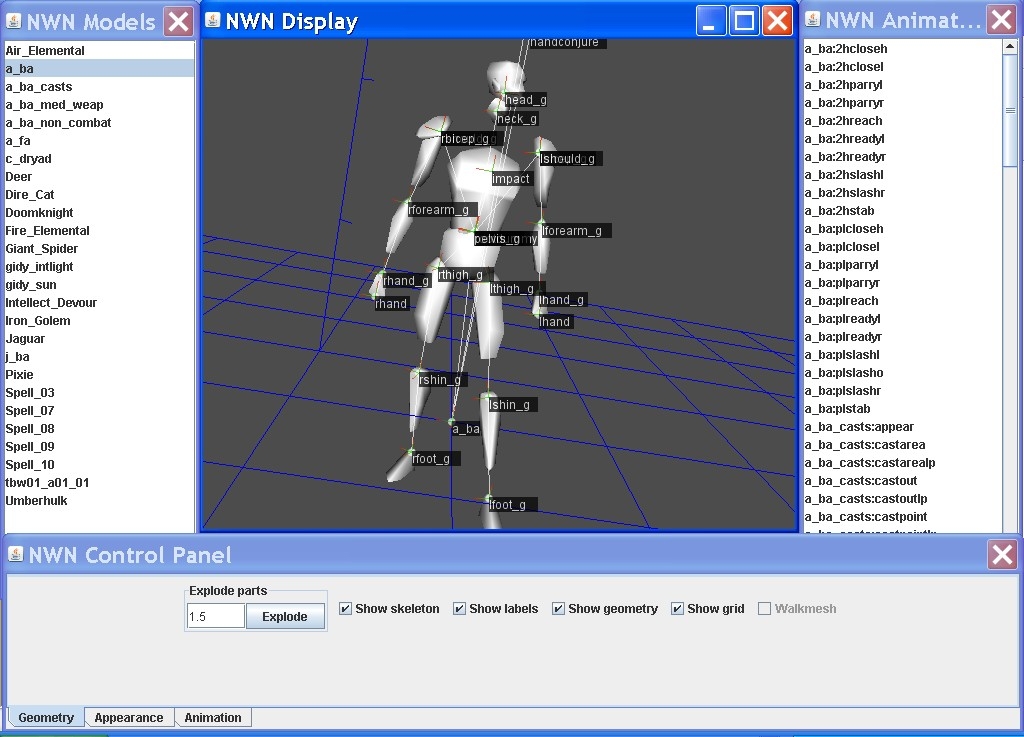
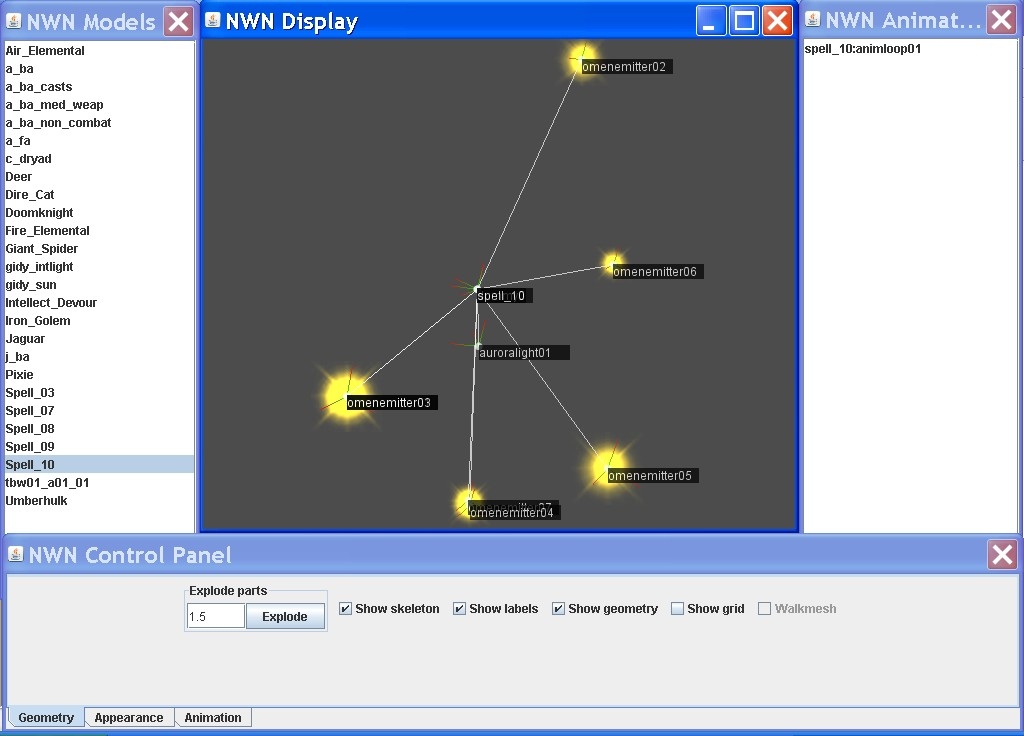
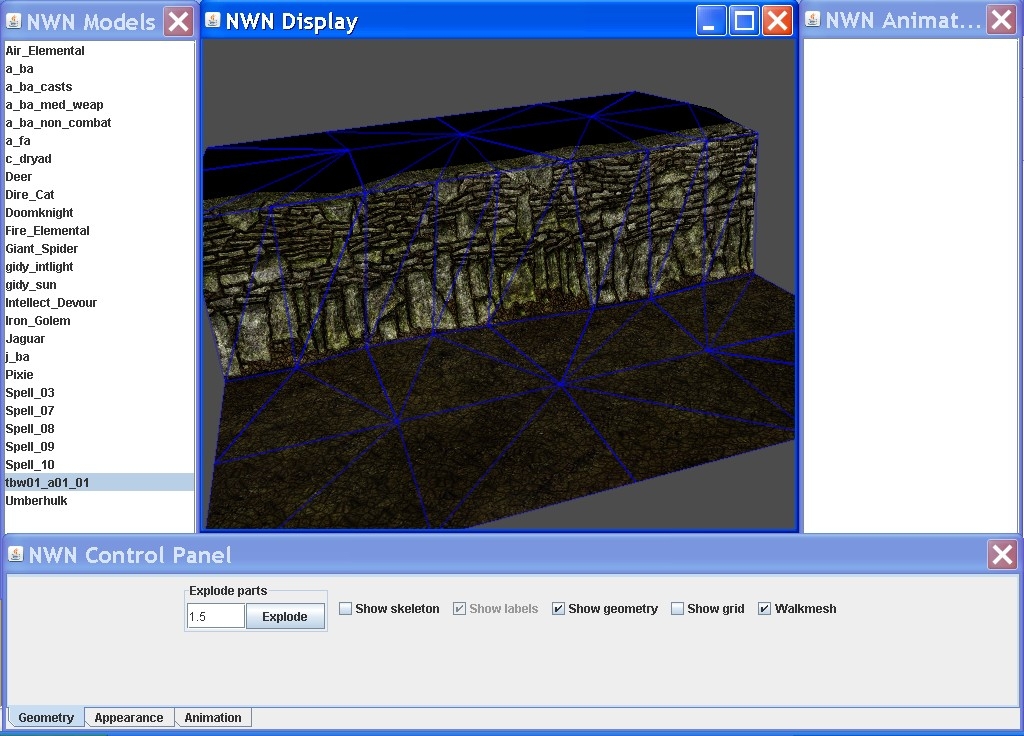
After unpacking to a folder, run nwm.bat. If your Java 3D is installed correctly, 4 windows are going to come up. On the left will be a list of models in the same directory as the program. The center window will show you whatever model happens to be loaded at the moment. The right window will contain a list of animations to choose from if the model has any. This model viewer will display animations for models which are supermodeled into other models as long as the models in the chain are in ASCII and reside in the program's directory. It appears to load the entire supermodel chain for viewing. Finally, at the bottom is the "NWN Control Panel", which will allow you to adjust settings for how the models are viewed. Looking at the output in the DOS box which is created when clicking on the nwm.bat file will yield valuable information about how the program is processing the models/emitters/etc. That information, along with error windows which pop up when you try to view a model can be very useful for figuring out why it's not able to read the model and in some cases, allow you to make minor changes to the model so it can.
At the bottom of the "NWN Control Panel" are 3 tabs (Geometry, Appearance, Animation). Because of the placement of the bottom window, you will probably have to move that window up a bit to see them. Without knowing these 3 tabs are there you'll be missing out on some of the neater features of the model viewer.
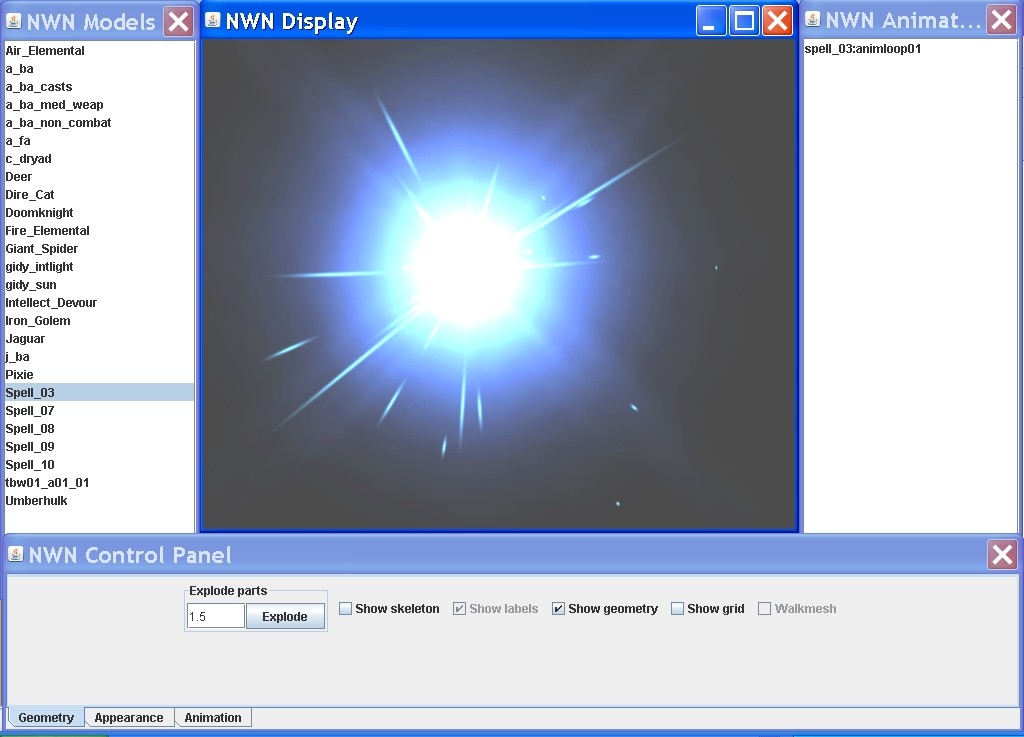
Features: * Displays models, emitters, tiles, etc.
* Simulates NWN particle system fairly well
* Can "explode" models, show skeletons, label nodes of models
* Will display animations for one model supermodeled into another as long as all models in the chain are in the program's directory, in ASCII
Limitations: * Can't load models with skin mesh
* Won't load some models. You can sometimes correct this by carefully reading the error and making changes accordingly.
* May sometimes incorrectly display textures on a model, possibly ones with danglymesh
* Doesn't display P2P Emitters
Installation Troubleshooting: FIRST, make sure you have the Java runtime installed before installing Java 3D!
Click HERE to test your Java version.
My version shows as Java Version: 1.6.0_22 from Sun Microsystems Inc.
Click HERE to test whether your Java 3D is working. You can also check Add/Remove Programs control panel in Windows to see what version of Java 3D you have installed.
My Add/Remove Programs shows the following versions of Java 3D installed, probably because I updated to a newer version after installing originally:
Java 3D 1.5.1 Java 3D 1.5.2
The above versions are the ones I use and the tool runs fine under them.
Revinor & Alessandro Borges are nolonger developing for NWN but the source code is available as one of the downloads, above, so hopefully some enterprising individual will come along and make further additions.
Posted by The Planeshifter at 2011-04-11 03:04:20 Voted 10.00 on 04/11/11
Great viewer. I just hope that soon you putting the option to view models with skin mesh.
You must be Logged In to post comments in this section.






 Site
Site









 at 2011-04-11 12:18:24
 at 2011-04-11 03:04:20


