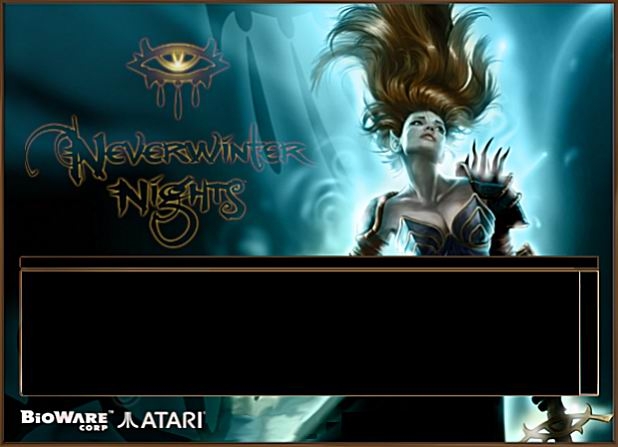
Unzip the downloaded file (using a tool like WinZip), and place the .bmp file into your 'utils \nwupdateskins' directory where you have installed Neverwinter Nights. (Default location is 'C:\ NeverwinterNights \NWN \utils \nwupdateskins'). Right-click on the top portion of the NWUpdate program - you can either: Select the 'Skins' menu item, where you will find all the skins you can choose from. Select the one you wish to use. OR Select 'Random Skin'. Each time you start the NWUpdate program, a random skin will be chosen.






 Site
Site




 at 2004-02-20 10:32:03




