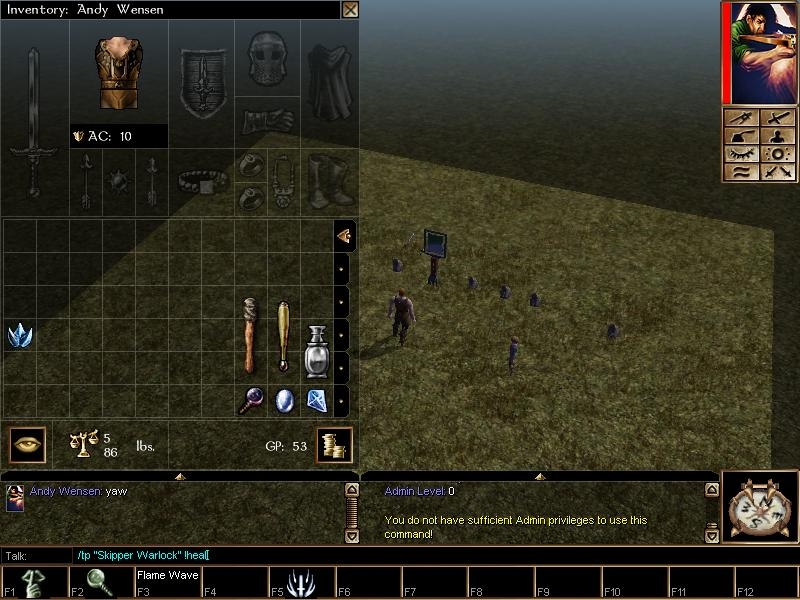
This is an admin system I wrote about a year ago based off of Shrubbot for Jaymod and ETPub for Wolfenstein Enemy Territory. Basically there are 5 levels of administration with level 5 being the highest and level 0 the lowest. Each level has it's own set of commands, which increase that player's ability to moderate the server respectively. Advancement in admin level allows the player to use the new commands along with all the commands of the previous levels. So a player of admin level 3 can use the commands available at level 1. Admin levels can be set by both DMs and players with level 5 admin. The advantage to this system is that you can give trusted players power to help keep your server running smoothly, without having to worry about them having too much. The level required for each command can easily be changed in fky_skip_admin. Should you need any help doing this please post and I'll go into more detail. So without further delay, here is a list of commands with their respective levels and descriptions:
[level 1]
!finger ~gets admin level of target
[level 2]
!jumpto ~jump to target
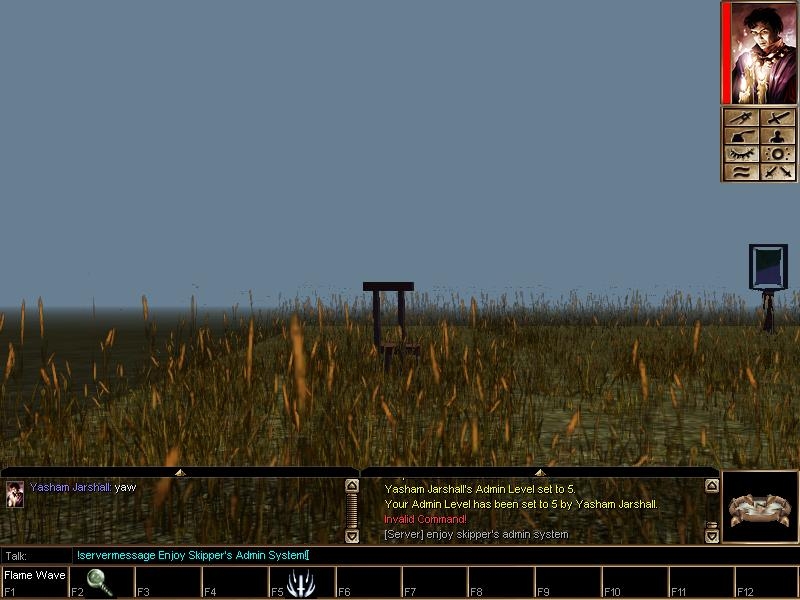
!servermessage [message] ~send server message
[level 3]
!boot ~boot target
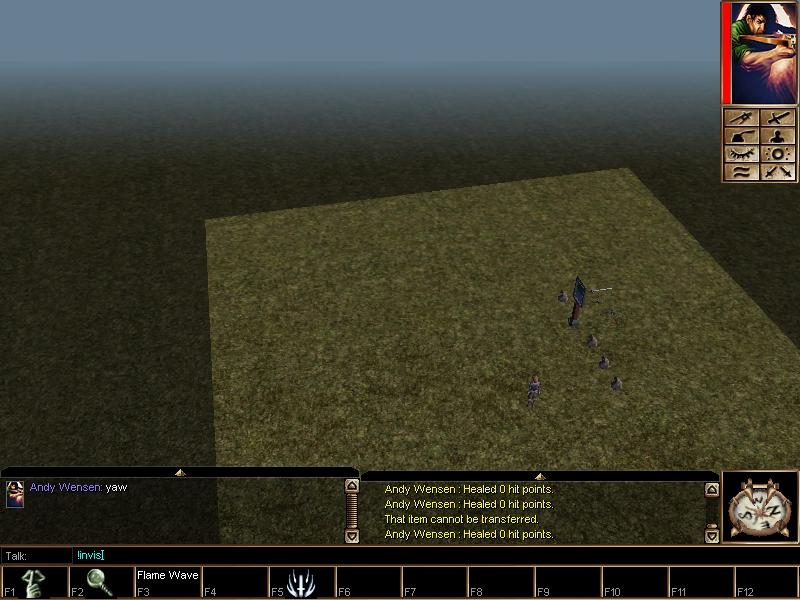
!invis ~activate cutscene invis on yourself
!uninvis ~deactivate cutscene invis on yourself
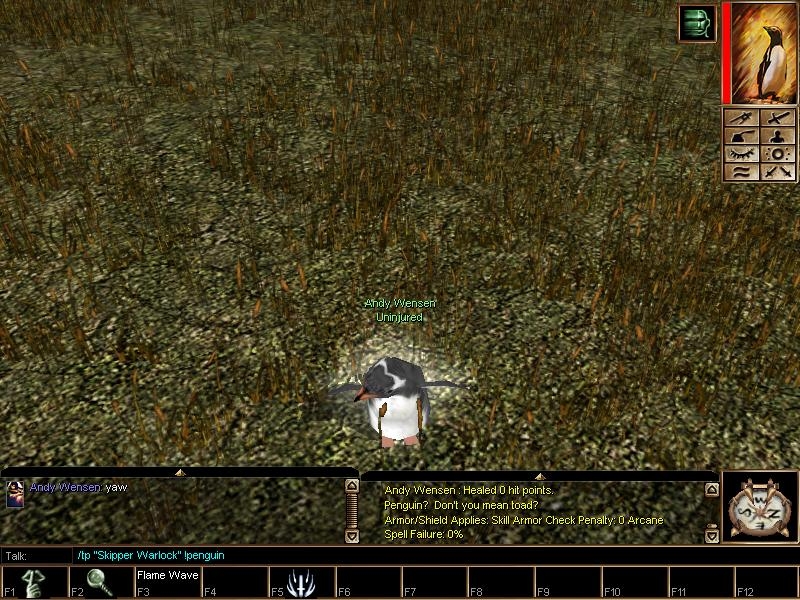
!penguin ~penguin target
!unpenguin ~unpenguin target
!paralyze ~paralyze target
!unparalyze ~unparalyze target
!jumptome ~jump target to you
!partyjumptome ~jump your party to you
!summon [resref] ~permanently summon any creature
[level 4]
!heal ~cast heal on target
!harm ~cast harm on target
!rez ~cast rez on target
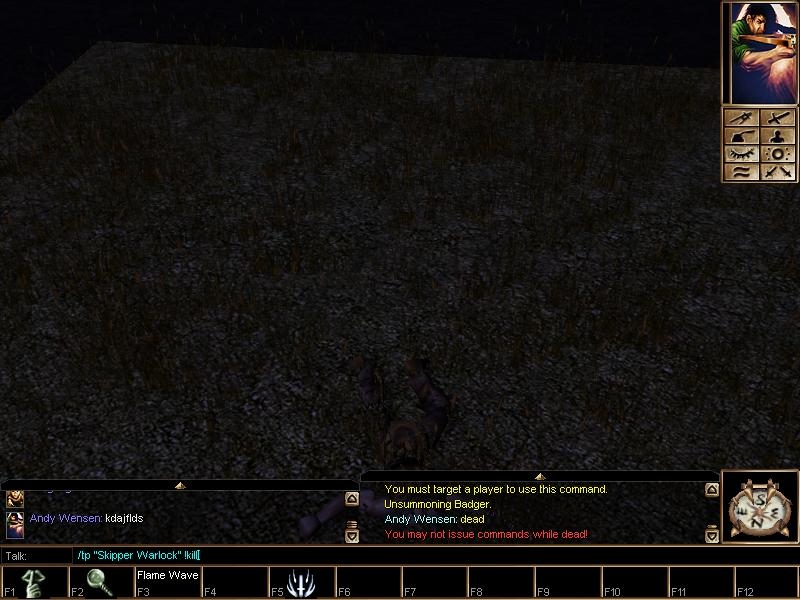
!kill ~kill target
!spawncreature [resref] ~spawn any creature
!spawnitem [resref] ~spawn any item
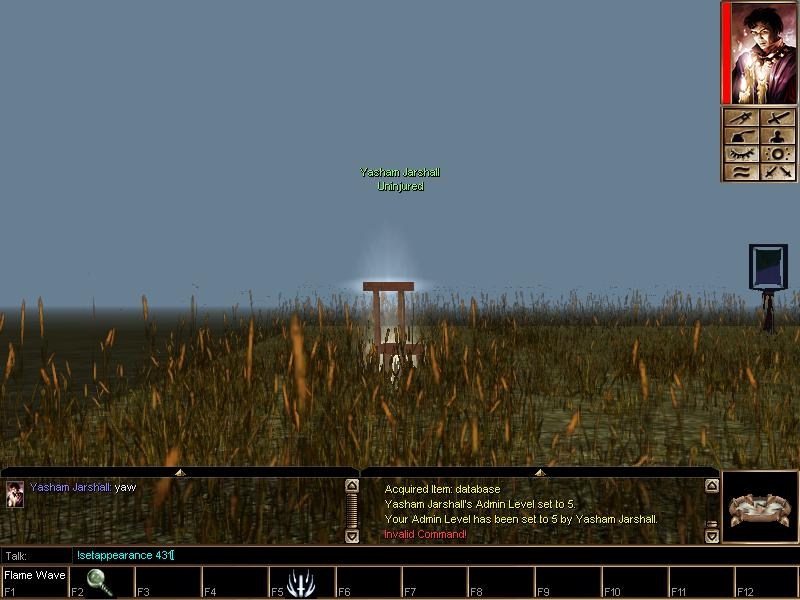
!setappearance [#] ~set your appearance
[level 5]
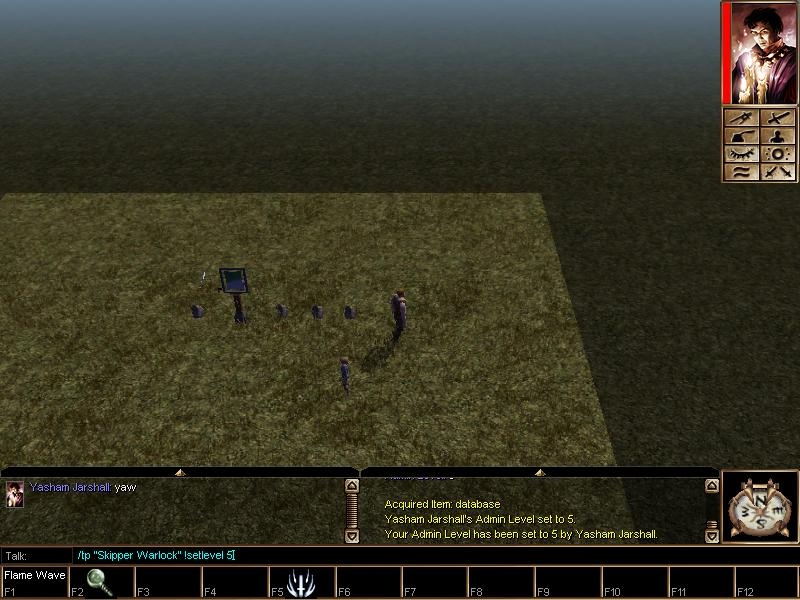
!setlevel [#] ~set target's admin level
!doublespeed ~increase speed(updates to nwn broke original function so not quite what it used to be)
!halfspeed ~decrease speed
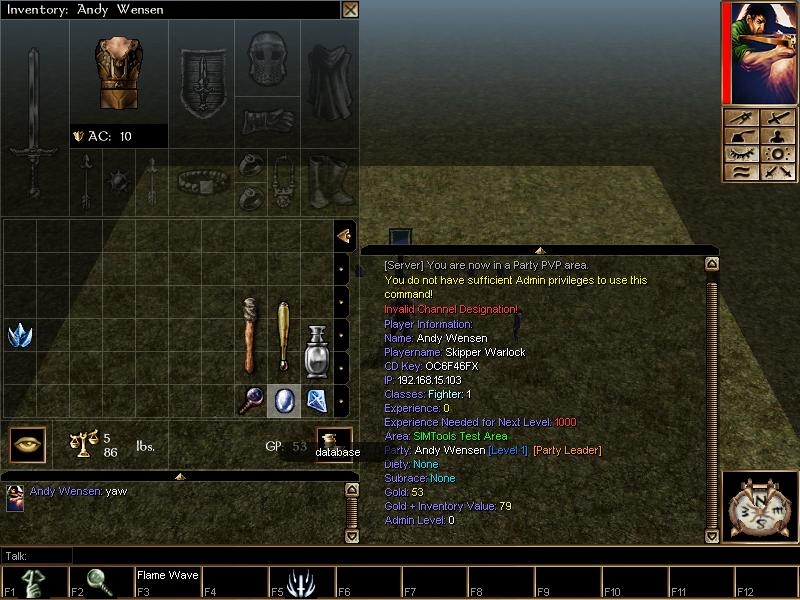
Also, I added an extra item to !playerinfo to show their admin level.
For the commands that require additional user input such as !servermessage, just type the input to the side, no quotes or brackets. (ex: !servermessage Server will go down for updates in 15 minutes.)
[HOW TO INSTALL]
To use this system, you must install both NWNx and SIMTools v3.0. Once those are installed, import the erf and overwrite fky_chat_inc. These admin levels work off integers stored on a database object on the PC. You will need to create an object with the tag 'database' for this to work, and I've included a script you can add to your OnClientEnter script to give the PC the database.
[Thanks]
Special thanks to LoonyTick who helped me get of the ground with this project back when I just had an idea and a keyboard.
Also thanks to Zunath, who taught me everything I know about nwscript and has provided me with direction ever time I hit a road block and want to give up entirely.
And finally HUGE Thanks to FunkySwerve for providing the community with SimTools and for giving me tremendous help in the builders' forums every time I came up with some crazy idea I wanted to try out in nwn.
I'd love to hear any questions or suggestions anyone might have, so please post if you have any.






 Site
Site









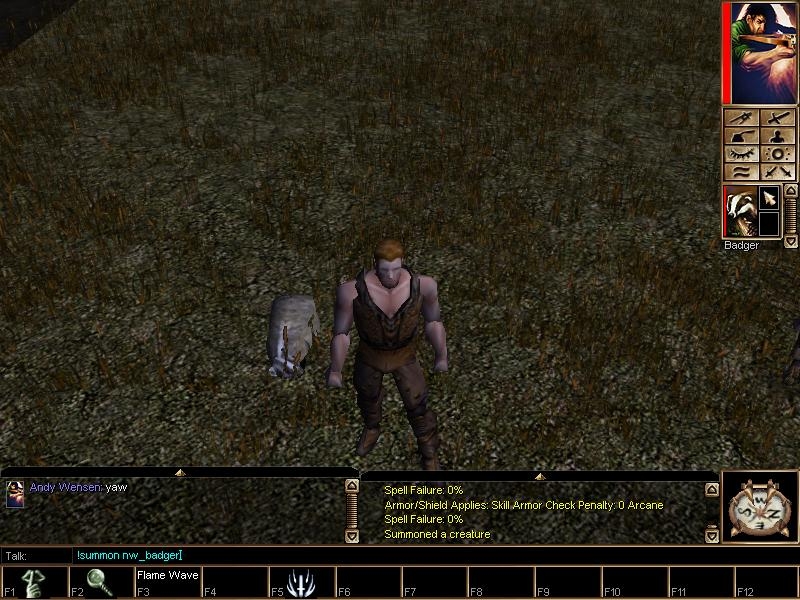
 at 2010-03-07 17:47:38


