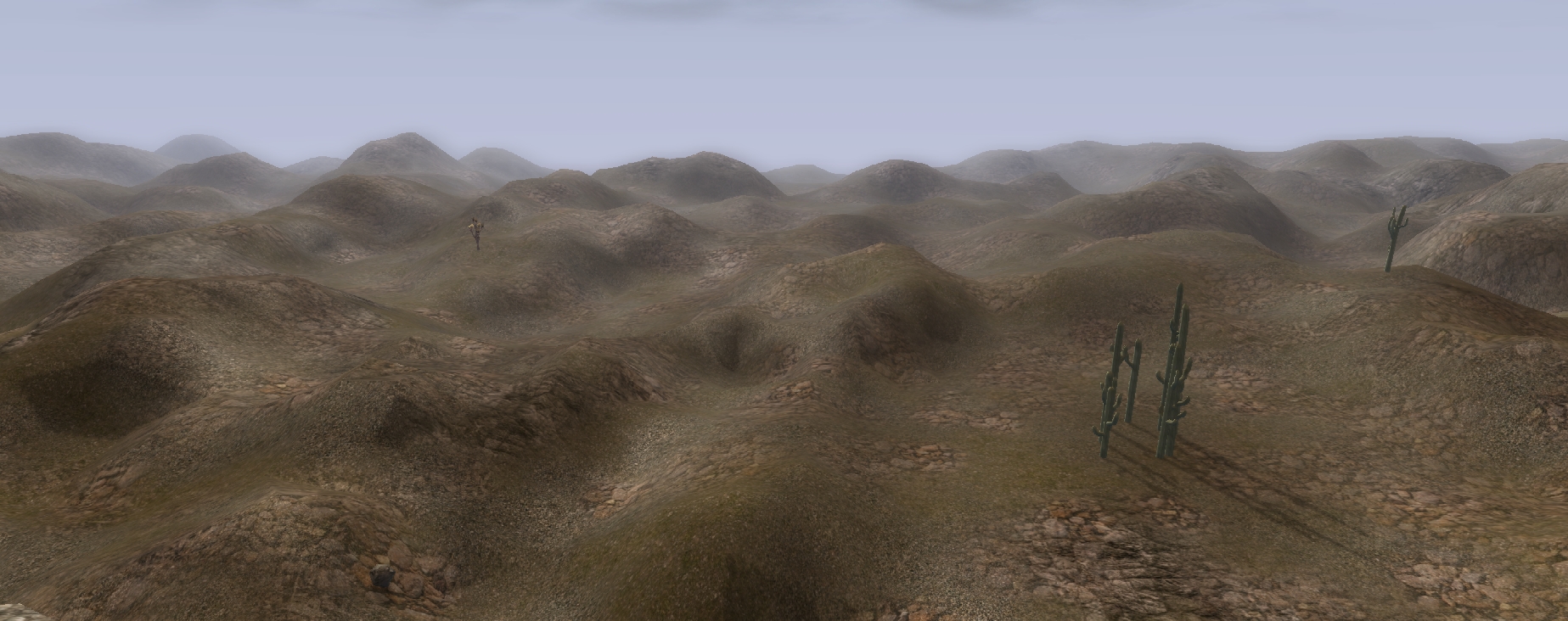
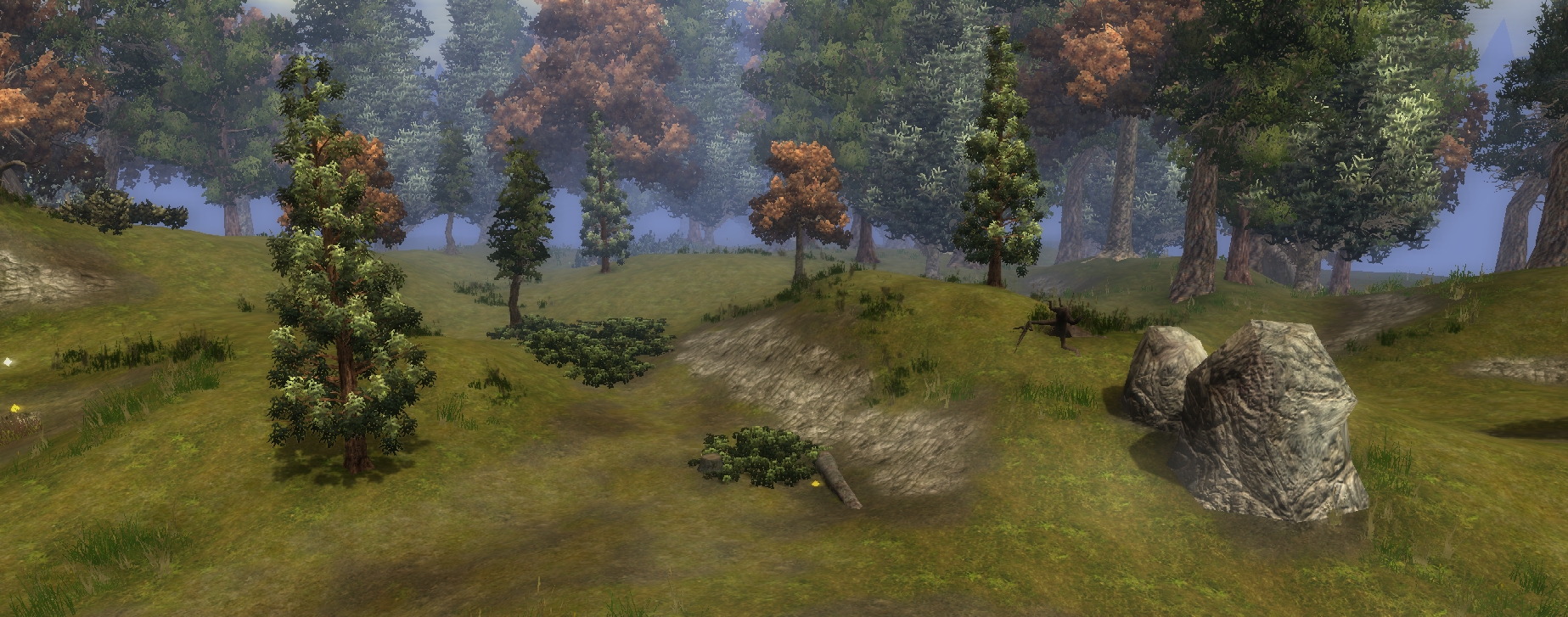
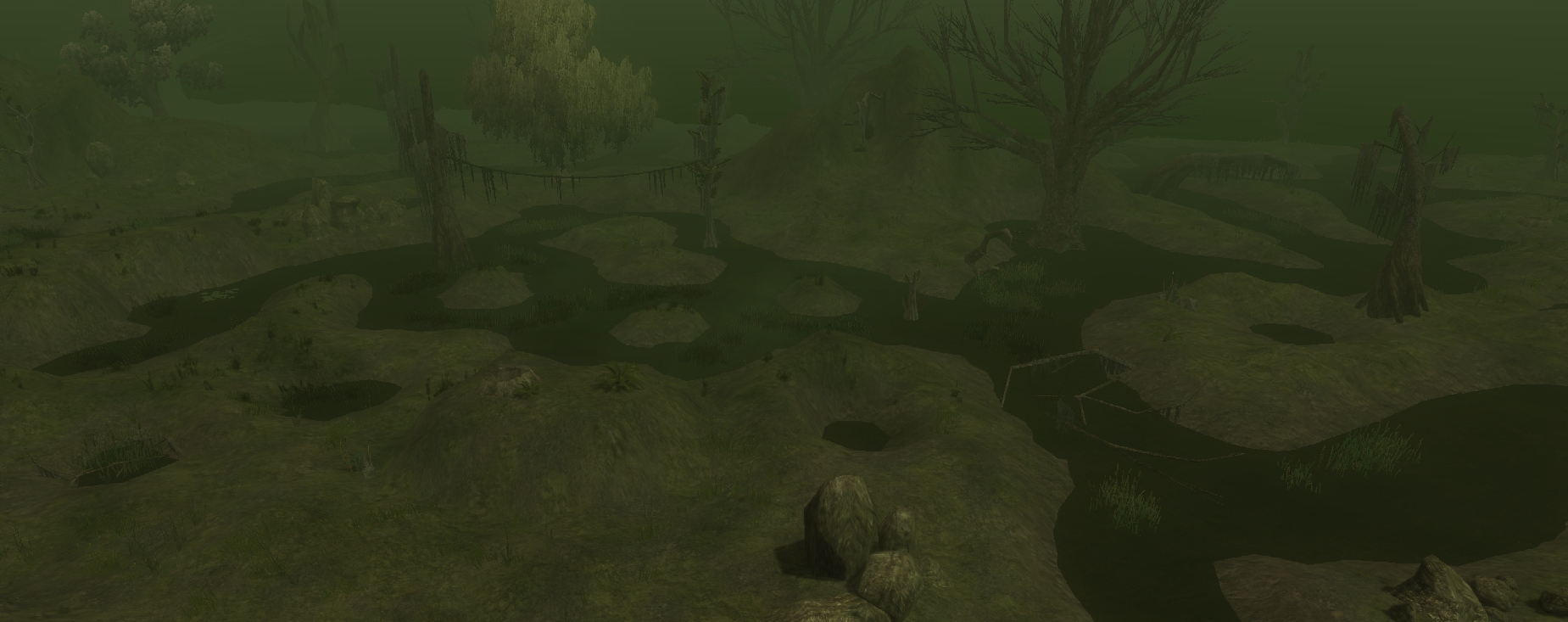
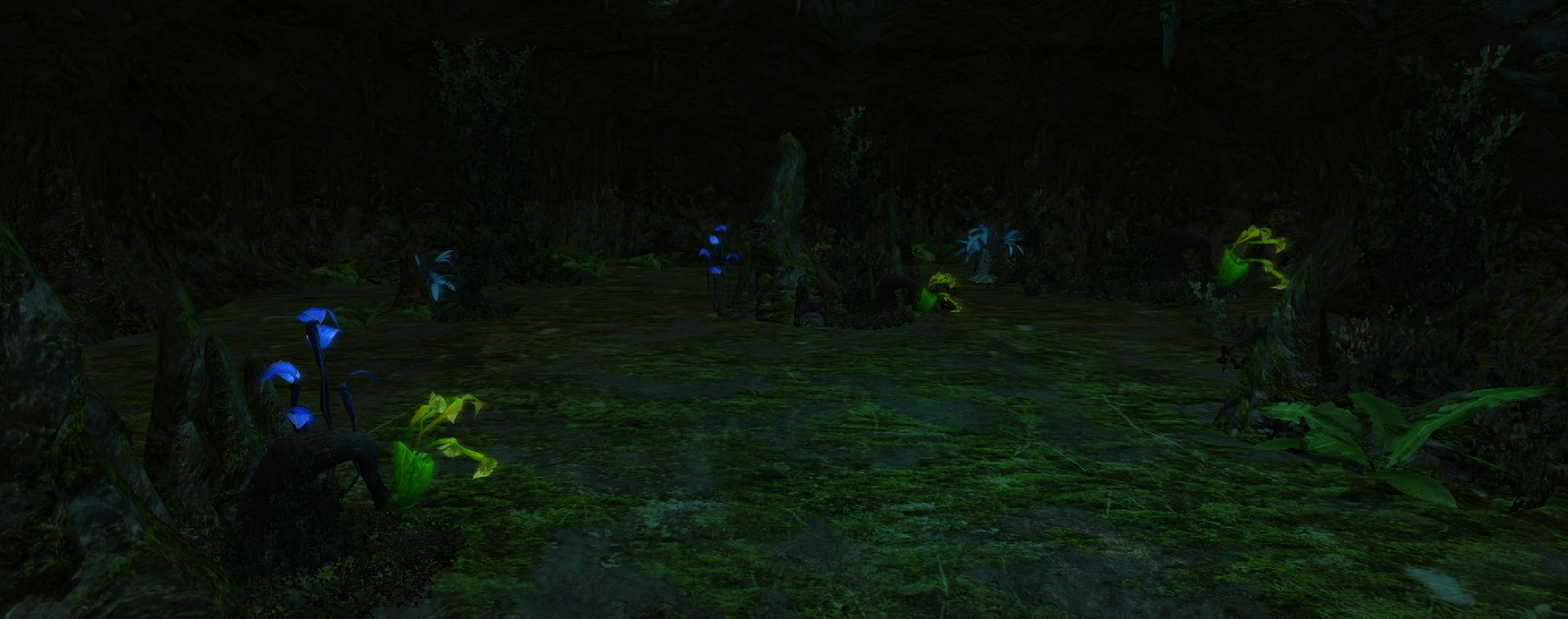
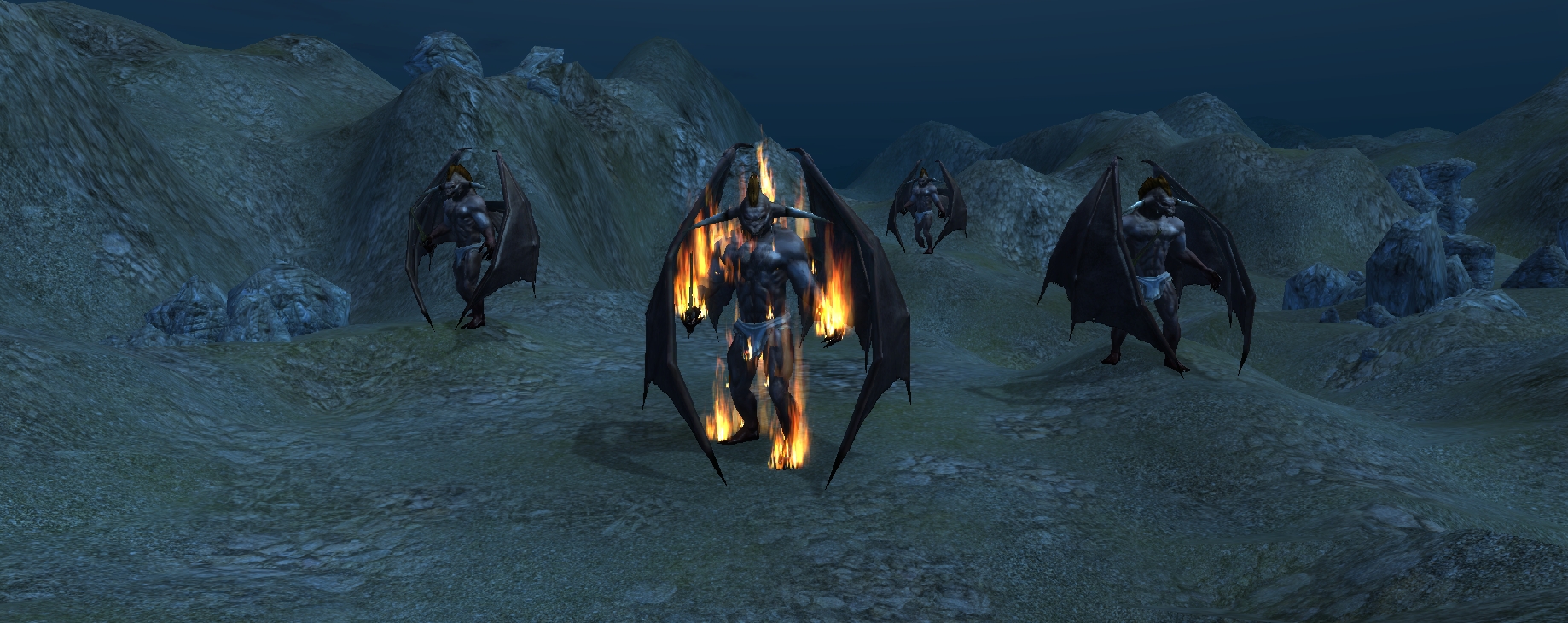
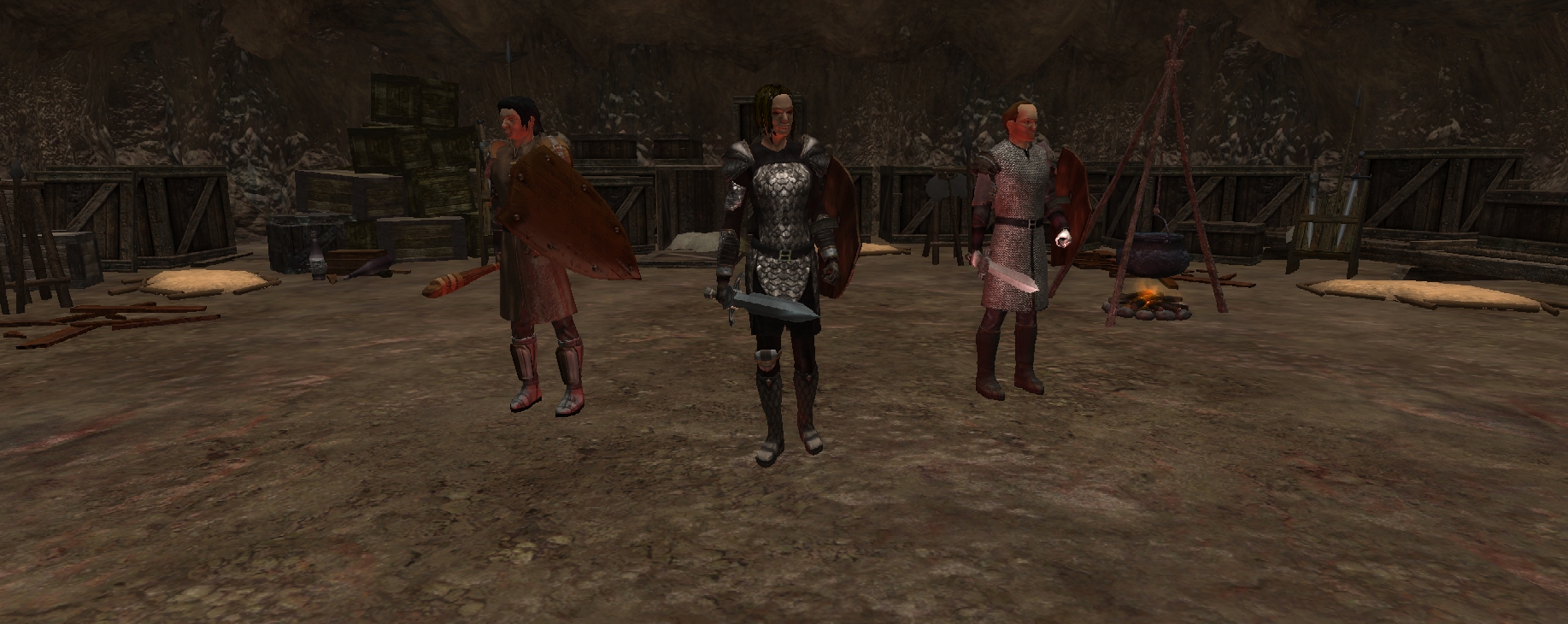
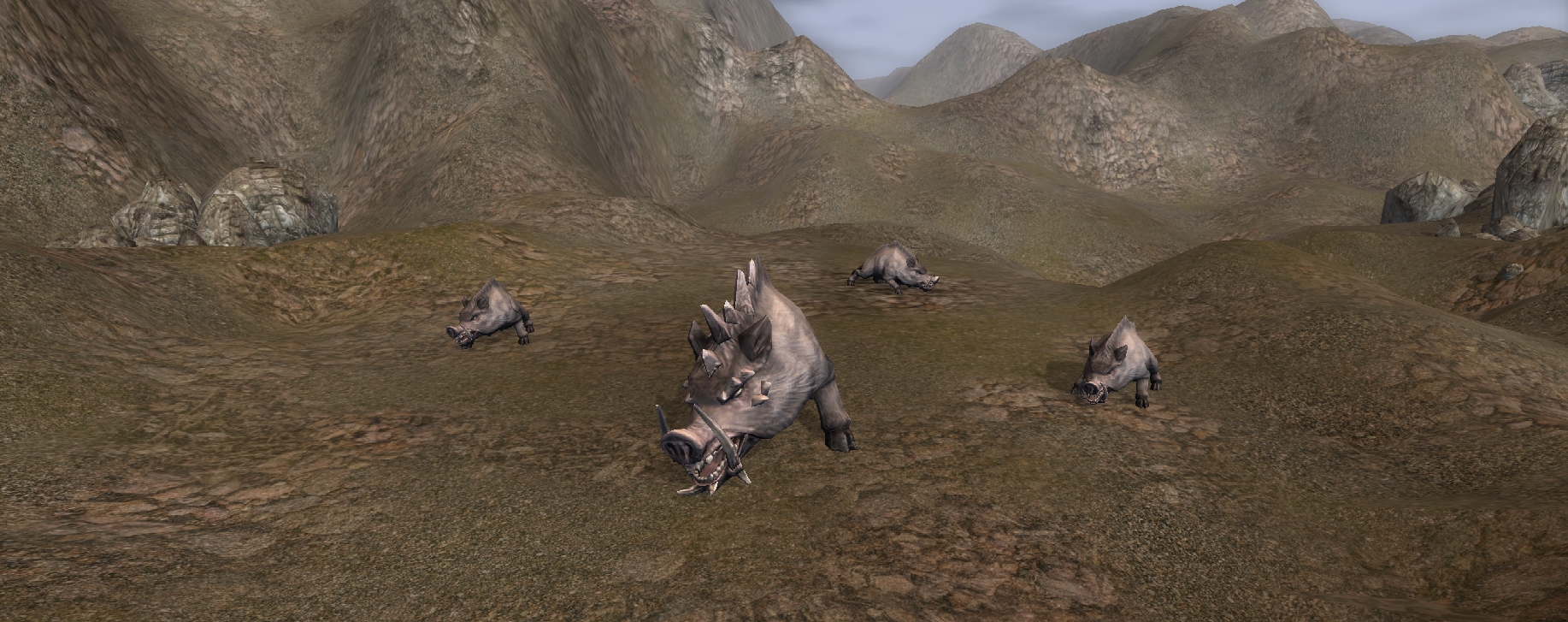
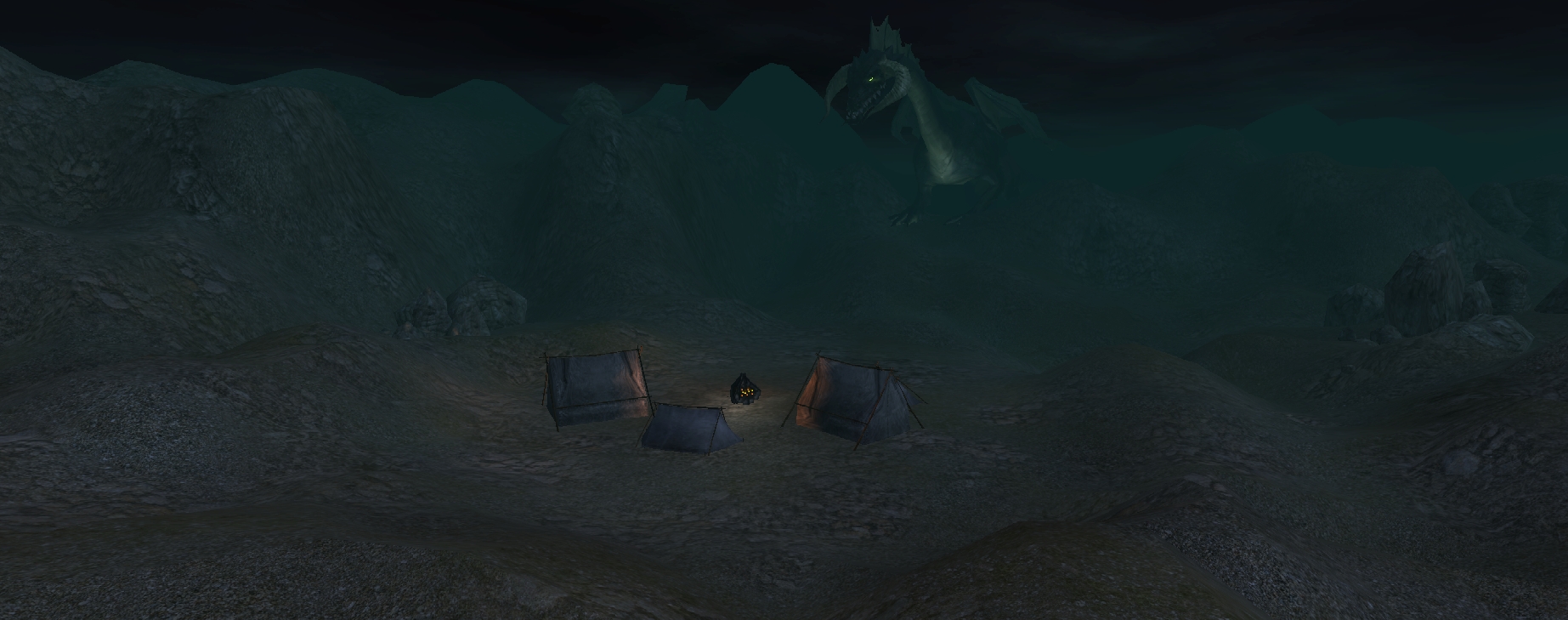
This volume contains 277 loadscreens for the toolset. Volume 1 has also been combined & included in this download!
Loadscreens included are:
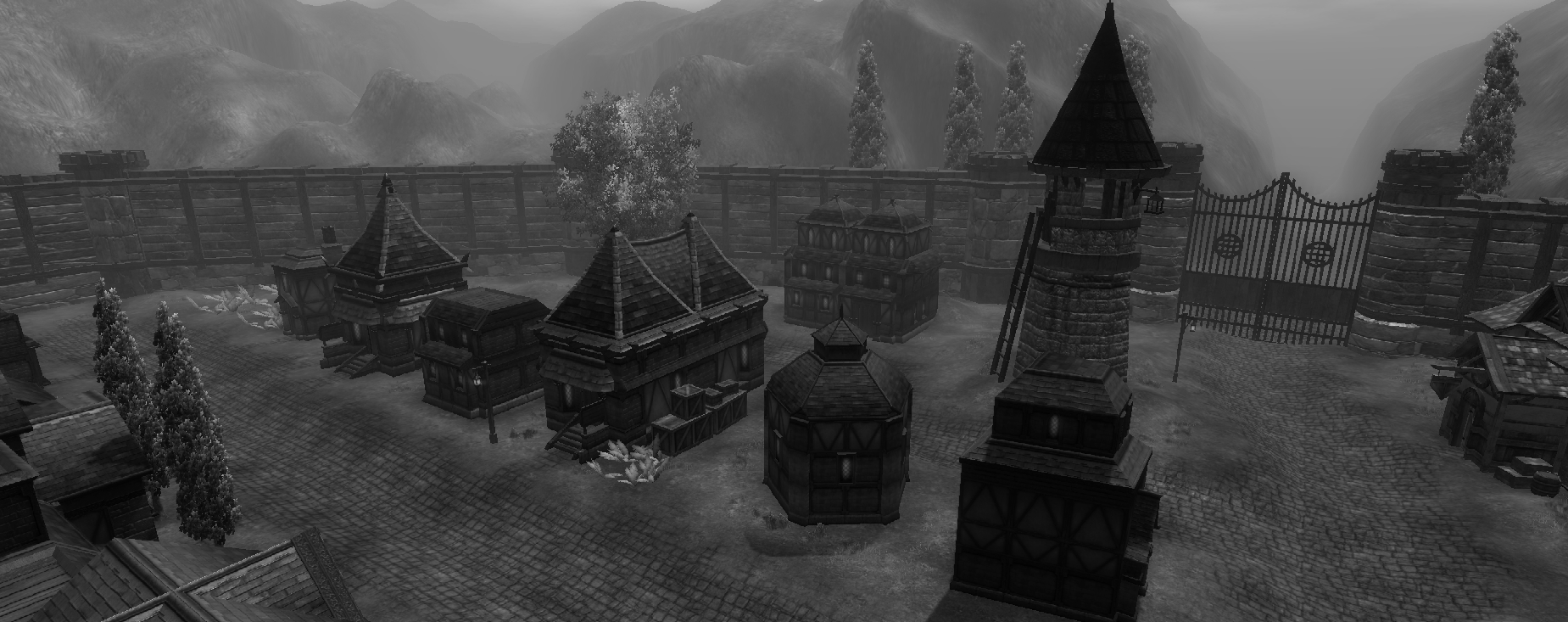
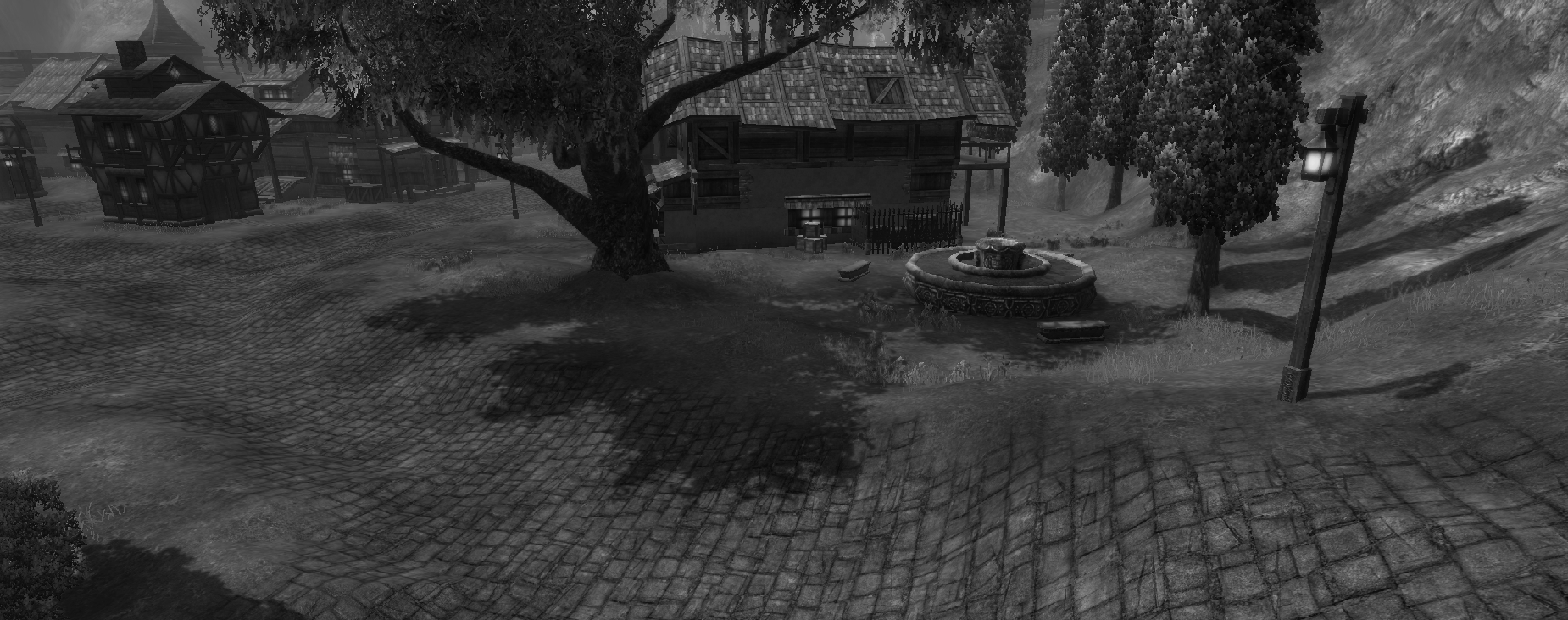
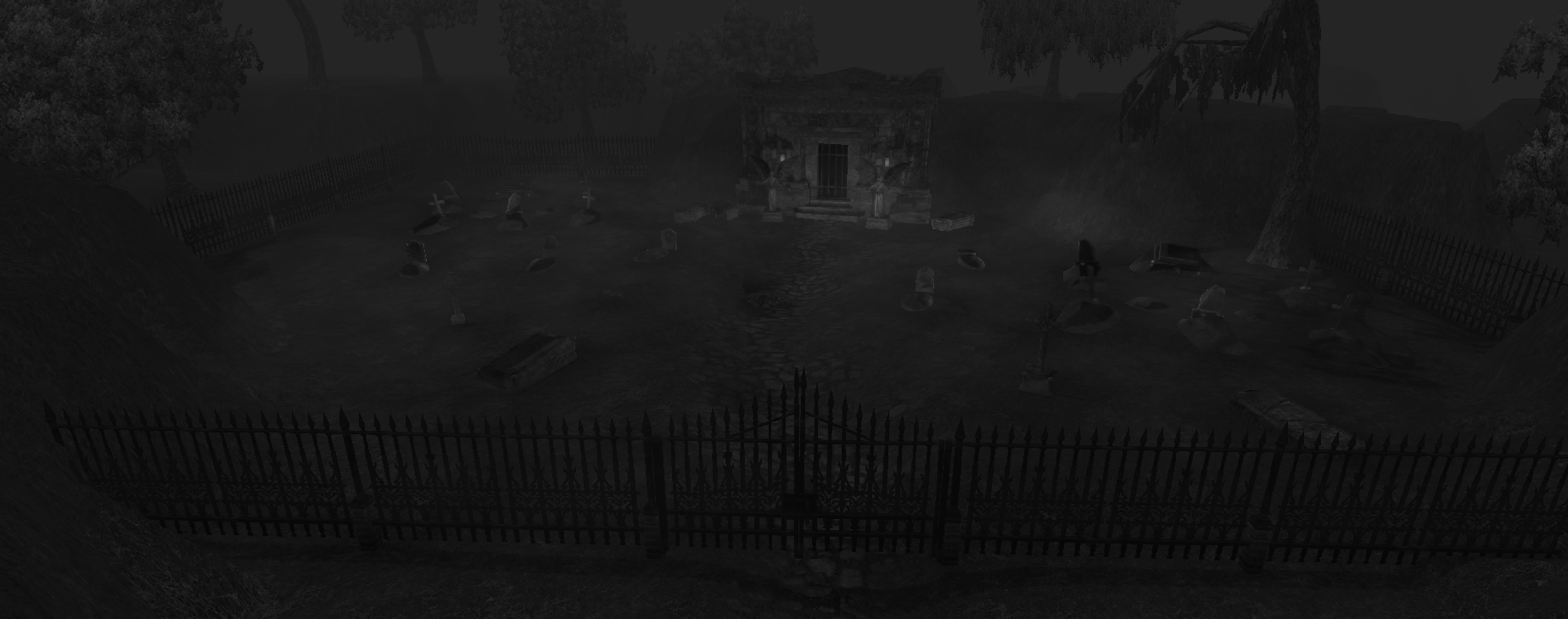
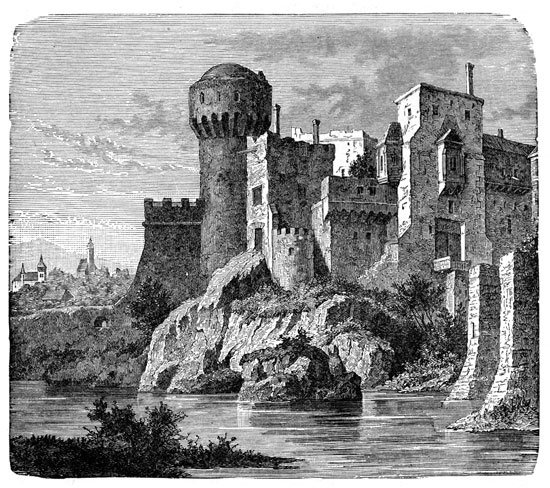
- 38 Black & White shots
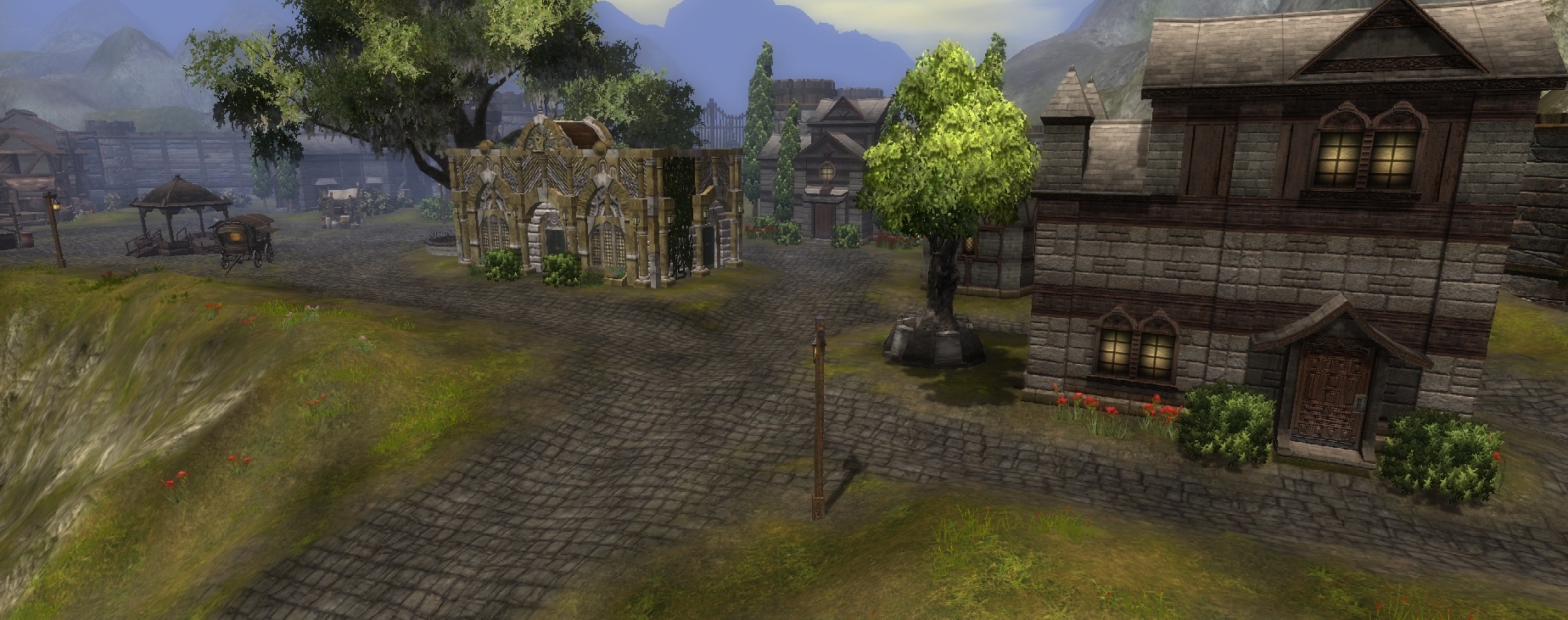
- 39 Regular Exterior & Interior shots
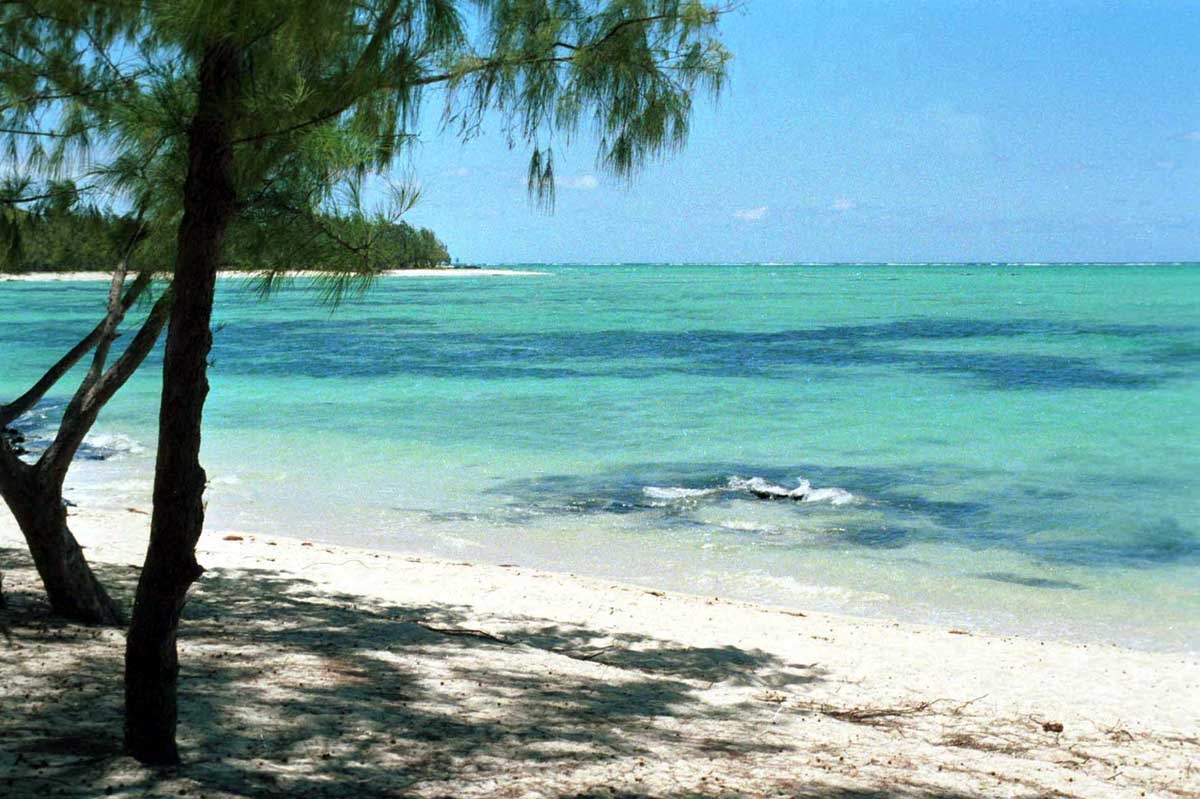
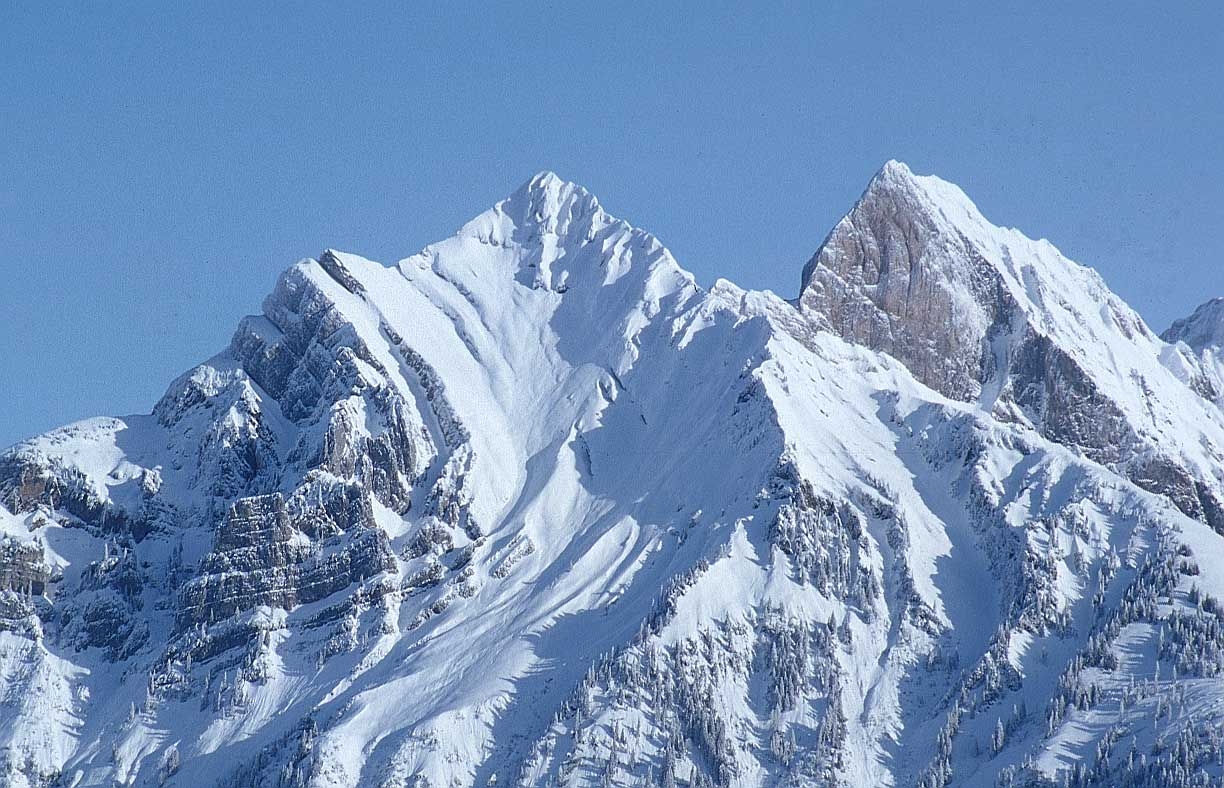
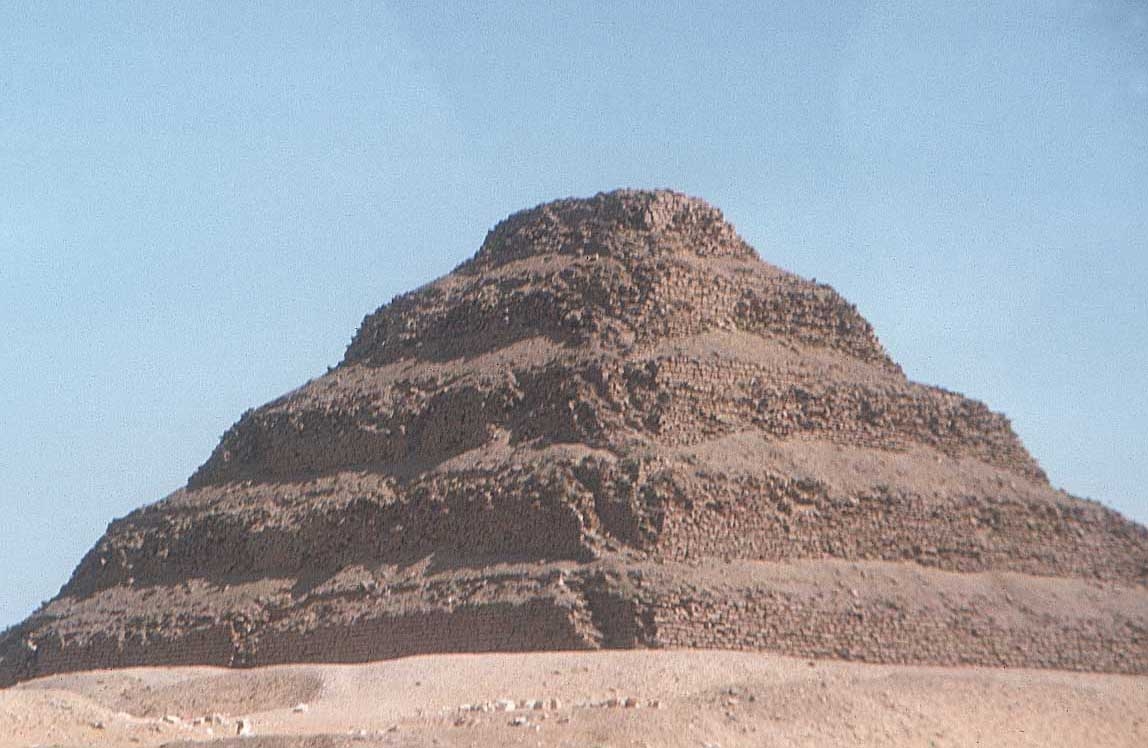
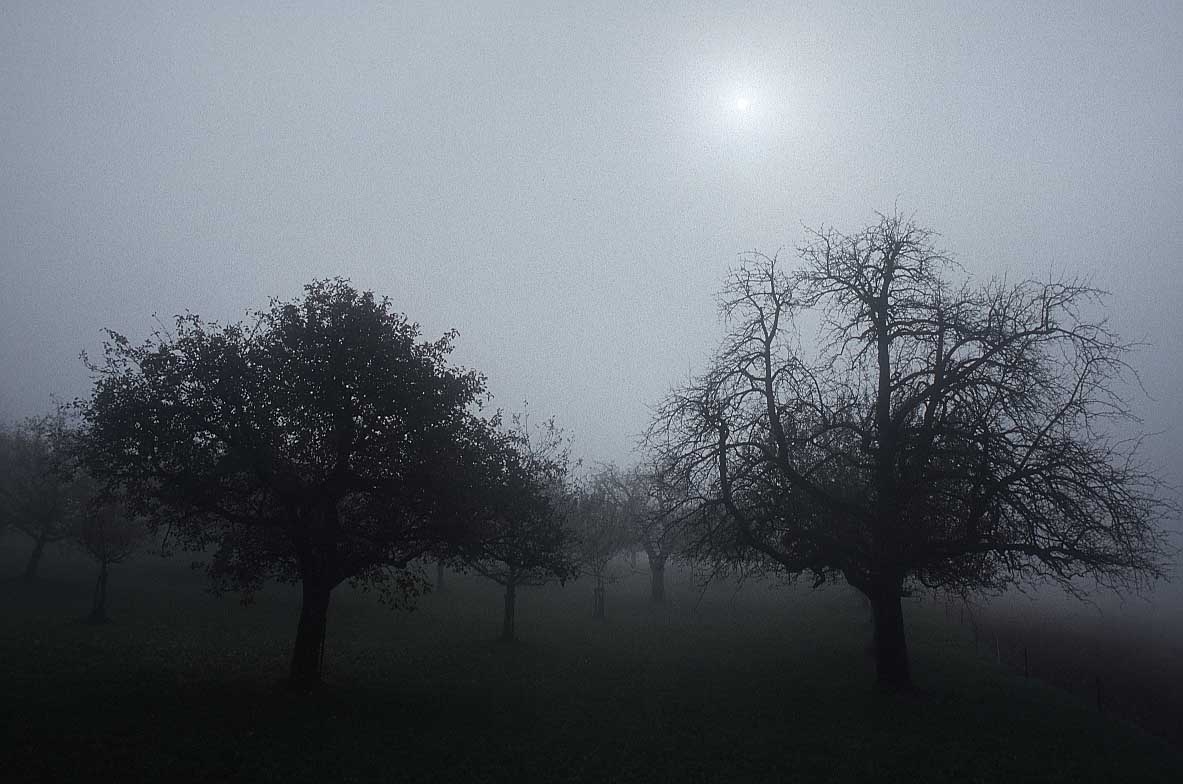
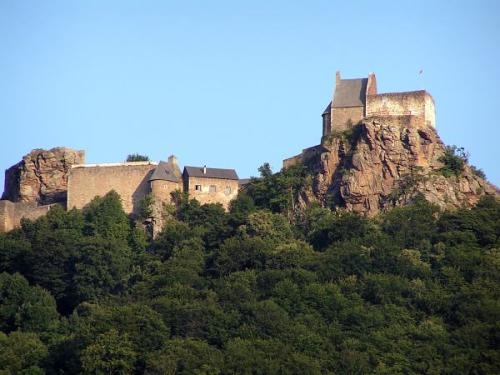
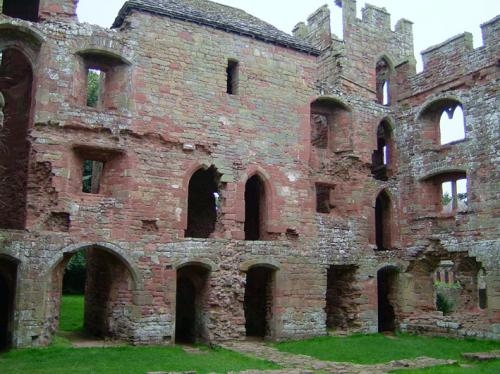
- 51 Landscape Photograph shots (see the 'Credits' section below)
- 3 Sketches
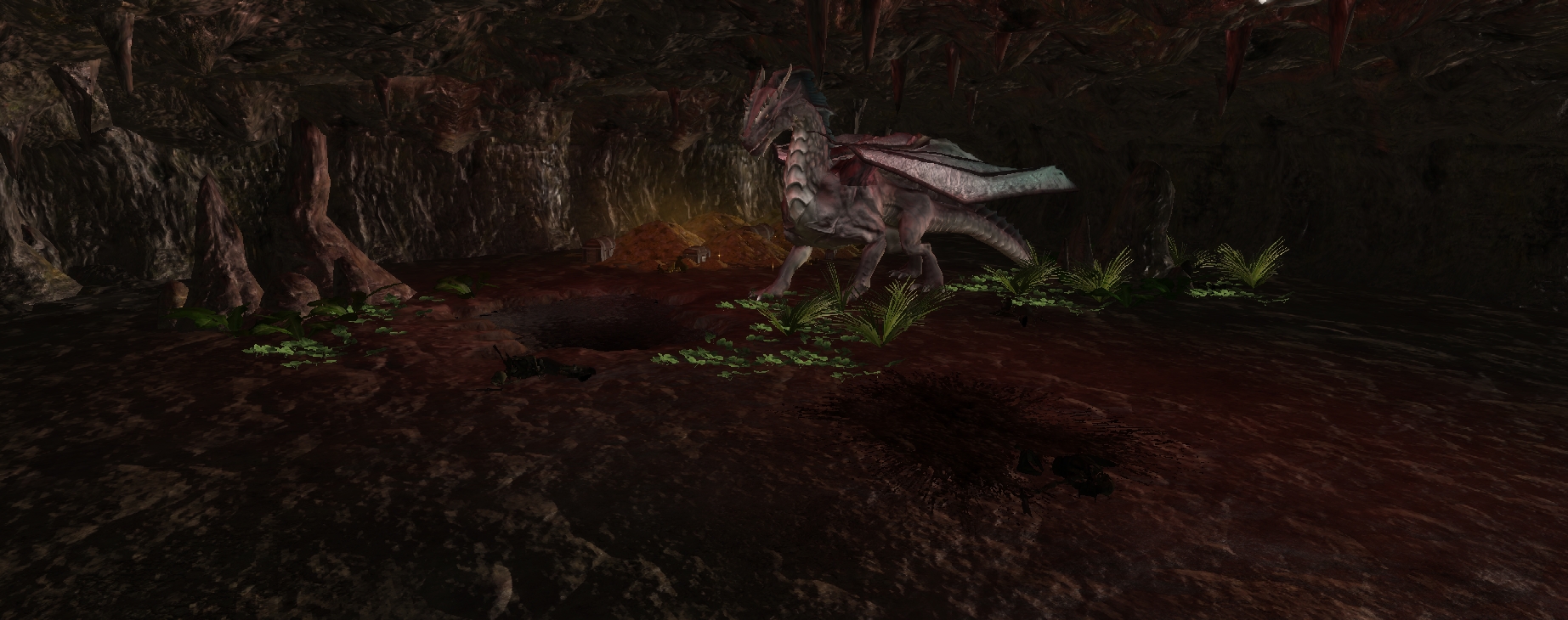
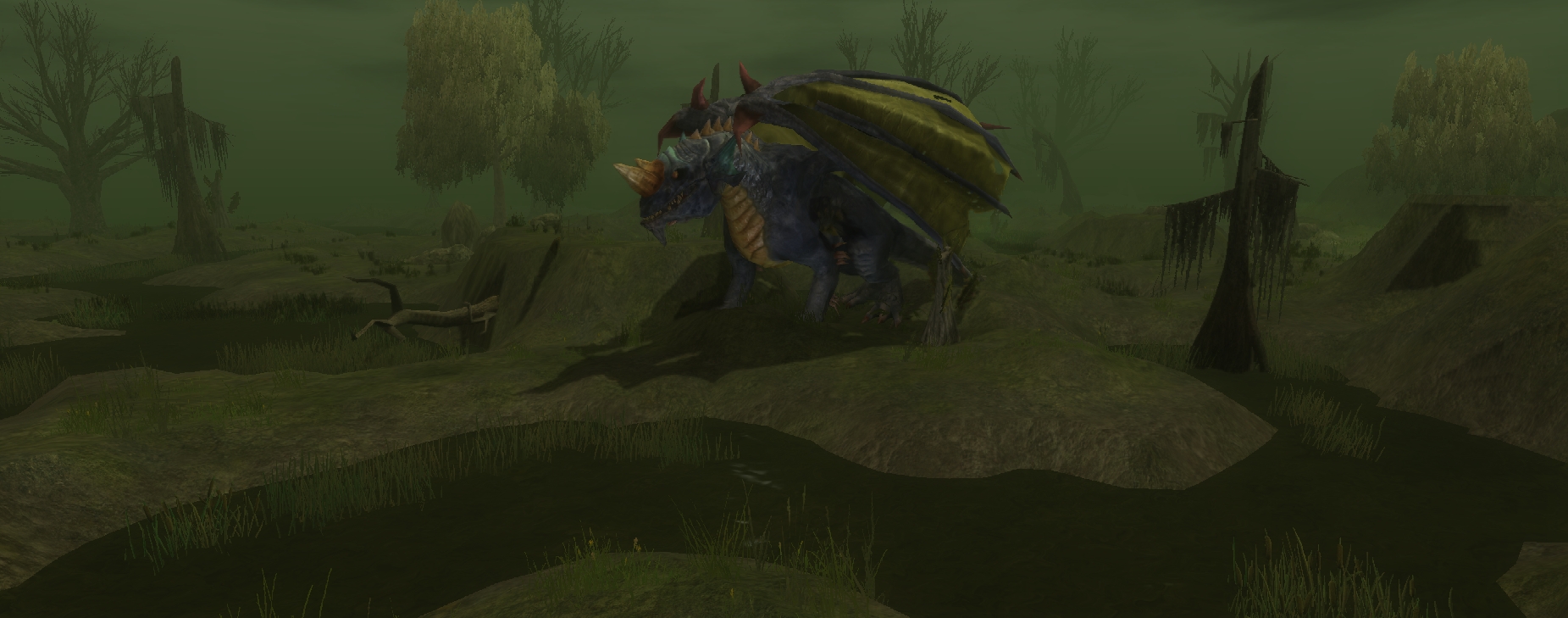
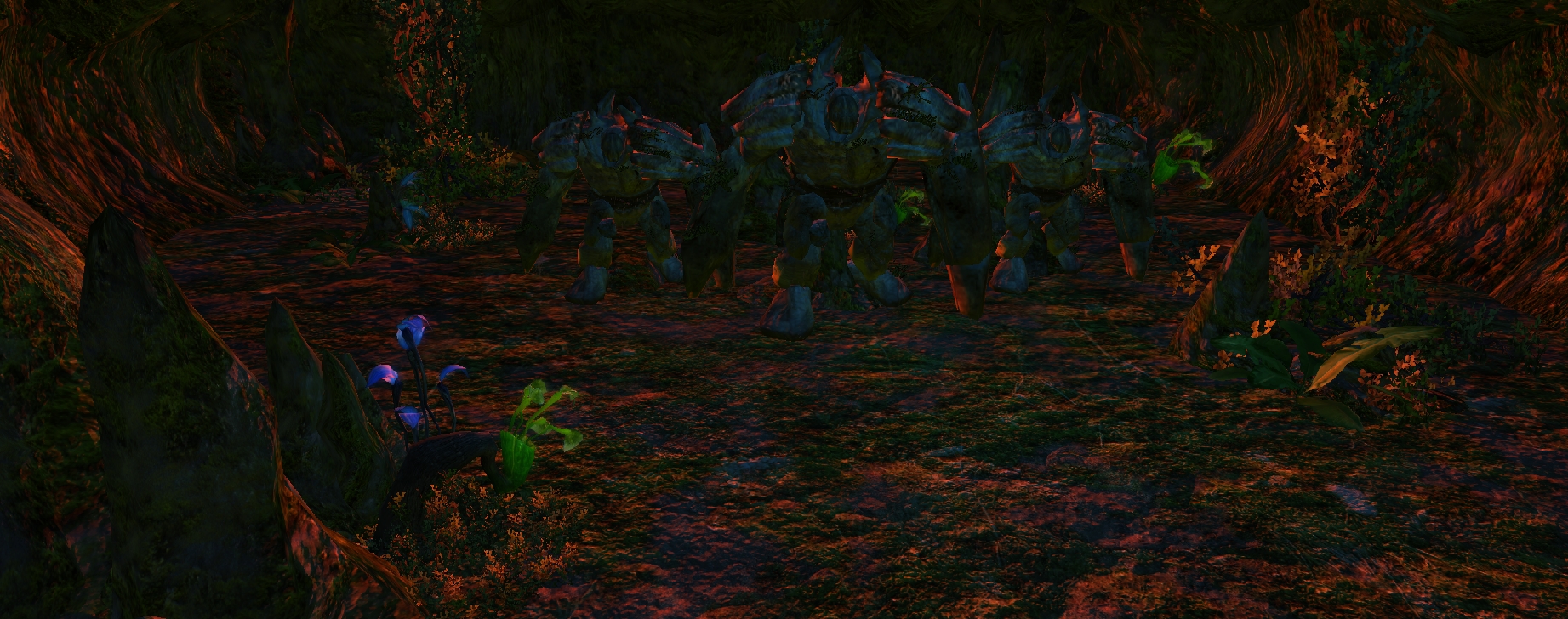
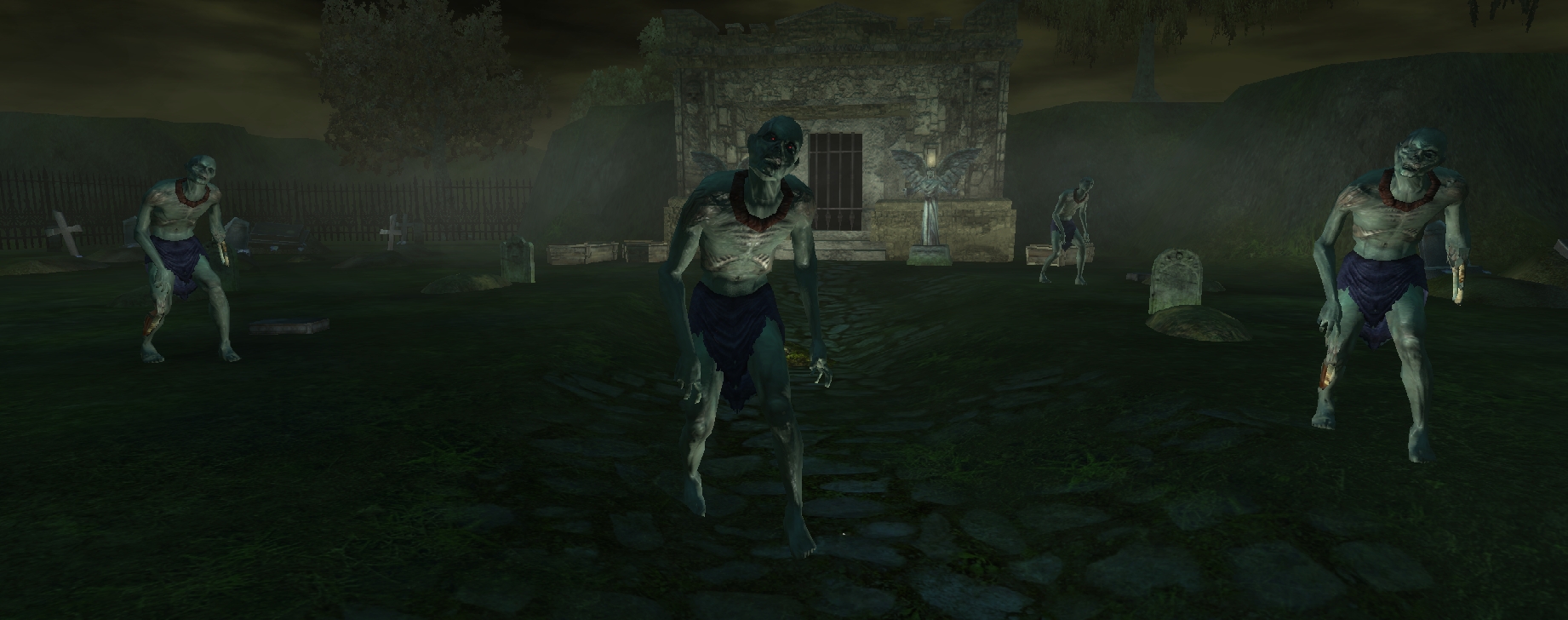
- 96 Creature shots
- 50 Loadscreens incorporated from Volume 1
** NOTE: Please remove "Ugly_Ducks Loadscreen Pack: Volume 1" from your override directory if you have that, as this volume contains the previous material & having both in the override directory might cause a conflict.
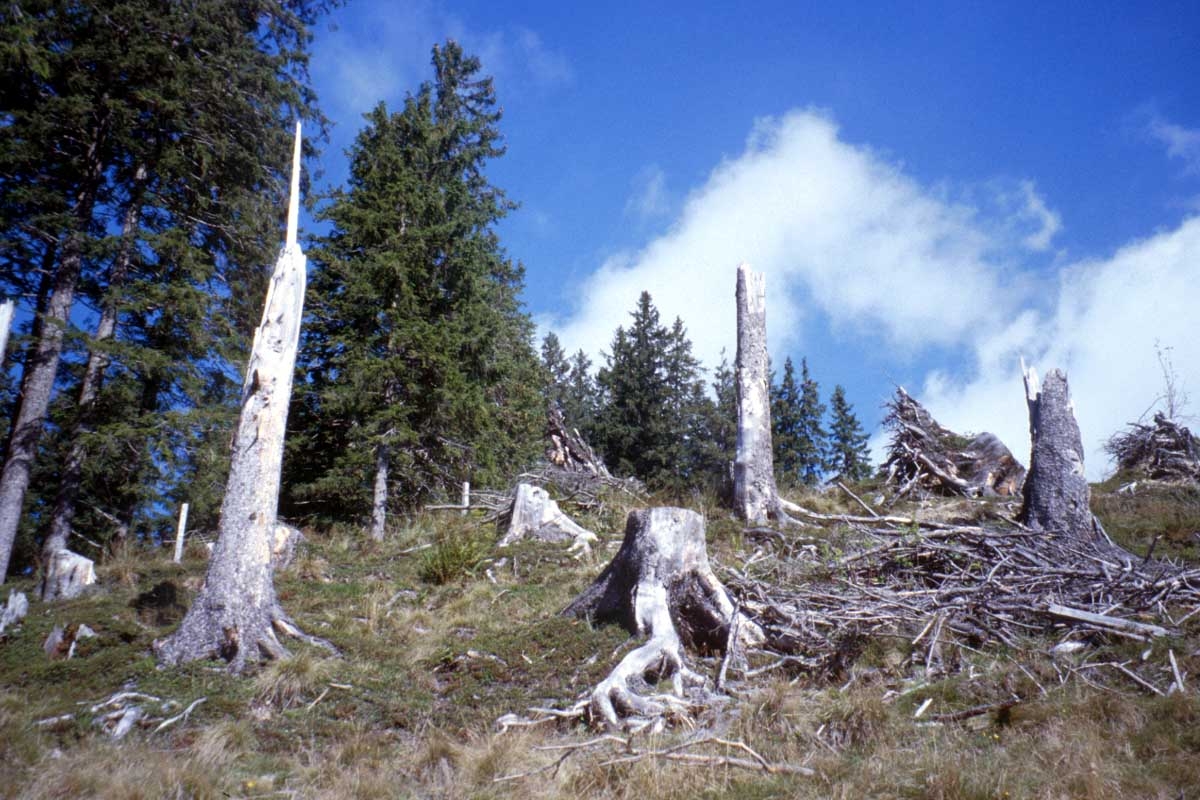
In the toolset, each loadscreen has a special naming format. Example: 079_bw_pic_DeadTrees_002
The following is a key to the naming format:
'bw' = Black & White shot
'cr' = Creature shot
'Ext' = Exterior area shot
'Int' = Interior area shot
'pic' = Picture/Photo from the real world
'sk' = Sketch/Drawing
* CREDITS *
Thanks goes out to the following websites for their wonderful free picutes! Listed under each website is a list of the loadscreens made from their pictures:
Use these however you see fit, but do give credit.
*** Instructions:
You need the compression utility, "7-ZIP" to unpack these files. 7-Zip is a great tool & can be found here (for FREE!): Link
* Go to the DOWNLOAD button on the left of your screen, then select the correct version for your particular operating system.
To check out the files, install 7-Zip first. Next, right click "Ugly_Ducks Loadscreen Pack Volume 1.7z" and mouse over the 7-Zip option. Select "Extract Here". This will decompress the files and make them useable.
Now, there are two things you can do (I would suggest doing just one at a time so data doesn't start 'conflicting', and what-not):
1.) Very Easy. Drop "Ugly_Ducks Loadscreen Pack Volume 2 OVERRIDE" folder into your /My Documents/Neverwinter Nights 2/Override folder.
2.) Easy. Drop "Ugly_Ducks Loadscreen Pack Volume 2.hak" file into your /My Documents/Neverwinter Nights 2/HAK folder. Open the toolset and start a module, then select "View" from the menu at the top left of the toolset, then from the drop-down menu, select "Module Properties". In the properties window that appears, go to "Hak Packs". From here you can select the Loadscreen Pack & assign it to the module.
To see/use the new screens AFTER using either method above, open the toolset & select and open the area you want to place a loadscreen onto. In the Properties Window, go down to "Load Screen" and scroll through all 50 of the new screens! They should be at the top of the screens list because of the way I numbered them - example: 001_Mountains_Crystal_001.
Finally, pick the one you want, save the module, then run the module. It's that simple!
Check it out, and please vote. Also, post any comments/concerns that you wish here.
Thanks.
** UPDATES **
12/1/2010 9:00pm (Eastern U.S. time)
- Changed file types of screens from .tga to .jpg (thanks kamal!) & reduced the download size SUBSTANTIALLY.
- Previous download was roughly 928mb. The new download is roughly 105mb!
** Update Coming **
v2 of this loadscreen pack is about to be made available!
Changes in v2:
- New file types for the screens were introduced, as per kamal's suggestion. This GREATLY reduced the download size from a whopping ~928mb to a modest ~105mb!
The updated file was uploaded last night, and should be updated as soon as the admin's get a free moment.
I'm going to post the updated file description now, so I don't forget. Keep checking back to see if the new download is ready. The NEW file should read like this: Ugly_Ducks Loadscreen Pack Volume 2 v2.7z
New Releases: Item Icon Booster: Gore Galor: Click Here Item Icon Booster: Loot & Treasure: Click Here Combat City 24x24: Click Here Mine Quarry & 2 Level Mine: Click Here
[Other Endeavors] Terrain Texture Pack: Volume 1Click Here Item Icons: Volume 1Click Here Loadscreen Pack: Vol.2 (Includes Vol.1)Click Here Longer Names Override:Click Here
@ kamal,
That's a cool idea! How did you pull off the oil paining design - what software? I'm getting Adobe Photoshop Elements/Premier 9 in 2 days; can that do cool stuff similar to what you did?
New Releases: Item Icon Booster: Gore Galor: Click Here Item Icon Booster: Loot & Treasure: Click Here Combat City 24x24: Click Here Mine Quarry & 2 Level Mine: Click Here
[Other Endeavors] Terrain Texture Pack: Volume 1Click Here Item Icons: Volume 1Click Here Loadscreen Pack: Vol.2 (Includes Vol.1)Click Here Longer Names Override:Click Here
Thanks for the votes so far people, they're most encouraging. I've still got about 100 lines available in the 2da, so I'll be making another volume as soon as my copy of Photoshop gets shipped. I'm waiting on that because I wanna try the software in making more spectacular loadscreens. _________________________ Ugly_Ducks Portfolio
New Releases: Item Icon Booster: Gore Galor: Click Here Item Icon Booster: Loot & Treasure: Click Here Combat City 24x24: Click Here Mine Quarry & 2 Level Mine: Click Here
[Other Endeavors] Terrain Texture Pack: Volume 1Click Here Item Icons: Volume 1Click Here Loadscreen Pack: Vol.2 (Includes Vol.1)Click Here Longer Names Override:Click Here
Posted by Apep at 2010-11-27 23:22:32 Voted 10.00 on 11/27/10
Hopefully these will encourage mod and PW builders to utilise custom load screens more. I always felt they were a bit underused. Great work! _________________________ AP Magical Miscellanea Package (v1.5, over 750 items): Link
Posted by nicethugbert at 2010-11-27 16:38:50 Voted 10.00 on 11/27/10
10 - A Masterpiece, Genuinely Groundbreaking 9 - Outstanding, a Must Have 8 - Excellent, Recommended to Anyone 7 - Very Good, Deserves a Look 6 - Good, Qualified Recommendation 5 - Fair, Solid yet Unremarkable 4 - Some Merit, Requires Improvements 3 - Poor Execution, Potential Unrealized 2 - Very Little Appeal 1 - Not Recommended to Anyone






 Site
Site









 at 2010-12-02 05:08:06


