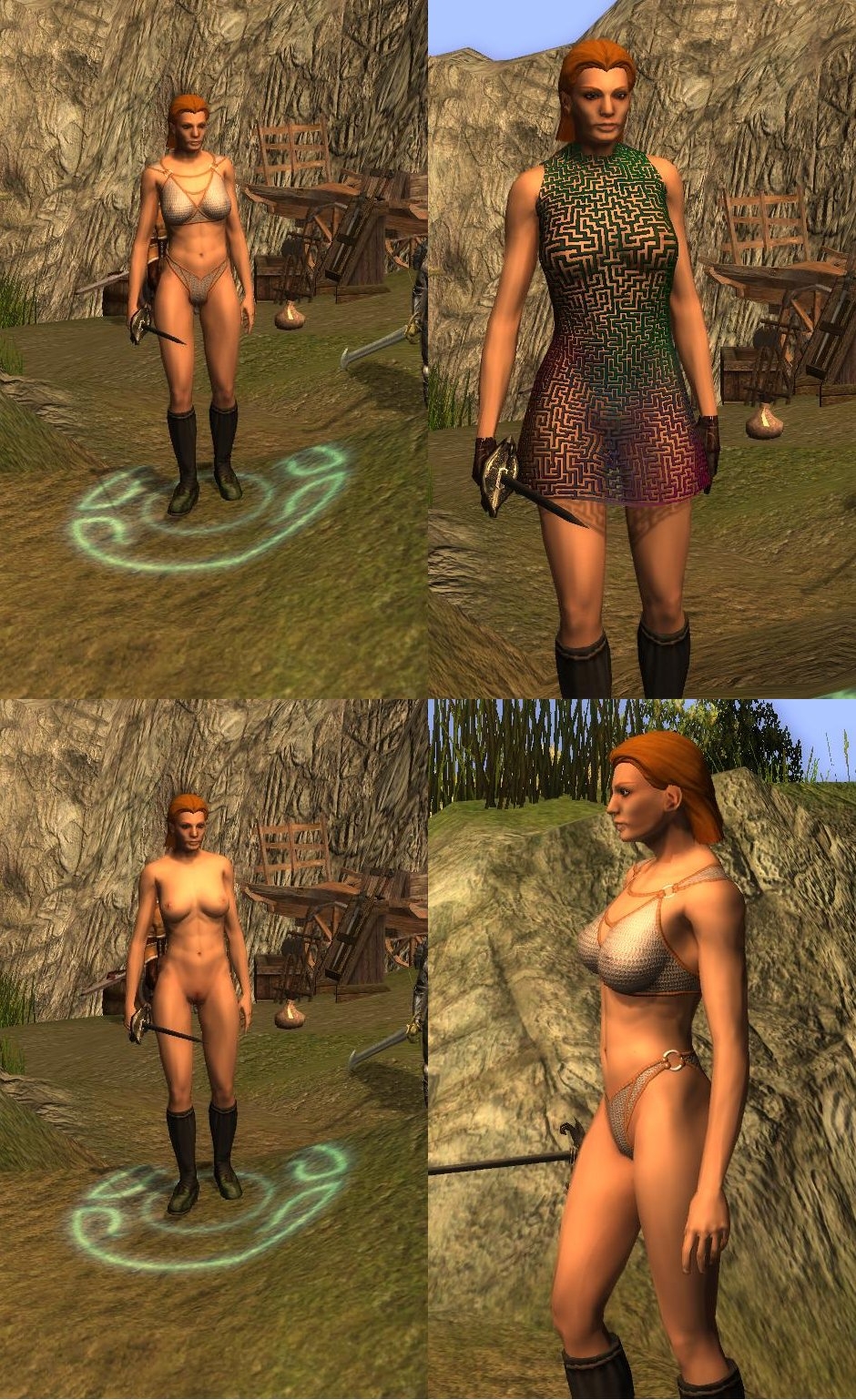
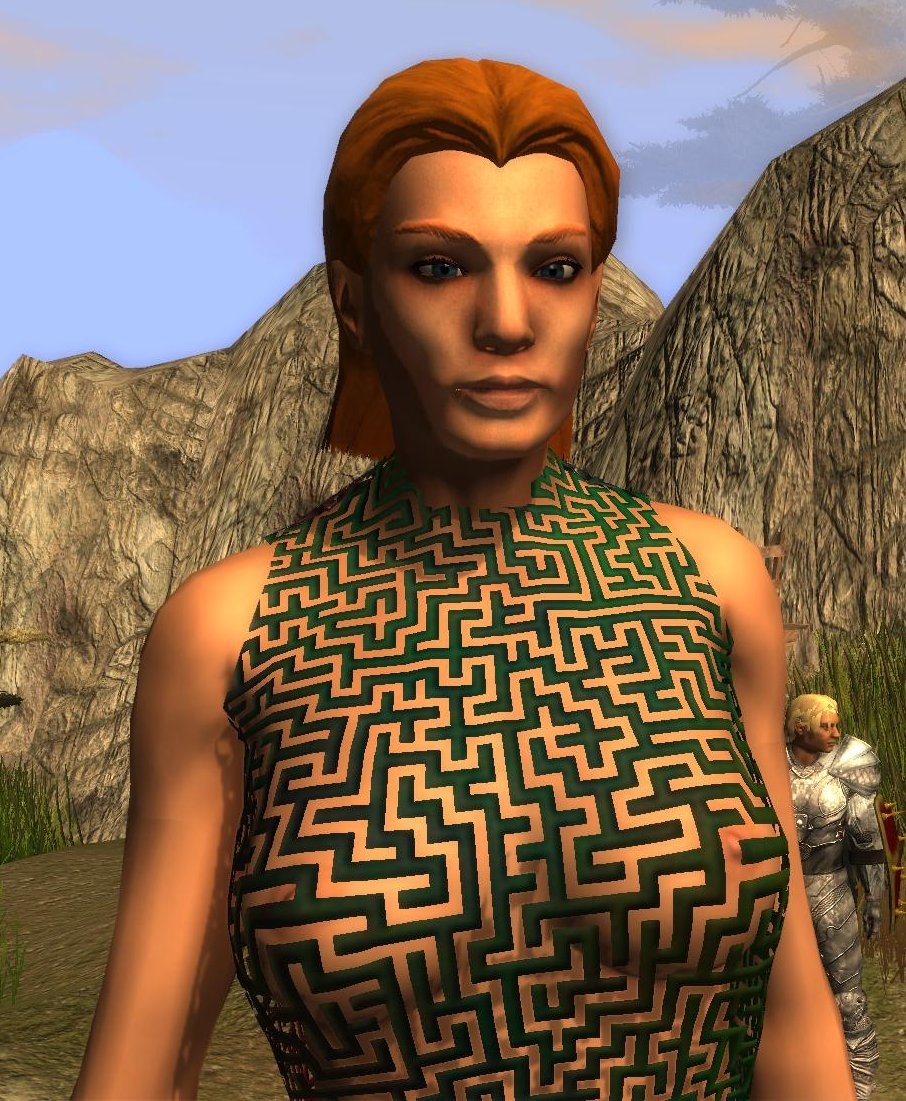
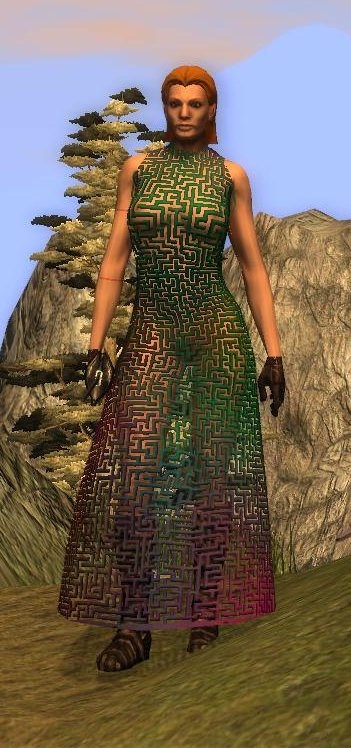
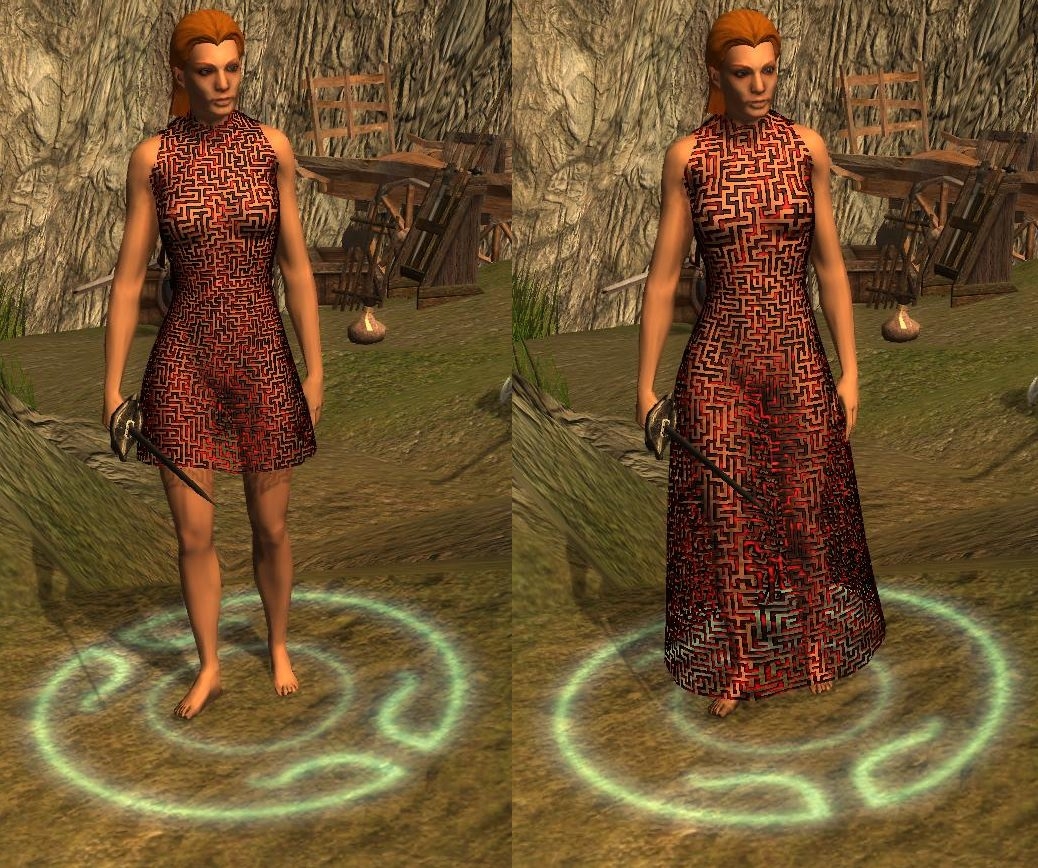
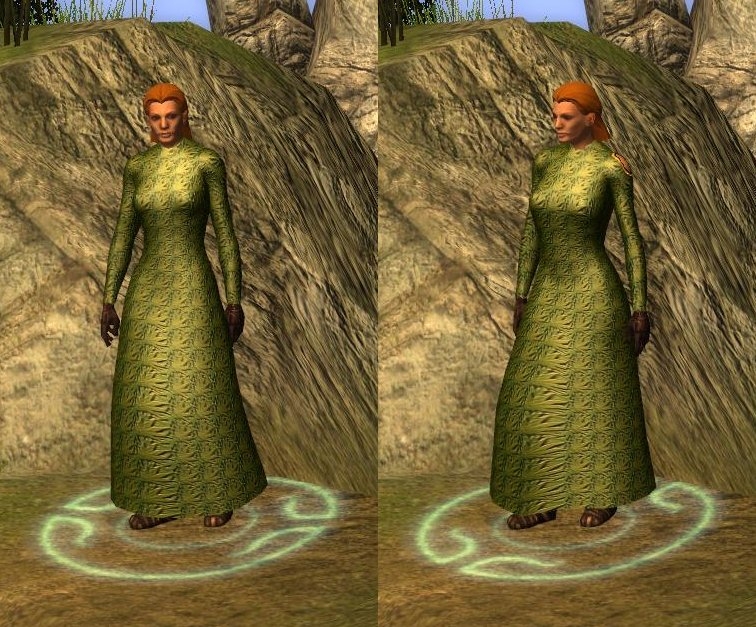
Right- added sleeves to the other long dresses, fixed tint map for people who won't avert their eyes...
Tired now.
************
Sorted out the malebase neck.
Right - I'm done on nudes and clothes for a bit (except bugfixes), got an armour project I want to finish.
*************
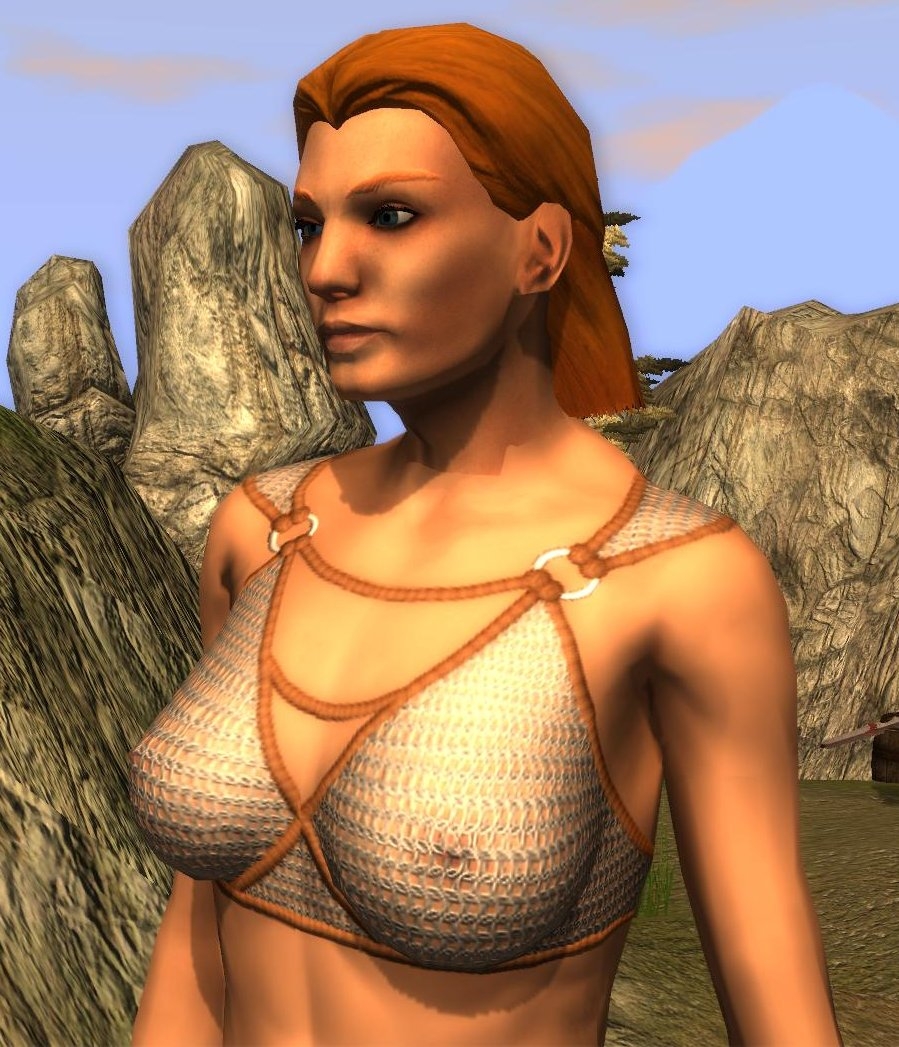
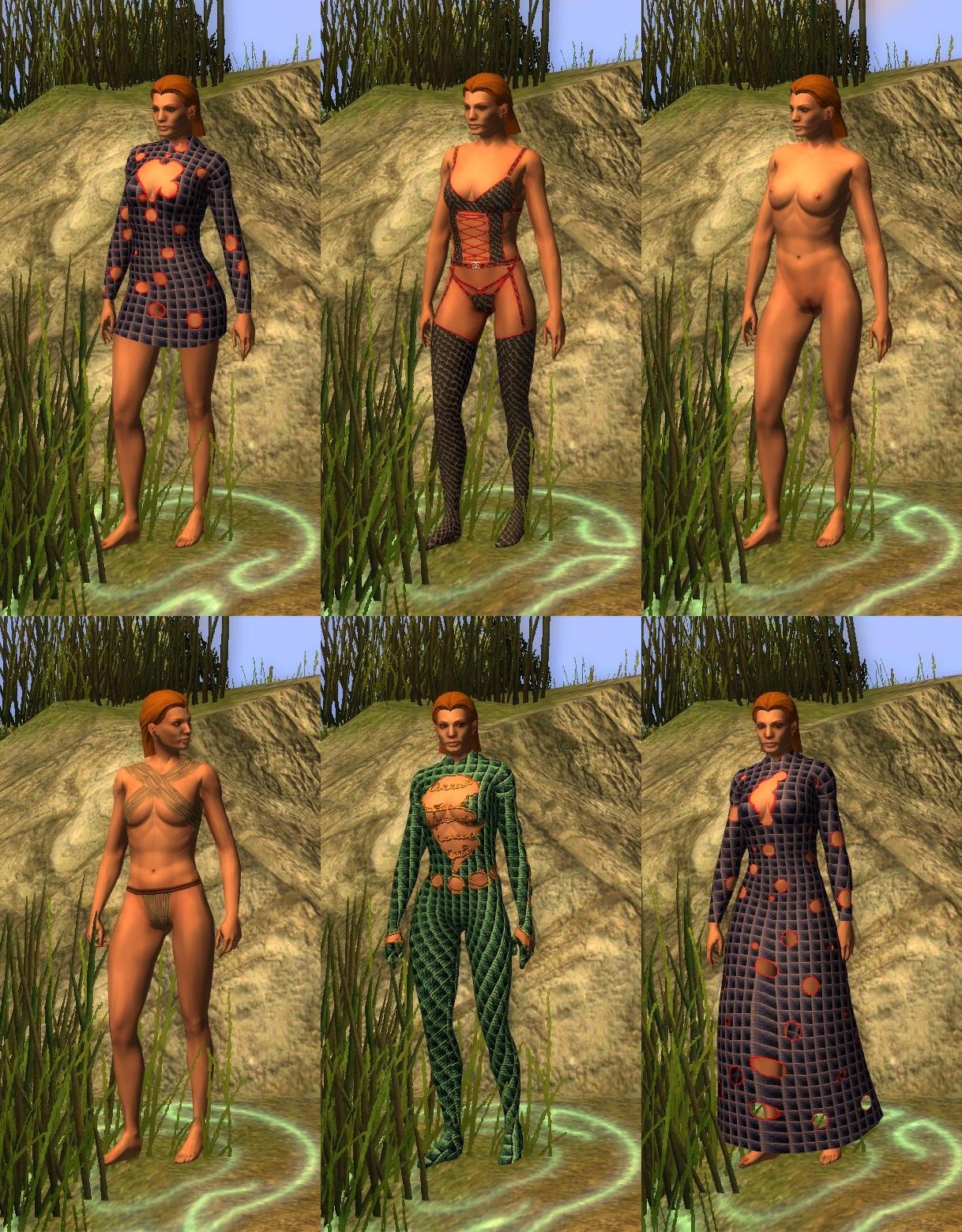
I felt the dresses looked wrong without a bit of cleavage, so I got tweaking. I also discovered sleeves were easier than I thought. Finally I spend more than the usual 15 seconds on clothes textures and put together a couple of sets of underwear (fully tintable). This will hopefully satisfy the PW people :-)
The catsuit was easy, but I'm not sure how useful/sensible it is. It's a lot of polys to achieve something that could be mostly done with a proper base texture. Anyway, I've included it, but use with care.
Only three sets of UVS - one for the long robe, one for the short and one for all the bodies (and catsuit). I've only included .mdbs of the underwear for the bodies with feet and hands - I'm sure you can manage to sort it out if you want to use the outfits with boots.
Any future retexturing I do I'll probably use these meshes - I think they're the best yet.
Just need to get the male base neck sorted out and then I'm done with this!
***********************
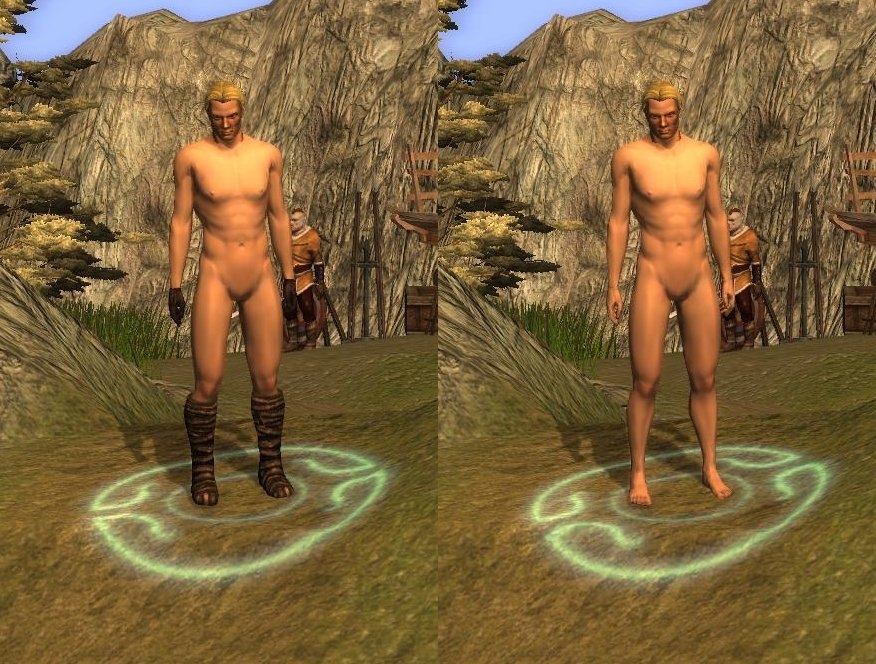
OK - done the male bases. Same deal as before - P_HHM_NK_Body02 has hands and feet but may clash with boots and gloves. P_HHM_NK_Body03 has no hands or feet. Came together OK in the end.
*************
All the dresses are done now - phew.. going to be week or two to get the male base done unless a cunning idea I've had works.
Let me know any problems and I'll do my best to fix them.
****Long Dress 1 done****
Well that was a nightmare - there is very bad mesh stretch when running on the front and back of the dress - confined to the centre panels. This seems to be unavoidable - all the original dresses suffer from it as well. I strongly advise leaving a slit in the dress if you want it to be used by a player (who will be running everywhere)
I may revisit the weighting a bit in the future, but it's not going to get much better. If somebody else wants to try feel free!
***Now with smaller breasts!*** (By request)
Added:
NK_Body04 (with hands and feet)
NK_Body05 (without)
Yes - its the long awaited (well by me anyway) JNNWC!
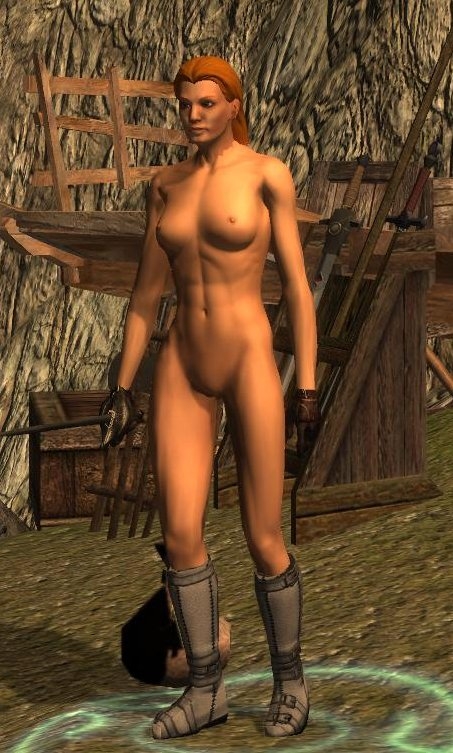
Ardells work on the Blender scripts reignited my interested in doing something for NWN2 - so I figured I revisit my first project - chainmail bikinis (hey, a guy's got to have an obsession...) I soon found Zylch's nude a bit restrictive and so did my own. It's got a few more polys than the original, but I think it looks better for it. Look at the hands and feet - no seams! (Only possible thanks to Ardell)
Once I'd done that I had to make a dress to go in the belt slot so you reskinners can have some fun.
The main change to the nude is that I've redone the UV map so there's more texture space (and more polys means a better profile too). This may lead to seam problems for some people but solutions to this do exist - drop me a line if you're have problems retexturing it. Likewise making the dress a second object means it's got a much better texture space too - much more scope to do your own hemlines.
The seamless hands and feet are done by modelling hands feet on the main body but then having invisible boots and gloves. This causes problems if you do put gloves and boots on the mesh - so use NK3 if you're planning to this - it has no hands and feet.
I've done the elven one too - just a quick rename. It uses the same textures as the human one.
I have no plans to do dwarves and half-orcs yet - if enough people want them I suppose I could.
Interestingly once I'd got the nude done and the texture baking sorted out I was able to do the bikini in about 2 hours flat - so I may produce a few more varients. The dress texture took all of 5 minutes, but you can probably see that from looking at it!
Programs used:
Daz 3d for the high poly model
Blender
Gimp
If I Recall Correctly? So you are saying in 3dmax then? If you are not saying something that found in newer version of 3dmax, then yes, indeed there is one modifier that can edit normal with changing the polygons faces. But still, there isn?t a function that you can auto calculates the normals through the original mesh or a function to import/export those normals; you have to edit them one by one by hand. But, beside there is so many normals in the mesh that it would confuse you to the max, there is no way shall I know how much to move those normals for them to have the same reflections angles as the unsliced version. So, there is no way I can fix that, and I can find any help in Google too.
Posted by jester_v01 at 2009-08-1803:44:25
Are you using the invisible boots (Cloth varient 49)? Even if you are equiping boots on the character will override them.
Posted by DalamarVelkyn at 2009-08-1801:28:37
That's the problem. I use the version with boots, the boots are there. I use the one without boots, the boots are still there as well as the feet clipping from underneath.
Posted by jester_v01 at 2009-08-1723:01:15
There are two versions of each base mesh - one with feet and without. If you want to use boots, use the one without feet. There are some textures floating about that do a better job of matching the heads, or just use GIMP to modify the gamma curve
Posted by DalamarVelkyn at 2009-08-1719:11:18
I can't seem to be able to change the skin tone to match the head correctly (yeah, tint is the same, yet the skin always appears darker than head. It could be an issue with drow only?) And also I can't seem to be able to get rid of the boots, they're always there though the textures clearly clip with them from underneath like if the boots are overlaid. Any help please?
Posted by jester_v01 at 2009-08-1610:03:01
If I Recall Correctly
Posted by noloser at 08:51:51 Voted10.00
IIRC? what is that?
Posted by jester_v01 at 2009-08-1514:12:29
noloser - sounds like 3dMax.... IIRC there's a modifer you can use to sort out the normals.
Posted by krighaur at on08/15/09
Very pretty model Jester, I used it to make some outfits hat will be posted soon
10 - A Masterpiece, Genuinely Groundbreaking 9 - Outstanding, a Must Have 8 - Excellent, Recommended to Anyone 7 - Very Good, Deserves a Look 6 - Good, Qualified Recommendation 5 - Fair, Solid yet Unremarkable 4 - Some Merit, Requires Improvements 3 - Poor Execution, Potential Unrealized 2 - Very Little Appeal 1 - Not Recommended to Anyone






 Site
Site