Override or HAK - Your choice! 50 New & Unique Loadscreens for your Module or PW!
**********************************************
*** Ugly_Ducks Loadscreen Pack: Volume 1 *****
**********************************************
Date: November 21th, 2010 (11-21-2010)
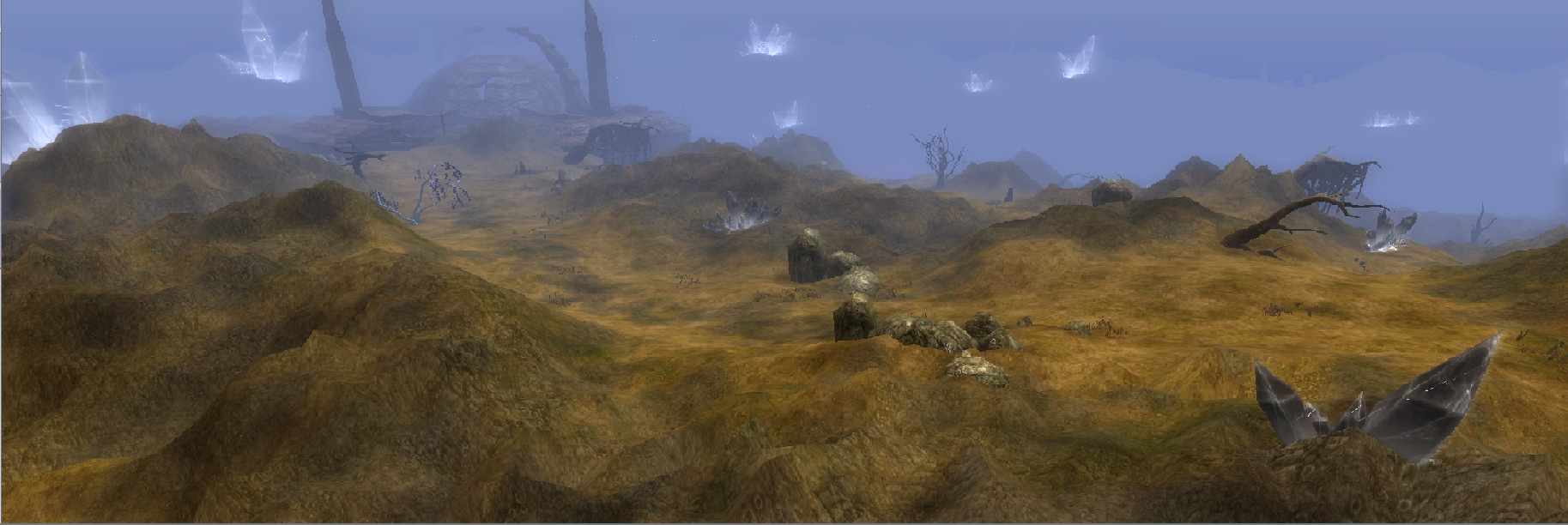
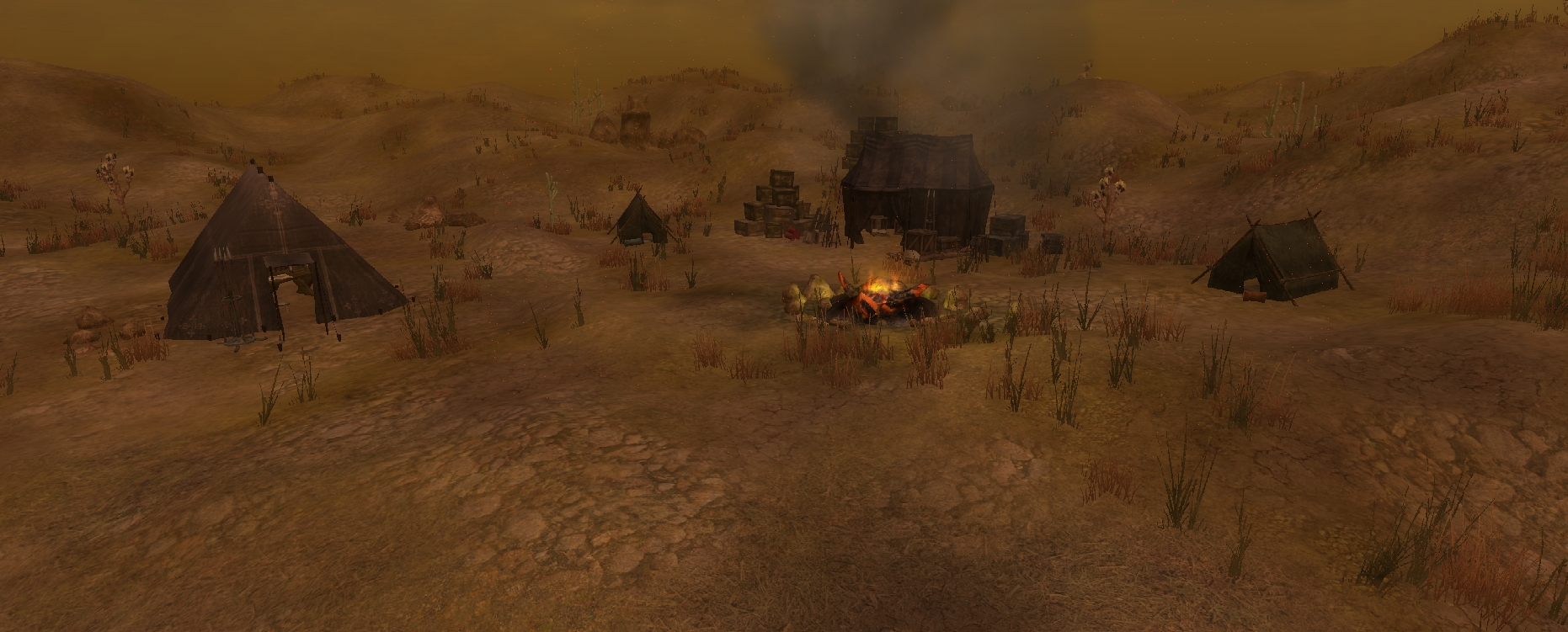
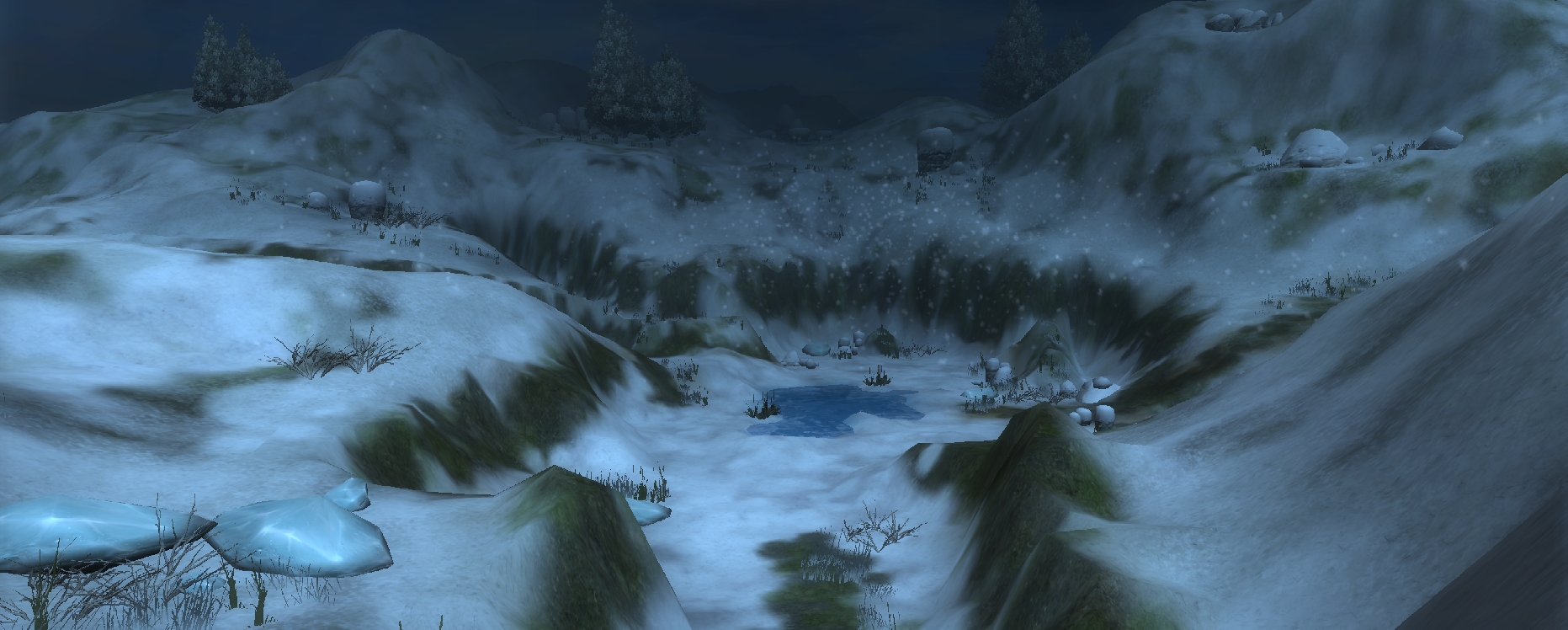
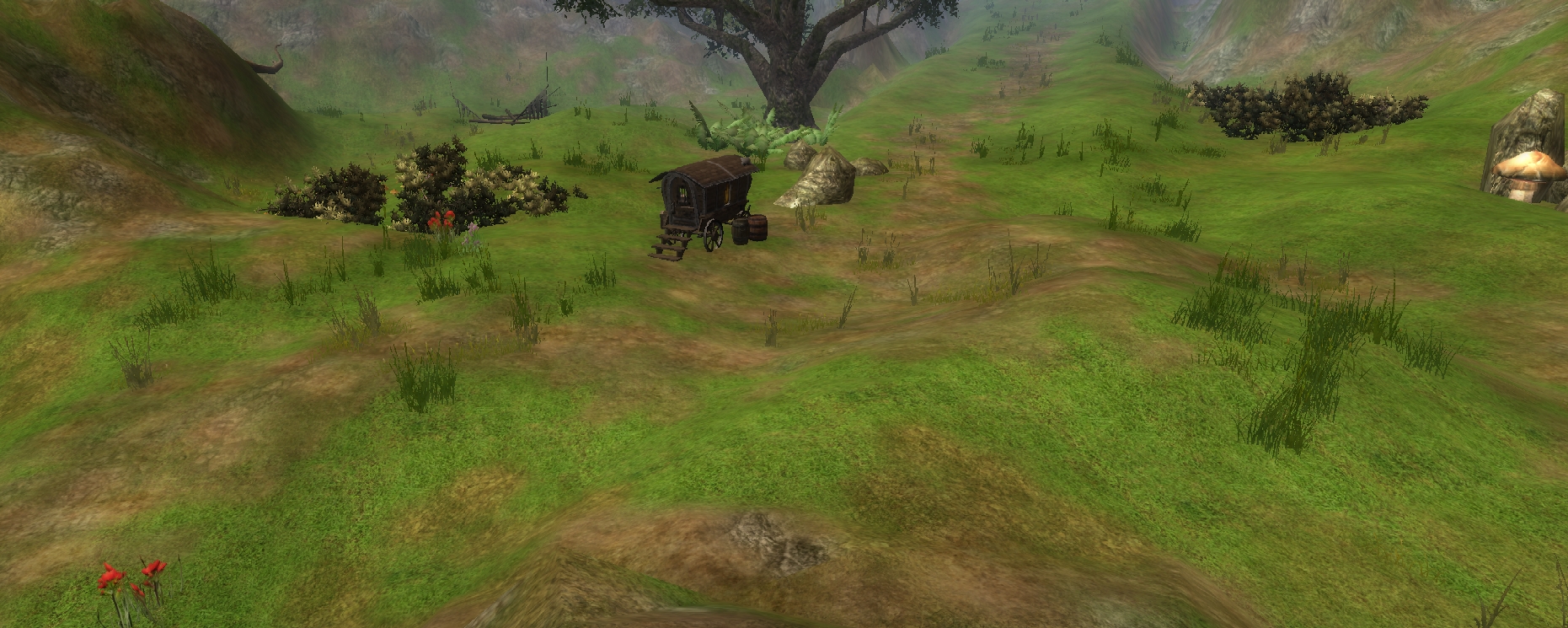
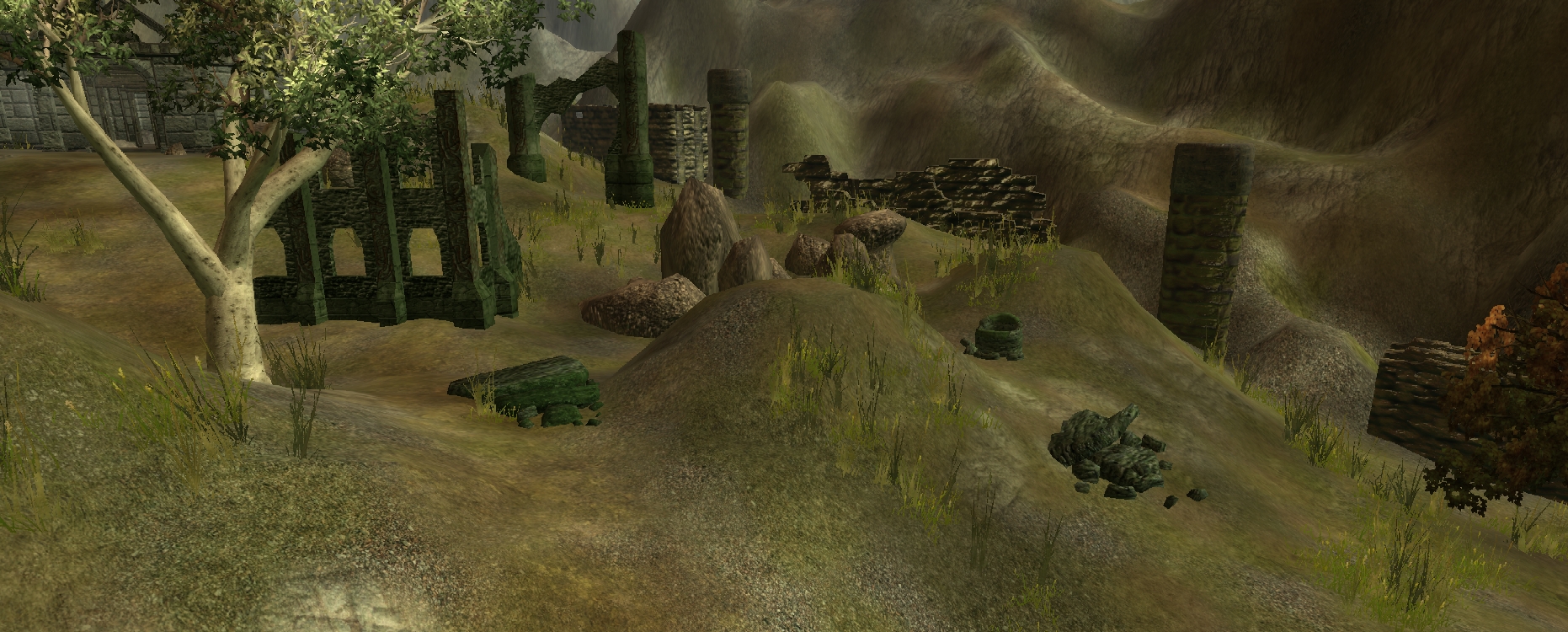
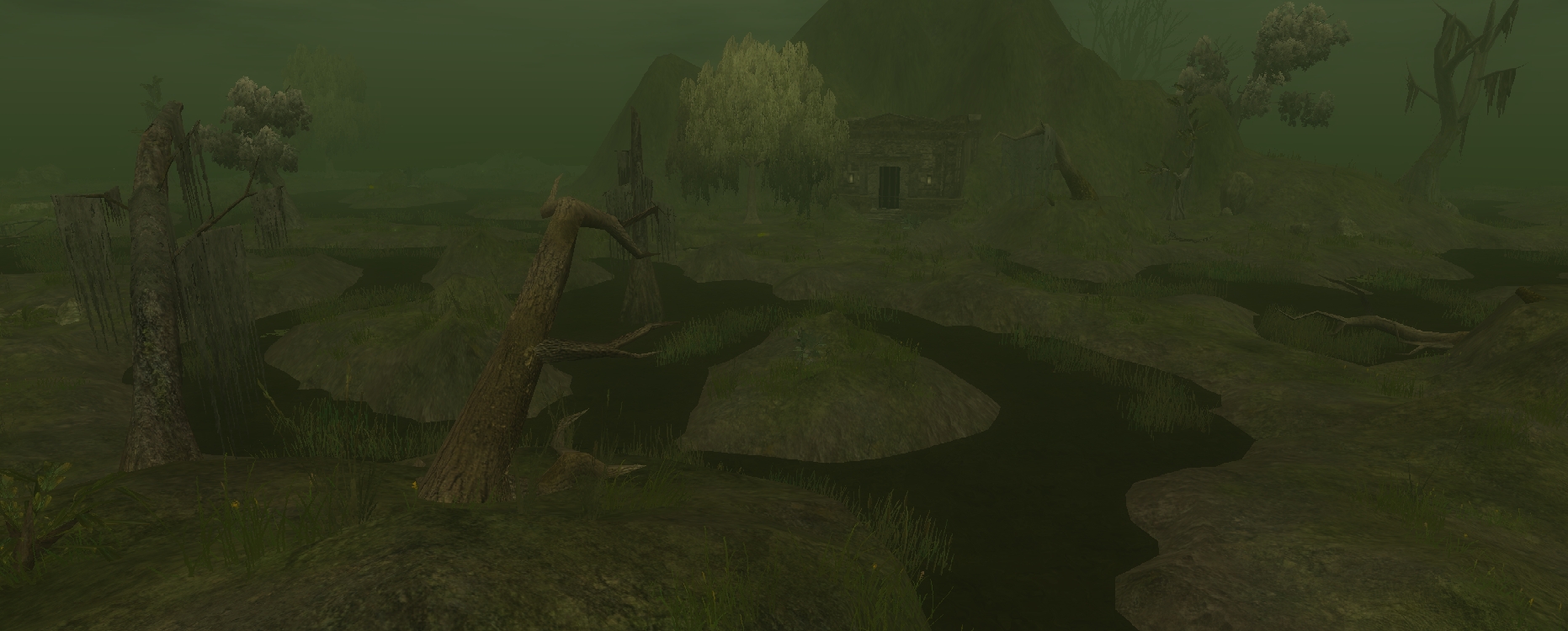
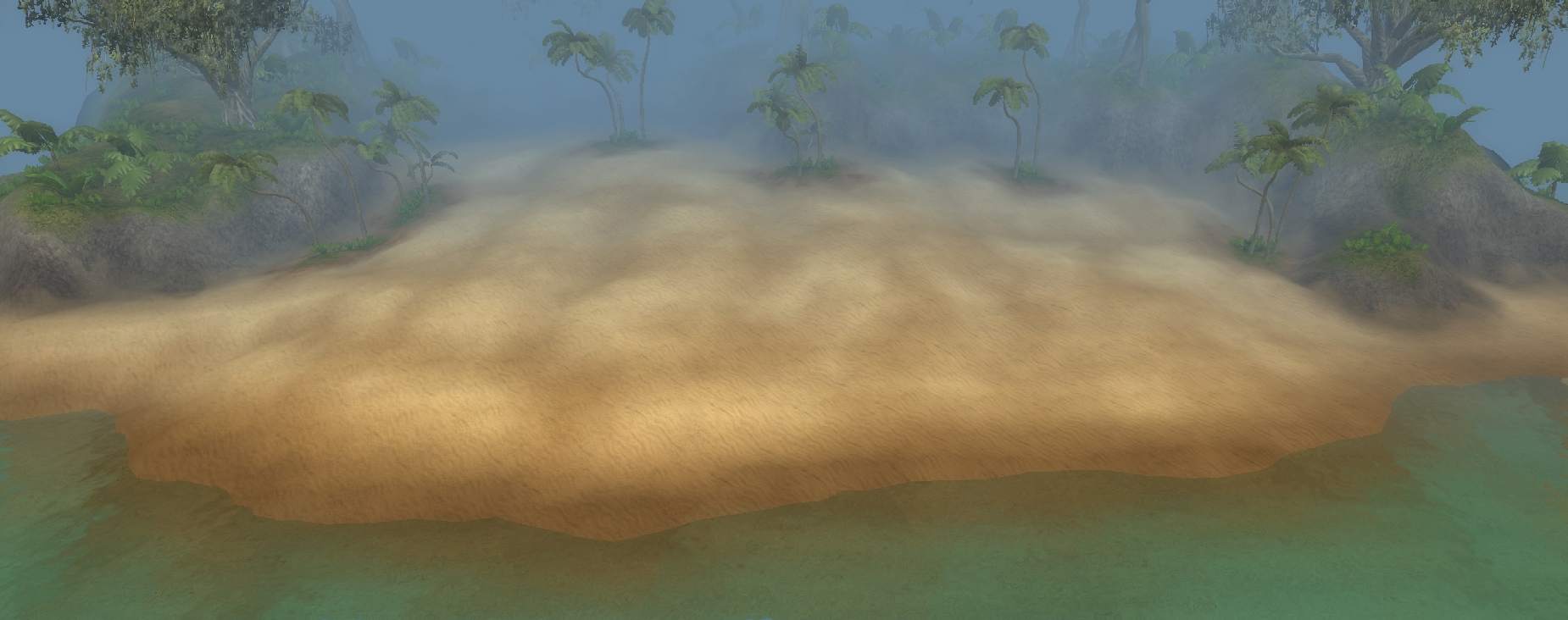
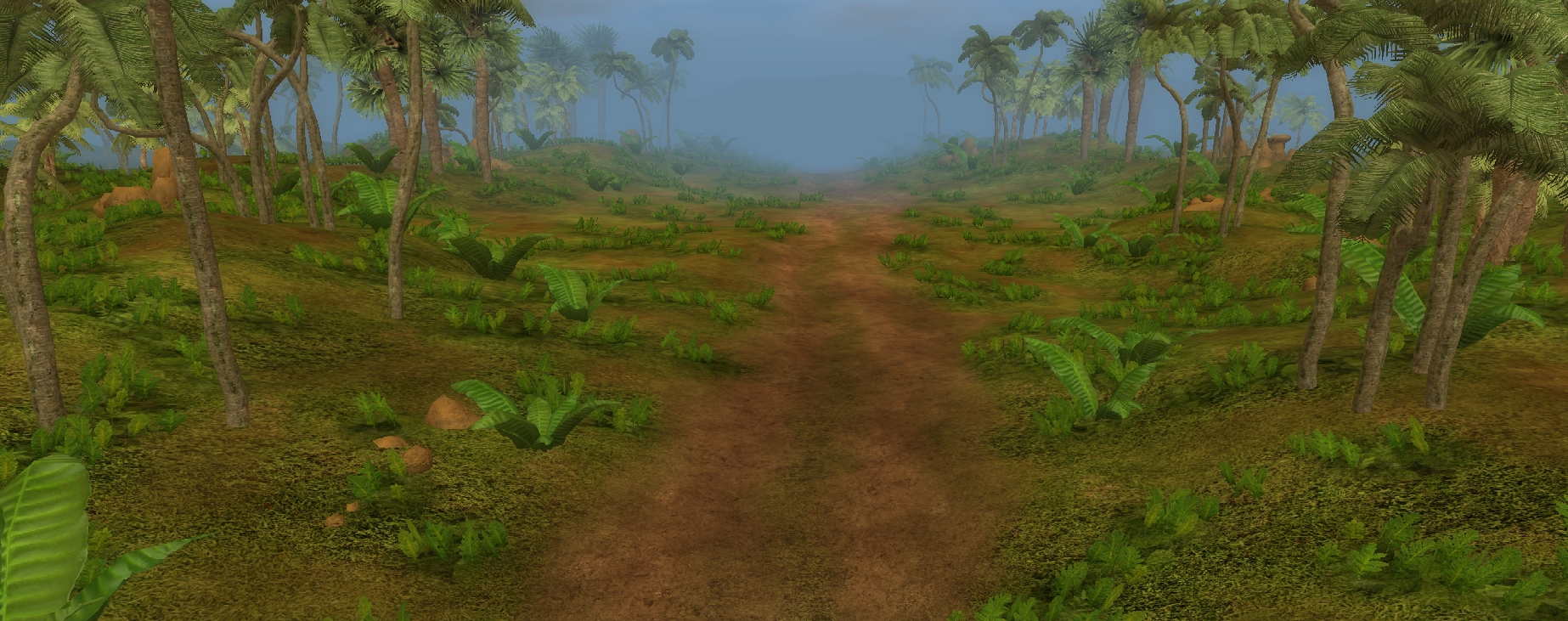
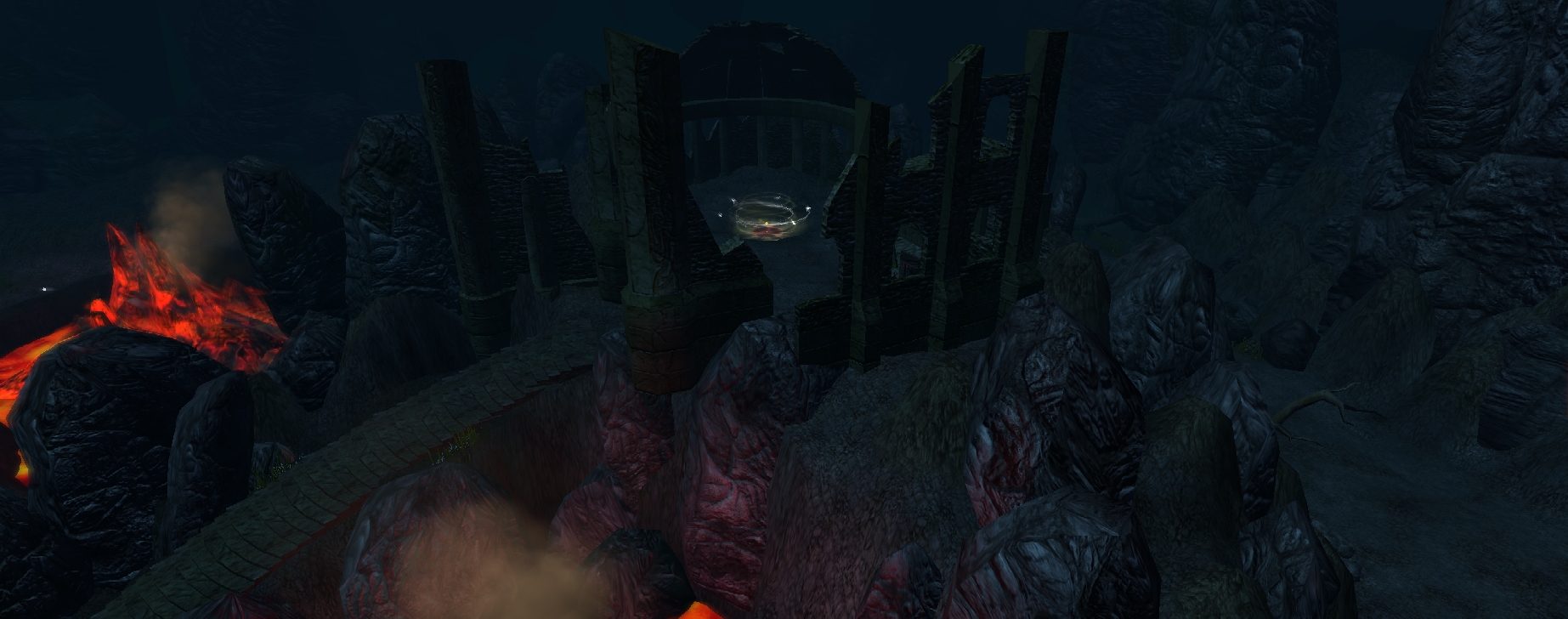
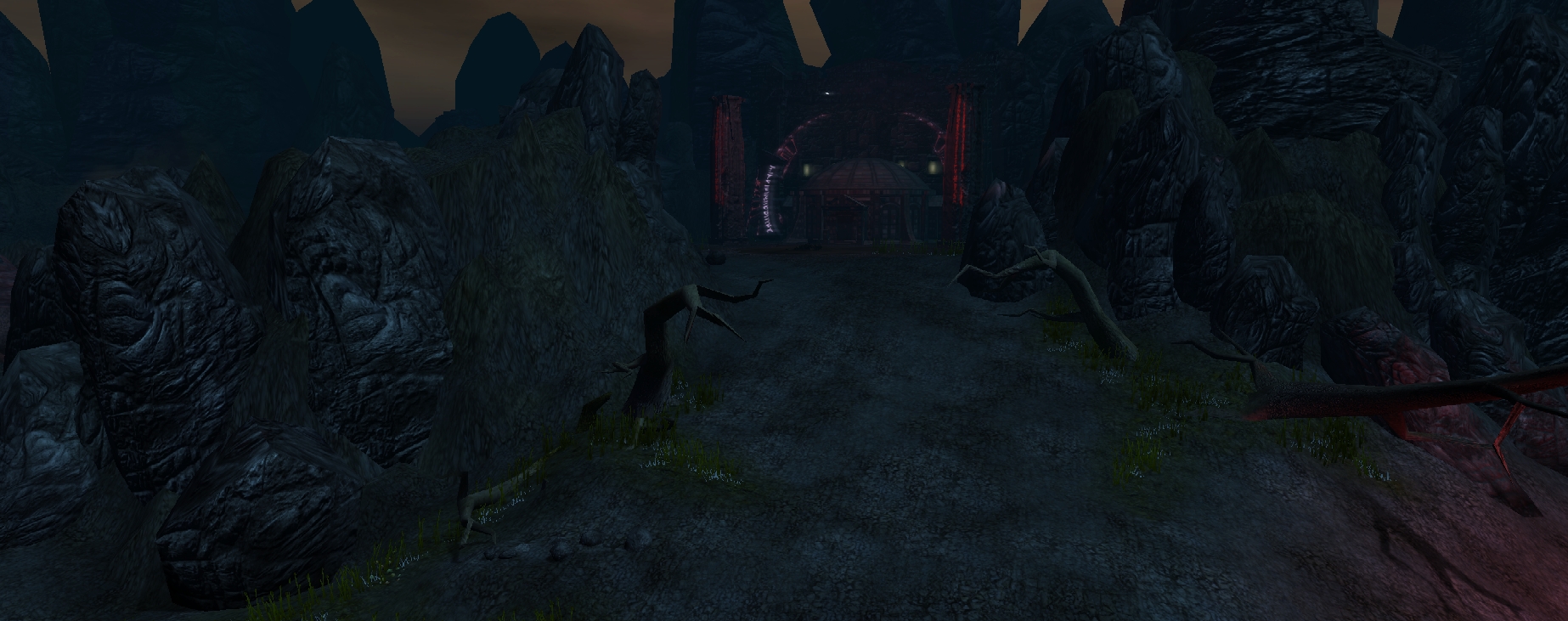
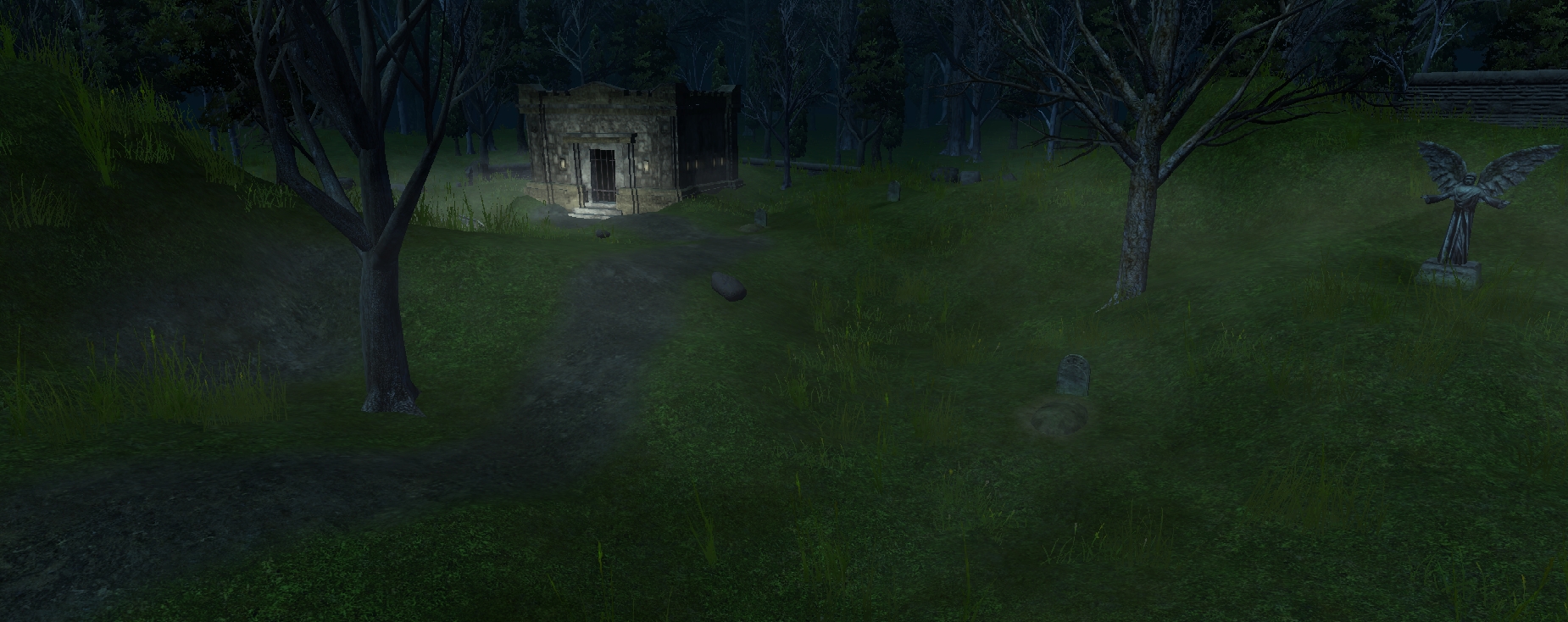
This volume contains 50 new loadscreens for the toolset. 49 are from Exterior areas & 1 is from an Interior area.
The screens include themes of:
- Mountains
- Winter
- Swamps
- Desert
- Ruins
- Beaches
- Paths
- A Portal
- Evil
- and so-on...
11 are Night and the rest are a mix of Daytime & strange Day/Night cycles (such as the swamps and deserts).
* Note: A few of the loadscreens were made from the OC and SoZ maps. Thanks Obsidian folks, for the cool looking areas!
The loadscreen, 036_Int_Jail_001, is almost exactly the same as the CityWatch loadscreen from the toolset; with some minor camera adjustments & different lighting.
Your suggestions are important:
Post suggestions here on loadscreens you would like to have me create in future volumes. I'm currently planning on doing some Black & White screens, but I need to find some areas to use for the art.
Use these however you see fit, but do give credit.
*** Instructions:
You need the compression utility, "7-ZIP" to unpack these files. 7-Zip is a great tool & can be found here (for FREE!): Link
* Go to the DOWNLOAD button on the left of your screen, then select the correct version for your particular operating system.
To check out the files, install 7-Zip first. Next, right click "Ugly_Ducks Loadscreen Pack Volume 1.7z" and mouse over the 7-Zip option. Select "Extract Here". This will decompress the files and make them useable.
Now, there are two things you can do (I would suggest doing just one at a time so data doesn't start 'conflicting', and what-not):
1.) Very Easy. Drop "Ugly_Ducks Loadscreen Pack Volume 1 OVERRIDE" folder into your /My Documents/Neverwinter Nights 2/Override folder.
2.) Easy. Drop "Ugly_Ducks Loadscreen Pack Volume 1.hak" file into your /My Documents/Neverwinter Nights 2/HAK folder. Open the toolset and start a module, then select "View" from the menu at the top left of the toolset, then from the drop-down menu, select "Module Properties". In the properties window that appears, go to "Hak Packs". From here you can select the Loadscreen Pack & assign it to the module.
To see/use the new screens AFTER using either method above, open the toolset & select and open the area you want to place a loadscreen onto. In the Properties Window, go down to "Load Screen" and scroll through all 50 of the new screens! They should be at the top of the screens list because of the way I numbered them - example: 001_Mountains_Crystal_001.
Finally, pick the one you want, save the module, then run the module. It's that simple!
Check it out, and please vote. Also, post any comments/concerns that you wish here.
Fixes:
- Removed white lines at the bottom of several loadscreens.
- Reserved lines 601-951 on loadscreens.2da at NWN2wiki. This is to include the current volume plus many more lines for future volumes.
- Rewrote loadscreens.2da to accomodate previously reserved lines, and added "Reserved_Ugly_Duck" to the lines I reserved for my projects.
Posted by alupinu at 2012-06-23 11:01:35 Voted 9.00 on 06/23/12
I was looking for something like this, thanks. _________________________ Murder in Dunlop Fanglewood
My Class is Rogue ... "You look surprised to see me. If you'd been paying attention, you might still be alive."
Posted by nicethugbert at 2010-11-22 15:47:59 Voted 10.00 on 11/22/10
I'm currently uploading version 2 of the loadscreen pack. I fixed the screens with white lines, rewrote the loadscreens.2da file to accomodate previously reserved lines (500-600 for PW Riparia), and filled in the lines I reserved (601-951: padded by the lable, Reserved_Ugly_Duck).
I've changed the file compression utility from .zip, to .7z, so the download will be about half of the current size. There will be a link to the 7-Zip (.7z) website so you can download the utility & instructions will be posted on how to extract the files.
Cheers!
The file upload should be complete within the next 30 minutes. I'll then send BeyondthePale an email for him to update the entry with the new file. _________________________ Ugly_Ducks Portfolio
New Releases: Item Icon Booster: Gore Galor: Click Here Item Icon Booster: Loot & Treasure: Click Here Combat City 24x24: Click Here Mine Quarry & 2 Level Mine: Click Here
[Other Endeavors] Terrain Texture Pack: Volume 1Click Here Item Icons: Volume 1Click Here Loadscreen Pack: Vol.2 (Includes Vol.1)Click Here Longer Names Override:Click Here
Thanks for the info kevL's. I just reserved the loadscreens.2da lines 601-951 at the nwn2wiki (couldn't figure out how to fix the cells though, so if someone wants to pop overthere and adjust it, feel free). I'll get right on adjusting the 2da for this volume once my coffee gets brewed. Hopefully I'll have the update in .7z format ready by the end of today. _________________________ Ugly_Ducks Portfolio
New Releases: Item Icon Booster: Gore Galor: Click Here Item Icon Booster: Loot & Treasure: Click Here Combat City 24x24: Click Here Mine Quarry & 2 Level Mine: Click Here
[Other Endeavors] Terrain Texture Pack: Volume 1Click Here Item Icons: Volume 1Click Here Loadscreen Pack: Vol.2 (Includes Vol.1)Click Here Longer Names Override:Click Here
Posted by kevL's at 2010-11-21 22:07:29 Voted 7.75 on 11/21/10
i Like these ..!
but Mike's right - I just unzipped & repacked the .tga's with 7-zip and they come in under 100mb. Also, I notice some light gray lines along the bottom of several pics (looks like your taskbar .. not sure), just so you know. _________________________ All the world's a stage ... but so what.
You need to find 7zip or rar to pack your files. Zip is just no good for files of this size. _________________________ The road to Ravenloft is paved with good intentions.
Don't forget people: add your IDEAS for new load screens! The image editing software that I have is, GIMP, and Microsoft Paint.
I'm currently planning to do a volume of Black and White loadscreens, but I need some more areas for this. _________________________ Ugly_Ducks Portfolio
New Releases: Item Icon Booster: Gore Galor: Click Here Item Icon Booster: Loot & Treasure: Click Here Combat City 24x24: Click Here Mine Quarry & 2 Level Mine: Click Here
[Other Endeavors] Terrain Texture Pack: Volume 1Click Here Item Icons: Volume 1Click Here Loadscreen Pack: Vol.2 (Includes Vol.1)Click Here Longer Names Override:Click Here
You must be Logged In to post comments in this section.
10 - A Masterpiece, Genuinely Groundbreaking 9 - Outstanding, a Must Have 8 - Excellent, Recommended to Anyone 7 - Very Good, Deserves a Look 6 - Good, Qualified Recommendation 5 - Fair, Solid yet Unremarkable 4 - Some Merit, Requires Improvements 3 - Poor Execution, Potential Unrealized 2 - Very Little Appeal 1 - Not Recommended to Anyone






 Site
Site









 at 2012-06-23 11:01:35
 at 2010-11-22 15:47:59
 at 2010-11-21 20:10:36


