Posted by Soulcatcher at 2012-08-30 19:39:03 Voted 10.00 on 08/10/12
... I meant that I'd be updating the model soon.
Posted by Soulcatcher at 2012-08-30 19:36:46 Voted 10.00 on 08/10/12
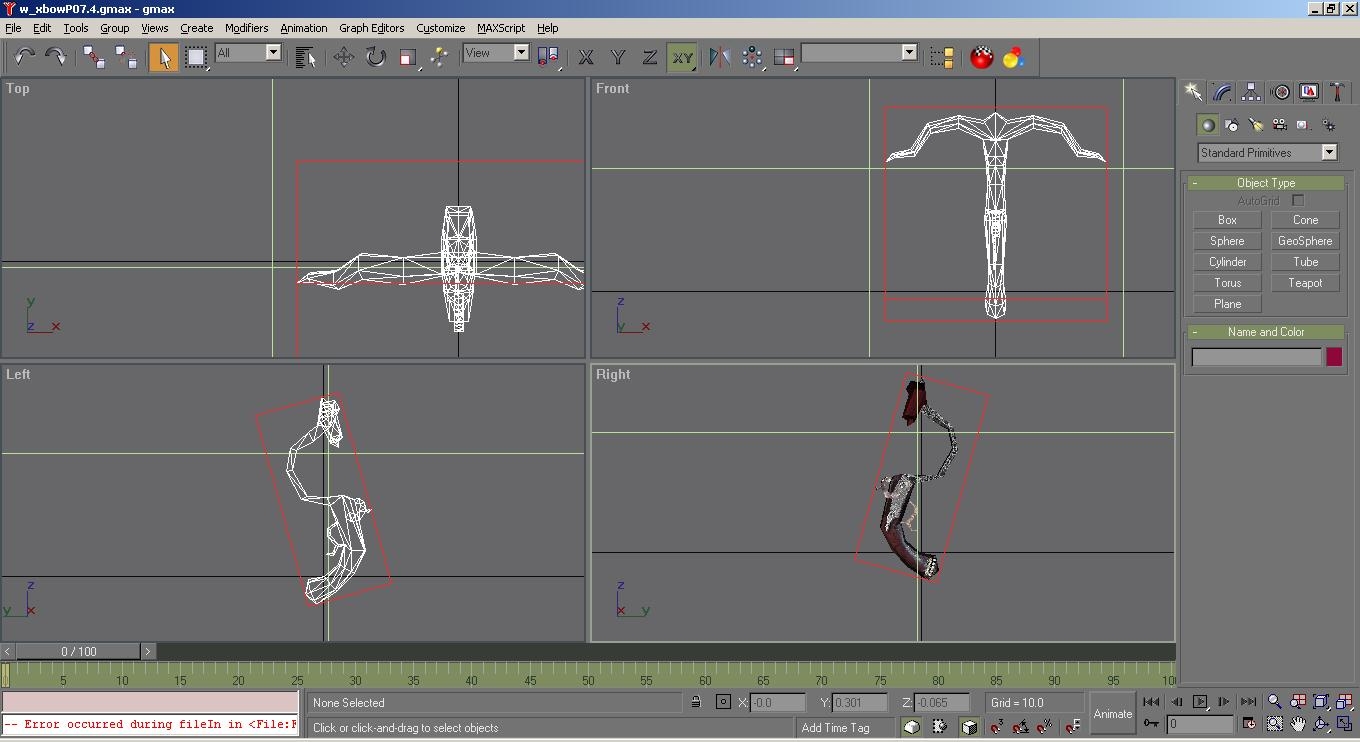
Awesome! This made my day that someone posted helpful comments. Unfortunately I'll be likely down a week or so as i am upgrading mobo+cpu+os+drive so hopefully I'll be able to update the model.
Posted by welsley at 2012-08-27 14:07:43 Voted 6.75 on 08/27/12
Posted by Perseus1356 at 2012-08-16 10:29:10 Voted 8.75 on 08/14/12
I played around a little bit with the model and toolset, and realized I understood you right the first time, but I solved the missing icon problem too, and I kind of solved the not firing problem. In baseitems.2da on the line for pistolcrossbow at the bottom, change the first value to 174. This is the value for the Light Crossbow, and makes it use a clone of Light Crossbow, and allows you to use custom models for it. Next, in the properties window for the blueprint under Basics on Base Item change it to Light Crossbow. Then under Appearance Model Part 1 change it to 7. If there is not a 7 or there are 0 - 5 select the other Light Crossbow value for Base Item. There should only be values of 0 and 7. So you need to update the download to include the baseitem.2da after making changes to it, and a icon (You could probably place it in your override folder instead of the file path I included in my previous post, and the same for the people downloading it). I don't think you have to make any changes to the model, just make sure it uses the right name, w_crsbP07.mdb. The ItemClass value in baseitems.2da needs to be w_crsbP so it will know what to use as a prefix to the number of the model. If you change the P to a L it will give you the problem you were having.
Posted by Perseus1356 at 2012-08-14 20:03:28 Voted 8.75 on 08/14/12
Sorry about my previous post, I misunderstood you. I didn't check to see if the model was already working I just assumed it wasn't. But I think I understand now that the icon is was wasn't working. These are the file paths you need to place an image in: "C:\Program Files\Ataria\Neverwinter Nights 2\UI\default\images\icons" or "icons_x1" or "icons_x2" I don't know which you need. Place a pic of the same size as "it_wr_lxbow00.tga" and rename it to "it_wr_pxbow07.tga" or whatever you choose. Then in the "nwn2_icons.2da" file add a new record and change the value to the name of the file you created minus the extetion(.tga) ex: "it_wr_pxbow07". then in the item properties in the toolset under Appearance on the Icon line pick the right name. This should give it an icon in the inventory. However, it is not firing even with Arrows, Bolts, and/or Bullets equiped. It says out of ammo. Does anyone else get the same result?
Posted by Perseus1356 at 2012-08-14 18:22:39 Voted 8.75 on 08/14/12
First off I gave you a 8.75 because for me it is kind of a must have and I don't know if you redid the model or not, but there are a few places that didn't look the best, but are not really that noticable, and a few vertex copies (4 of them i think.) Here is how to fix the model to work in the toolset: First copy and paste the crossbow files to the file path: "C:\Program Files\Atari\Neverwinter Nights 2\Overide\".
Then open the file in blender, I used version 2.49. I know for a fact that the NWN2 .MDB importer/exporter version 1.08 works with your model. If you don't have this version, I recommend getting, and using it.
Next import the .MDB file, then select the 3 model object, press CTRL + J to join them, to make the rest easier, and if I'm not mistaken the NWN2 files consist of only 1 object unless there are other interchangable pieces.
This step might be optional: delete all the materials except for 1. They're not really needed.
This step might be optional: Then change the object, and material names to w_crsbP07.
Then create 3 textures if they do not exist. Name them: w_crsbP07, w_crsbP07_n, w_crsbP07_t. (btw the _t file should be red, green, and blue, for tints, thats what the t stands for.)
This step is probably NOT optional, and here is where step one is comes in: Select the object(s) in 3D View, press TAB. In the UV editor click Image->Replace then locate the appropriate image in the file path in step 1. If the w_crsbP07.dds file appears black, click the X next to the name of the file in the UV Editor and open a new file and it should appear like it is suppose to in Textured 3D View (Alt + Z).
Then Export the file to the path in step 1. Your not done yet.
Open the NWN2 Toolset and create a new blueprint, in Basics->Base Item change it to pistolcrossbow, In Appearance->Model Part 1 change it to 7.
If in the Preview it shows like it is suppose to you are done. If not then I don't know how to help you, other than saying repeat the process to make sure you didn't miss a step and this time do the optional steps. I hope I didn't leave anything out. I also copied and pasted this from a text file so there might be a few spacing mistakes. If you redo the model yourself and it looks better I'd be willing to give it a 10.
Posted by Soulcatcher at 2012-08-10 17:42:47 Voted 10.00 on 08/10/12
Any help would be appreciated!
You must be Logged In to post comments in this section.
10 - A Masterpiece, Genuinely Groundbreaking 9 - Outstanding, a Must Have 8 - Excellent, Recommended to Anyone 7 - Very Good, Deserves a Look 6 - Good, Qualified Recommendation 5 - Fair, Solid yet Unremarkable 4 - Some Merit, Requires Improvements 3 - Poor Execution, Potential Unrealized 2 - Very Little Appeal 1 - Not Recommended to Anyone






 Site
Site









 at 2012-08-30 19:39:03


