A simple viewer plugin for icons (and other images) in the toolset.
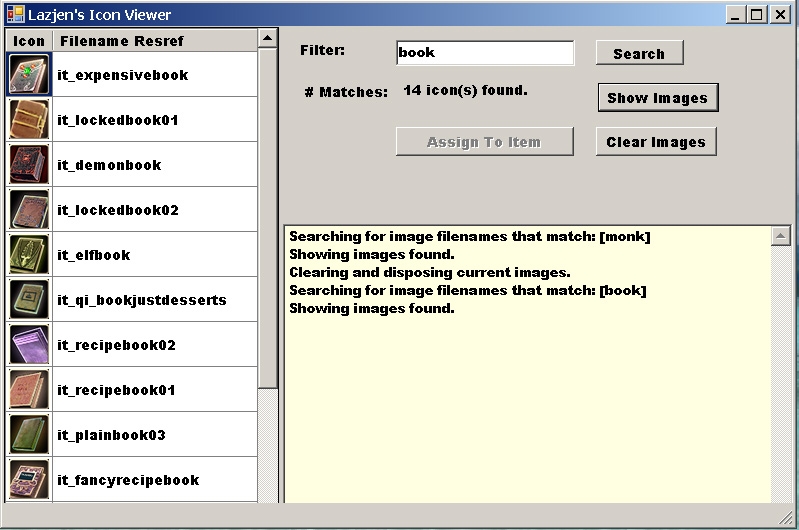
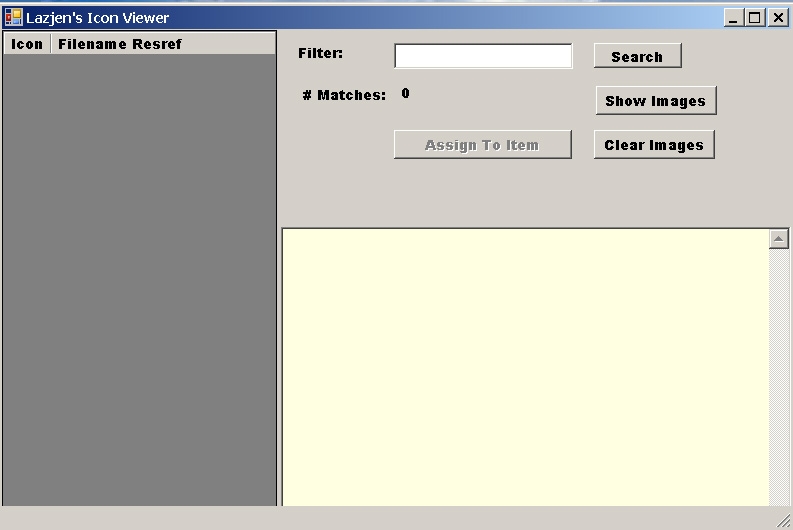
The filter to search uses Regular Expressions to find filenames. If you don't know what this means just type something in and click search, e.g. "monk". To see the images, click the show button. If you select a large number of icons, it might take a long time to load the images. The icon is displayed with its filename.
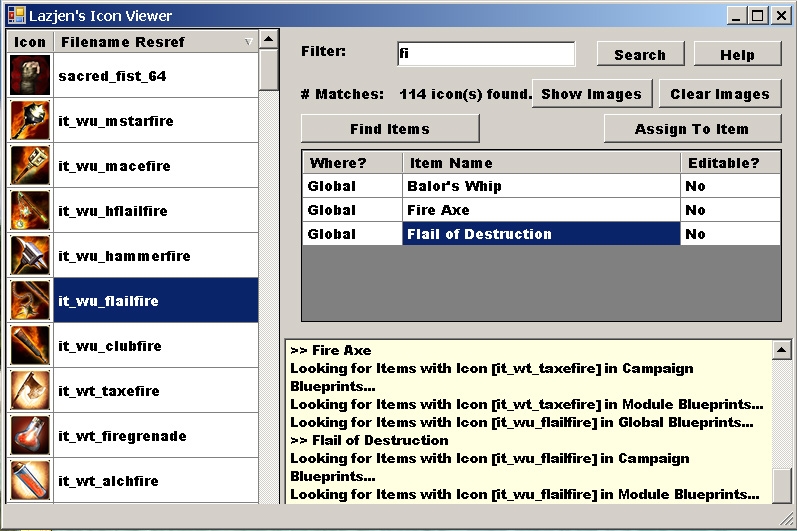
If you choose an icon with a filename starting with "it_", the Assign to Item(s) button is enabled. You can select that to assign the icon to the currently selected item blueprints.
The Find Items button is also enabled when an icon filename starting with "it_" is selected. This button finds the items in the toolset (Global, Module and Campaign) that use the icon. Double-click on an item in the list to see its properties in the toolset item property grid.
The plugin can be invoked by using "CTRL-I". This key can configured in the plugin preferences to whatever key you desire.
To use 3rd party plugins in the NWN2 Toolset, change your Options (View/Options menu)), Security to "AllowPlugins".
Before installing a plugin, close the toolset. Copy the DLL file supplied to (your NWN install)\NWN2Toolset\Plugins directory.
Source code now released under GPLv3. Look for the file with SOURCE in the name.
Very handy--thanks for contributing and keeping it updated!
Posted by jabs at on02/08/07
Actually scratch that, I'm retarded :)
Posted by jabs at on02/08/07
This seems to be exactly what I'm looking for. However, the 1.04 hotfix version is not working for me. The non-hotfixed 1.04 version is working fine for me though.
10 - A Masterpiece, Genuinely Groundbreaking 9 - Outstanding, a Must Have 8 - Excellent, Recommended to Anyone 7 - Very Good, Deserves a Look 6 - Good, Qualified Recommendation 5 - Fair, Solid yet Unremarkable 4 - Some Merit, Requires Improvements 3 - Poor Execution, Potential Unrealized 2 - Very Little Appeal 1 - Not Recommended to Anyone






 Site
Site