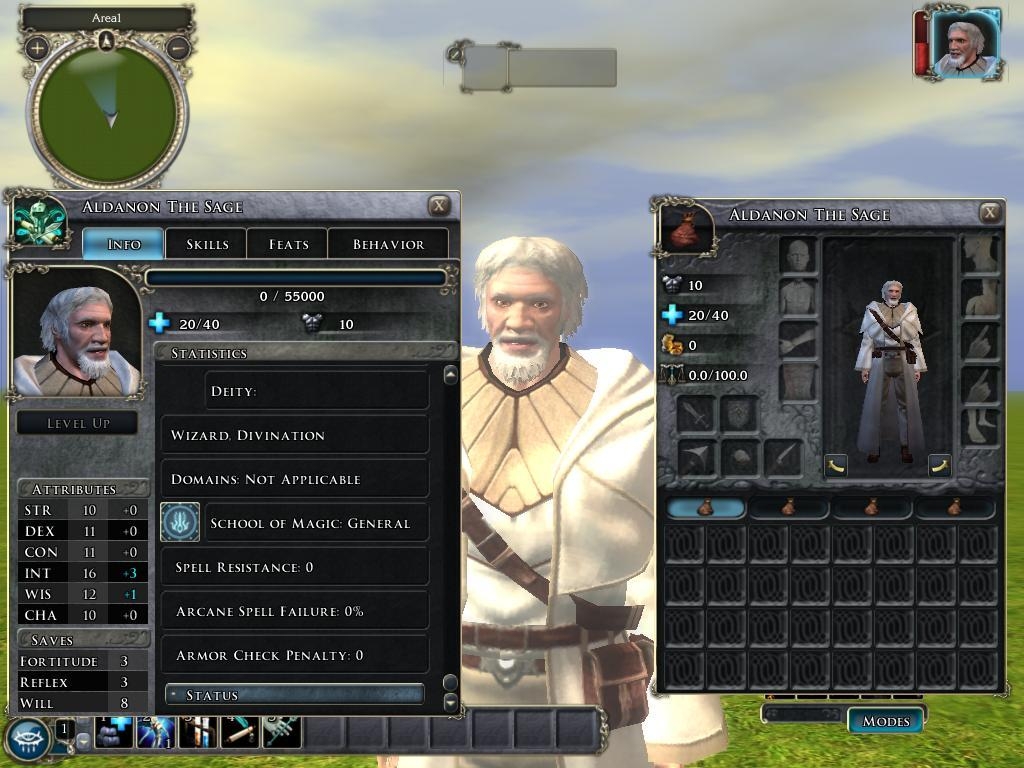
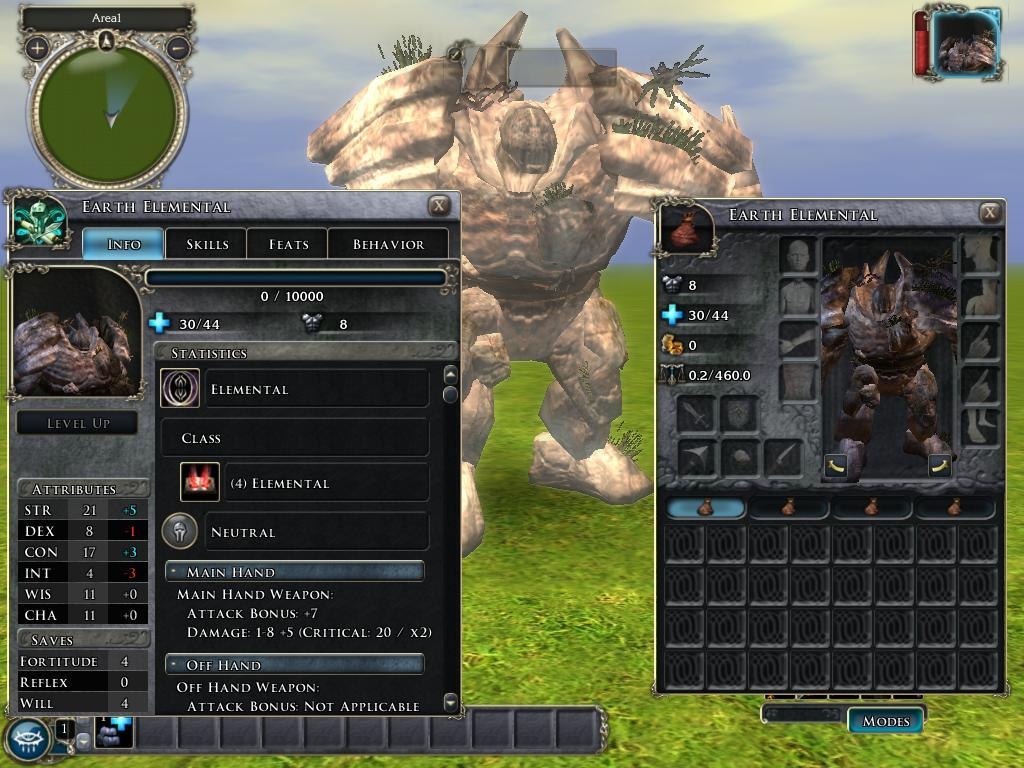
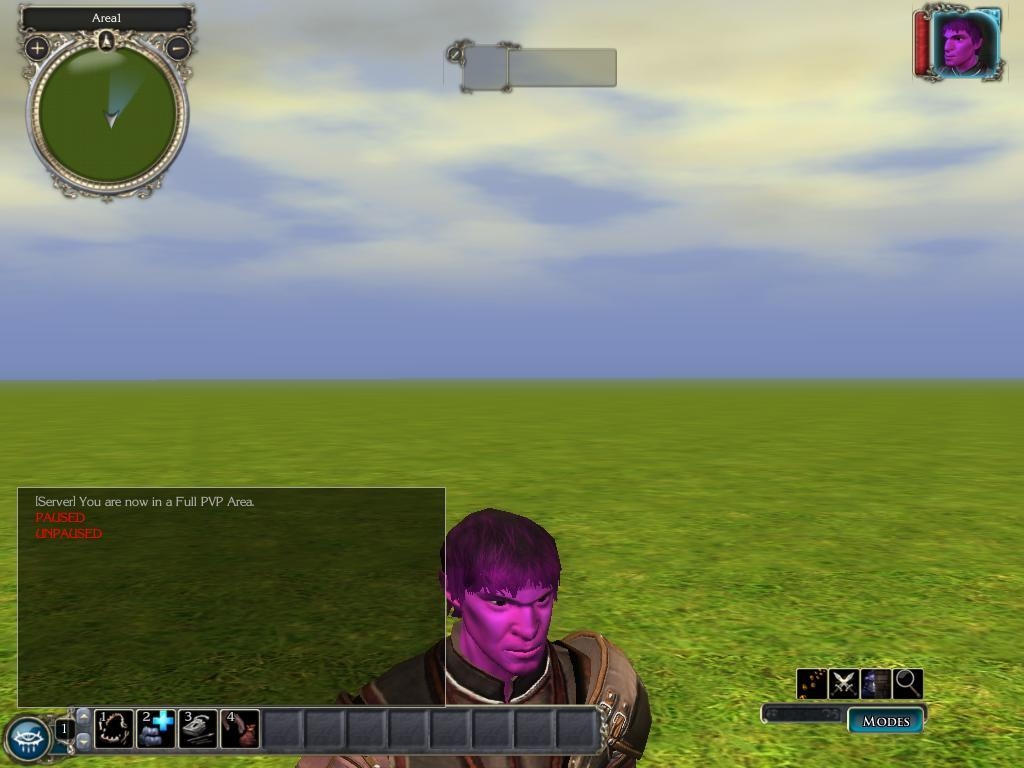
Importer/Exporter for BIC files, thus enabling you to modify your characters in toolset and make npcs of your favorites characters.
**************** README ***************************
First of all, some Warnings and Disclaimers:
This is an EXPERIMENTAL version of a BIC file Importer/Exporter for the Toolset.
USE IT AT YOUR OWN RISK
MAKE BACKUP COPIES OF YOUR CHARACTER FILES BEFORE YOU TRY IT
MAKE BACKUP OF YOUR MODULES BEFORE IMPORTING BLUEPRINTS
Ok, now that you are warned, how does it work?
Copy the InCharacter DLL File to your toolset plugin directory:
<Installation Path>/NWN2Toolset/Plugins
Open the toolset, make sure you have enabled Third Parties Plugins in options if you don't see it.
If you select the plugin InCharacter you will get a window showing up containing a listbox for messages,
one checkbox and three radio buttons for options, and three buttons
1) The first button Import, is to Import a BIC file and make a Blueprint out of it. The new blueprint
will go to your Modules tabs. Very handy to create NPCs out of some characters of yours.
The inventory will be transferred incorrectly, though checking the "Create items Blueprints" box will
correct this but will create items blueprints at the same time in your module,
which might then override existing blueprints you have.
2) The second button Export, is for exporting a creature blueprint into a BIC file.
Unfortunately, there will be fields missing which will cause the client to crash if you were to load such a file.
So here is the deal: you provide a valid bic file (character file) and the plugin will make a mix of the blueprint
and of the character file you've chosen.
This allows you to import one of your character, then modify it and export it again using the original
character file again. I know it's a little complicated but the client would crash if some fields were missing...
3) The third button Exit, is to close the window.
The checkbox is for Help Mode. Checking it will provide extra messages.
The radio buttons are for the creature inventory.
"As Is" will import the creature inventory without any modification. Actually it can make trash, but it can also work
ok with a new character. I give this option should Obsidian modify their code.
"Strip Items" will completely delete the creature inventory.
"Create items blueprints" will make the necessary fixes for the items to appear in the creature inventory.
You might notice some tint troubles in the Toolset, but have no fear it should appear correctly in game.
Enjoy!
Olblach
The source files are included, should you find I'm too slow to update this :p.
10 - A Masterpiece, Genuinely Groundbreaking 9 - Outstanding, a Must Have 8 - Excellent, Recommended to Anyone 7 - Very Good, Deserves a Look 6 - Good, Qualified Recommendation 5 - Fair, Solid yet Unremarkable 4 - Some Merit, Requires Improvements 3 - Poor Execution, Potential Unrealized 2 - Very Little Appeal 1 - Not Recommended to Anyone






 Site
Site