This plugin adds 6 hotkeys:
- s to generate a new seed for each selected tree or in paint mode, of the current tree
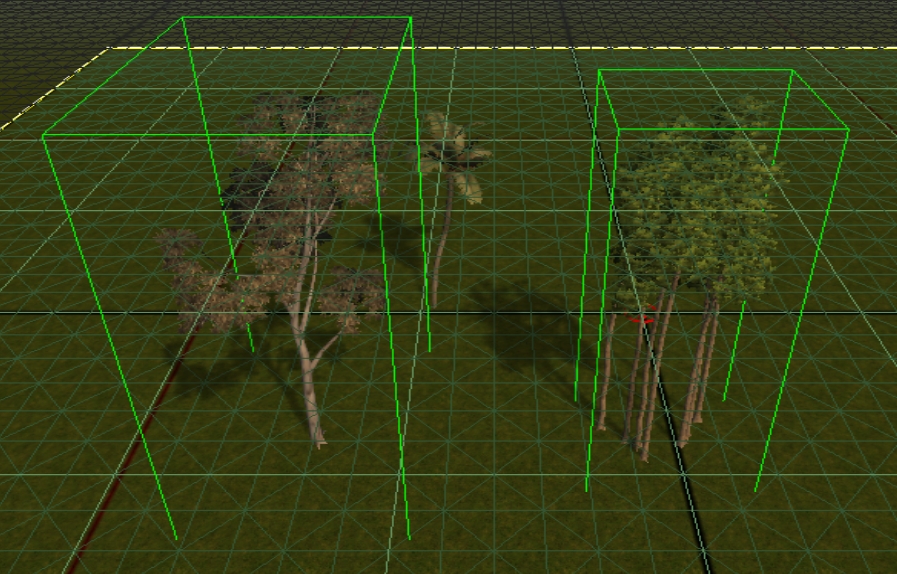
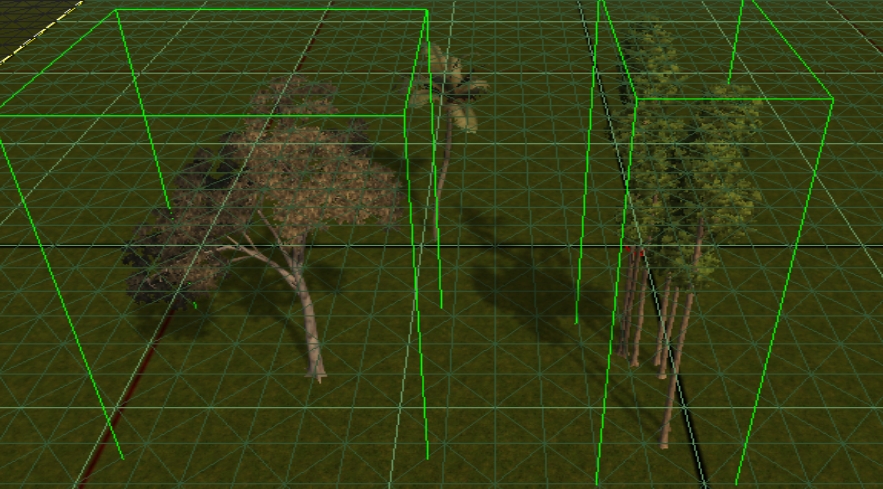
- o to change the orientation of selected placeable
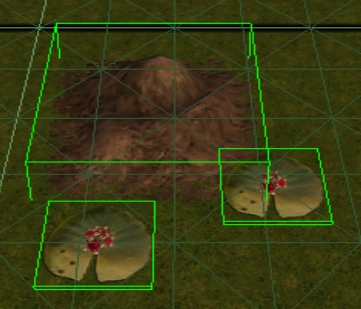
- p to translate selected objects
- x to close the current Area Tab
- Ctrl b to bake the entire module (a confirmation message will be prompt)
- Ctrl v to view the next tab
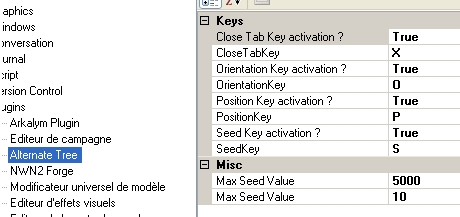
The max value of generated seed can be configured (in Views -> Options -> HotKeysPlugin).
The amplitude of the translation can be configured (in Views -> Options -> HotKeysPlugin).
The number of area opened during baking can be configured (in Views -> Options -> HotKeysPlugin).
The bindings of hotkey can be configured. I strongly advice you to choose a letter.
The activation of hotkey can be configured (in Views -> Options -> HotKeysPlugin).)
Every modification in Views -> Options are instantly taken into account.
Installation Procedure : Unzip the file in your NWN2Toolset/Plugins directory.
The first time you add a plugin, go to views -> Options and select Load All Plugins in the Security category. Then restart your toolset.
If you have a NWN2AlternateTree.dll please delete it. HotKeyPlugin.dll replace it.
French / Fran�ais :
Ce plugin ajouter 4 raccourcis:
- s pour reg�n�rer la seed de chaque arbre s�lectionn� ou dans le mode peinture, de l'arbre en cours
- o pour changer l'orientation de chaque placeable s�lectionn�
- p pour effectuer une translation sur chaque placeable s�lectionn�
- x pour fermer l'onglet Zone courant
- Ctrl b pour faire un bake sur le module en entier (un message de confirmation apparaitra)
- Ctrl v pour voir l'onglet suivant
La valeur maximale de seed peut �tre modifi� (dans Views -> Options -> HotKeysPlugin).
L'amplitude de la translation peut �tre modifi� (dans Views -> Options -> HotKeysPlugin).
Le nombre de zone ouverte durant l'op�ration de baking peut �tre modifi� (in Views -> Options -> HotKeysPlugin).
Les touches de raccourcis peuvent �tre modifi�es. Je recommende fortement de choisir une lettre.
Les touches de raccourcis peuvent �tre d�sactiv�es (dans Views -> Options -> HotKeysPlugin).)
Chaque modification de Views -> Options est pris en compte automatiquement.
proc�dure d'installation : D�zippez le fichier dans le r�pertoire NWN2Toolset/Plugins.
La premi�re fois que vous installez un plugin, allez dans views -> Options et choisissez Load All Plugins dans la cat�gorie S�curit�. Puis red�marrez l'�diteur.
Si vous avez une dll nomm�e NWN2AlternateTree.dll supprimez la. HotKeyPlugin.dll la remplace.
O -> Orientation doesn't work :( I tried to change hot key, but still did nothing. _________________________ - Or-Horo's Rings - Link
- Or-Horo's Painting Placeables - Link
10 - A Masterpiece, Genuinely Groundbreaking 9 - Outstanding, a Must Have 8 - Excellent, Recommended to Anyone 7 - Very Good, Deserves a Look 6 - Good, Qualified Recommendation 5 - Fair, Solid yet Unremarkable 4 - Some Merit, Requires Improvements 3 - Poor Execution, Potential Unrealized 2 - Very Little Appeal 1 - Not Recommended to Anyone






 Site
Site










 at 2006-11-29 07:44:13
 at 2006-11-24 03:58:53


