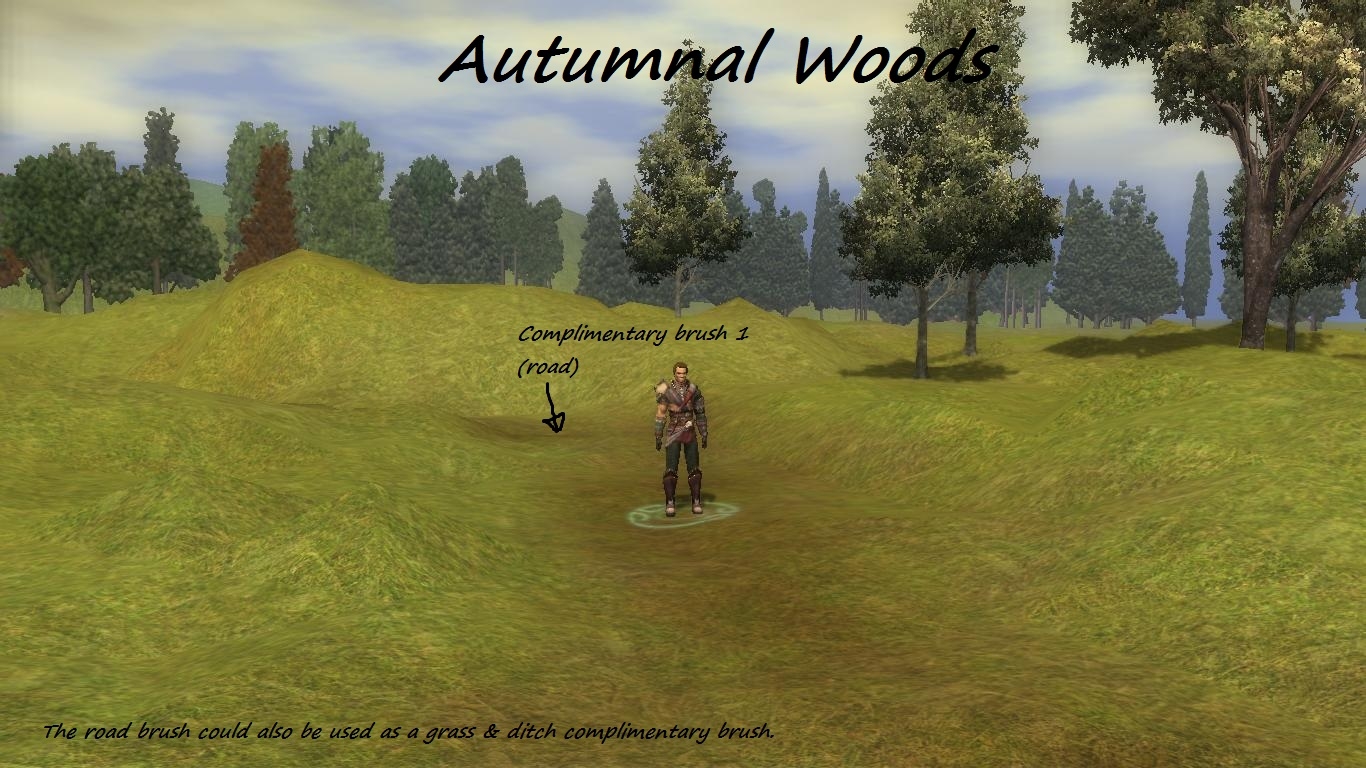
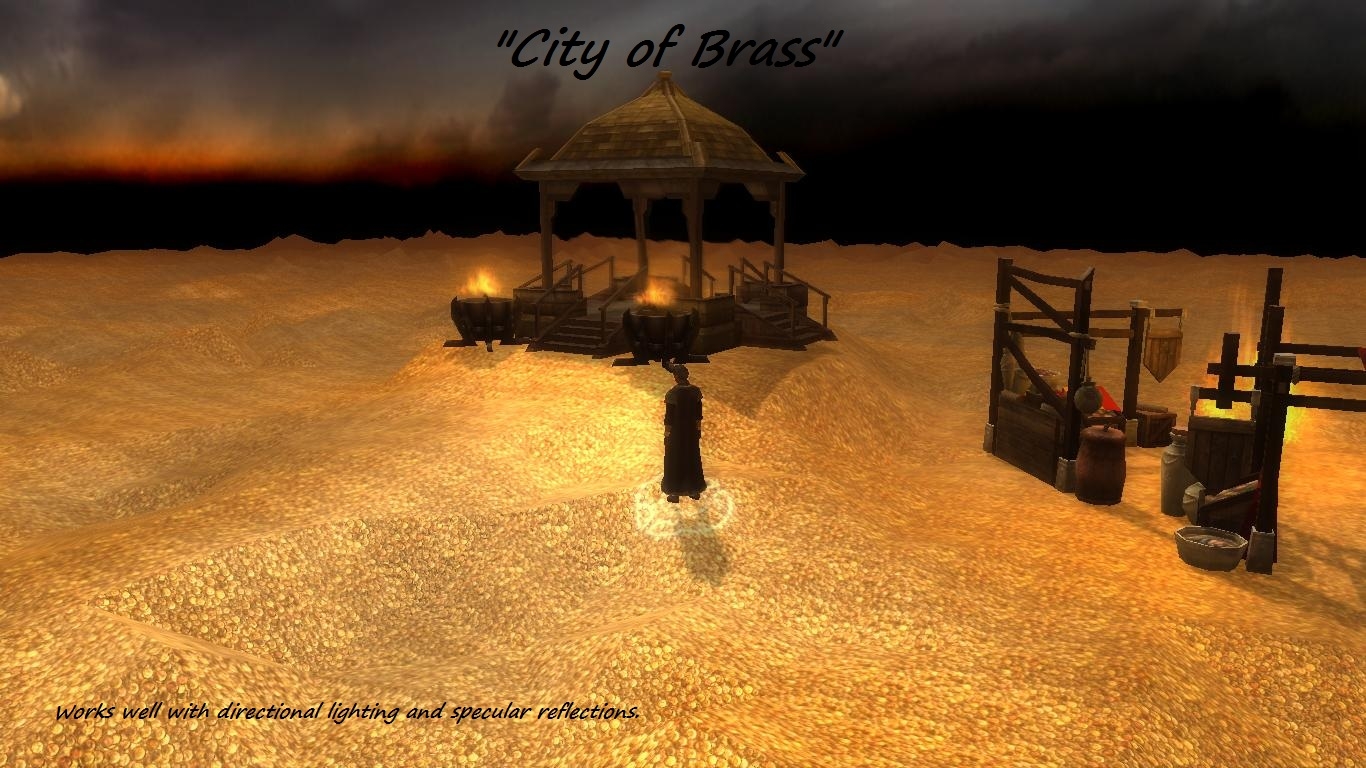
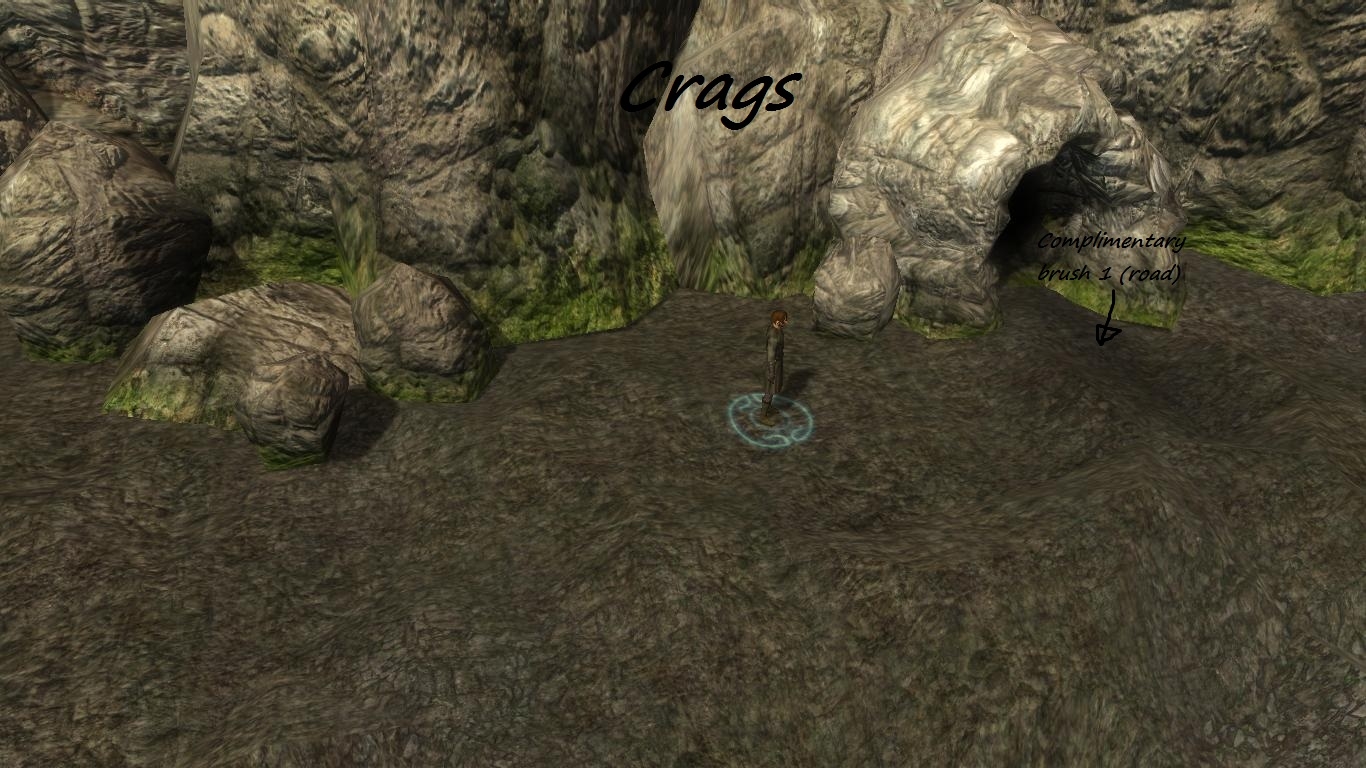
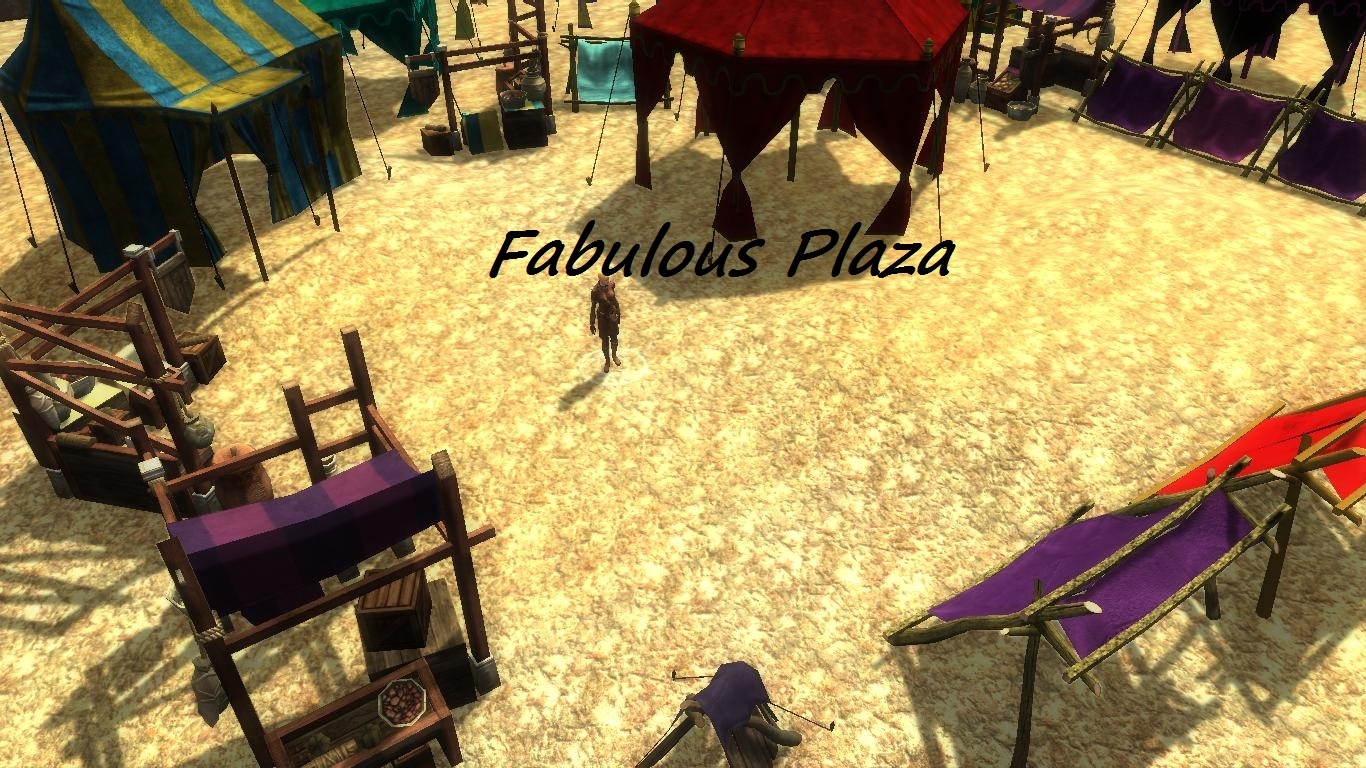
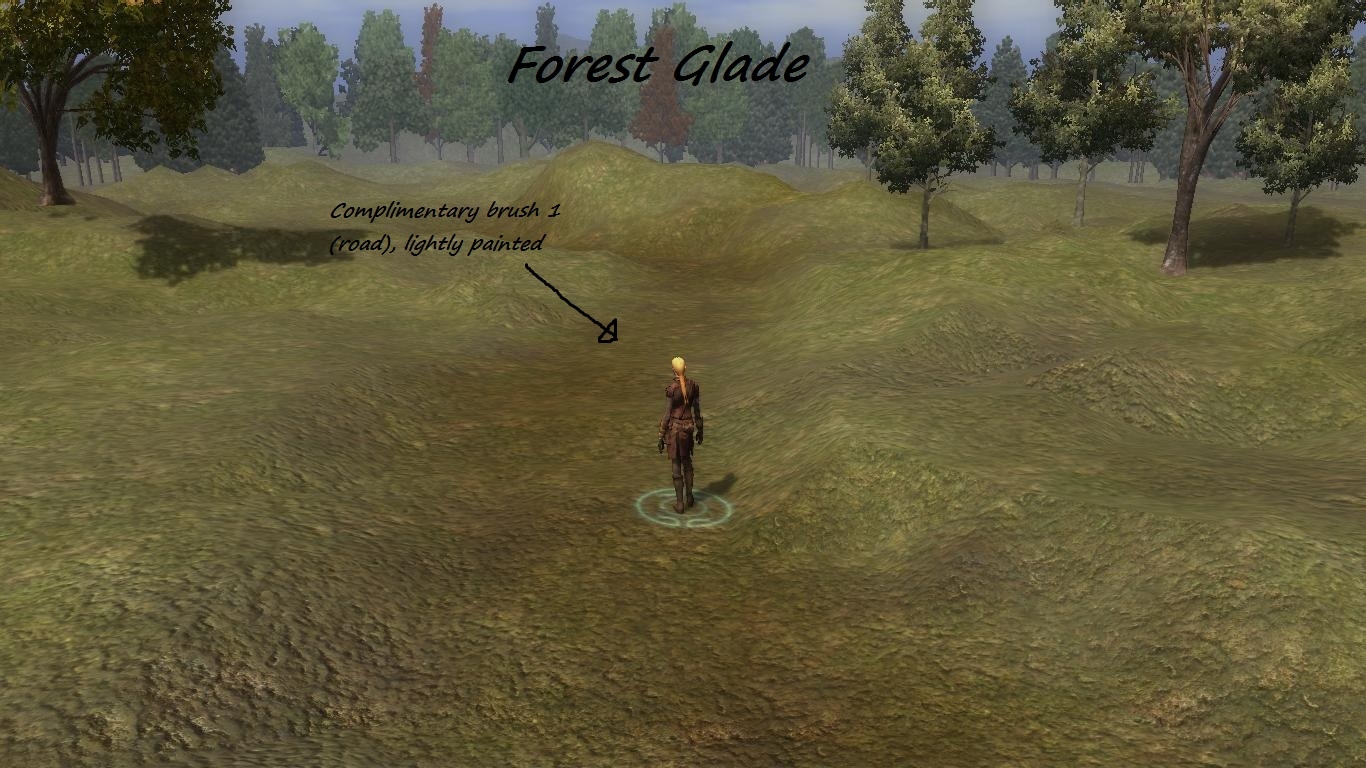
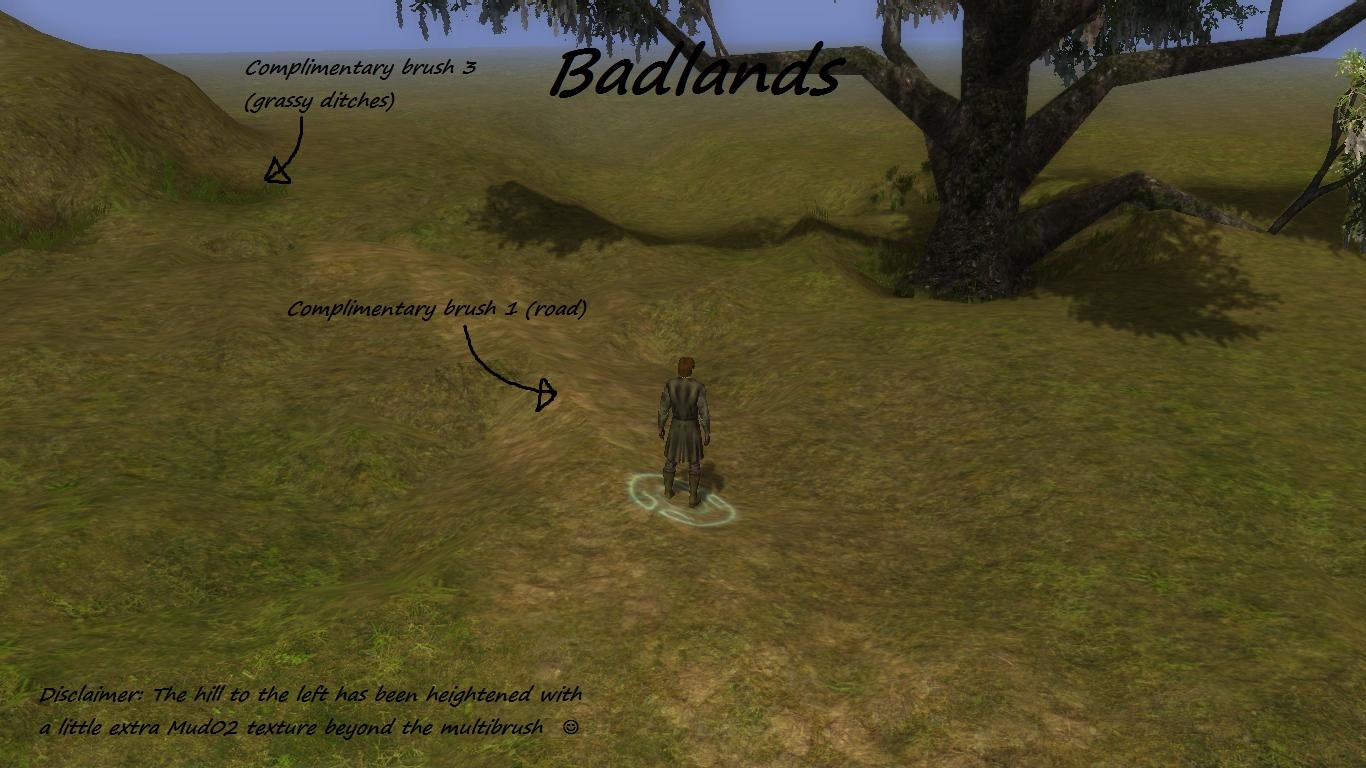
As The Fred was the only contestant for the contest, I'm listing him as the author. These files can be imported into the Multibrush plugin and used. You just need to open the Brush Settings menu, Import the file and then click on "Save and Use Brush" to begin painting. These files can go anywhere on your computer. You decide where to import them from.
Also keep in mind that the texture at the bottom of the list of textures should be the base texture for the area. So use the toolset's "Fill" button to change the base terrain to that texture.
If you have question, comments or would like to vote, please go to the Multibrush vault page here:






 Site
Site