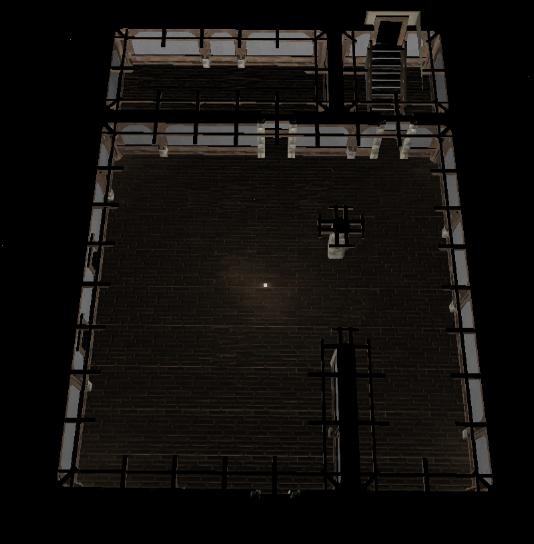
I saw alot of people were having trouble "blacking out" interiors. I've created a template that I use everytime I need to create an interior. With the new toolset, you can always resize an area at anytime after its initial creation. I've blacked out all the sky lights, and fog. Set all the appropriate behaviors, and added a light source inside to illuminate the interior for building purposes. I hope this helps, I know its saved me alot of time in creating new interiors.
Directions.
Import the Erf.
Open, pok ooc template Area.
Duplicate it by reclicking once, then rename it. Resize it to your fancy.
Commence the Building!
Remember, when you finish building. to remove the light sources I placed. Otherwise you'll have an intense glare on everything.
Hehe, thanks Lordslimer. I'm glad you find it useful. Certainly saves me from pulling out a few hairs. lol _________________________ AKA: GuardianofLore.
10 - A Masterpiece, Genuinely Groundbreaking 9 - Outstanding, a Must Have 8 - Excellent, Recommended to Anyone 7 - Very Good, Deserves a Look 6 - Good, Qualified Recommendation 5 - Fair, Solid yet Unremarkable 4 - Some Merit, Requires Improvements 3 - Poor Execution, Potential Unrealized 2 - Very Little Appeal 1 - Not Recommended to Anyone






 Site
Site









 at 2010-05-11 22:05:32
 at 2007-01-31 13:06:31


