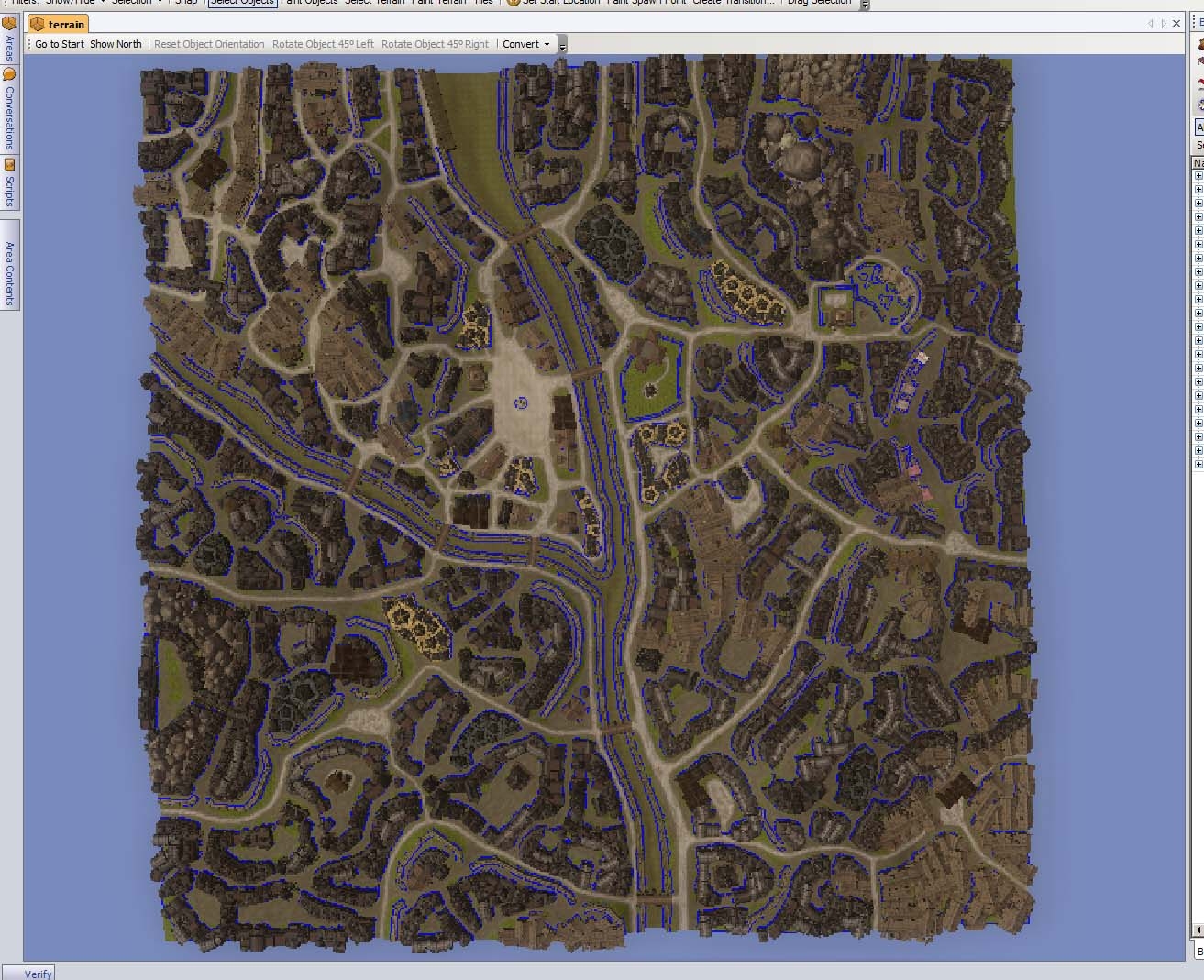
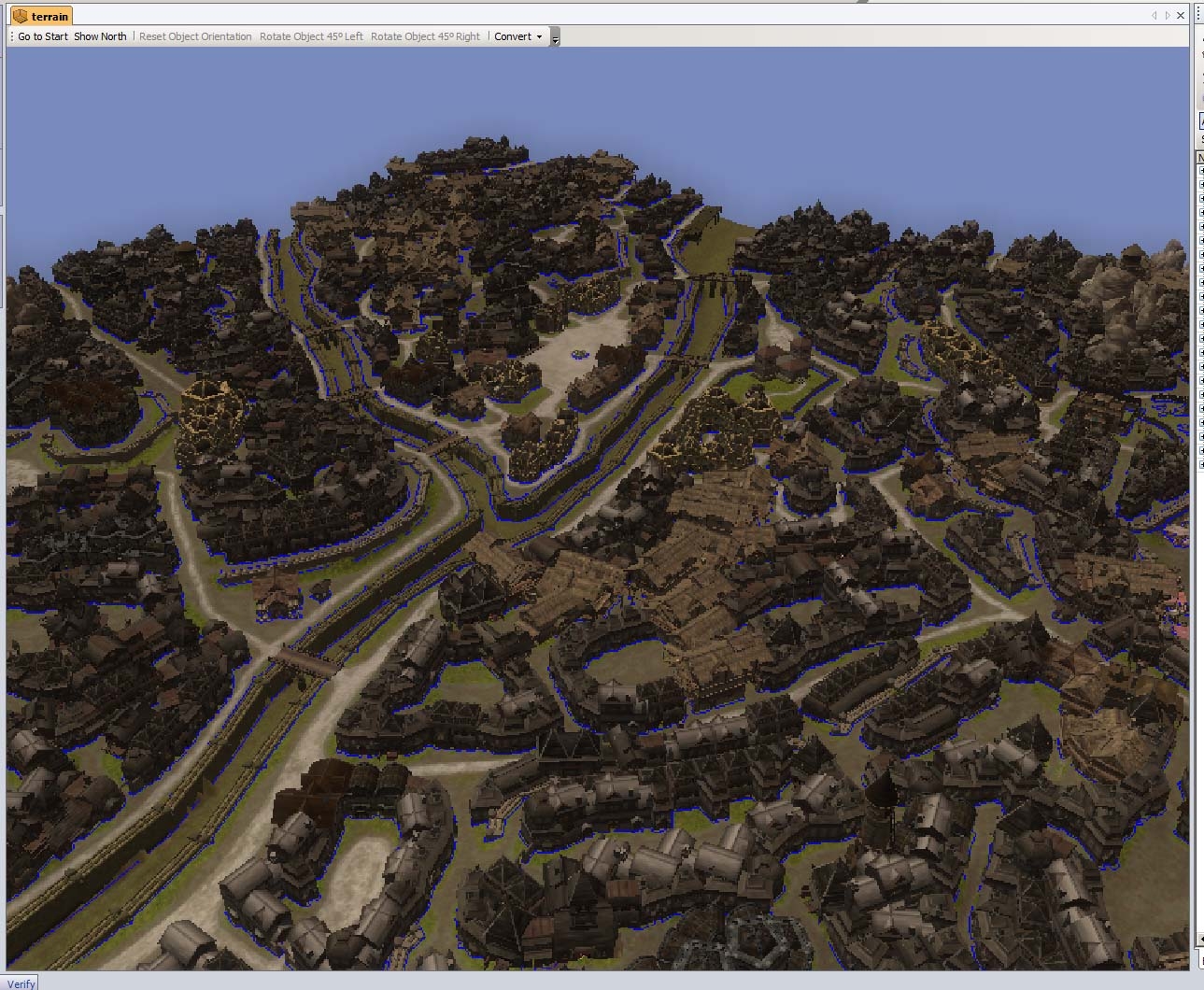
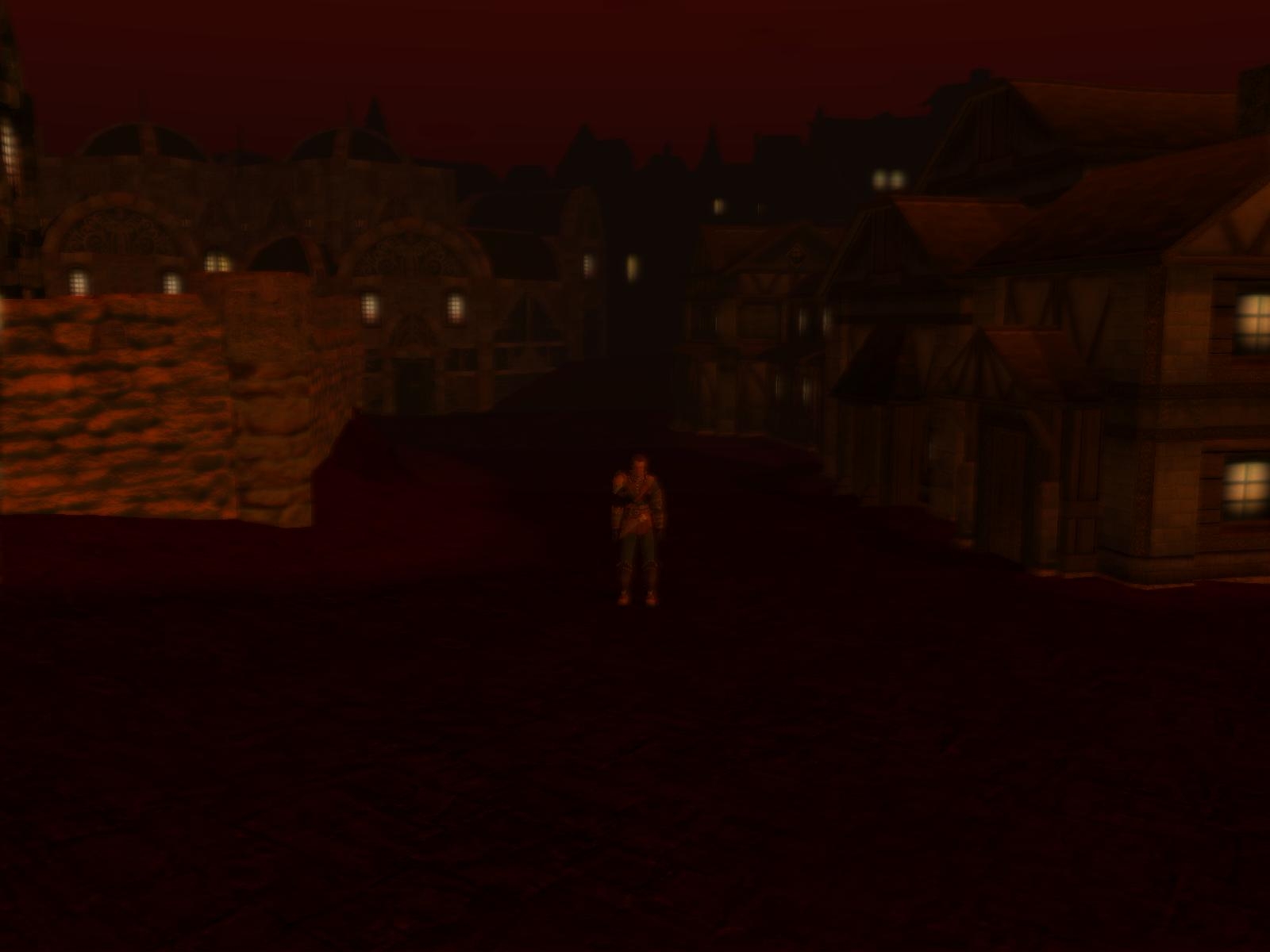
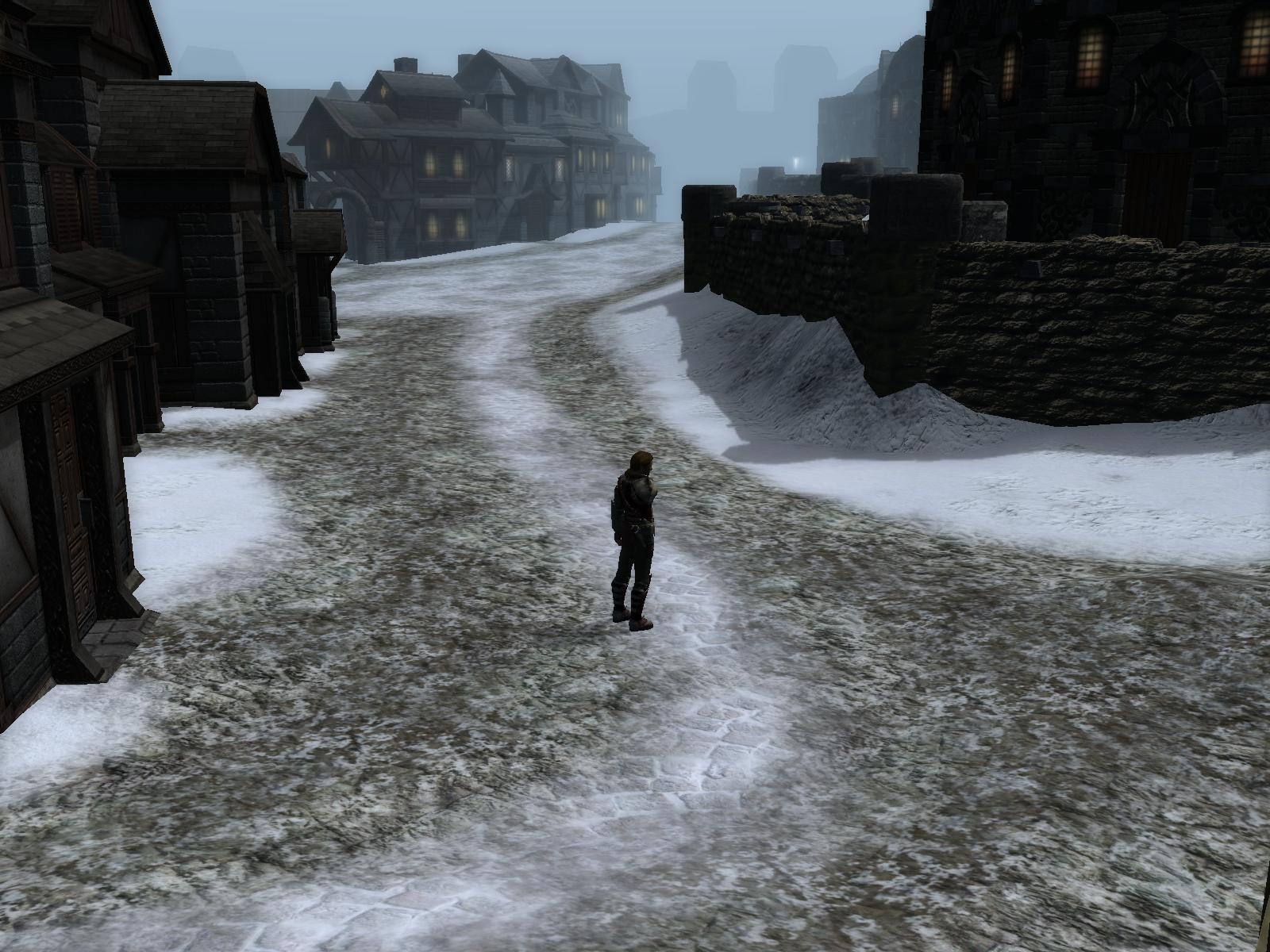
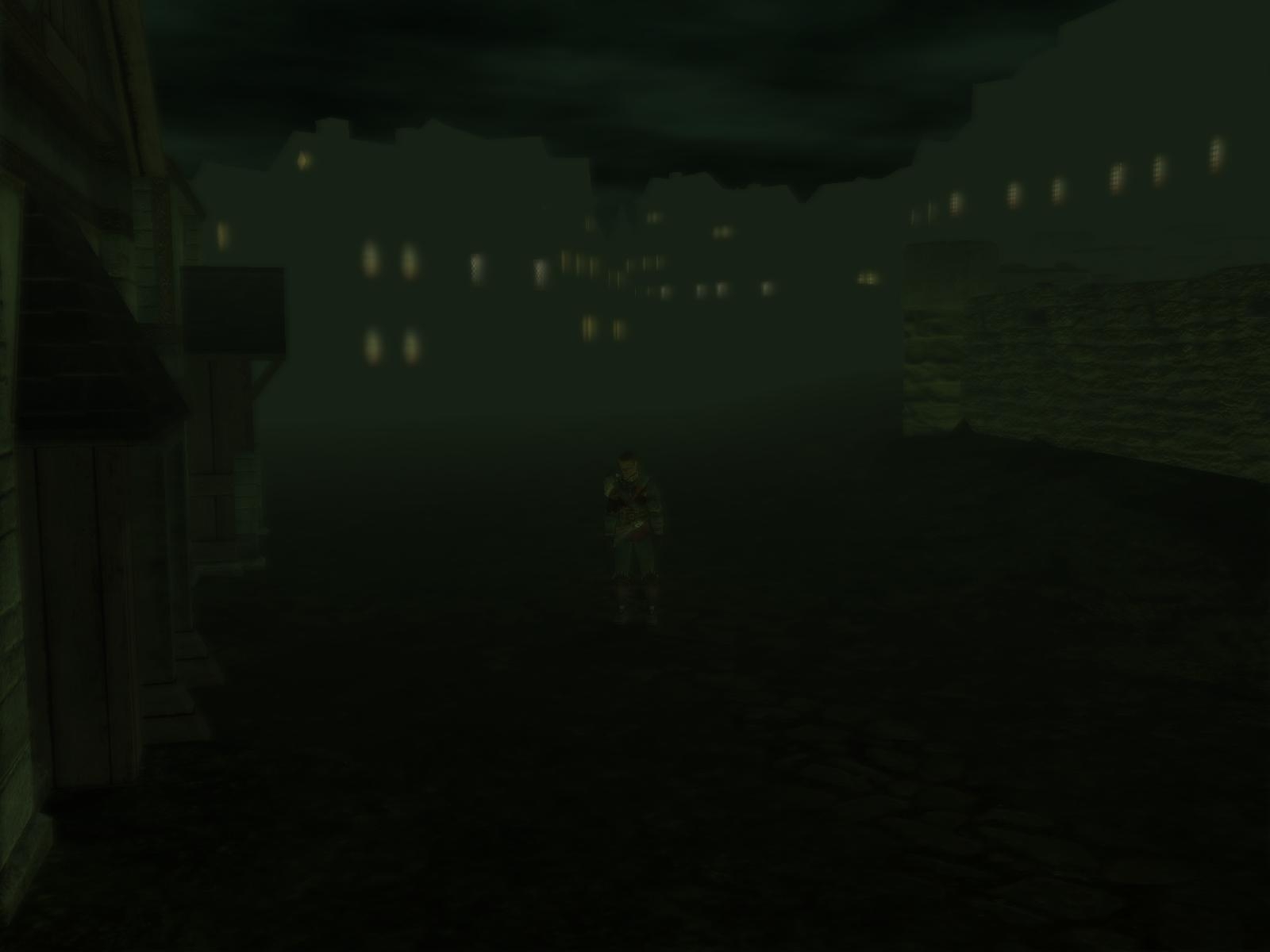
First I want to make one thing absolutely clear, this is *NOT* an area that is usable as-is.
The intention is that the module builder or area prefab builder(I hope to see area pefabs based on this) uses this as a template or clipart to futher refine.
There are no small placeables like barrels, crates and so on(except a few crates I used to plug gaps between buildings) as the area is probably to the limit of what the toolset can handle(see Known Issues).
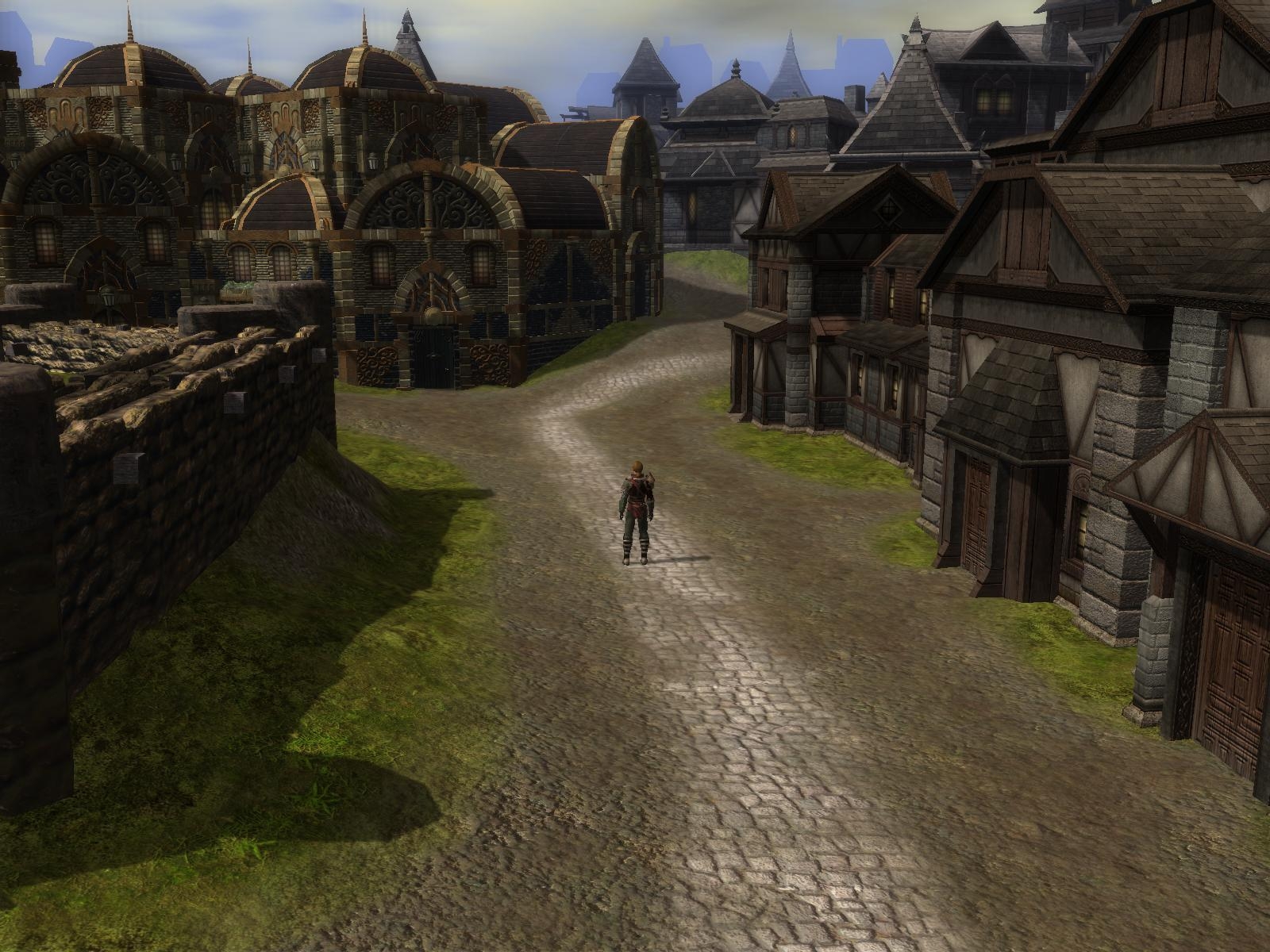
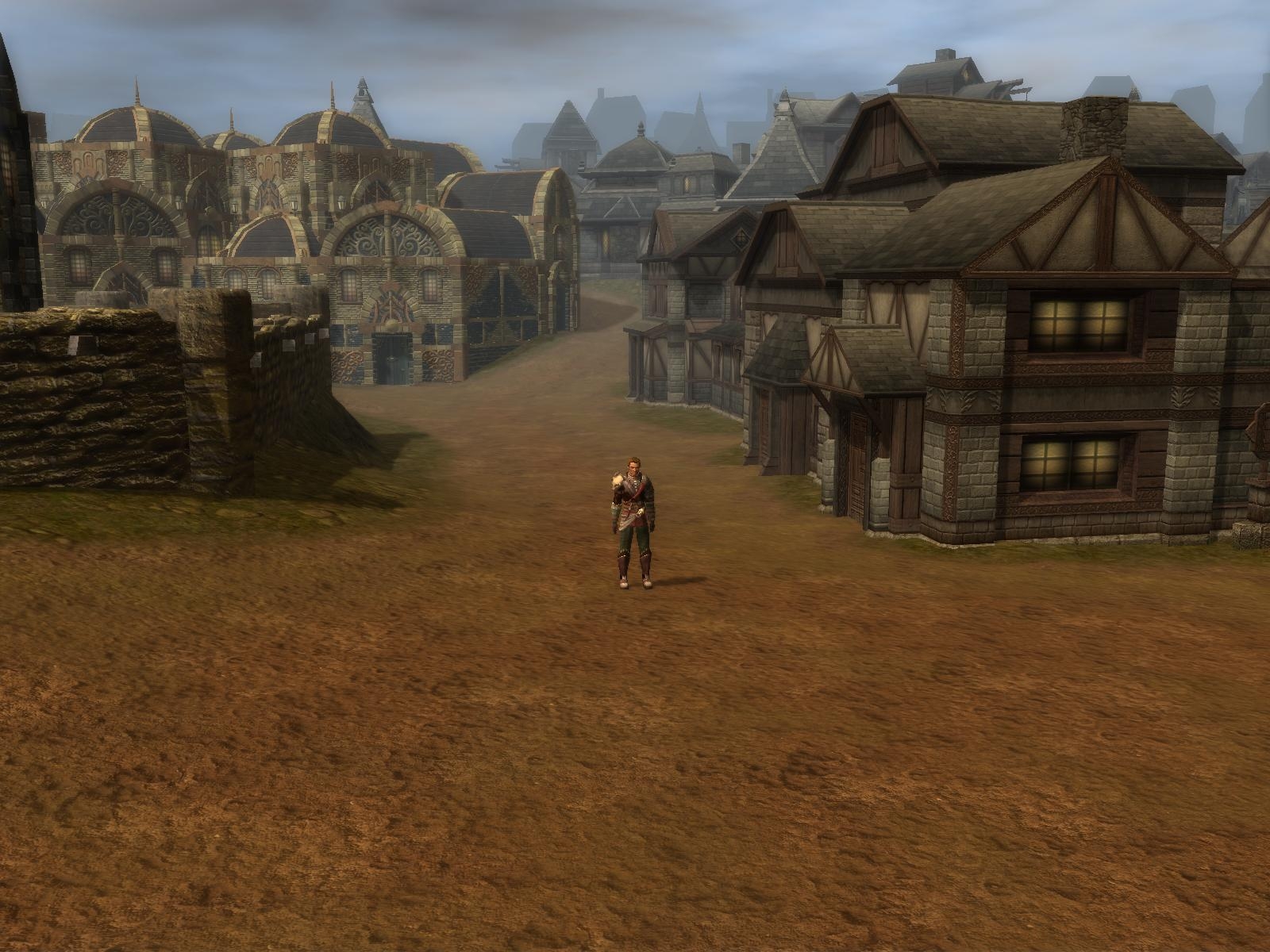
The textureing is fairly simple, there is a reason for this, it is easier to add minute details then there is to remove them.
So use the available textureing as a base and add more gradients and smaller detail as needed.
Another reason for this is that it should be easy to swap existing textures with a different set to create a whole new area style, check the examples files for this.
There are also no sounds, trees, water or FX as these are also setting dependent.
The walkmesh should be set to all walkable polys after copying unless you want to finetune some of the slopes.
I have cut out all of the buildings with walkmeshcutters as they're mostly environmental objects except for a few that needed stairs.
Known issues:
There might be trouble opening the area, I had the toolset crash on me or throw an "Index Out Of Bounds" error when opening the area in the toolset, not importing it.
I'm guessing it got to do with the amount of placeables or some kind of resource allocation error.
If this happens *reboot* your computer, not just restart the toolset, this worked for me.
Also it takes a while to open the area even when it works so give it some time:)
The camera goes through most buildings, this is because I had to convert most buildings to environmental objects or the bake routine would most likely have left an unwalkable mess.
The edge areas might be a bit "wierd" as I had originaly planned for adjacent areas to continue out from this one.
The area is named "terrain" seems wierdness(breaks the placeables list) happes if this is changed.
I'm looking forward to see the area prefabs people make from this.
If there are trouble opening the area please say so and I will split the buildings over two or more maps and post that.
Also this is the last area I will make for some time as I have joined a PW project to make some areas.
I hope you have enjoyed the areas I have made and found them useful.
Posted by kamal at 2011-02-13 08:12:19 Voted 10.00 on 02/13/11
yeah, 10. You can get a lot of "organic" designs out of this by cutting and pasting various bits together. Sure it's only basically textured, but that's actually good. _________________________ Shadow Thief: Crimmor and Path of Evil blog Link
eguenemoulin, had that trouble myself some times when building the area. One fix I found for this is to restart your computer, not just relog but a complete reboot and not run anything else like NWN2 before loading and cutting the area. Probably some memory fragmentation or similar that makes the toolset crash.
Posted by eugenemoulin at 2008-03-26 09:16:01 Voted 9.75 on 03/26/08
Hi !
It seems to be great work, thanks a lot.
but i have a problem wile opening the zone.
I've imported the area succesfuly but when i try to open it, the nwn2 editor crashes.
I would be interested in talking with you about something NWN2-related. I can�t find your email in any of your Vault downloads, so please contact me at [email protected]. Thanks.
Posted by Azurreal at 2007-12-21 22:44:09 Voted 9.75 on 12/21/07
Yes, this helped, and thank you for the response. It is very sad indeed we wont being seeing anymore of your great prefabs. I hope you still find time to throw a few our way from time to time :)
1:Import the .erf
2:Make a small empty area, say 8x8
3:Open the city area, while keeping the small empty one open.
4:In TerraCoppa select "terrain" as source and whatever you named the empty area as destination.
5:Have a look at whick part of the city you want to refine.
6:Select those tiles in the source area of TerraCoppa.
7:Move the yellow marked area in the destination window to where you want it.
8:Press "copy&rotate"
Note that *all* of the city map is useable even the tiles outside the normaly walkable area.
Just set the walkmesh to all walkable(just run a 100 walkbrush over it) after copying as TerraCoppa have probably reset the walkable polygons to default.
As for leaving it at a full 32x32 was I think better then making smaller ones as you can cut out just about any size/area that you need even copy several sections and with just alittle effort blend them together, this is one of the reasons I left the texturing quite simple.
To weld disjointed sections together run a flatten brush at 100% along the edge and then use the smooth tool to sculpt the terrain neatly together.
I hope this helps abit.
Posted by Azurreal at 2007-12-21 11:32:46 Voted 9.75 on 12/21/07
Rated this 9.75 if it would have been predivided into fully usable areas it would have been a 10 this maust have taken a large amount of time to create and just the fact you are willing to share it with the community is worth a 9.00 to me. thanks for this great area.
Posted by Azurreal at 2007-12-21 11:25:19 Voted 9.75 on 12/21/07
This city is awesome, but I am having some trouble copying this into usable areas using terracoppa (which has no read me)- if I copy a section of the original map area to another Gaint area TerraCoppa places it to the sides and leaves a huge space of the new area empaty and a large part of the copied city in the un-usable area of the new map - need some Ideas/help here
on how to maybe divide this into 4 fully accessable areas? jameyme@yahoo
Posted by Lord_of_the_ping at 2007-12-21 02:59:18 Voted 5.00 on 12/21/07
Good luck and let us know where you are working. I would definitely like to drop by there.
Lastly, your constant prefab donations will be sorely missed. :)
Posted by ladyelvenstar at 2007-12-20 00:04:35 Voted 9.75 on 12/20/07
I want to thank you for all the work you put into this - I am already experimenting with it for the underground drow city I am working on. I posted a sneak peek of the area on my blog.
Posted by Anduraga at 2007-12-19 22:27:41 Voted 9.75 on 12/19/07
I am sure many people will find a use for this, SGK. Cities are rather dificult to make in itself and to make em half-decent ones is another chore.
Btw, congrats on finding a new place to work for. Was going to ask a small request one of these days, but never found time to do so. So are you going to spill the beans on what prject you're working for? :) Or are you going to leave your fellow area developers and the needy in the dark? _________________________ BouncyRock Entertainment
10 - A Masterpiece, Genuinely Groundbreaking 9 - Outstanding, a Must Have 8 - Excellent, Recommended to Anyone 7 - Very Good, Deserves a Look 6 - Good, Qualified Recommendation 5 - Fair, Solid yet Unremarkable 4 - Some Merit, Requires Improvements 3 - Poor Execution, Potential Unrealized 2 - Very Little Appeal 1 - Not Recommended to Anyone






 Site
Site









 at 2011-02-13 08:12:19
 at 2008-03-26 09:16:01
 at 2008-01-12 17:34:25


