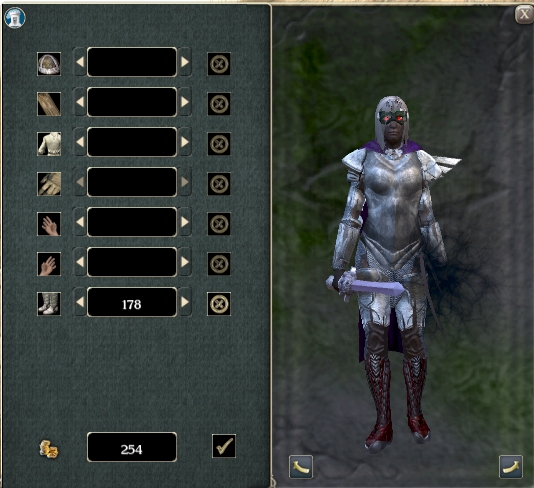
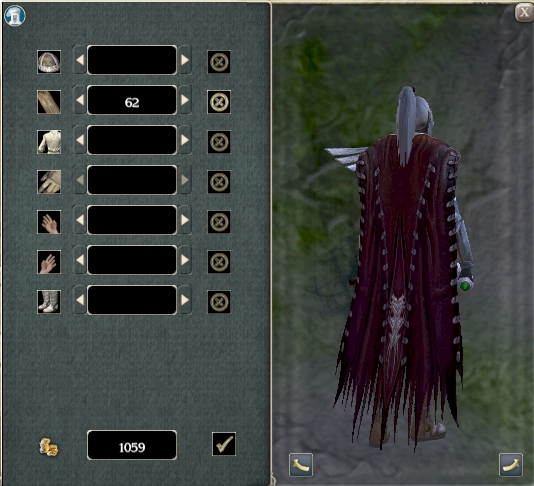
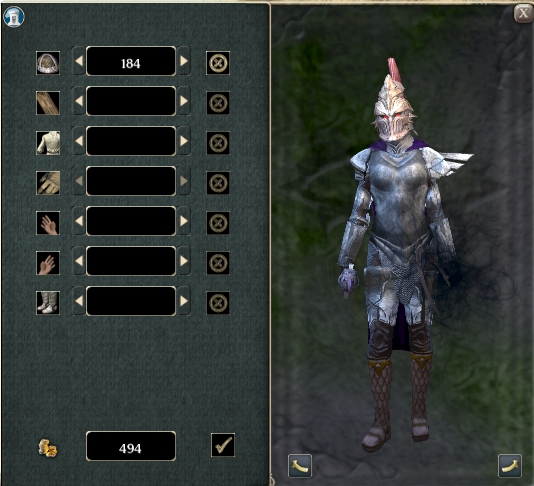
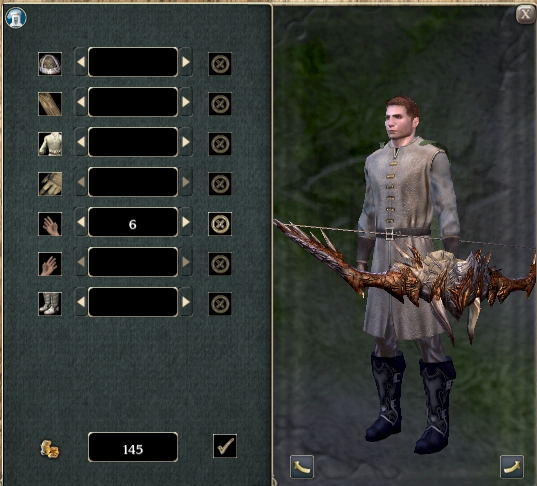
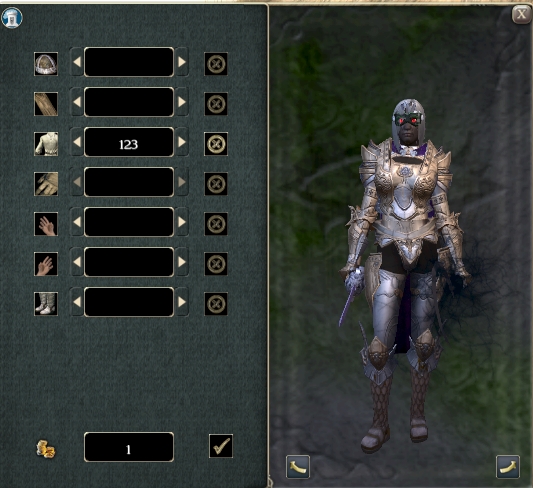
You don't need every one of those Mods in your override folder for this to work, but it will likely cause texture/model not found errors to pop up whenever you scroll to an option that references a Mod you're missing.
Having all the above Mods installed adds the following number of additional templates:
All new options appear at the end of the list (AKA: the highest numbers). It may take them a few seconds to appear.
I also expanded the GetArmorType code to include Obsidian's default Masterwork ArmorRulesStats lines, as well as the Rebalanced TCC lines, while I was in there.
I am having the same problem as TolkiensMind. Is there some way to fix this ?
Posted by KBHogan at on01/08/09
This is fantastic! Thank you for sharing this. I have to say that some of the outfits you put together are top notch, and really making my game so much more enjoyable. If you are looking for some others to add UITs and entries for, "The Dark Armory" might be worth checking out as well. Particularly, there are some helmets in there that look simply amazing!
Posted by engelsschwinge at 2008-11-1706:00:41
Some items change as they should but their item symbol is an "image not found", is there a solution ? Furthermore the Elemental weapons doesn't work at all mfg engels
Posted by wettshoes at on10/27/08
very nice, makes my playing experience more enjoyable :)
Posted by TolkiensMind at 2008-10-2117:55:10
I would really like to know what is causing this, I would love to use this exspansion pack for C.A.C. Can someone please help. Could it be charlies item modifier, or my slim gui thats causing it. Something odd i noticed, when i installed, in character creation, the model were acting like they were in attack ready mode, they were not standing straight like normal, they were ready for a fight. And as i mentioned above and the other fellow, Calitude, Cant check mark to confirm change, and also cant exit the changer. I have slim gui v1.63, tony ks AI, charlies appearance and item modifier, united colors, some vfx buff overrides, and the combined prc and spells from reeron. I never had a problem with The appearance changer before, and there all compatable with each other, even the dmfi. So what could it be, what files are screwing it up? Please help. I want to vote 9 but i cant even use it. Others seem to be without problems, but im stumped and its uninstalled.
Posted by TolkiensMind at 2008-10-1714:01:46
Big Problem!!! I installed everything correctly, and yes I deleted "charlie-mda - scripts - free". All of the new apearances show up without a hitch but it's not allowing me to click the check mark to OK the changes or exit out of the screen. Charlie's Appearance Changer works fine by itself, but as soon as I add these files I can no longer make any changes. I've even tried changing only one item at a time. The other files in my Override directory were United Colors, Charlie's Item Modifier and Charlie's UI, but I'm having the same problem without them. I also tried redownloading and reinstalling the files with the same result.""" I am having this exact same problem as well. I have charlies Item modifier and a few other overrides. I followed directions to the letter, and usually never have problems with haks or overrides. Ive tried everything, please help, would love to use this, as a DM, the players could pick these wonderfull items without me having to use the creator.
Posted by Catitude at 2008-10-1021:32:57
Big Problem!!! I installed everything correctly, and yes I deleted "charlie-mda - scripts - free". All of the new apearances show up without a hitch but it's not allowing me to click the check mark to OK the changes or exit out of the screen. Charlie's Appearance Changer works fine by itself, but as soon as I add these files I can no longer make any changes. I've even tried changing only one item at a time. The other files in my Override directory were United Colors, Charlie's Item Modifier and Charlie's UI, but I'm having the same problem without them. I also tried redownloading and reinstalling the files with the same result.
Posted by Marlboro at 2008-10-0514:41:43
Do we need to add the .2DA file you have in the .v1 download? And if so, do we put it in the mydocs override folder? The .2DA is labeled nwn2_icons.2da
Posted by blueshark at 15:42:04 Voted9.75
OMG! I just forgot to delete folder "charlie-mda - scripts - free"!! Forgive my stupidity! Newbie indeed! Thanks again, it works like magic with SOCR! :D
Posted by blueshark at 20:16:35 Voted9.75
oh my god! it's happening! full lineage 2 armor set without even changing the stats! thanks a lot :D now, if only somebody created face/body changer, that would be too heavenly :D
10 - A Masterpiece, Genuinely Groundbreaking 9 - Outstanding, a Must Have 8 - Excellent, Recommended to Anyone 7 - Very Good, Deserves a Look 6 - Good, Qualified Recommendation 5 - Fair, Solid yet Unremarkable 4 - Some Merit, Requires Improvements 3 - Poor Execution, Potential Unrealized 2 - Very Little Appeal 1 - Not Recommended to Anyone






 Site
Site