Sunjammer's Three Button Message Box 29 Sep 2009
v1.00
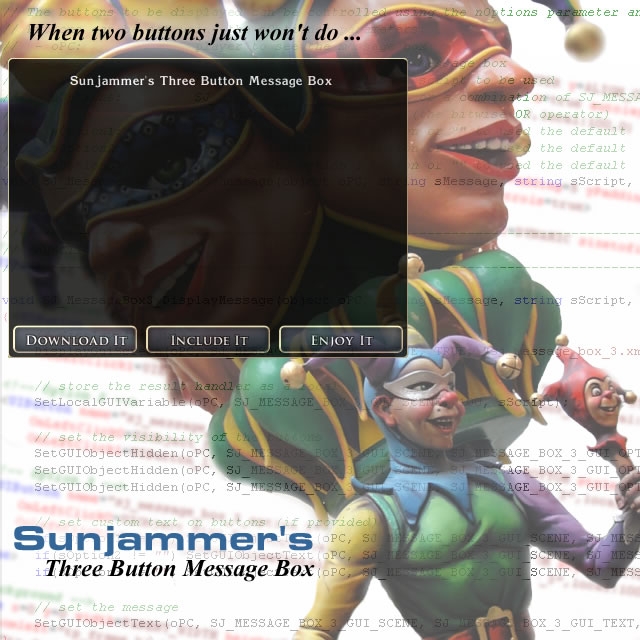
Sunjammer's Three Button Message Box allows a configurable message box with up to three buttons to be displayed to a player for those occasions when two buttons simply won't do. When the player clicks one of the buttons or presses the ESC key the message box will close and a custom callback script will be passed a value representing the player's selection allowing a scripter to capture and handle any of those options.
Getting Started
Simply download the ZIP file(s), extract the ERF and import it into your module. You may also find it helpful to extract the template NSS file into the toolset's Templates directory.
It is a good idea to familiarise yourself with the notes in header section of sj_inc_message_box_3 script as it contains notes on installing and using the system.
Remember use the #include directive to incorporate the main library (sj_inc_message_box_3) into any script you want to call the message box from and into your custom callback script(s). As all public functions are fully prototyped once a script has been saved these functions and all constants will appear in Script Assist, in the Auto-complete menu and (when you click on a function) in the Help tab.
Further Information
If you have any questions, suggestions or constructive comments please let me know here, on the NWN2 Forums, or via my website.
10 - A Masterpiece, Genuinely Groundbreaking 9 - Outstanding, a Must Have 8 - Excellent, Recommended to Anyone 7 - Very Good, Deserves a Look 6 - Good, Qualified Recommendation 5 - Fair, Solid yet Unremarkable 4 - Some Merit, Requires Improvements 3 - Poor Execution, Potential Unrealized 2 - Very Little Appeal 1 - Not Recommended to Anyone






 Site
Site










 at 2009-09-30 15:22:46


