These scripts allow module builders to create portable placeables for DMs and players to use.
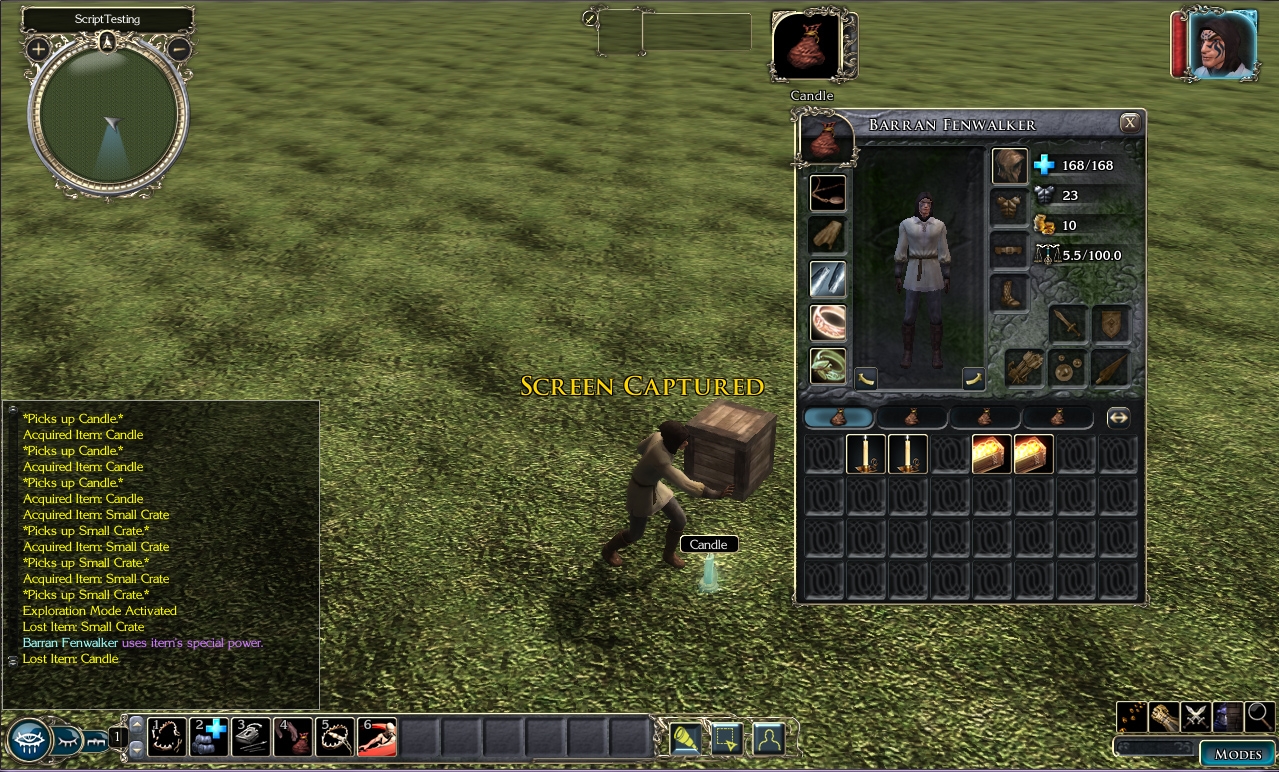
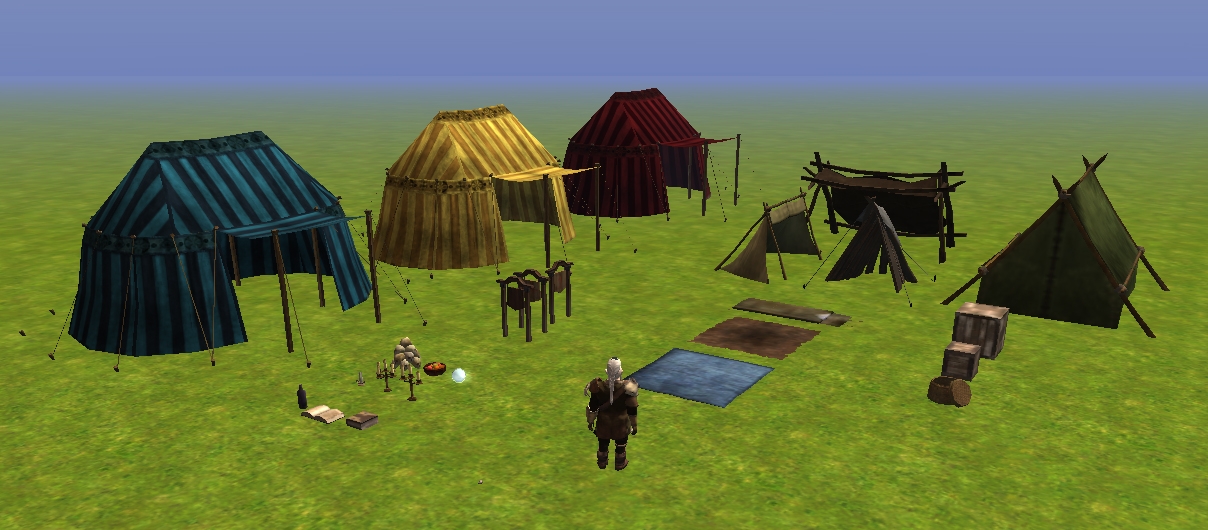
To install, just import the BagelPortableProps.erf file into your module. The ERF includes five small scripts and blueprints for all of the placeables shown in the test module. These items are listed in the "Items" and "Placeables" category under the classifications "* Portable Props" and "* Portable Containers" respectively.
Features: - DMs can rename the item or the placeable, and the name will persist through exchanges.
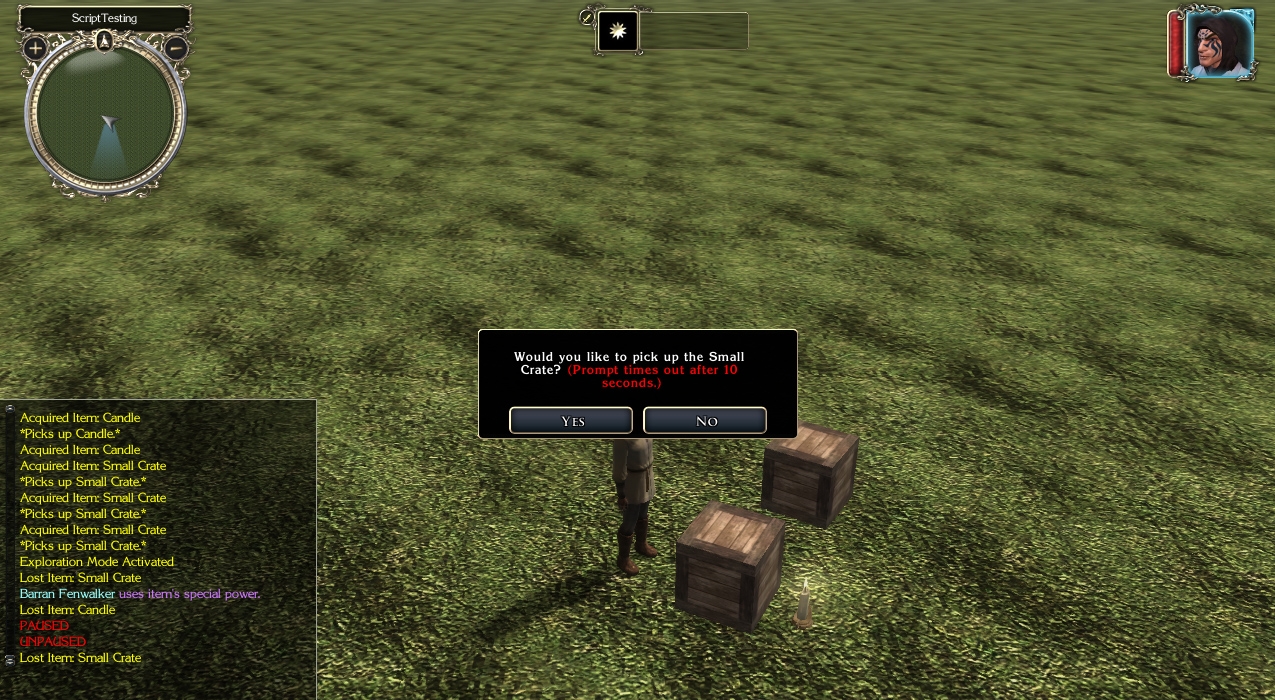
- Placeables/items with inventory are supported; as a warning, these are not guaranteed exploit-free.
- Placeables can have multiple VFX attached. (Such as multi-flame candelabras.)
To make a new prop: Make a new placeable blueprint with a unique Resource Reference name and set the following options on it to:
Static: False
Plot: True (Recommended, so players don't destroy it.)
Usable: True
Walkable: True (Recommended, to prevent players from boxing themselves in.)
And create a new String Variable on the placeable called "PropRes" with the value set as the Resource Reference name of the item that the placeable becomes when used.
Next, create a new item blueprint with the same Resource Reference name as the one that you listed for the placeable's "PropRes" value. In the item properties, add the power "Cast Spell: Activate Item (Touch) [- Unlimited Uses]" to it (or one of the other unique/on activate powers that will suit your purposes). Then add a new String Variable to it called "PropRes" with the value set to the Resource Reference name of the corresponding placeable.
For props with inventory: Put the "plc_pcprop_pickup" script in the "On Close" handler for it, then make sure that both it and it's corresponding item blueprint are marked as True (or checked) to have inventory.
For props with "off center" or multiple VFX attached: Open the toolset and put the prop placeable down without rotating it in any way. Write down the "Position No Snap" numbers. (These numbers represent the X,Y,Z coordinate position of the placeable on the map.)
Next, place any VFX that you would like to spawn with the placeable (as an example, put candle flames on the candles). Be as accurate as possible, then write down their coordinates too.
Now, go to the Item Blueprint for your prop and add the following variable for each new VFX:
VFXNAME#: Make this a string variable. The # at the end needs to be in order, so always start with the number 1 for your first VFX, 2 for the second, etc. The value of the variable should be the Resource Name for the VFX.
VFXX#: Make this a floating point variable. The # should be the number of the associated VFX. The value of the variable should be the X value you get by subtracting the VFX X-coordinate from placeable X-coordinate. (For values that ultimately equal 0, you do not need to enter a variable.)
VFXY#: Same as above, but for the Y value.
VFXZ#: Same as above, but for the Z value.
For destructible placeables: If your Placeable Blueprint is not set to "Plot", attach the "plc_pcprop_death" script to the "On Death" handler for it. This will make sure that any attached VFX are removed when the placeable is destroyed.
Disclaimer and other information: This very thing has been done on multiple PWs in various forms, so the idea is not an original one, though these scripts are. I do not guarantee that these are exploit-free, so if there are scripters/bug testers out there with constructive feedback, I'd love to hear it!
Blueprints for various prop collections will be added as I have time to make them. I hope this eases some of the burden on builders.
This file contains the five basic scripts plus the items listed below. For any module builder to use these items, they need only to download and import this file into their module, then save it.
The following prop blueprints have been included: Bedroll, Book (Open), Book (Closed), Bottle, Candle, Candelabra (Three-Flame), Candelabra (Five-Flame), Camp Tent, Crystal Ball, Faire Tent (Cerulean), Faire Tent (Golden), Faire Tent (Scarlet), Fruit Bowl, Leanto (City), Leanto (Plain), Leanto (Woodland), Picnic Blanket, Pile of Skulls, Sign (Generic), Sign (Left/Right), Sign (Straight Ahead), Ragged Tarp.
The following placeable blueprints have been included: Basket, Crate (Small), Crate (Large).
Test module for the portable props. Just unzip the .mod file into your "...\Documents\Neverwinter Nights 2\modules" folder, then go to "New Game" then "New Module" and select "Test_PortableProps" from the menu. Create a new character then start testing the props. (Added 28-Dec-2010)
10 - A Masterpiece, Genuinely Groundbreaking 9 - Outstanding, a Must Have 8 - Excellent, Recommended to Anyone 7 - Very Good, Deserves a Look 6 - Good, Qualified Recommendation 5 - Fair, Solid yet Unremarkable 4 - Some Merit, Requires Improvements 3 - Poor Execution, Potential Unrealized 2 - Very Little Appeal 1 - Not Recommended to Anyone






 Site
Site









 at 2010-12-28 18:11:15


