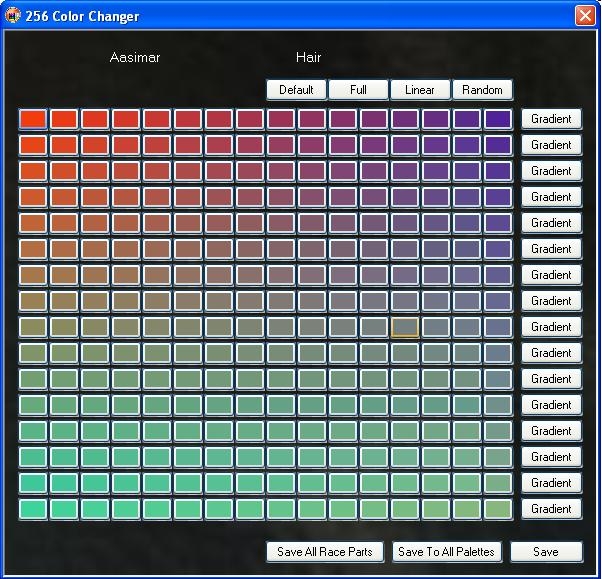
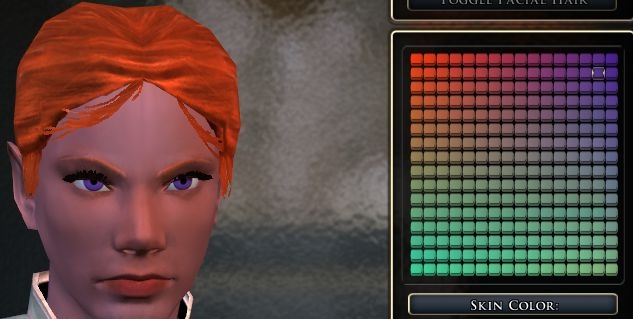
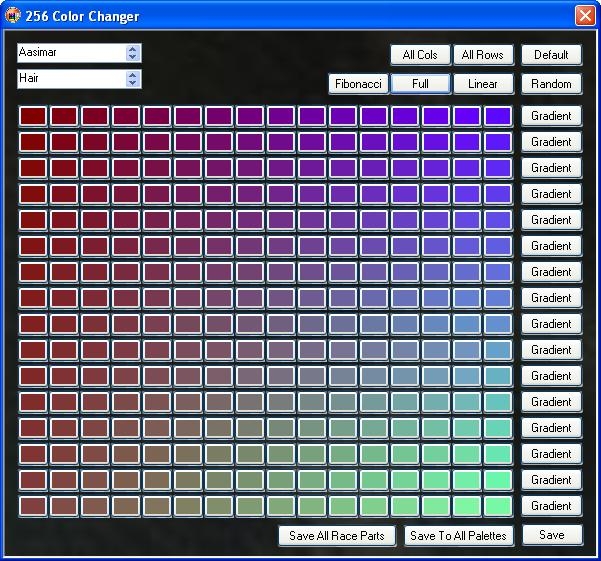
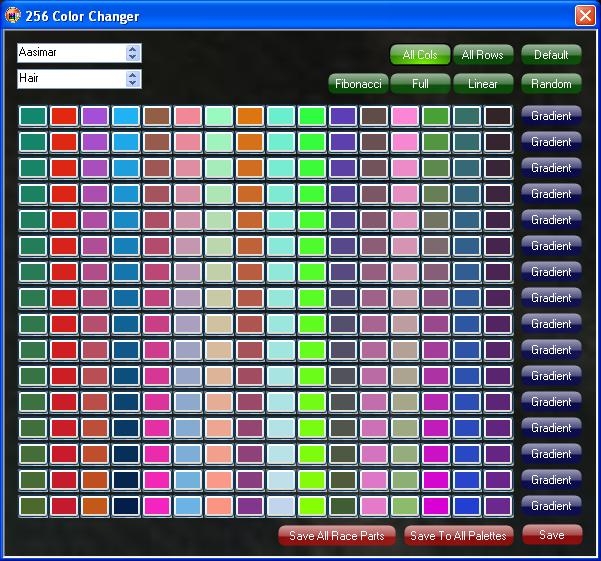
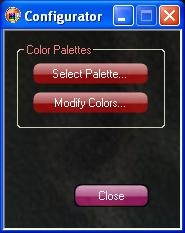
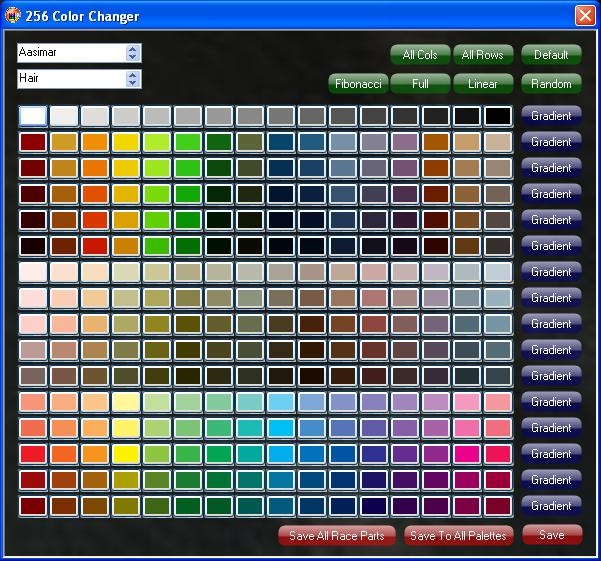
Have you ever wanted an Elf with purple eyes? Or a Half Orc with that green-tinted skin? How about that Tiefling with hot pink hair? Ever think that the default palettes in the game were just the wrong colors, or even just a few shades off? Now, you can change that. This application will allow you to override the existing color palettes used in the NWN2 Character Creation process. And if that isn't extreme enough for you, this application includes gaoneng's great UI mod, United Colors, with which you will be able to modify up to 256 colors as you see fit.
Usage documentation contained in the archive file.
12/29/06 -- found and fixed a file bug, and uploaded the new rar. I didn't change the version number. If you already downloaded this application, I recommend you do so again to get this fix.
12/30/06 -- Added a color gradient feature to make it easier to select the perfect color. Check the screen shots to see how it looks. Changed the screen to show as 9x2 instead of 6x3 on the 18 color palette dialog.
01/04/07 -- Added a pair of new features and squashed some minor bugs in saving gradient colors.
Feature 1) Added a Random button to the 256 color palette to generate completely random colors.
Feature 2) Added a Full page gradient button, so now you can change the 4 corner colors and click the Full button to generate gradients across all 256 colors.
For a little fun, click the Random button, then the Full button to create random gradients.
v1.1.2
For 256 palette
-- Added Linear gradient feature (mix gradient from top left to bottom right)
-- Added default color button to return 256 color palette to original state
-- Added Save to All Parts feature (all parts of Race file get same user color palette)
-- Added Save to All Palettes feature (all palettes are now identical)
Added palette selection overwrite (allows user to save modified palette when changing between 18 and 256 color palettes)
v1.2
Packaged software in .msi file for easy user installations and future updates. for now, just remove the current installation of this palette editor and then use the installer .msi
Changed the buttons to look more Vista'ish
Added more features to randomly modify the 256 color palette.
TODO:: need to update the documents to reflect new installer and features. need to add a temporary uninstall to make upgrading NWN2 more efficient and easy.
I use it all the time. My many PC's all look different. Thanks!
Posted by Bunion at on02/08/08
Voting for some nice customisation :)
Posted by Kaotiqua at 2008-02-0202:06:46
I adored this when I first installed it, and used it extensively, just to better please my designer's eye. Sadly, after a big C drive reformat, I've tried repeatedly to get it to reinstall, and it won't launch. Instead,. I get the error message: "The application failed to initialize properly (0xc000007b). Click on OK to terminate application." Any help for this? _________________________ "There's no religion but time motion- No religion, just tribal scars."
Posted by kevin974 at on01/04/08
I have used United Colors for quite some time and am extremely happy with it. I just recently found this little gem am and beginning to like it just as much just one word of advice, Update! It would be great to be able to have full MotB compatability with this utility. Other than that excellent work!
Posted by cheshirecatsays at on10/31/07
This would easily be a 10 if it came with chargen_appearancex1 already inside the folder united_colors, but this is an amazing mod nonetheless : O
Posted by Super at 2007-10-1106:24:18
Ignore my previous post thanks to Rickman for a proper fix 1. In the united_colors folder make a copy of the file chargen_appearance, paste it somewhere then rename that file chargen_appearancex1 then put chargen_appearancex1 in the united_colors folder. You should have chargen_appearance and chargen_appearancex1 xml file in united_colors folder. 2. Put the united_colors folder in your override folder Thats all! Now if you want to make it work with the new races simply copy one of the 2DA files in united_colors folder. You will need five of them so copy five of them. And then rename them color_airgen.2da, color_earthgen.2da, color_firegen.2da, color_halfdrow.2da and color_watergen.2da As for Fire Genasi only skin color can be changed. _________________________ love games
Posted by Super at 2007-09-2912:53:56
OK cheap way I got it to work was removing chargen_appearance and chargen_appearancex1 from C:\Program Files\Atari\Neverwinter Nights 2\UI\default and replacing it with chargen_appearance and copying the same file and renaming it chargen_appearancex1. However with this method I don't think you can update properly so you going to have to remember to put back the original files then update. _________________________ love games
Posted by Super at 2007-09-2912:11:29
the editor works but the UI only shows 16 available colors, we would have to edit the first sixteen slots with colors we think we would like but its a pain doing this for all the categories _________________________ love games
Posted by JayAre at on09/22/07
Very USEFUL tool indeed! Thanks for making this tool! It makes coloring fun again! ~JayAre _________________________ You left the bodies and you only moved the HEADSTONES!!! YOU ONLY MOVED THE HEADSTONES!!!
Posted by Girruuth at 2007-05-1022:01:48
@mc2messiah not sure what you mean by your statement here. _________________________ If you like the United Colors mod, check out this extension for it! Link
10 - A Masterpiece, Genuinely Groundbreaking 9 - Outstanding, a Must Have 8 - Excellent, Recommended to Anyone 7 - Very Good, Deserves a Look 6 - Good, Qualified Recommendation 5 - Fair, Solid yet Unremarkable 4 - Some Merit, Requires Improvements 3 - Poor Execution, Potential Unrealized 2 - Very Little Appeal 1 - Not Recommended to Anyone






 Site
Site