Jester's been very busy with real life commitments and has given me permission to continue his work here. This submission was done fast to get what i've modified out to the community quickly. There will be a few updates shortly.
These scripts now support heads, gloves and boots. Support for heads is rough at this stage. According to a developer post over on the bioware boards heads are particularly fussy and the scripts expect that your heads are properly meshed. Right now they'll export whatever you've got without any guarantee of your meshes working in-game properly. The documentation has details on what the game engine expects to see with respect to heads.
Hair, facial hair and helms are at the moment still unsupported. I've only tested with heads, gloves, boots and armor, and for the most part i've only added things and changed things that affect SKIN packets and the user interface, so anything else that the scripts used to be able to export should still work. I have never tried to use these scripts with weapons, shields, tiles, or placeables so i have no idea right now if there are any issues with any of these. I'll get around to testing each of these in turn, and fixing as needed. If you are using these scripts for these types of objects please let me know if there are any problems or if they're working fine.
Version 1.08b has new armatures for the human race, dwarf race and the gnome race. I'll be adding the half-orc race tomorrow.
This is an interim update - if you've downloaded 1.08 the only changes are a section in the docs on error messages and the gnome and dwarf armatures. There's no point in re-downloading until i've gotten the last race completed, unless of course you need to mesh stuff for gnomes and dwarves :)
Wow, I'm blonde. I just assumed I had python installed on my new computer. Regsteredebakel, Make sure you have Python installed. You need the version that the little console window that your Blender pops up in the background talks about. I believe you can get Python at python.org Hope that helps
Hmm, I don't seem to be able to get this working in-game.
I have been able to import/export human male mdb's OK (as in the tutorial), put them in the override direcory (with new matching filename/object name/mesh name/material name), and the new part becomes selectable in the toolset under the armour set for a human male as expected, but when I switch to the new part, it doesn't display on the human model in the toolset. If I then try to run the module containing this new part, the game crashes. Also crashes if I try to equip an item from a blueprint using the new part.
Anyone got an idea what I am doing wrong wrong?
Posted by cacysunlee at 2009-05-12 05:53:16 Voted 10.00 on 05/12/09
Posted by DarkMagnolia at 2009-04-22 10:59:29 Voted 10.00 on 04/22/09
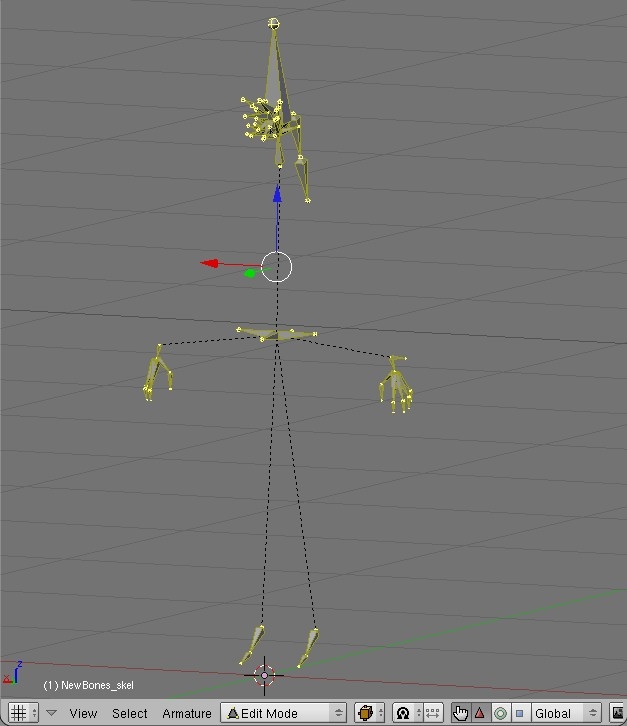
May I ask how precise the armature need to be? Is it more for reference, and only the vertices' relative position to the bones matters - and the angle of the joints not really mattering?
What happens if you change its pose, or alter the length of the bones?
I was wondering, because I have been playing Frankenstein, putting together a new model and it doesn't exactly 'fit' the armature - though it's about as close as the Zylch nudes/outfits. It's little things, like the ankles' joint being too high, causing the feet to bend part way up the shin...
Posted by loki12345 at 2009-03-29 05:11:57 Voted 9.75 on 03/14/09
Just a short Question:
I figured out some strange behavior of textures with placeables.
If you create a material with the correct textures (diffuse, normal) it exports fine, but in the toolset you either have a very bright texture or very dark.
I've played arround with hardness/specular in the shaderoptions but didn't get it right.
Any hints for that?
Posted by Kunikos at 2009-03-13 14:53:38 Voted 10.00 on 03/13/09
Very cool. There is a distinct lack of 3rd party character customization options because the tools that you have to use are so expensive. Letting people use Blender is very good for the community!
Posted by DarkMagnolia at 2009-03-12 06:24:14 Voted 10.00 on 04/22/09
Thanks for the kind words/votes/encouragement folks :)
Jester you're way too modest ;) You did the lion share of the work with all the Linear Algebra, the tangent space basis, the bitangents, the flipping of the normals on mirrored uv's, the face windings.... i'm just putting in the finishing nails and the touchups :D
Posted by thete at 2009-03-11 14:48:07 Voted 10.00 on 03/11/09
Fantastic news that this is being worked on. May the python gods smile upon you.
Posted by jester_v01 at 2009-03-11 13:22:00 Voted 10.00 on 03/11/09
I'm very pleased that Ardell has picked this up - and since he actually knows how to write software there's a good chance it'll actually get done right now! And it's got documentation and everything!
Thanks very much for the comment/vote nicethugbert!
Folks there's a couple things i overlooked in the docs... Jester's documentation is included in this package (its the pdf file). Also in the example with exporting boots, whatever is active in your 3d viewport needs to be in object mode prior to running the exporter. If you're still in edit mode the scripts will complain. So if you follow that example exactly, you'll get an error. Just switch to object mode prior to export. That's a pretty simple fix codewise and it will be updated very soon.
The other thing is that when there's a python error, you'll often find an object called "Temp" thats suddenly in your scene. This is a temporary object thats created and used during the export phase, and is deleted by the scripts as part of the final cleanup. This i *can't* fix, as the scripts stop running when there's a python error and never get to the cleanup routine. So you'll have to manually delete it. Sorry about that, but there's nothing i can do to prevent it from dropping that Temp object into your scene when there's a python error.
Like i said in the docs, they're very rough at the moment. I intend to put a section in on most of the python errors that you could encounter, and go over in detail what actually causes them so that you can correct and avoid them. That will be in the docs in the next update.
Posted by nicethugbert at 2009-03-11 03:31:42 Voted 10.00 on 03/11/09
10 - A Masterpiece, Genuinely Groundbreaking 9 - Outstanding, a Must Have 8 - Excellent, Recommended to Anyone 7 - Very Good, Deserves a Look 6 - Good, Qualified Recommendation 5 - Fair, Solid yet Unremarkable 4 - Some Merit, Requires Improvements 3 - Poor Execution, Potential Unrealized 2 - Very Little Appeal 1 - Not Recommended to Anyone






 Site
Site









 at 2010-08-08 12:12:42
 at 2010-07-10 13:08:34


