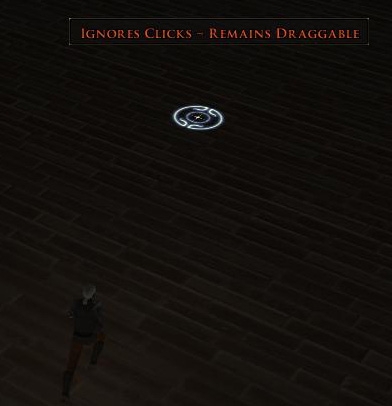
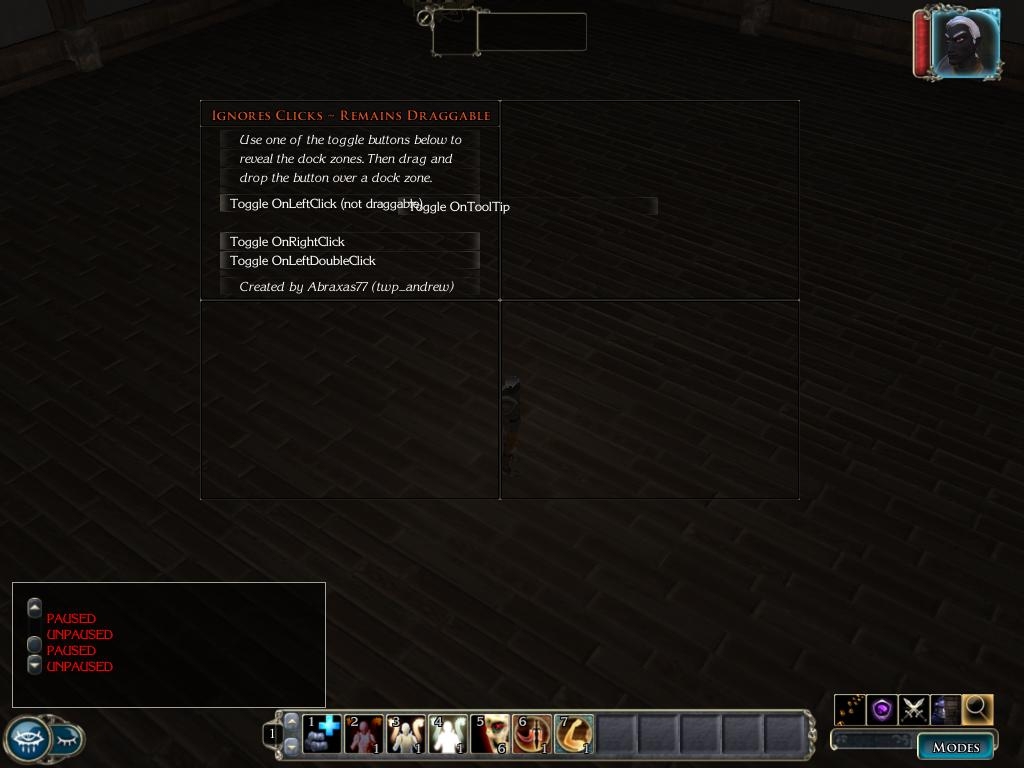
This is an example demonstrating how a UI with concealable parts (ie: resizable screens, collapsable elements, etc) can be repositioned while preventing non-visible elements from blocking the playing area.
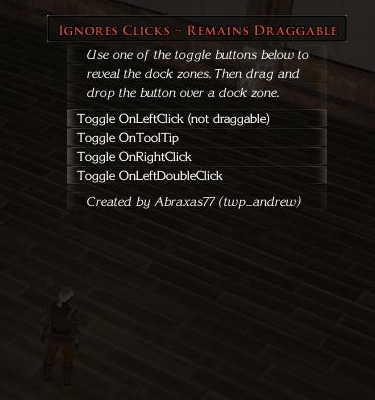
Update: I fixed the last two toggle buttons (OnRightClick and OnLeftDoubleClick). Both work now. The OnLeftClick toggle button is now draggable. I made a few visual enhancements. _________________________ Lead Script Design The World of Palladium II DMFI GUI Guru
"What else does this mod change? aside from the fact that it prevents mouse clicks from being blocked?"
If you've tried UImproved (by ibjodaddy&Slate) you may have noticed the draggable Partybar and Quickcast screens have overly large drag areas. A significant region below these screens block the playing field ... ie: clicking below the quickcast screen initiates 'dragging' rather than, say, causing your PC to run/walk that position in the playing area.
This is a stab at resolving that issue. As you can see, it works ... for custom UIs (created from scratch). It will take an update by OEI for my solution to work for the default screens such as the PartyBar, Messagebox (chat), and Quickcast screens.
... cross your fingers for the next patch ... _________________________ Lead Script Design The World of Palladium II DMFI GUI Guru
What else does this mod change? aside from the fact that it prevents mouse clicks from being blocked? _________________________ Don't do to a friend what you wouldn't want him to do to you.
10 - A Masterpiece, Genuinely Groundbreaking 9 - Outstanding, a Must Have 8 - Excellent, Recommended to Anyone 7 - Very Good, Deserves a Look 6 - Good, Qualified Recommendation 5 - Fair, Solid yet Unremarkable 4 - Some Merit, Requires Improvements 3 - Poor Execution, Potential Unrealized 2 - Very Little Appeal 1 - Not Recommended to Anyone






 Site
Site









 at 2006-12-04 12:18:46


