Posted by Ruaha at 2007-09-13 10:35:30 Voted 9.25 on 09/13/07
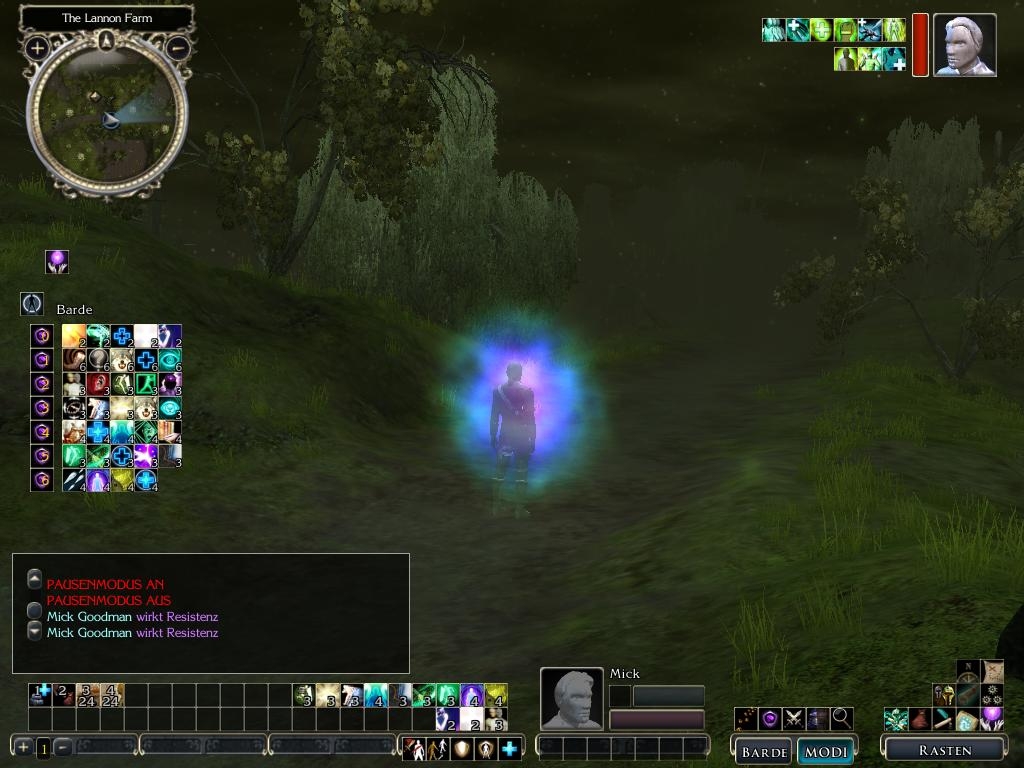
It was a great struggle to overcome the mighty army of the CleanedUI numerous files...
And to make it all draggable, following your instructions...
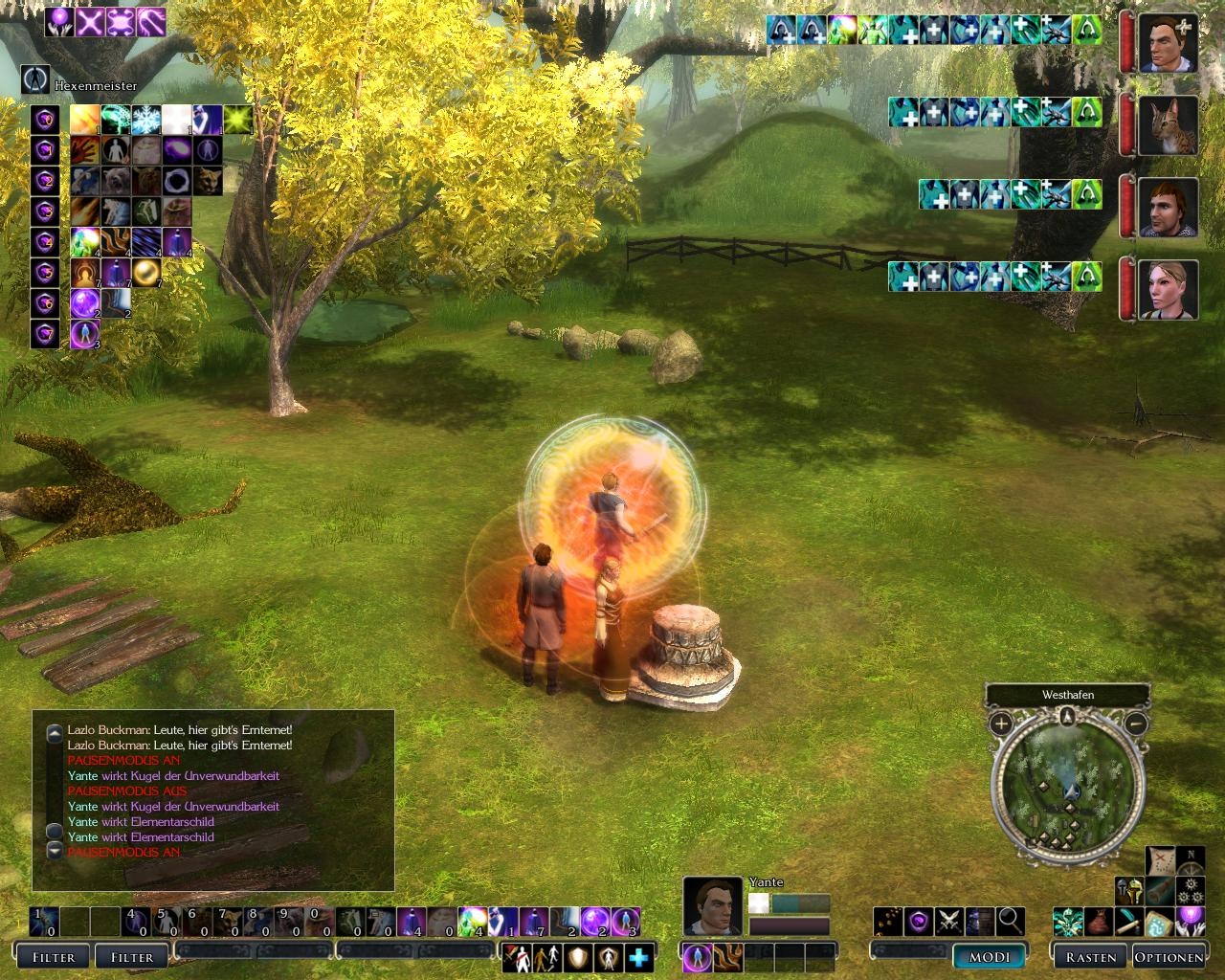
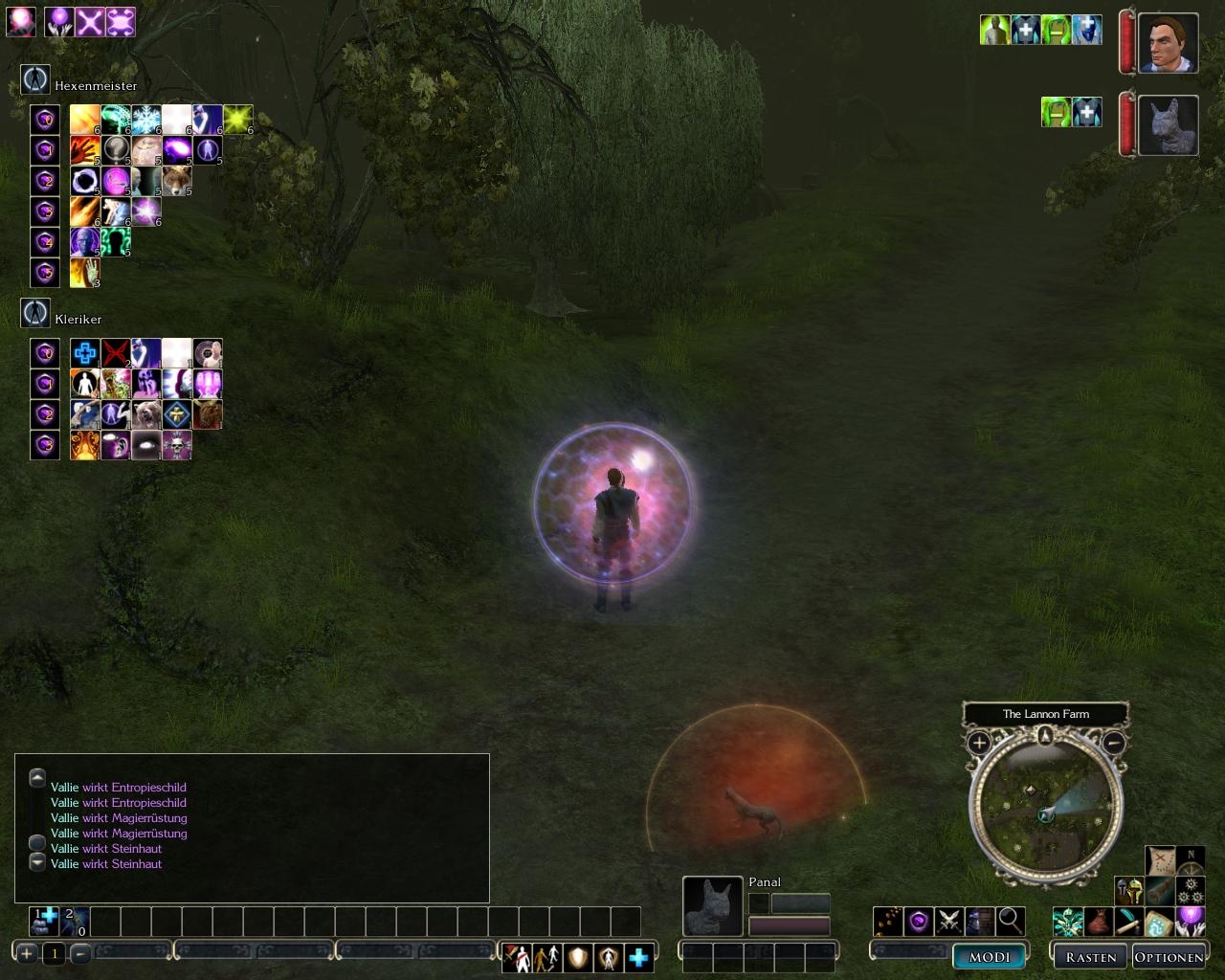
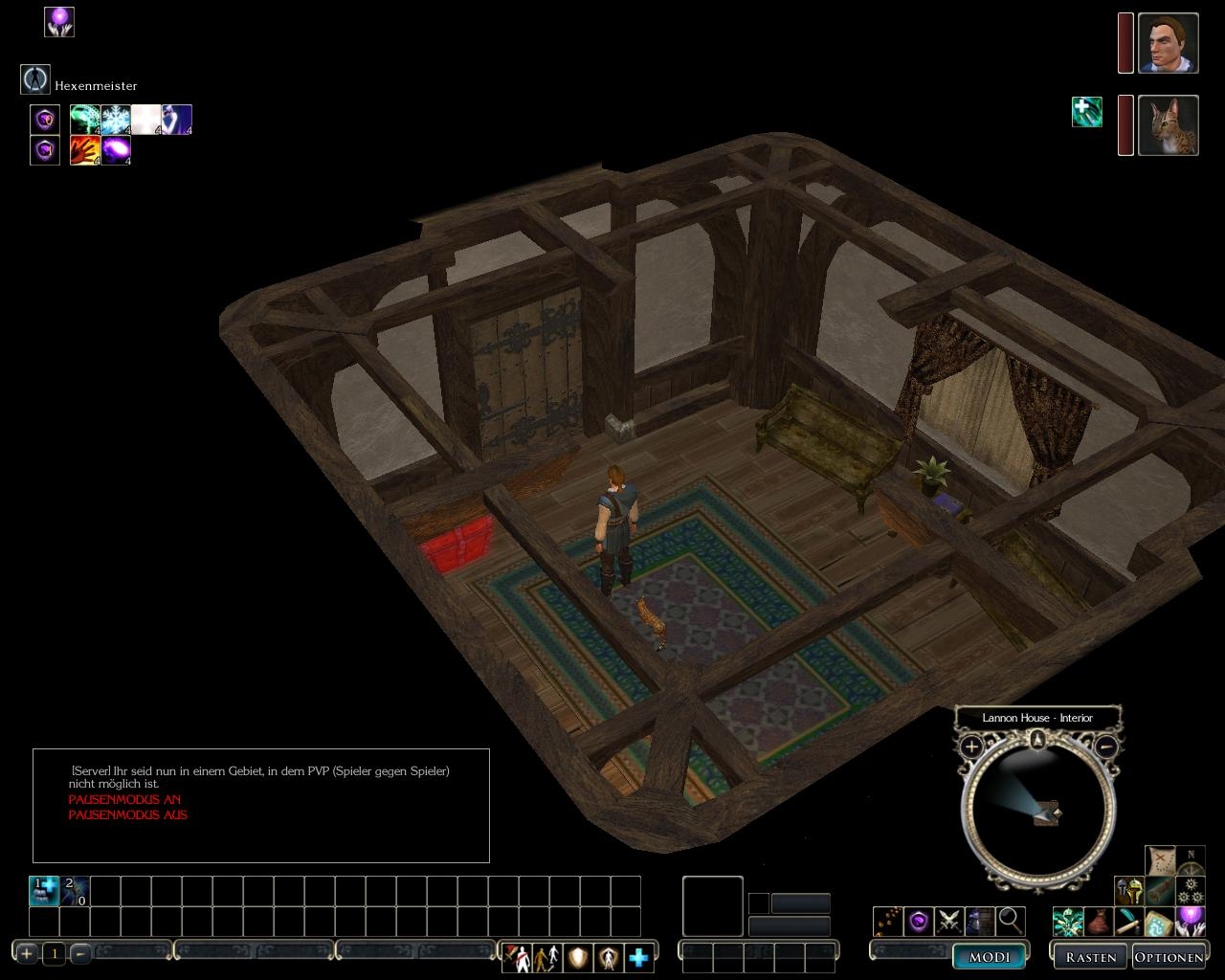
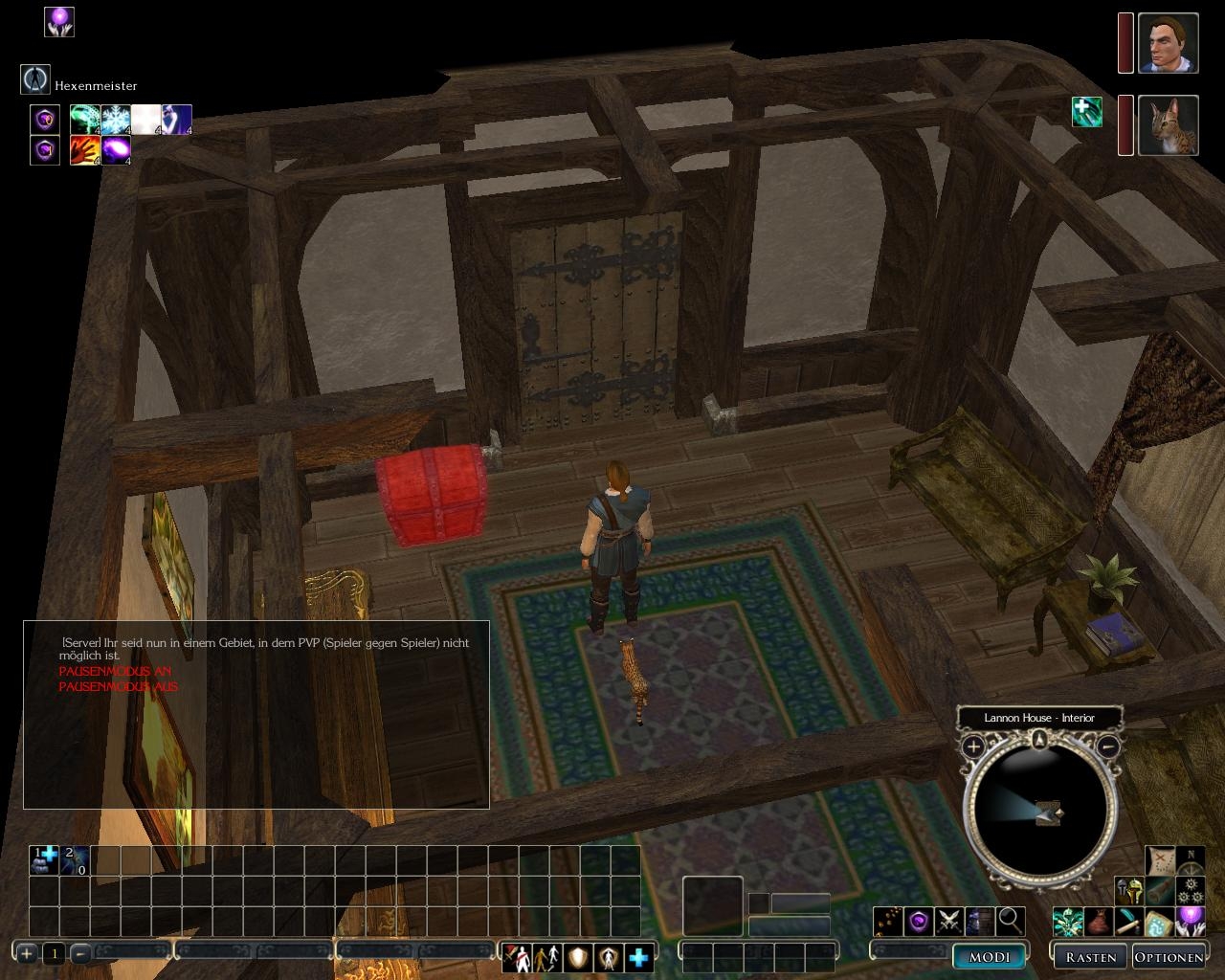
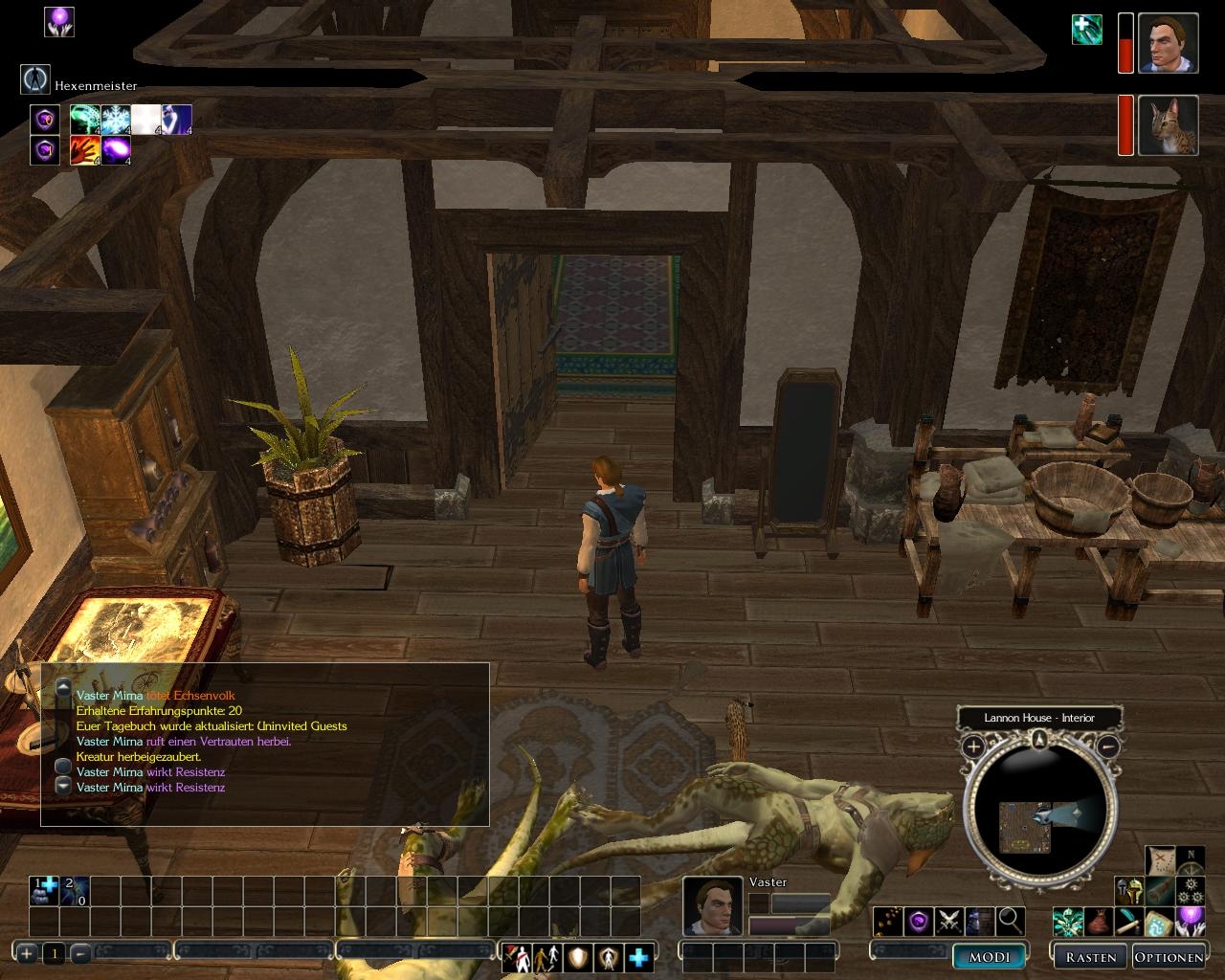
In the whole, I'm using now the 2-row hotbar and the screen for faces of char and monsters. It is superb, in my opinion.
Your idea with menu transformation is good also - but it confrontates with any modification, which put some strokes in this menu. I'm using Palyer's Handbook and Universal Companion Database. And so I'm forced not to use your menu UI.
Thank you greatly for your work!
Posted by Minimaster at 2006-12-27 13:32:19 Voted 5.00 on 12/27/06
Great hotbar-mod but why didnt u made it draggable? I did it my self, but somone else maby whant a draggable version of youre hotbar to. Thats all from me cya :)
Posted by Oldtimer at 2006-12-21 12:12:32 Voted 9.50 on 12/21/06
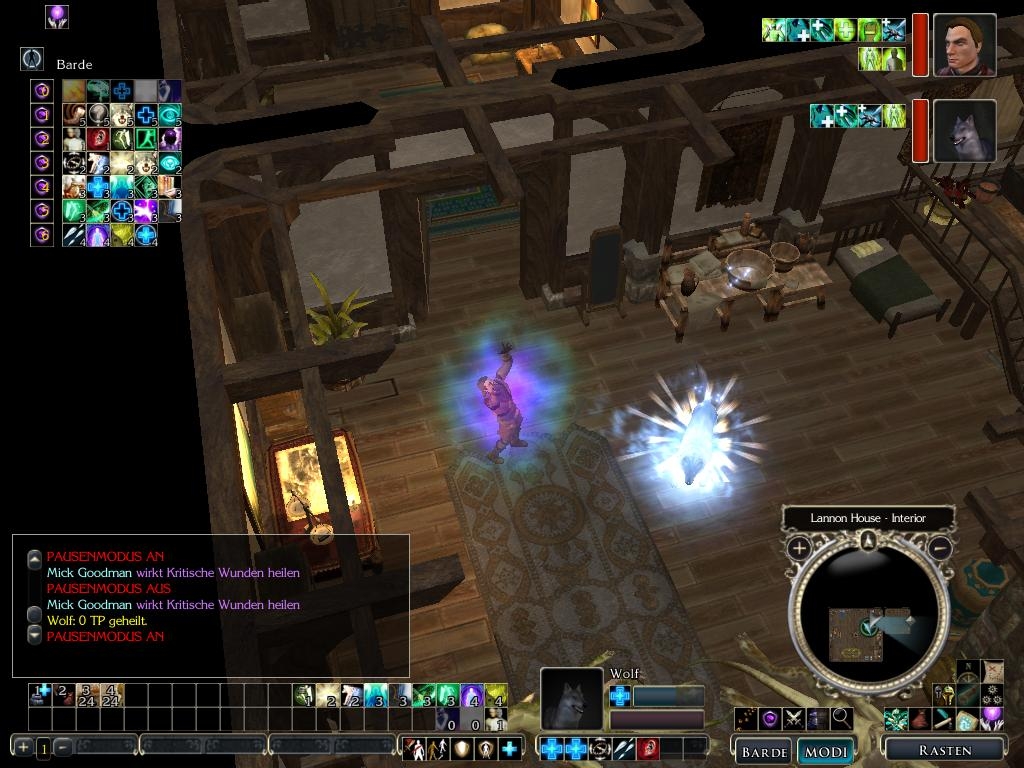
Oh one other slight oddity - the portrait for one of my animal companions [wolf] seems to be slightly too close-up in giving a rather wierd look. Not a major problem obviously, but strange.
Posted by Oldtimer at 2006-12-21 11:44:01 Voted 9.50 on 12/21/06
Just tried the 1024 version yesterday and, combined with Shoujo's Semi-Transparent UI,it has transformed the game's rather clunky-looking default interface into a thing of beauty!
Definitely essential IMO.
One odd thing I noticed was that the chat window overlapped the top action bar. Don't know if this due to your mod or previous mods installed by me, but was easily fixed by moving the chat window [after editing it's xml file to make it moveable].
Posted by DS Divine at 2006-12-08 07:23:32 Voted 10.00 on 12/08/06
Thx Epikfor!
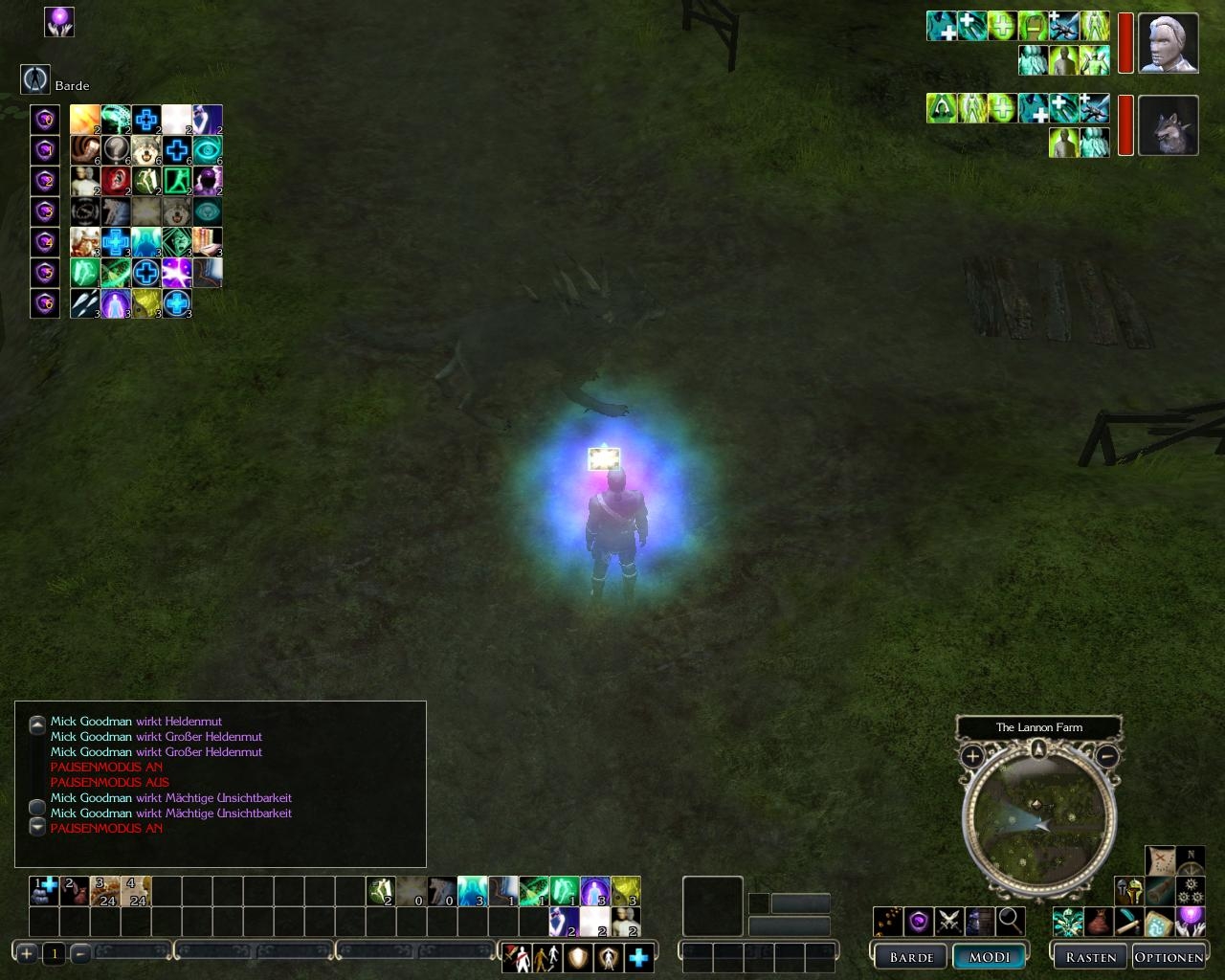
Really like 3-row hotbar, also command icons under the bar.
I use only 3-row bar and quickcast menu though and really like it.
Everything I like and enjoy, deserve no less than 10.00
I have uploaded the two files for adjusting the quickspellmenu, one version for users with the resolution of 1024x768 and one for the resolution of 1280x1024. Hope it works fine. Enjoy and please report me if you explore any bugs...
cu
Epikur _________________________ So this is life, the normal way
was there a sign, all through the day
I will load up two quickcast.xml files where the position of the quickcast menu will be a relocated, so that you can put the minimap above the quickcastmenu...
(one file for each version, 1024 and 1280)
Thanks for the suggestion
cu
Epikur _________________________ So this is life, the normal way
was there a sign, all through the day
Posted by DS Divine at 2006-12-07 09:17:17 Voted 10.00 on 12/08/06
I think this is fascinating.
But could You put the map in the place of quickcast menu and quickcast menu in the place of map. Or maybe just put map in the place of quickcast menu and quickcast menu under map?
(Lol, that post of mine made me laugh :D sorry for confusing explanation)
It's mentioned in the readme. You have to bring up the context menu at least once per area to get the command bar to work.
Posted by Lyania at 2006-12-06 15:45:33 Voted 9.50 on 12/06/06
I noticed, sometimes my command bar 's not working properly. After I perform a command manually, it seems to be fixed until I move to another area. Is this just for me or is it a known issue?
I have uploaded a version for use with 1024x768, I hope it works well. I have resized most of the buttons, so it's optimised for this resolution, I hope you like it. If you have the wish for other hotbars, with an other amount of rows please let me know. It also would be great if you detect some problems or bugs, you would report these to me. Thanks
cu
Epikur _________________________ So this is life, the normal way
was there a sign, all through the day
Posted by Oldtimer at 2006-12-05 12:42:04 Voted 9.50 on 12/21/06
'no personal gain from uploading their work' I meant to say - damn no edit button!
Posted by Oldtimer at 2006-12-05 12:38:55 Voted 9.50 on 12/21/06
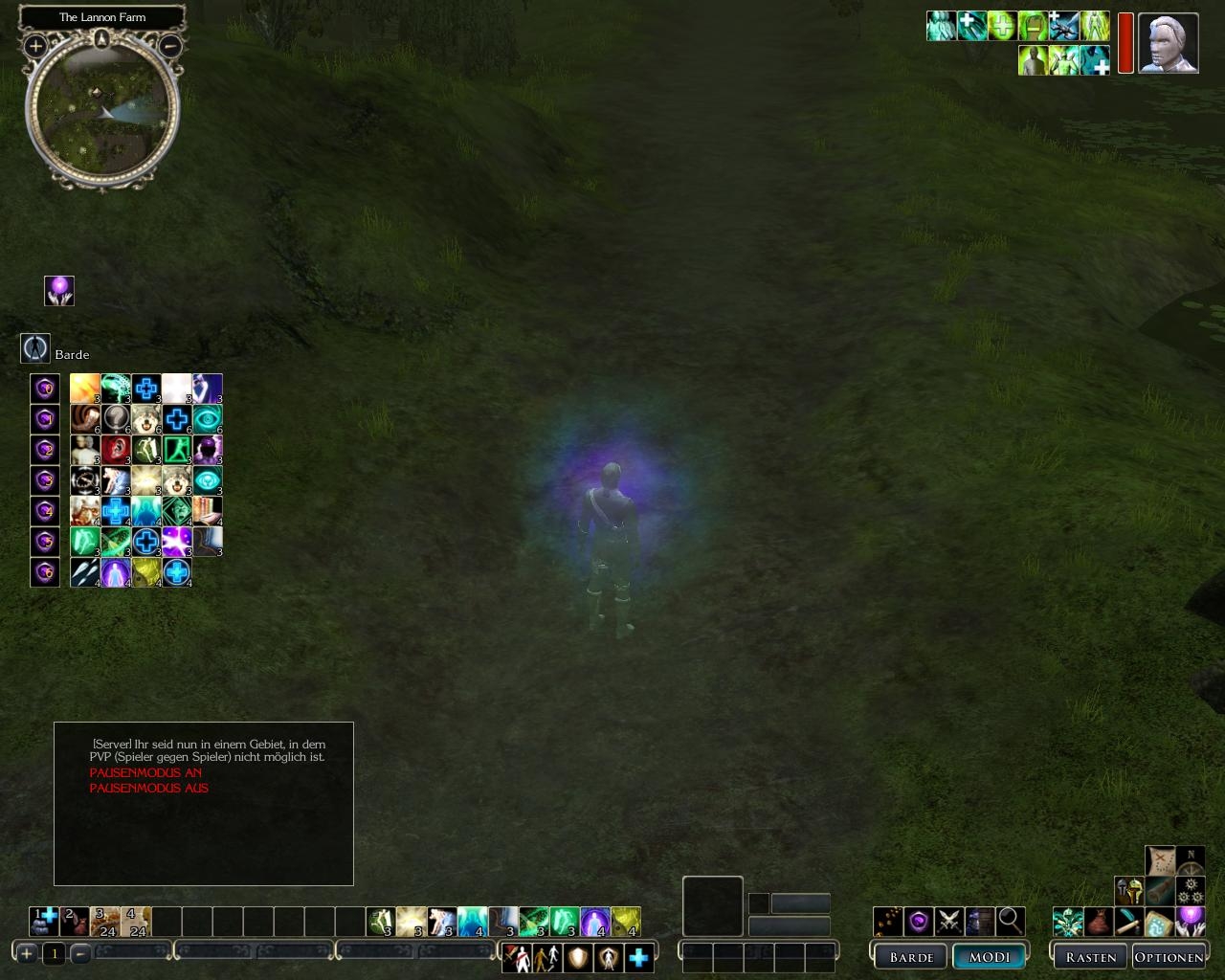
From the screenshots this does look like a vast improvement on the default UI style - definitely cleaner looking.
Unfortunately I'm running at 1024x768, so won't be downloading it until it is optimised for that resolution. I'm glad that Serene pointed out this limitation - though the the insults were a trifle unfair for what is basically an oversight [modders are not professionals and have no personal from uploading their work].
EpikurCicero would be great if you could do a version that works for all us low-rezzers out there..
Unfriendly? When you can't even take the time to read a post on the forums about UI in general, than you deserve any ill comments that come your way. And if I may be so bold, if you didn't care what people thought you would not have put your UI up for grabs anyway.
To be honest, I know you care what people think and right now I think your UI should be made with a standard resolution of 1024x768.
"No one forces you to use it"
When you place stuff on the internet WITH NO DETAILS ABOUT RESOLUTION IN THE ABOVE DETAILS, how can you NOT EXPECT PEOPLE TO DOWNLOAD IT WITH RESOLUTIONS THIS DOESN'T SUPPORT?! You, sir are a total moron.
Let me elaborate in terms you can understand.
"dat der d0wnl04d tingy dundnt not say dat der reso-ma-bob for dat der light box with dem der buttons for dat der reso-ma-jigger I be a runnin' maybe dat der person o'er yonder make some sort of sign dat say sumtin boot dat der reso-ma-jiggly so dem folks with small tings canna use tis thinger!"
Thanks for your lovely way explainig things, well I'm always happy about the opinion of other users, but I think you could tell this in a more, let's say friendly way. Of course I don't wanna waste your important time, which you probably need to complain in a unfriendly way.
By the way, who said that I don't wanna make a UI that is only for users with a resolution of 12xx x xxxx, no one forces you do use it. Ohh sorry I'm afraid I'm wasting your time again
cu
Epikur _________________________ So this is life, the normal way
was there a sign, all through the day
I'm going to update the healthbar with a brighter texture in the next few hours, for the left sided partybar I'm going to wait until the 1.03 patch will be released in germany, and then I going to see what I can to about this
cu
Epikur _________________________ So this is life, the normal way
was there a sign, all through the day
Posted by Lyania at 2006-12-04 12:48:50 Voted 9.50 on 12/06/06
This really looks nice, the partybar thingy could have been a bit brighter though, that dark red sometimes is hard to notice.
Thanks for the hint, I will take care about the thin black line and I also want to restyle the partys healthbar, at the moment I'm searching for a suitable texture to frame the healthbars
cu
Epikur _________________________ So this is life, the normal way
was there a sign, all through the day
I like the increased size of the condition icons. That's extremely important information and before it was too hard to see without mousing over.
One cosmetic nit. The partyhealthbar doesn't mesh well with the style of the simplified party menu bar (which I love by the way). Maybe it's just me, but it also looks like the bars are still connected. There's a thin black line or something between health bars.
Love the command bar too by the way :) Wasn't sure you could use context menu commands outside of the context menu, but least now I know it can be done.
Well actually it's your choice what you like and dislike, but for me, the buff icons were to small and the quickspellmenu looked ugly, but it is your choice how your UI should look like...
By the way all areas on the screen that aren't overlayed by icons are full aviable. So you can click there and you Char will perform the requested action...
cu
Epikur _________________________ So this is life, the normal way
was there a sign, all through the day
Sorry for being so blunt but to me it looks like a game play area stealer, maybe it's just me but i prefer mods that reorganize the UI so it takes up less space. _________________________ Don't do to a friend what you wouldn't want him to do to you.
10 - A Masterpiece, Genuinely Groundbreaking 9 - Outstanding, a Must Have 8 - Excellent, Recommended to Anyone 7 - Very Good, Deserves a Look 6 - Good, Qualified Recommendation 5 - Fair, Solid yet Unremarkable 4 - Some Merit, Requires Improvements 3 - Poor Execution, Potential Unrealized 2 - Very Little Appeal 1 - Not Recommended to Anyone






 Site
Site









 at 2007-09-13 10:35:30
 at 2006-12-05 12:27:38


