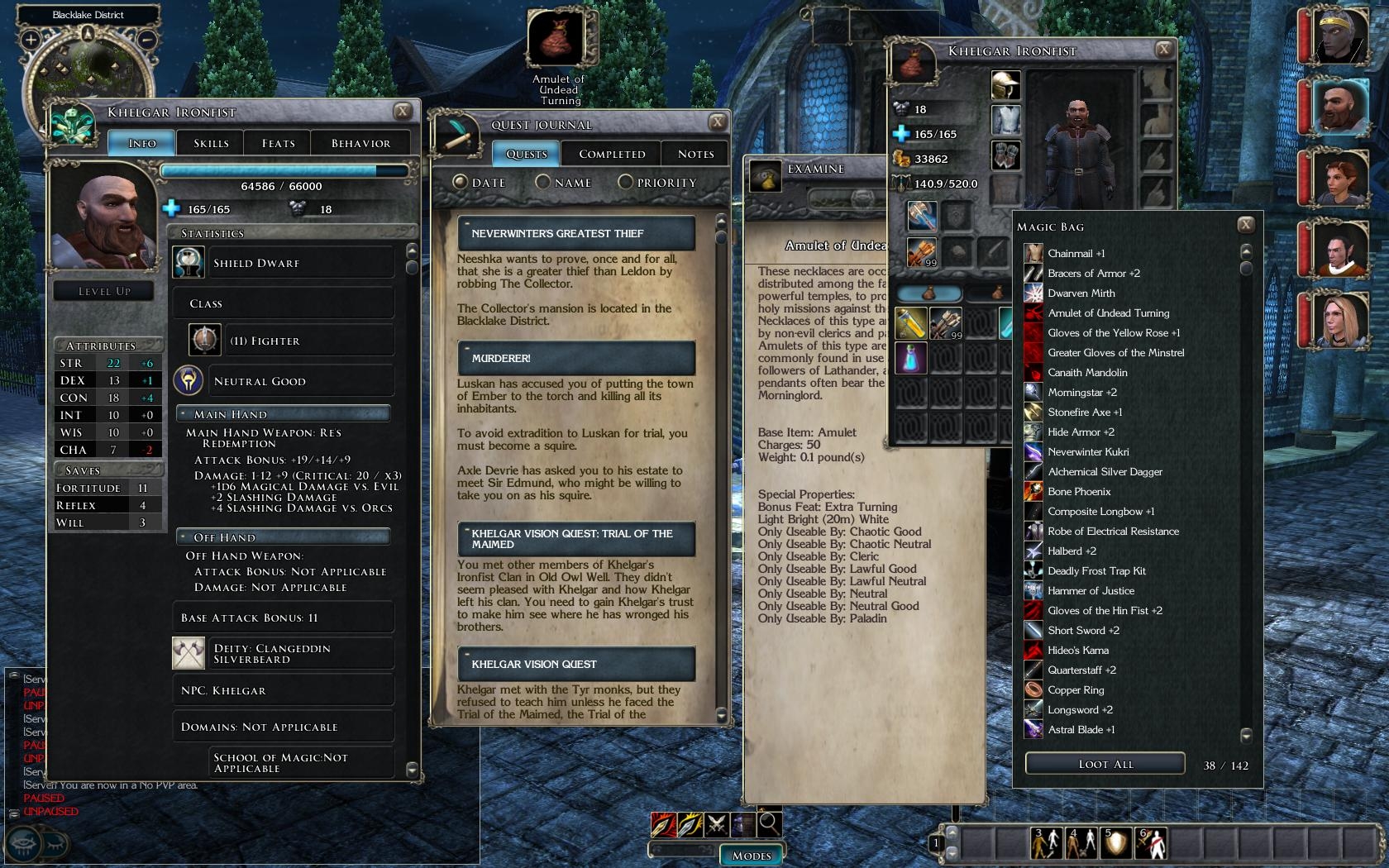
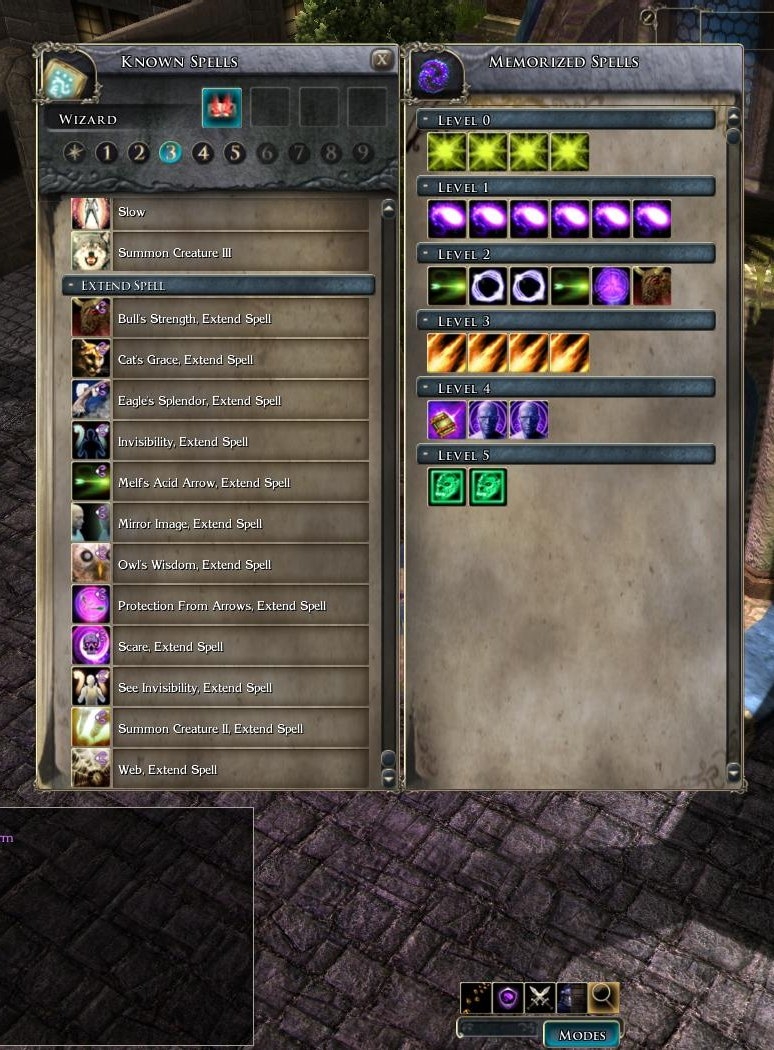
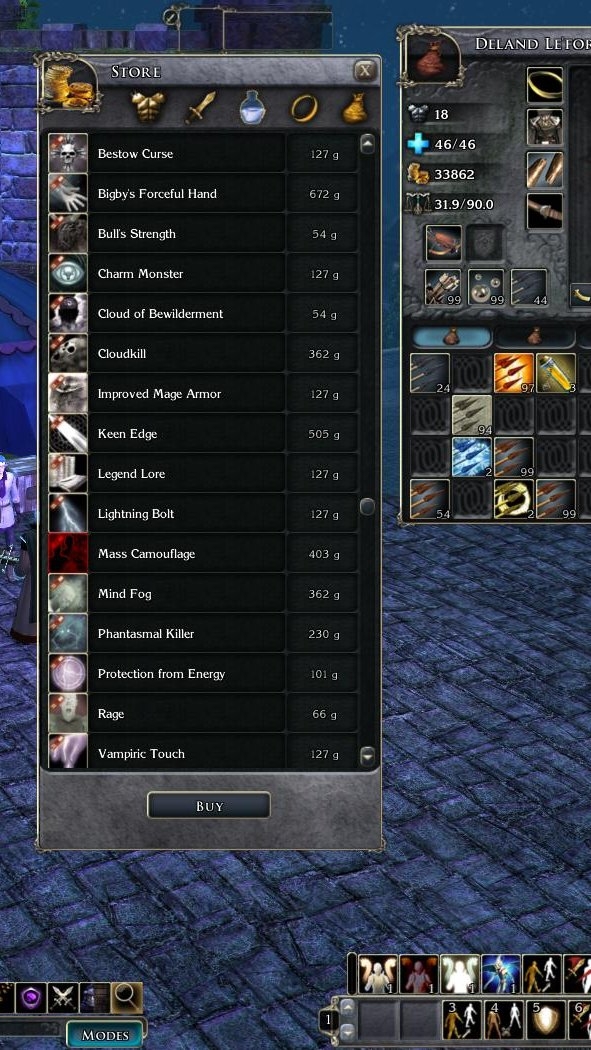
Expands all of the "high-use during normal play" NWN2 pop-up windows to have
longer lists more suited for higher resolution displays (at least 960 pixels vertical).
This mod contains nothing but modified XML files, no scripts or new images.
(easy install, and easier to just use what you want)
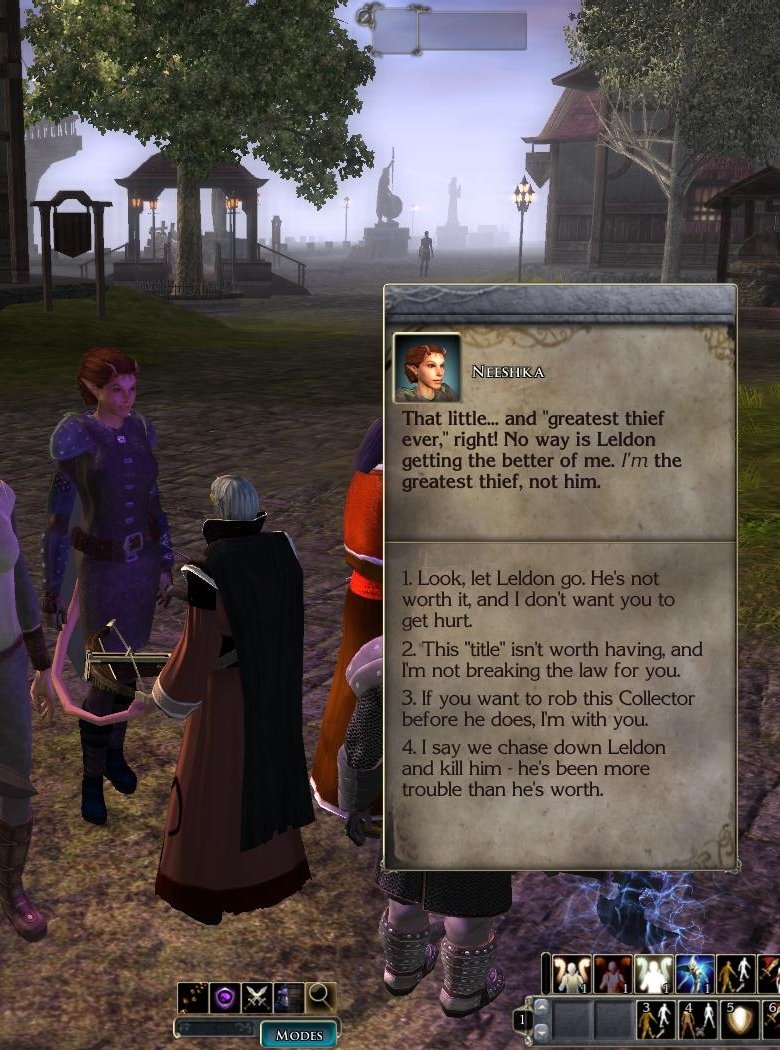
Made some improvements for the NPC dialog box. Better color scheme for choice box, slightly bigger NPC box (no more scroll-bar appearing when there's not another line of text below).
Thanks, glad you like the changes. Not sure about the chatbox (don't know which file it is). All I know is using fontfamily="NWN2_Dialog" makes a bigger more readable hi-rez font. For some reason, modifying the size properties of an existing small font does nothing.
Posted by Gaias at 2007-05-24 16:06:29 Voted 7.00 on 05/22/07
Thank you for taking the time to explain to me what procedures I needed to do for my question. At least I know now how to change the colour of text in NWN2 (at least in theory that is :P). It 'looks' easy enough to follow, though I have my doubts to my motivation to do so. For people like me, lazy and procastinating, you modders are a godsend (j/k).
Still, I am quite pleased with the changes you made to the quickchat.xml and don't really have anything else to say about it. Though I do have this one question, if you don't mind answering another for me. What you did for the npc dialog box (background and text), could you apply that to the chatbox? Or at least be able to make the font larger?
Posted by Gaias at 2007-05-23 14:50:13 Voted 7.00 on 05/22/07
Well I like to post and vote on modification that I will use. You are the people that create the modifications for those of us who don't have a clue, regardless on how minor or major that creation is. :)
I actually like the size of the ui boxes as is, as they are small and out of the way. I just use parts of your modification (dialog box, store, and journal), as they are parts of the ui that I like longer. I mostly enjoy the enlarged fonts and background you gave the dialog box the most, except the highlight text color. Could you then tell me how I would change this on my own?
Posted by Gaias at 2007-05-22 18:39:25 Voted 7.00 on 05/22/07
For a minor ui modification it does what it needs to do. The only problem that I have encounter with it is that the npc dialog box is too small. Some of the text requires you to scroll through it, due to the size of the font I believe. I think a increase in size of the npc dialog box (if possible) would be more to the original. Also the highlighted text colour in the pc dialog box is hard to see with the blue that is currently used. Mayhaps you could change it to red or brighten it up to be able to see better? A nice, unobtrusive ui modification for those of us who like higher resolution when playing video games.
You must be Logged In to post comments in this section.
10 - A Masterpiece, Genuinely Groundbreaking 9 - Outstanding, a Must Have 8 - Excellent, Recommended to Anyone 7 - Very Good, Deserves a Look 6 - Good, Qualified Recommendation 5 - Fair, Solid yet Unremarkable 4 - Some Merit, Requires Improvements 3 - Poor Execution, Potential Unrealized 2 - Very Little Appeal 1 - Not Recommended to Anyone






 Site
Site









 at 2009-04-18 20:56:54


