Version: v1.23 NWN2/MotB/SoZ only (older patches will not work)
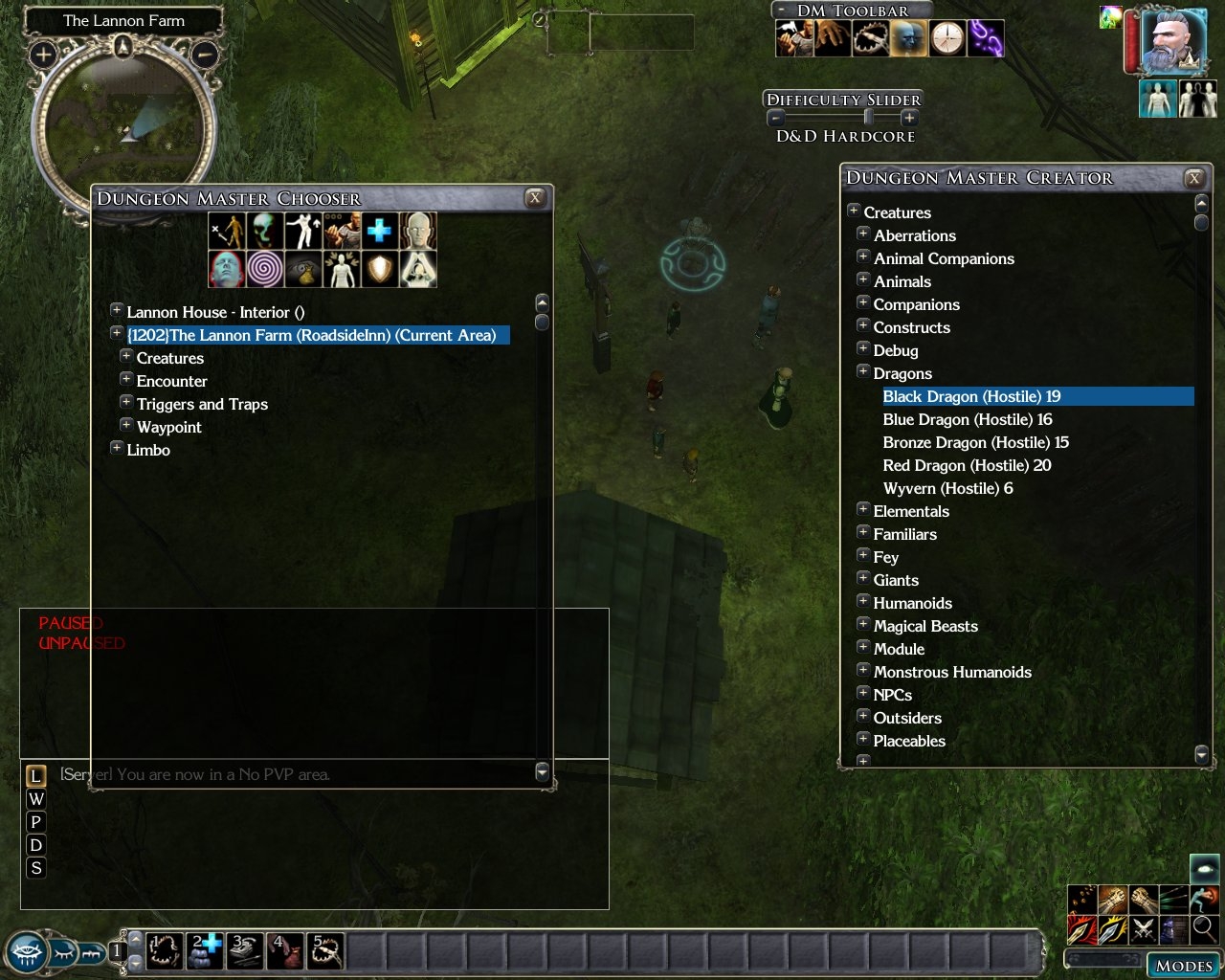
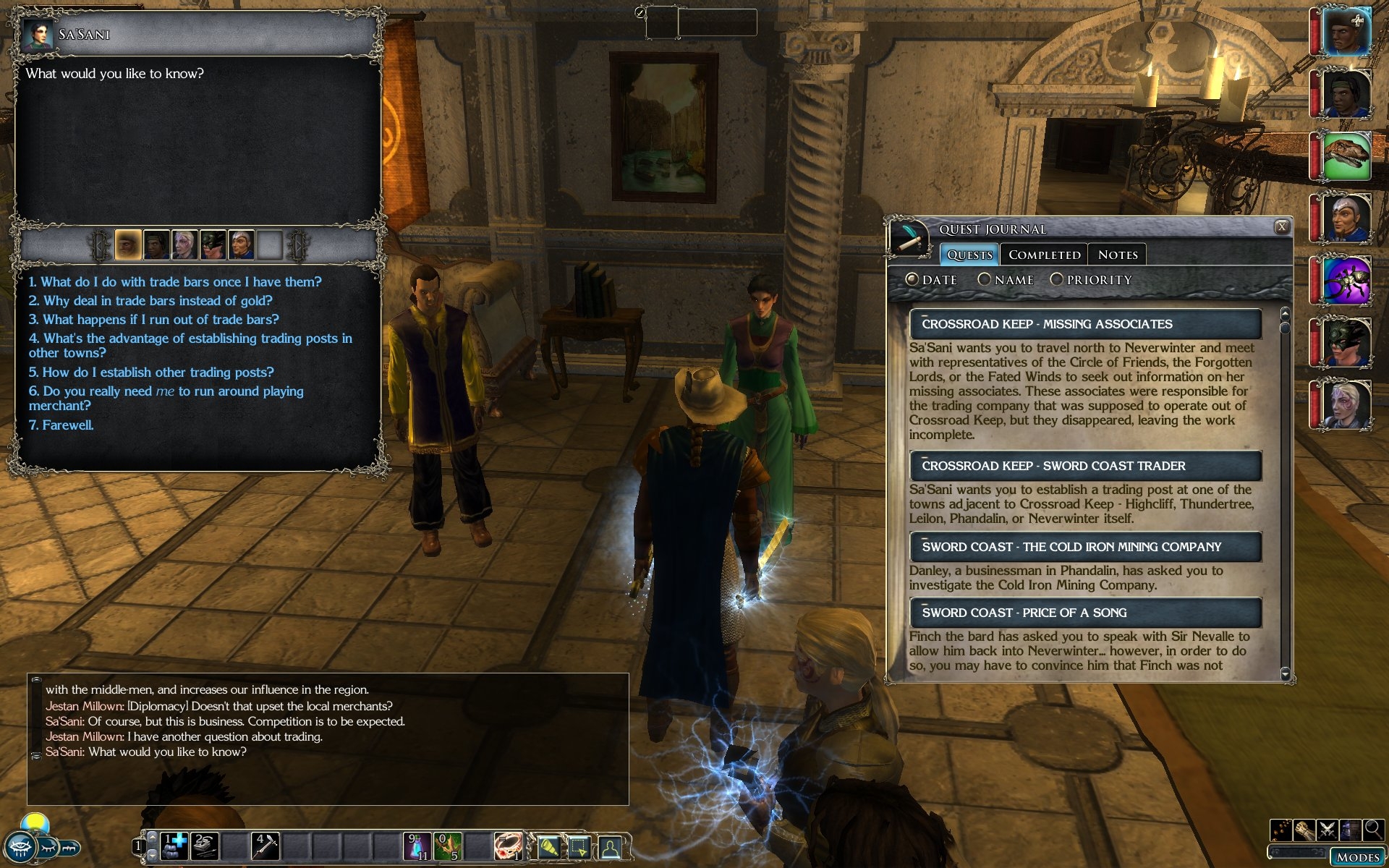
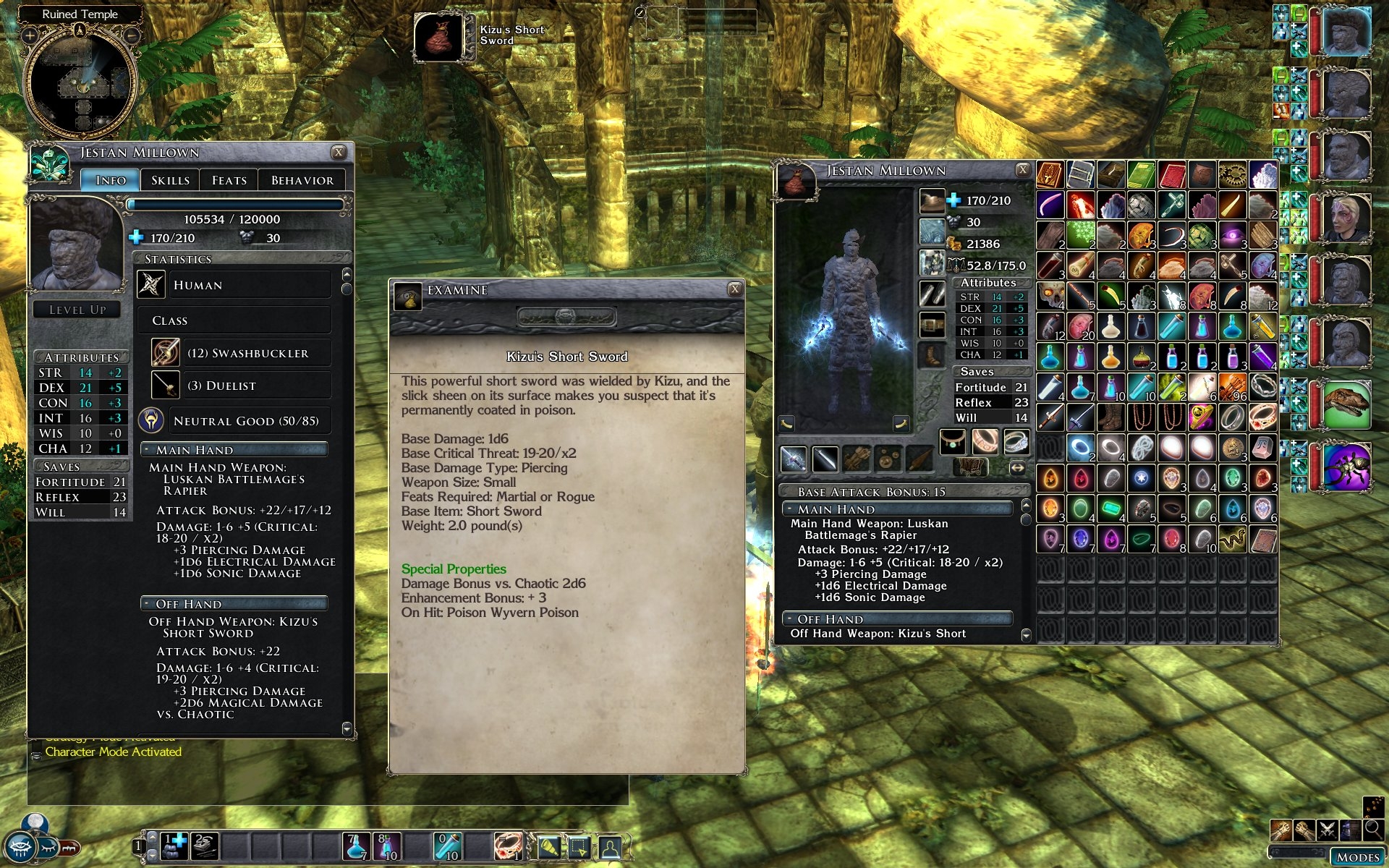
This mod aims to provide a better NWN2 UI experience at higher resolutions. By default, the NWN2 UI does not scale and becomes increasingly difficult for some players to read at resolutions of 1280x1024 and above.
The mod increases the size of fonts in the game. Many NWN2 UI panels are made larger to accommodate the larger fonts.
A zip file and a windows installer are available. The installer places the files in the Neverwinter Nights 2\ui\custom\FI_Big_Fonts_UI folder in your My Documents.
Many thanks to WhatIsSol for all his hard work on this mod.
Please drop a comment below if you find any clipping problems etc. which you'd like fixed.
Installation instructions:
See the readme file. Mod now offers a choice of inventory screens with or without the SoZ cargo button.
TonyK's AI patch:
This fixes a few UI glitches that occur when you use TonyK's Companion and Monster AI and the Big Fonts UI.
Only use if the current UI patch is the same version as TonyK's AI. If TonyK's UI is a newer version, don't use an older version of the patch. There will just be some small UI glitches until I make a new patch.
Change log:
1.23 (29/08/09)
Updated to patch v1.23.
Included GrinningFool's handy store no-reset patch
1.22 (28/02/09)
Updated to patch v1.22.
Merged in the SoZ beta changes.
Party bar changed to support 10 portraits.
Removed annoying 'Game Paused' notification from SoZ.
Thanks for the font upgrade, I consider this a must have with any install!
Posted by Thrasher91604 at on02/09/10
No dice. Can/t get the inventory mod to work. Probably not related to this mod. I'll check over there.
Posted by Thrasher91604 at on02/09/10
OK, thanks for the ideas!
Posted by fire&ice at 2010-03-0414:07:14
Hmm, it's a good question but I'm not sure. As I say, unzipping the inventory mod over my thing is the best idea. The other thing you could do is delete inventoryscreen.xml from my UI. The inventory is not really affected much by the big fonts so you should be able to use whatever one you like. Play around a bit :) fi _________________________ NWN2: Big Font/High Res GUI // Extra Spell Swapping // NWN1: Colourised Scrolls // Both: Reviews and more
Posted by Thrasher91604 at on02/09/10
Thanks! OK, If I put it in it's own separate directory (as I have for all override mods) which one gets taken? Is it alphabetical (e.g. stuff in directory "a" overrides stuff in directory "b" or vice versa or is it unpredictable?).
Posted by fire&ice at 2010-03-0111:30:23
Hey man, I've been in Japan, but here I am, up for almost 24 hrs straight but still trying to answer your question! I'd try unzipping the inventory mod over the files in the Big_Font_UI directory that contains the files from my UI mod. Make sure my inventoryscreen.xml is overwritten by his. That will probably work, if not, I'll try it out myself (but not right now!). Cheers, fi _________________________ NWN2: Big Font/High Res GUI // Extra Spell Swapping // NWN1: Colourised Scrolls // Both: Reviews and more
Posted by Thrasher91604 at on02/09/10
Oh well...
Posted by Thrasher91604 at on02/09/10
So is the answer "no"? Let me know, so I can move on...
Posted by Thrasher91604 at on02/09/10
Excellant mod! I'm using it with Tony K's AI mod, and it works almost flawlessly. A couple of the tabs are missing names in the behavior tab, but it is otherwise perfect! Thank you!
10 - A Masterpiece, Genuinely Groundbreaking 9 - Outstanding, a Must Have 8 - Excellent, Recommended to Anyone 7 - Very Good, Deserves a Look 6 - Good, Qualified Recommendation 5 - Fair, Solid yet Unremarkable 4 - Some Merit, Requires Improvements 3 - Poor Execution, Potential Unrealized 2 - Very Little Appeal 1 - Not Recommended to Anyone






 Site
Site