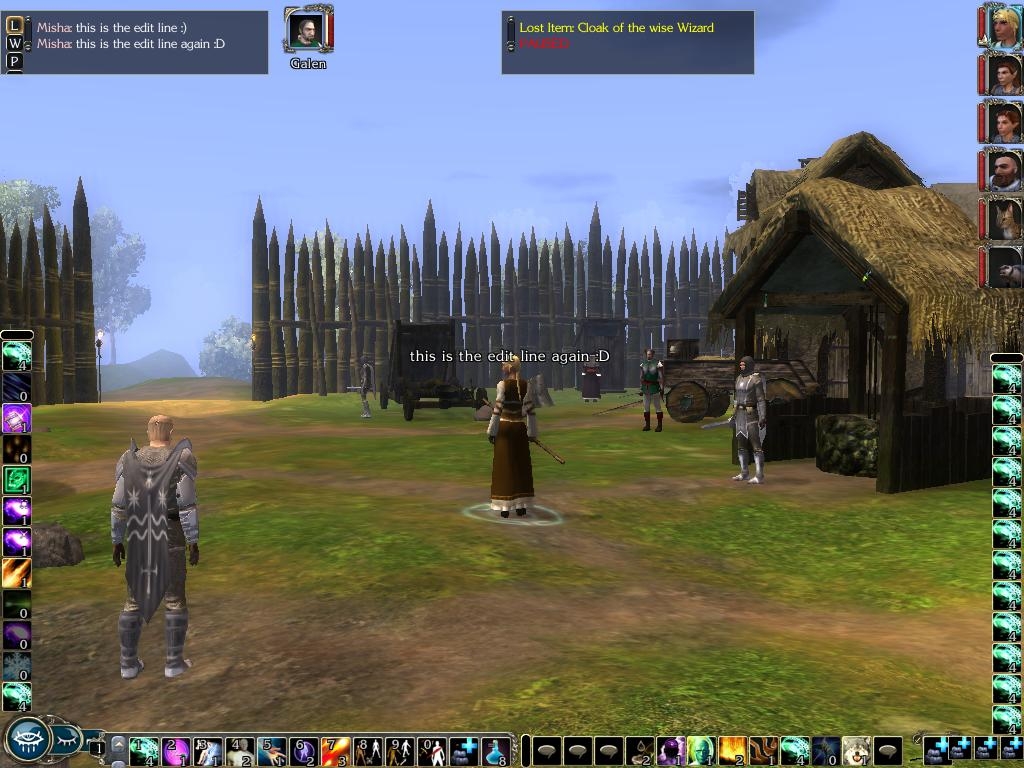
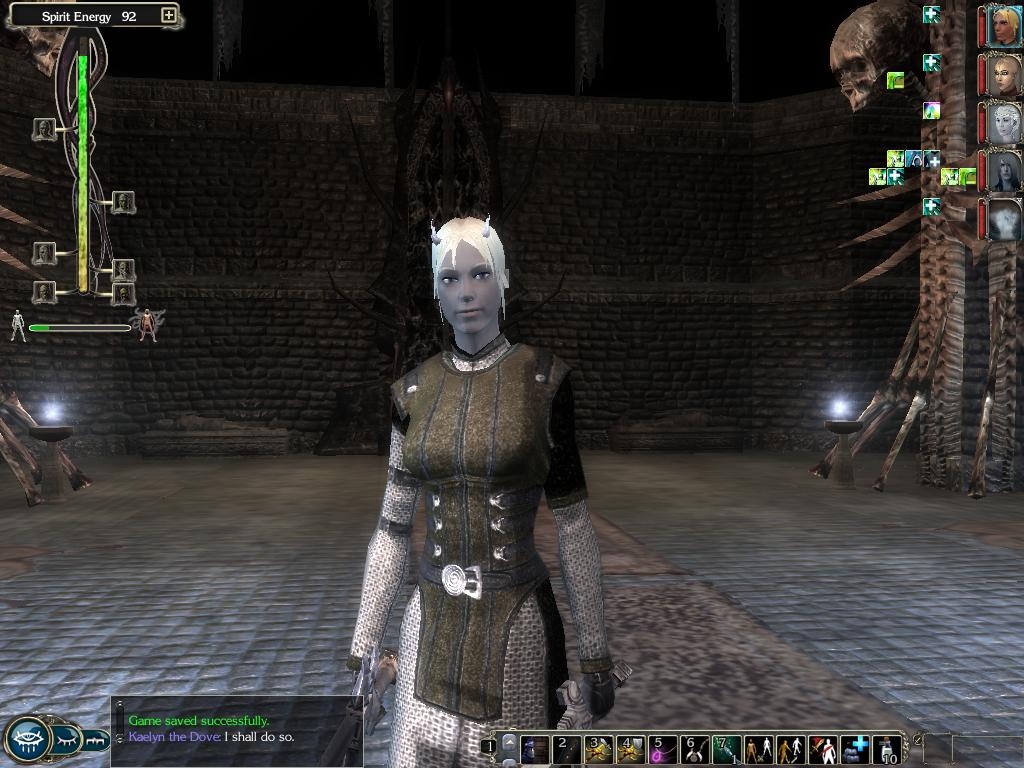
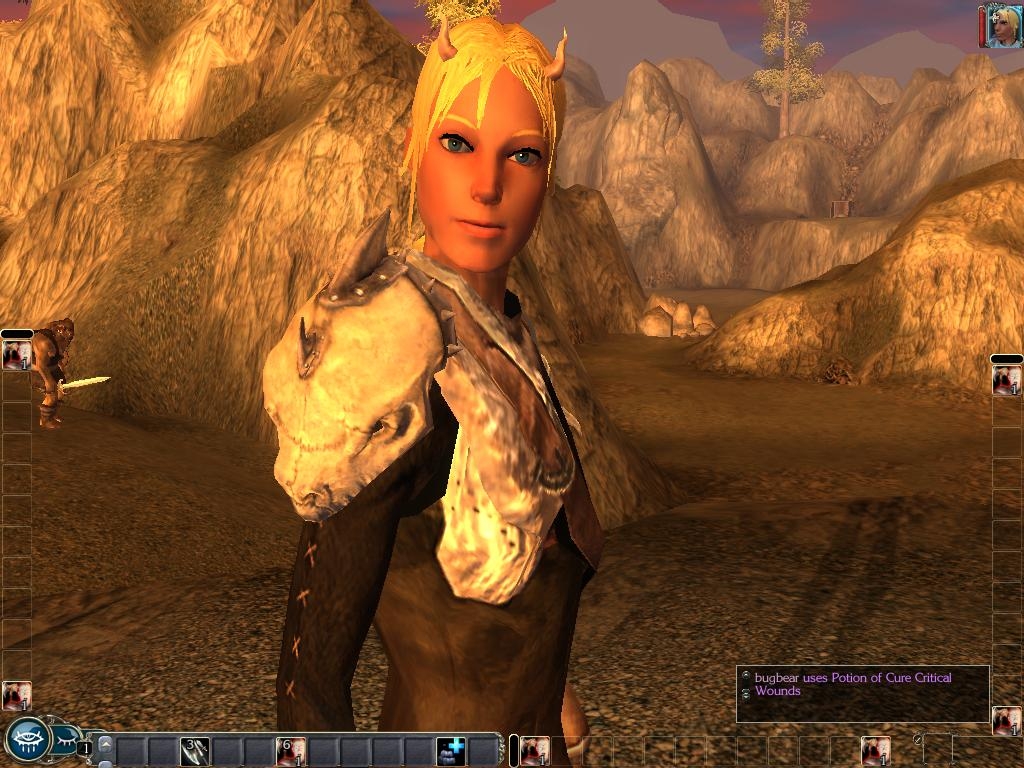
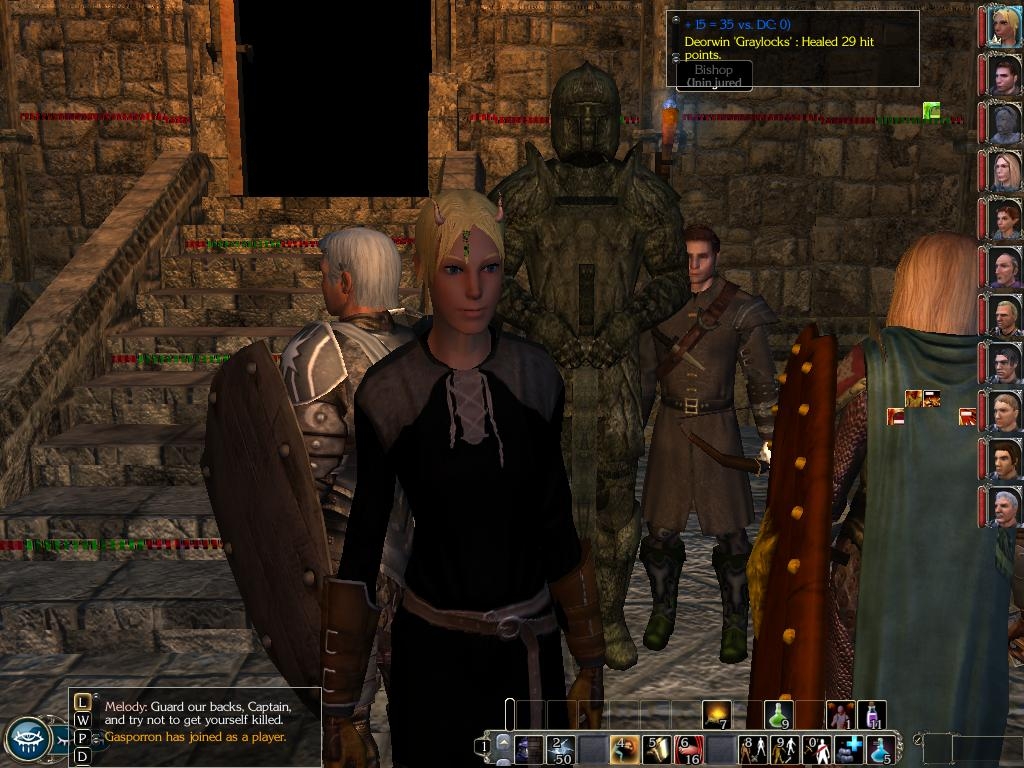
The idea is to cut by half all the windows of information around the game.
On the pic, we can see the 4 hotbars, the action queue, the chat window and the event window.
The menu player has been dragabled and reduced too in order to fit all horizontal bars at the bottom.
The party bar has been reduced by half too and the buffs now stand on 2 lines instead of 3.
The target object or the target character has been also reduced.
You can adjust the position of each bars and the minimum height of both chat windows has been reduced too.
These UI are exactly the same as the original UI, those are way too big, I just cut their size by half, I didnt change anything else... the hotbars, chat windows and party list are original but half size... :)
yeah, even when i play a fighter, i don't need all the hotbars but i leave them there because they don't use much room and i don't loose much screen to play. One thing i would like but i can't do would be to take off the hardcode or modify it when we are in combat mode..., targeting a foe only instead of having to untarget a talkto icon or untarget a useloot target... also, when i play a caster, i try to target an area but the cursor dont stop jumping from one foe to another if it passes too close to my mouse pointer even if i have an AoE spell to cast, it is really annoying...
Posted by Riviet at 2007-10-31 14:26:16 Voted 9.00 on 10/19/07
I tried some of those multiple row/column hotbars but didn't like them so I've decided to try the smaller default hotbars offered here. :)
IMPORTANT
there is an issue about custom xml files, they can crash a server. The important thing to know about Advanced Screen is that it is only minor UI changes, it is compatible with the standard xml version and it WILL NOT cause any crash on any server.
about the buff pics, i could put them on the pic instead of beside, like in Baldur's Gate but it will hide the pic and the hp meter very quickly...
Posted by Riviet at 2007-10-20 18:28:22 Voted 9.00 on 10/19/07
Okay, I resolved the issue with the typing in the mp chat box; If I remove the files for the party chat after adjusting the chat window width/height, I can see what I type again.
Posted by Riviet at 2007-10-20 18:09:12 Voted 9.00 on 10/19/07
The action queue only seems to show the time passed for half a round; also if I remove the files to revert the action queue back to normal size, it still shows the time passed for a half a round. Could you see if you could resolve this issue? Thanks. Keep up the great work!
Posted by Riviet at 2007-10-19 19:04:07 Voted 9.00 on 10/19/07
Awesome! I only chose to reduce the size of the combat and mp chat windows and the action queue as I had custom uis for most of the other things.
The only problem I encountered was not being able to see what I was typing in the mp chat window. Could you see if you could fix this up? Would greatly appreciate it.
Also I'd recommend you provide instructions for those who want to select which parts of the interface they want to change for more flexibility.
i had a comment elsewhere...
i showed all the bars on the pic, i adjust the chat windows too and i placed them around the screen..., your actual settings wont change, you will have to show the bars you want,drag them where you want and adjust the height and the weight of the chat windows by yourself...
well, i didnt change the partybar properly, i dont find an easy way to correct the position of the buffgrid, i would have to startover the partybar so..
and i dont use the modebar very often, i didnt modify it
Posted by rawn_phoenix at 2007-10-15 04:48:05 Voted 8.00 on 10/15/07
Very nice! I really like this idea and how it has been implimented. It is missing the Mode Bar, however, in the pic.
10 - A Masterpiece, Genuinely Groundbreaking 9 - Outstanding, a Must Have 8 - Excellent, Recommended to Anyone 7 - Very Good, Deserves a Look 6 - Good, Qualified Recommendation 5 - Fair, Solid yet Unremarkable 4 - Some Merit, Requires Improvements 3 - Poor Execution, Potential Unrealized 2 - Very Little Appeal 1 - Not Recommended to Anyone






 Site
Site









 at 2007-12-30 08:08:54


