This compilation contains all of the VFXs that I have created over the years of my development for NWN2. Some of these VFXs were designed for certain modules for Thayvian Nights, Anphillia II PW, Misery Stone, Shattered Dreams and the SoZ Holiday Project. This pack will be continually updated as I make new VFXs.
This pack contains 138 Visual Effects, some are simply tints of an original visual effect. Others are completely original. This pack also contains my Light Palette that I use often for my modules.
About Requests: I'm sure there might be some of you that would like your own custom VFX for a module. I will take requests, assuming its withing my ability to do so. If it is not, then I'll simply have to decline. Unlike Camb or Jonny Ree, I'm not particularly skilled at created new images from scratch, so I have to use what images and tools are available to me inside of NWN2.
To make a request, reply here or shoot me an email at: [email protected]
---------------------------------------
INSTALLATION INSTRUCTIONS
Unlike other installs, there are several ways to install VFXs: Hak, override or through your module directory. I have not provided the hakpack with this download but if you wish to pack the VFXs into a hakpack for distribution with your module, that is fine. Although I would recommend placing them directly into your Module Directory when distributing.
Recommended Way: Extract all files into a your Override folder, preferably in a folder labeled VFXs. This will install the VFXs for ALL MODULES on your computer. Unlike other files (such as 2DAs), VFXs do not cause issues with other modules. When you're ready to distribute your module, make sure you follow the next step.
Other Way: While your module is in directory mode, extract the contents of the folder into your module directory. This will only install it for the module you place the VFXs in.
When I deal with VFXs, I have them sitting in my override, but I am aware that some people are against overrides.
---------------------------------------
Below is a listing of all the VFXs included in this pack:
Scripted VFXs (See Bottom of Description for More Info)
~ Aura of Silence
~ Ghost, Explosion
~ Heroic Aura
~ Howl, Daze
~ Howl, Stun
~ Rock Fall
~ Tremor Stomp
~ Seeker Beam Set*
Generic
~ 27 Horizontal Glyphs
~ 2 Vertical Glyphs
~ Akachi
~ Akachi Swirls
~ Akachi Swirls (Evil)
~ Amoeba
~ Arcane Lamp Set (x10)
~ Ash
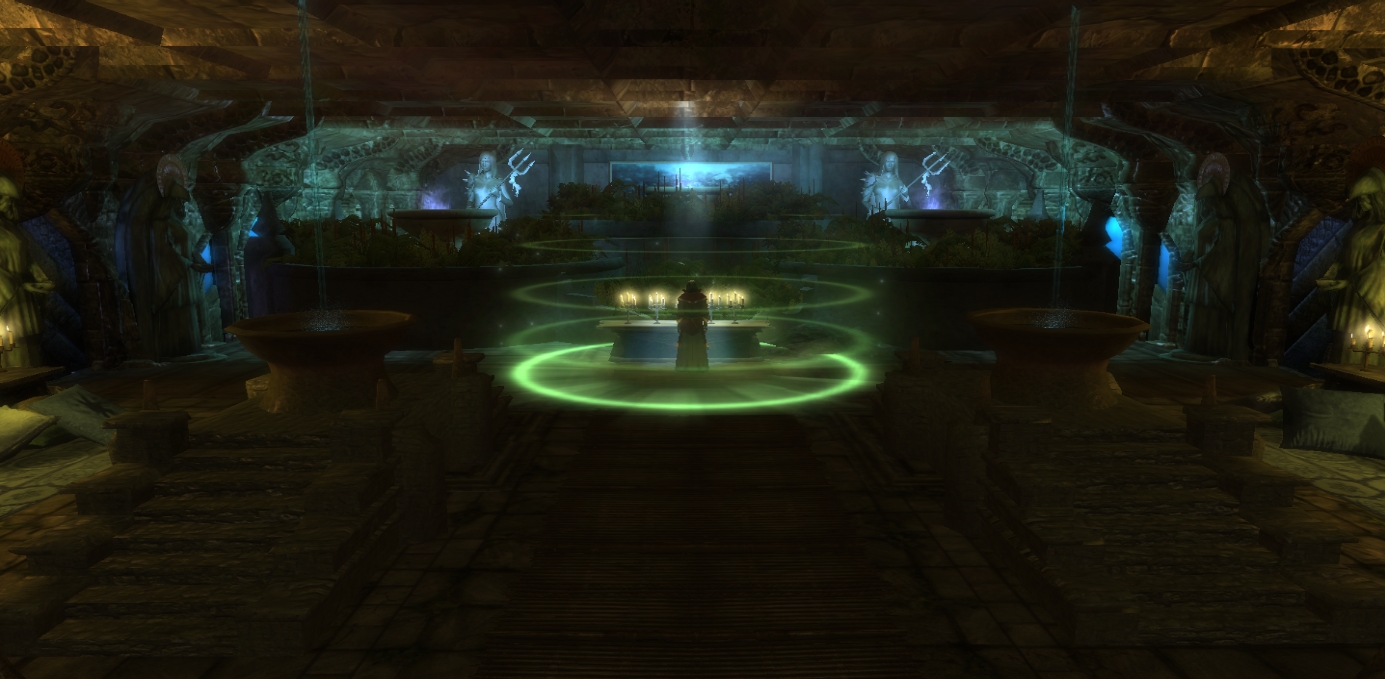
~ Asylum Arcane Circle x2
~ Asylum Book Writer
~ Asylum Trap Barrier (Green)
~ Blight Cloud Area
~ Blizzard
~ Bloodflow Set
~ Bloodfall Set
~ Burned Earth
~ Candle (Red and Blue)
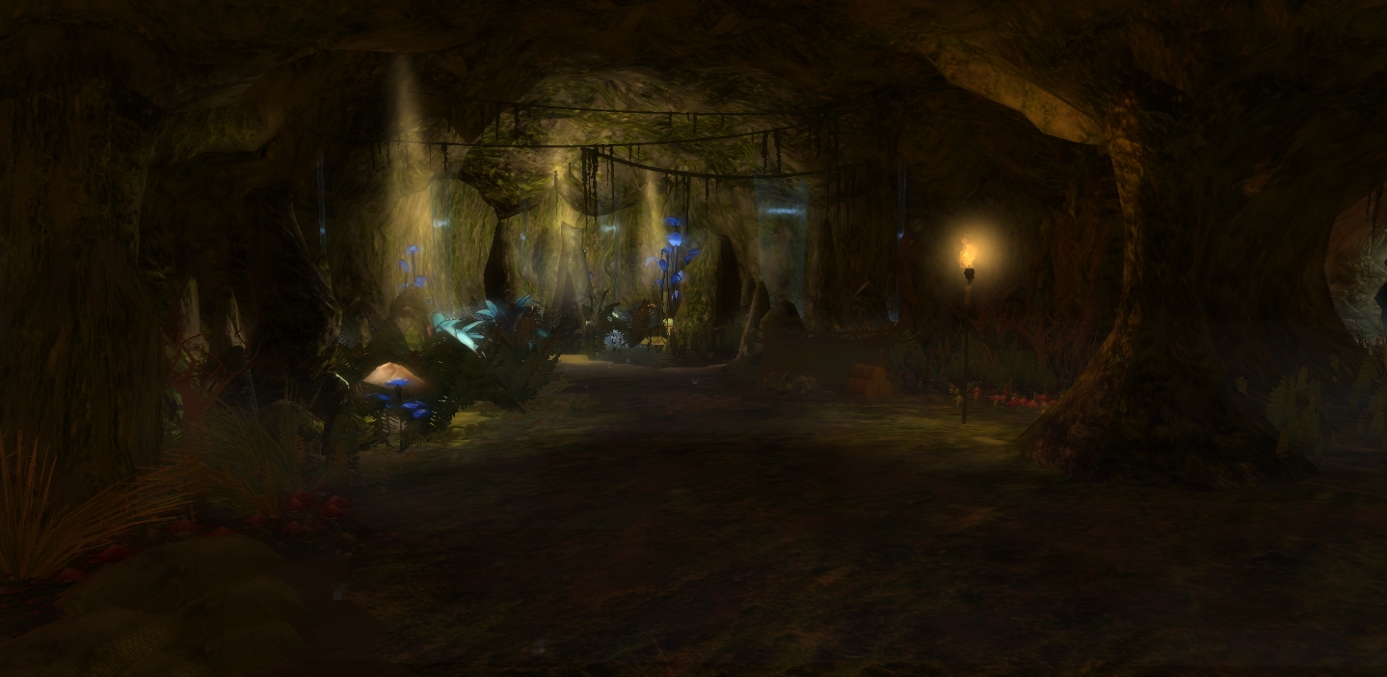
~ Cave Light Beam
~ Crack Set
~ Darkness
~ Fire, Tree
~ Ghast Stench
~ God Ray Set
~ Illusion Barrier
~ Lens Flare
~ Lightning Explosion
~ Lightning Orb
~ Phaze Tentacles (Made by Chaos Wielder)
~ Pink Dust
~ Pollen
~ Power Generator
~ Rain, Heavy
~ Refinery Fire
~ Sandfall Set
~ Shadow Arcane Lamp Set
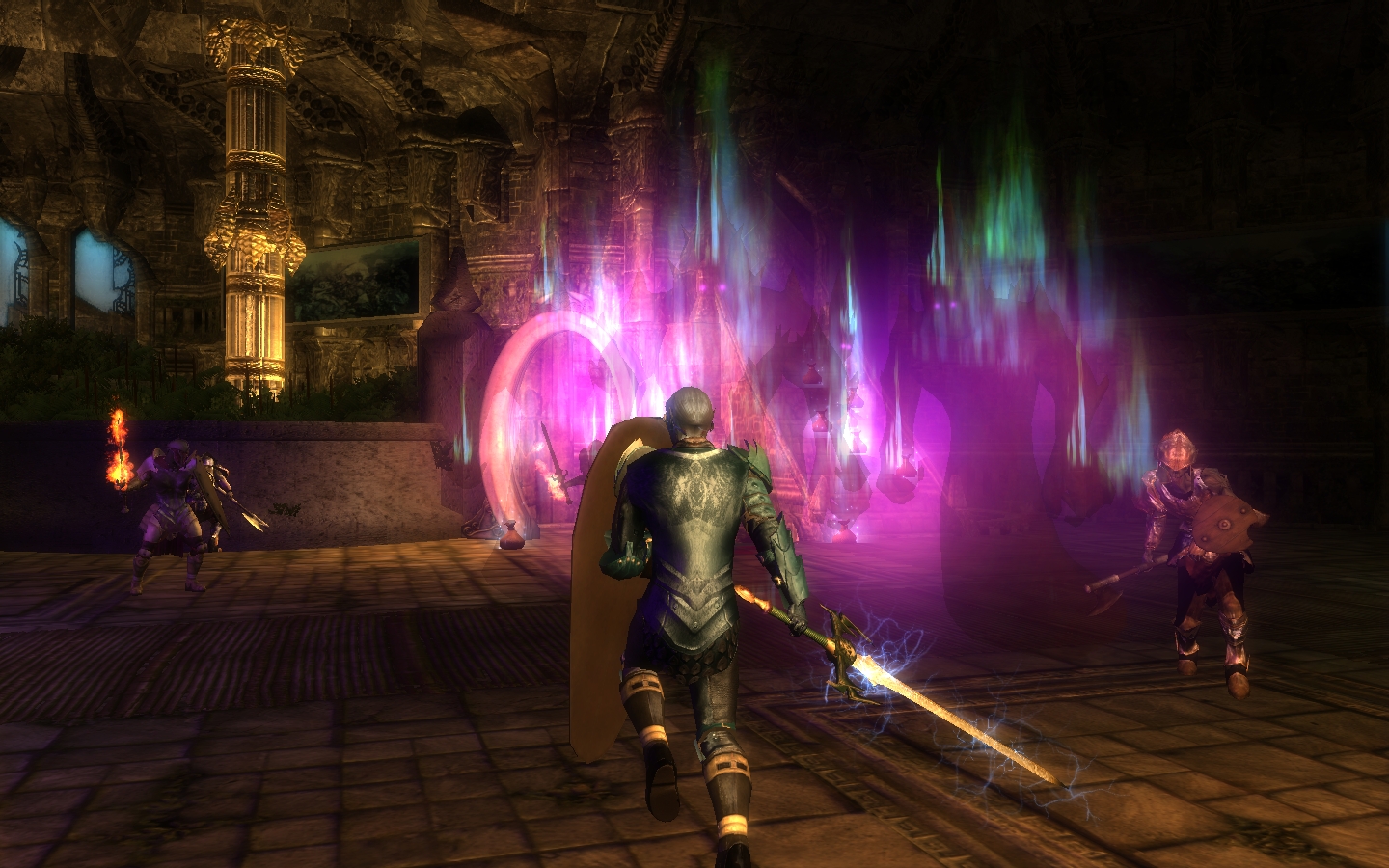
~ Shadow Portal Set
~ Shroom, Poisonous
~ Spellweave
~ Spirit Trap, Blood V1 & V2
~ Torch
~ Tower Beacon Blaze
~ Tower Bonfire
~ Yuan-ti Barrier (Orange Barrier)
---------------------------------------
*Scripted VFXs will not work in game unless it is done via scripts. And although the Seeker Beam shows up in the toolset, it will not show up in game. You'll need to script it as a beam from one point to another for it to show in game. The other VFXs are either single shot or meant to be used as spells/feats.
Hey, is there any possibility I could get you to write up a simple step-by-step guide to save and then make available a VFX in the game?
I have just spent the last 2 and a half hours just trying to get the VFX I made to actually show up in a module. I can't get it to show up anywhere else and I am frustrated as all get out.
The Vault tutorial doesn't do it for me. Unless I am mistaken, either the changes in patches since then have made it incorrect or it wasn't written properly to begin with. Or I just can't read it. It's gotta be one of those.
In the meantime, from someone who's made so many VFX, you've got to have this process down cold. Could I humbly submit that you would be the most authoritative person to write such a quick guide for editing and then getting VFX to show up in game?
respectfully,
dunniteowl _________________________ Be Excellent to Each Other!
Posted by nitka40 at 2010-05-10 18:29:33 Voted 10.00 on 05/10/10
Nice job.
Posted by nicethugbert at 2010-02-21 12:47:22 Voted 10.00 on 01/22/10
I meant the name of the download package, not the individual files. Ooops. _________________________ NTB's Hills and Valleys Vol. 00
Posted by kamal at 2010-01-31 10:51:12 Voted 10.00 on 01/31/10
Love them. Especially expanding the number of glyph types was necessary from the various arcane circles in the toolset, but there's tons of other great stuff. _________________________ Shadow Thief: Crimmor and Path of Evil blog Link
Posted by Nacaal at 2010-01-31 02:21:08 Voted 10.00 on 01/31/10
Thank you for the great contribution!
Posted by The Fred at 2010-01-24 06:24:43 Voted 9.75 on 01/23/10
Yeah I dunno, like I said there are only a few, the others all work a treat. _________________________ In production: The Dragon Dynasty All my other stuff
Yea some visual effects are using content contained in MotB and SoZ, although for the most part MotB if they don't show up. There might be only one or two using a SoZ texture or some such.
Not sure if I can package the textures I used separately or not. _________________________ BouncyRock Entertainment
Posted by The Fred at 2010-01-23 05:23:44 Voted 9.75 on 01/23/10
Acutally this appears to be happening with a couple of others as well - the beacon blaze, poison shroom, bonfire pillar, sandfall, seeker beams, torch_b and windy snow shadow portals.
I had a thought, though - are you using standard NWN2 textures? Because I have neither MotB nor SoZ, and I just realised you did flag this as requiring SoZ, so that's likely the problem.
Apart from those few that don't work, these are, however, otherwise brilliant visuals. _________________________ In production: The Dragon Dynasty All my other stuff
Posted by The Fred at 2010-01-23 04:45:05 Voted 9.75 on 01/23/10
One minor thing, though - the three barrier effects seem to have a missing 2D texture on the bottom, leaving me with big coloured squares with "MISSING TEXTURE" written over them in angry letters.
I haven't looked at all the other visuals but what I have seen looks good, I think there's just a single texture missing. _________________________ In production: The Dragon Dynasty All my other stuff
Posted by The Fred at 2010-01-23 04:26:29 Voted 9.75 on 01/23/10
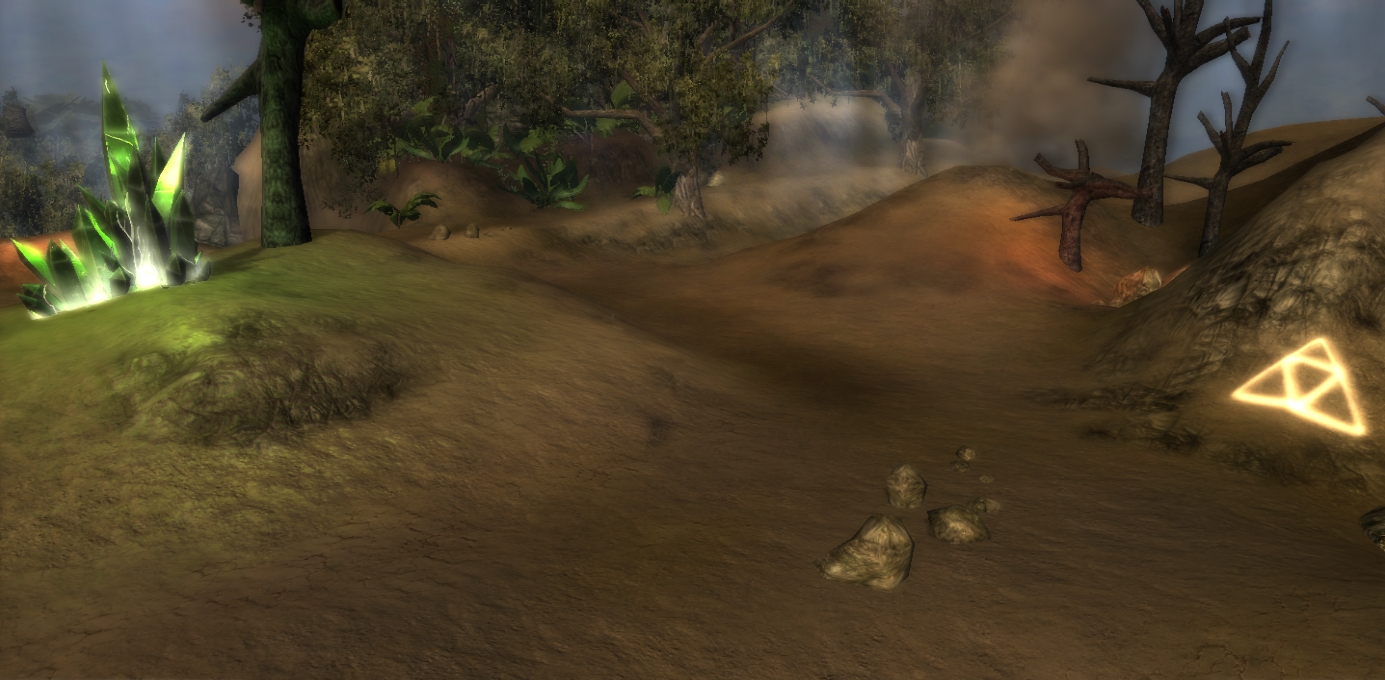
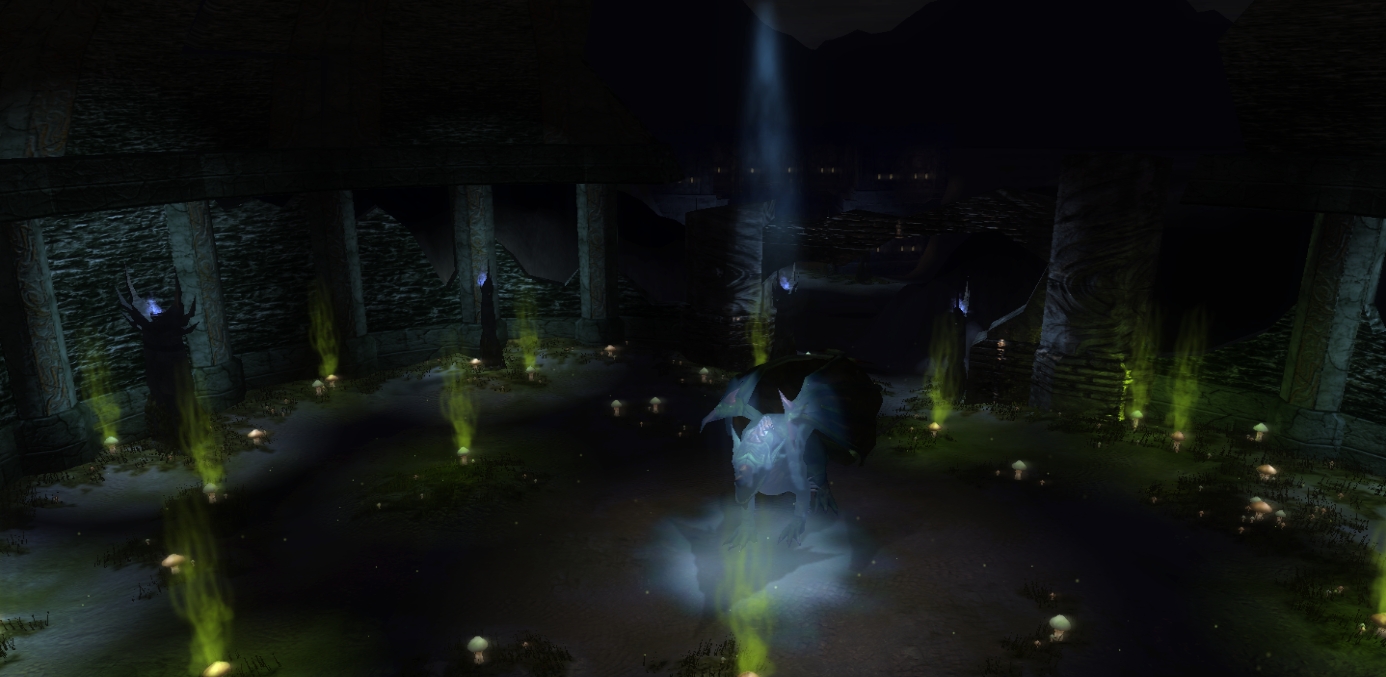
Awesome! These are worth a vote even just for the cool screenshots, let alone the visuals themselves. I do love shiny new visuals. _________________________ In production: The Dragon Dynasty All my other stuff
It'll take awhile but I can do it. I'll change the names of some of them over the next few days. That's alot of monotonous work for one day :P _________________________ BouncyRock Entertainment
Posted by nicethugbert at 2010-01-22 22:05:08 Voted 10.00 on 01/22/10
A request, could you preface your files with Anduraga so we can keep track of what it is. Maybe a version or sequence number too? _________________________ NTB's Hills and Valleys Vol. 00
Posted by nicethugbert at 2010-01-22 22:03:32 Voted 10.00 on 01/22/10
10 - A Masterpiece, Genuinely Groundbreaking 9 - Outstanding, a Must Have 8 - Excellent, Recommended to Anyone 7 - Very Good, Deserves a Look 6 - Good, Qualified Recommendation 5 - Fair, Solid yet Unremarkable 4 - Some Merit, Requires Improvements 3 - Poor Execution, Potential Unrealized 2 - Very Little Appeal 1 - Not Recommended to Anyone






 Site
Site










 at 2010-06-04 18:35:28
 at 2010-01-31 10:51:12


