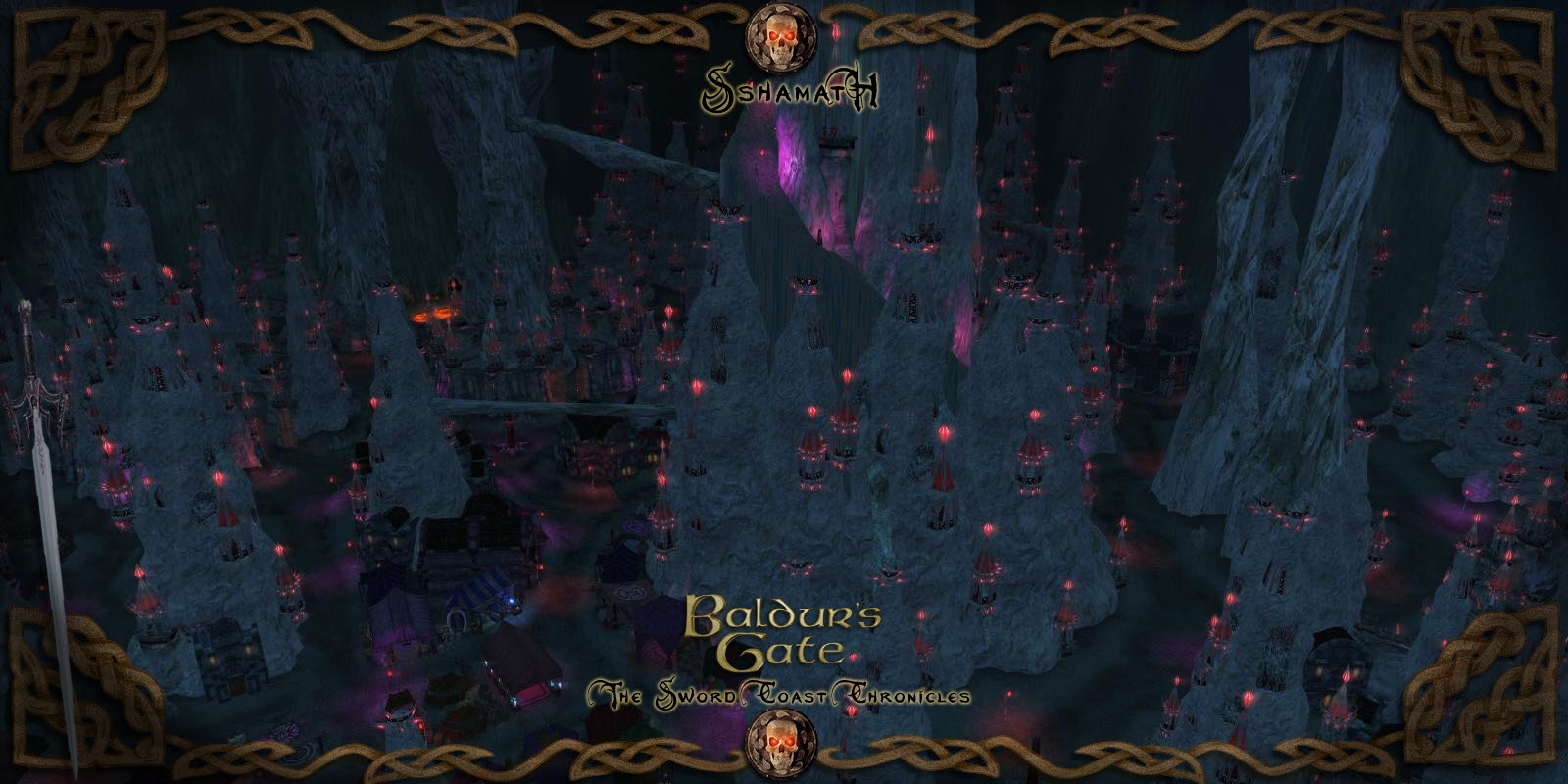
These are the haks, areas, items and monsters from the long running Persistent World "Baldur's Gate: The Sword Coast Chronicles". The module contains 133 areas, 209 monsters and hundreds of items. It also contains the Drow city of Sshamath and several Underdark areas. It�s really two worlds in one.
These areas are now available for the public to use however needed. The only two stipulations placed on all of the below content is that you cannot make money off of it and you must give credit to the creators of not only the PW but the individual 3rd party content used.
PW Founder - Jlf2n
PW Founder - Driller
***********************************
Original Team
Scripting - Driller, Otomo Tetsuo
Area Design - Jlf2n
***********************************
Additional Team members and contributors to this version.
Load Screens - Sinsimilla
Items & Monsters - Eldur,
Haks - Driller, Luna
Custom Items - Sir Carnifax, Adzling
Area Design � Sebastian Raymond
Other contributors whose help was greatly appreciated: HMV, Jayni, Akvait, Magicshisha, Raetin Electrocuter, Raph and Wildelf. If I forgot anyone please forgive me. It's been quite some time now since we all worked together.
*******************************
Also please note the 3rd party stuff used to help create the Module:
BouncyRock Entertainment: We used the Drider, Beholder and probably anything else they have made or will make.
TLK Card Game by brockfanning.
RWS Creature Conversion Project by RWS.
Drinks of the Forgotten Realms by Seryn.
Bulletin Board by Qkrch.
City Hak by Tupoun.
Minotaur head by Daronas
BCKII by Nytir.
RWS Tower Rooms by RWS. We also use their pocket citadel hak as well.
Hatplosion hak by Schazzwozzer
The Colosseum by Plane Walker. I took his model for the arena and redid it. A great area by PW.
Wharehouse mod by Wyrin. A very nicely done interior.
Haunted house by Marcelo_Lopes. I used his interior and I redid the exterior to match our world. A great mod.
SGK73's work was used in the cloakwood mines as well as a few other areas. I also plan on using a few others of his in the future like the smugglers cave as well. He does great interior work, very detailed.
Elvered's Wolfguard Pass is also used in the mod. It has been redone and used as South Woods of Sharp Teeth.
RWS Towers and Cliffs - RWS has provided a number of priceless additions to the NWN2 community. This link will take you to a list of them.
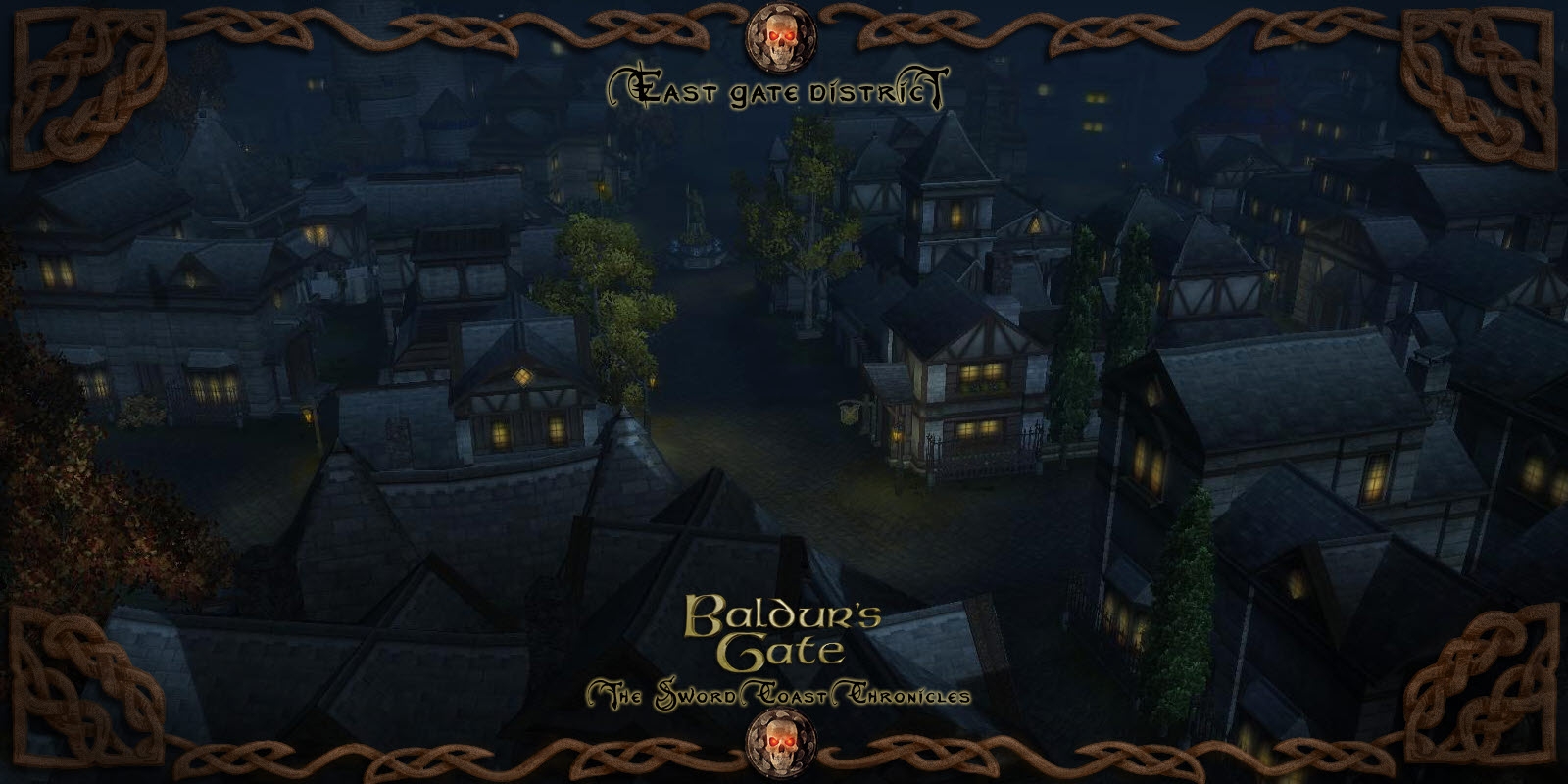
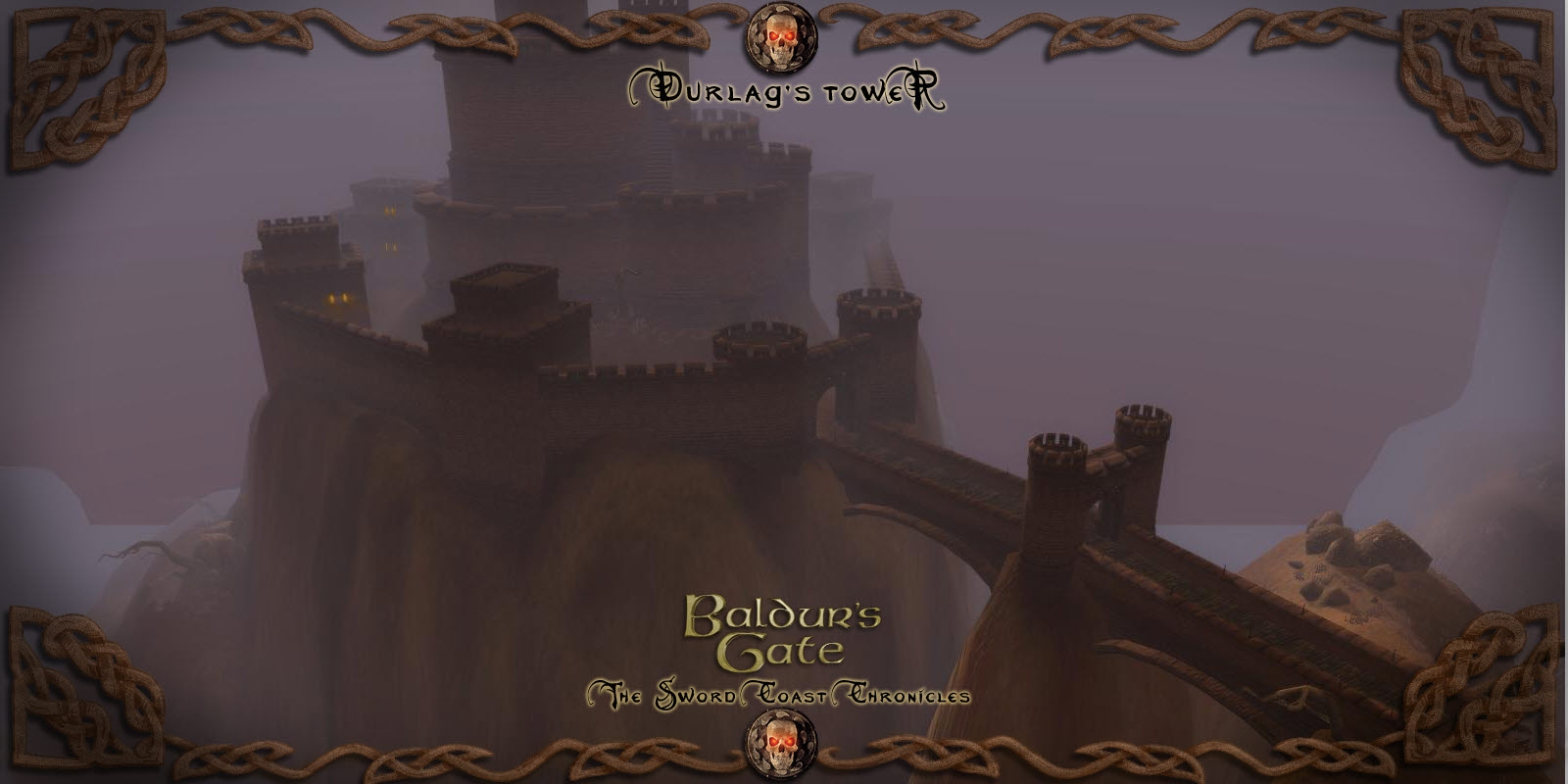
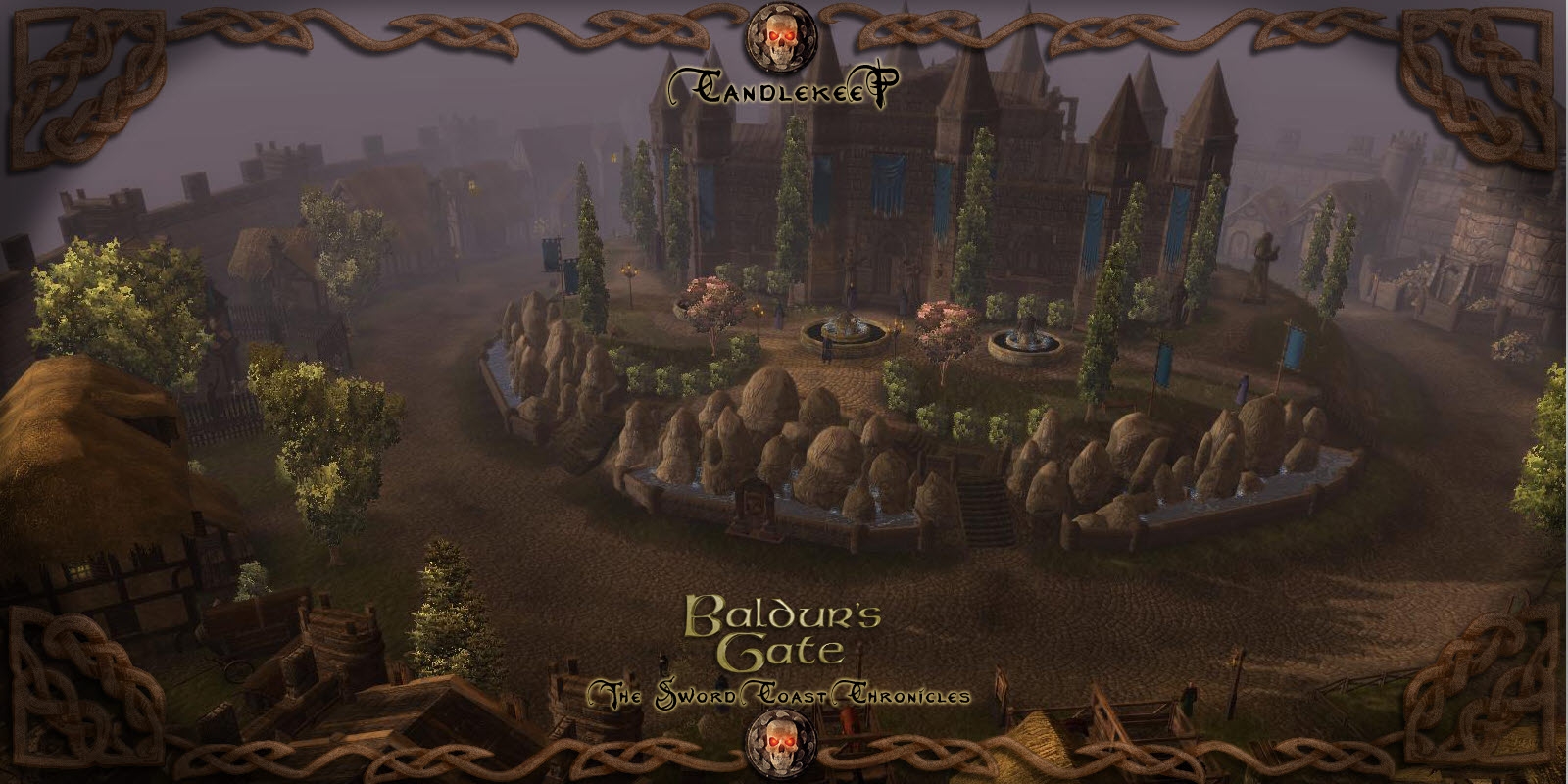
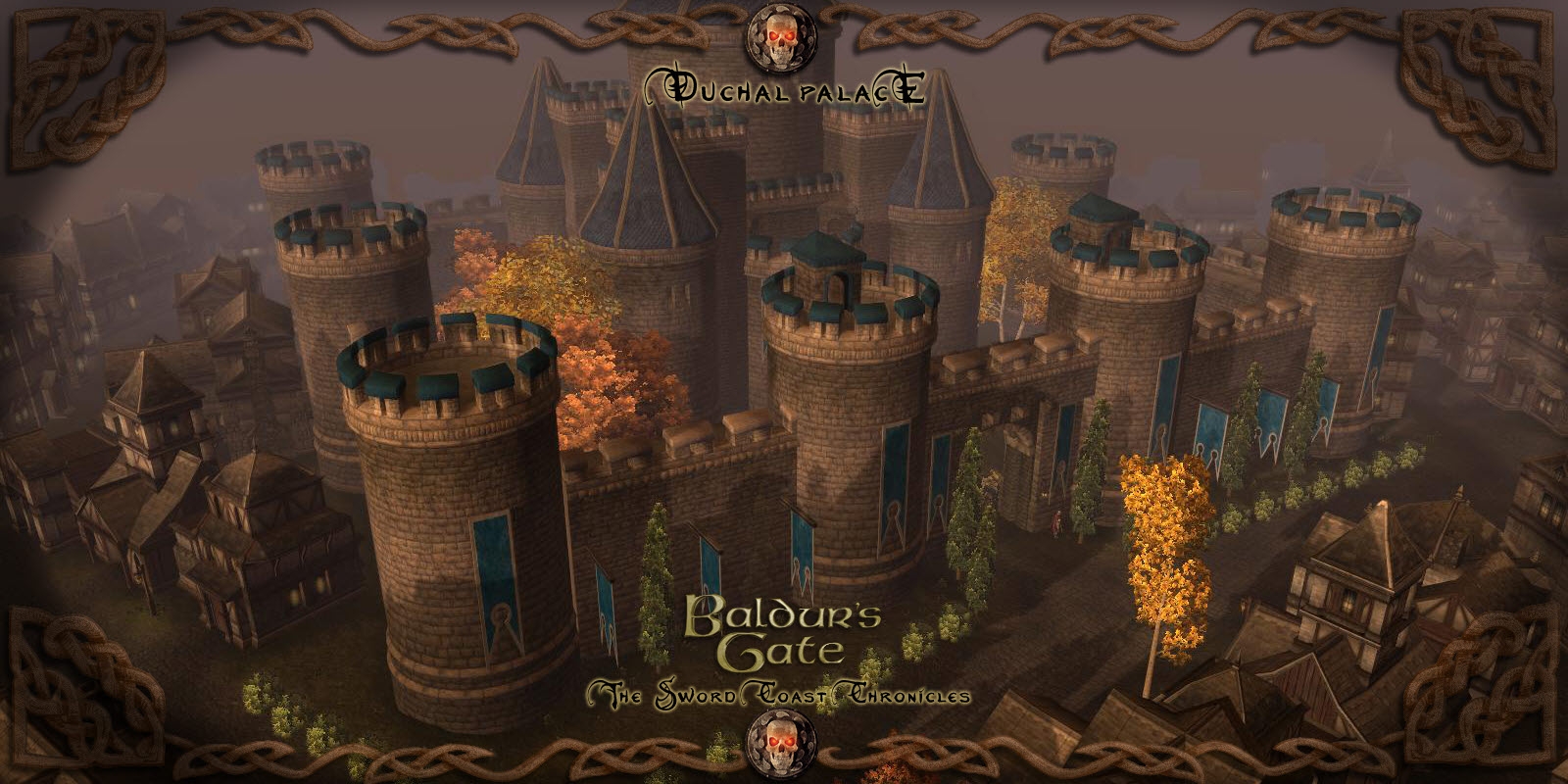
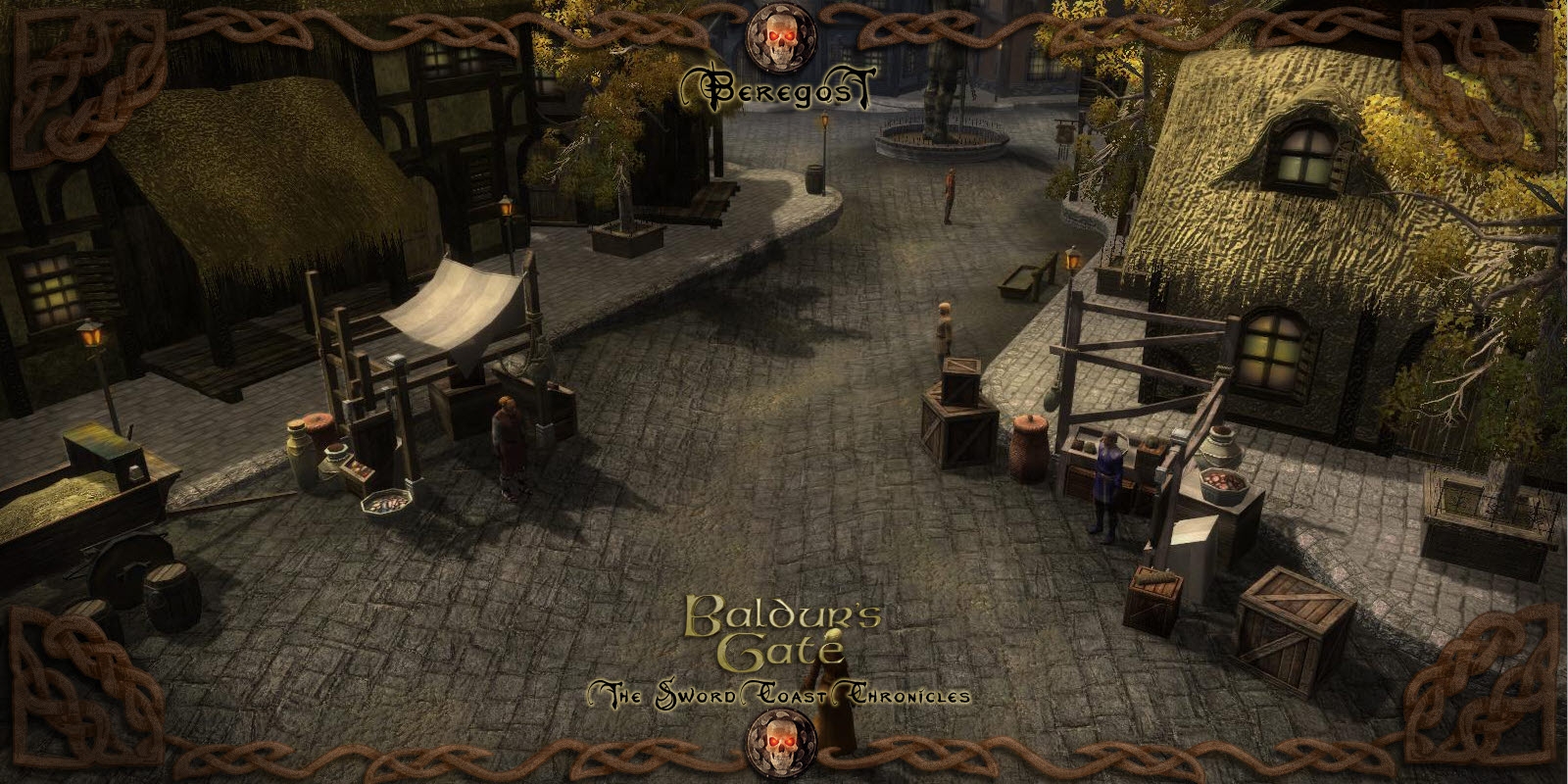
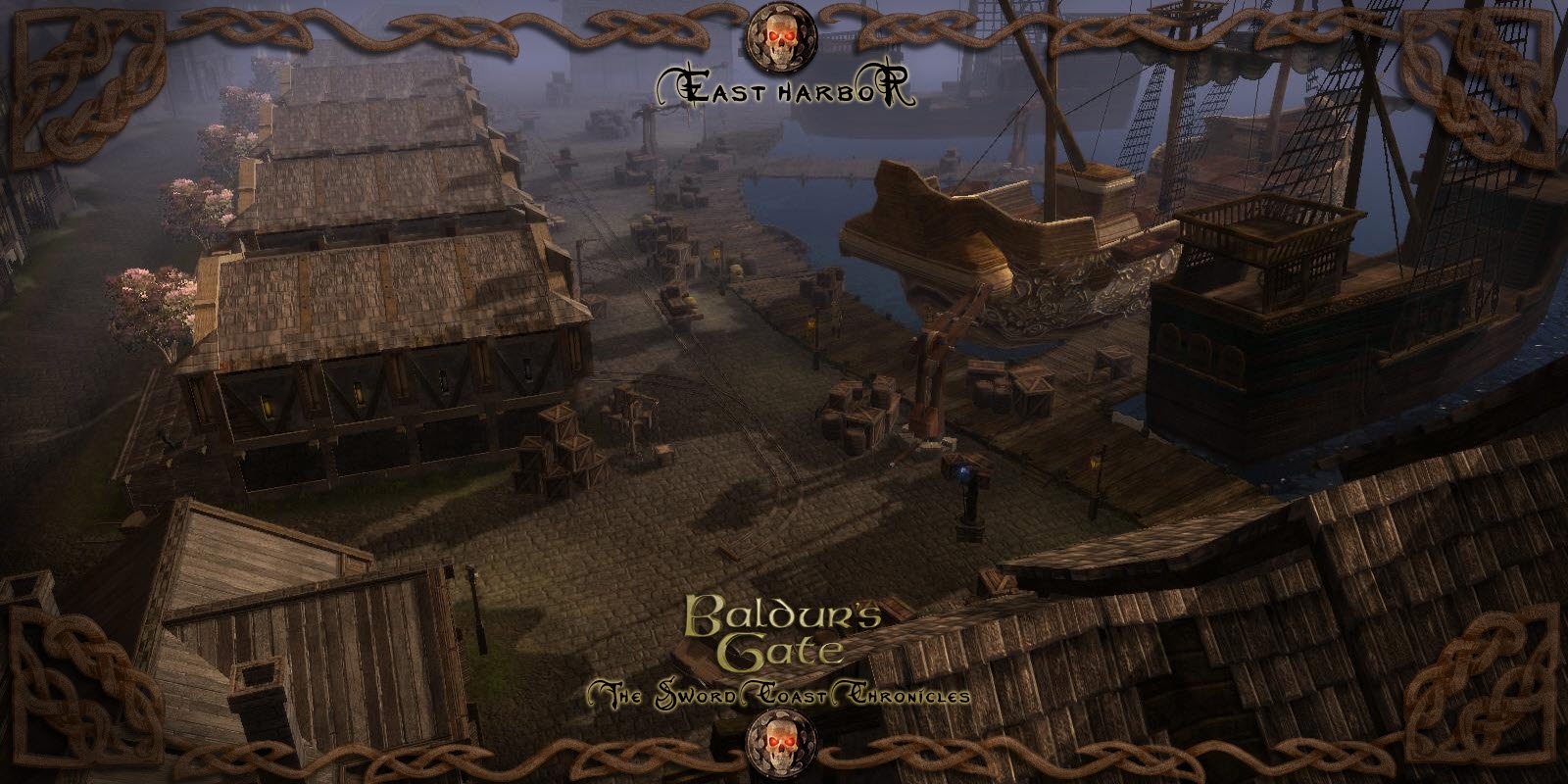
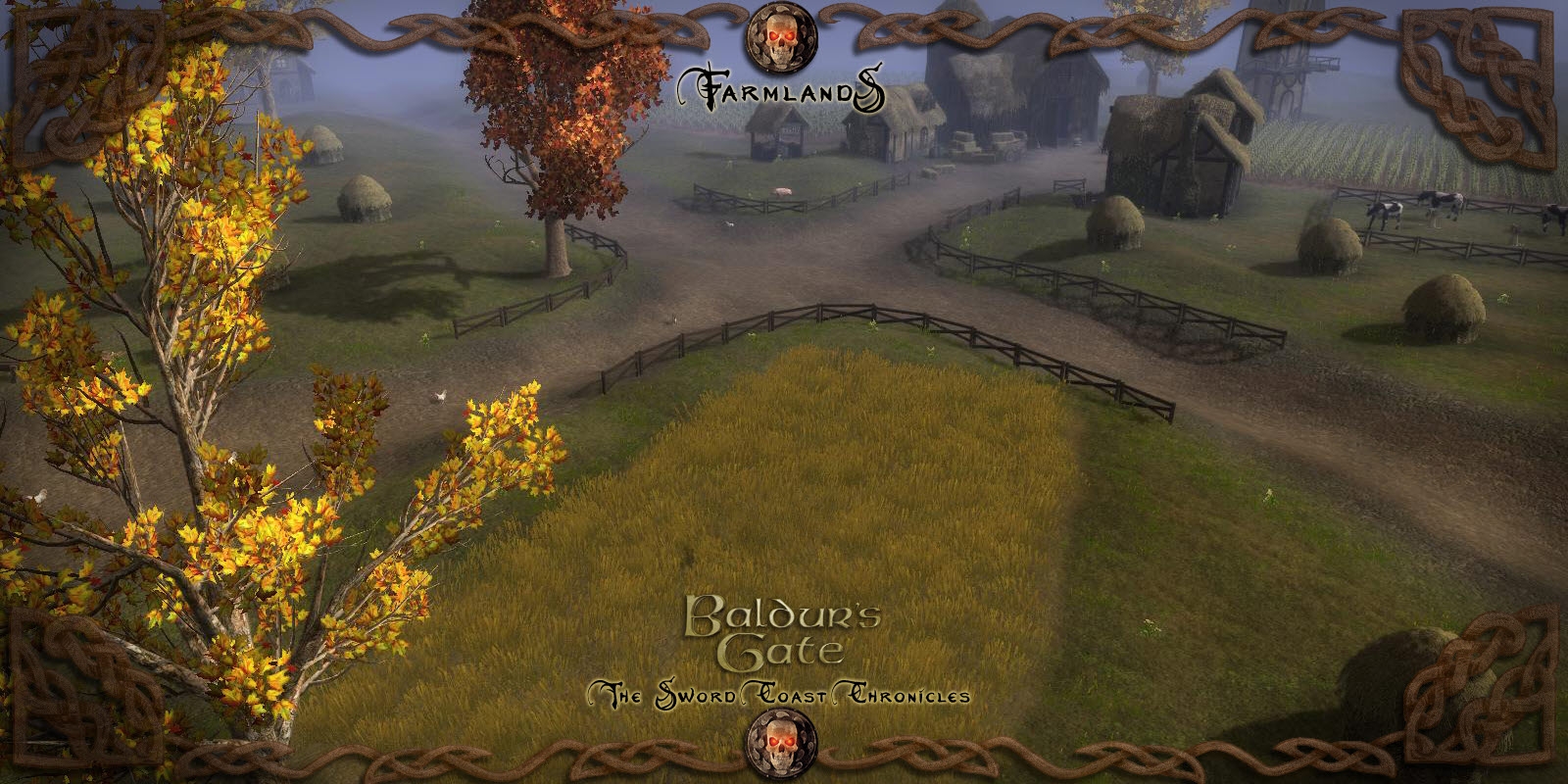
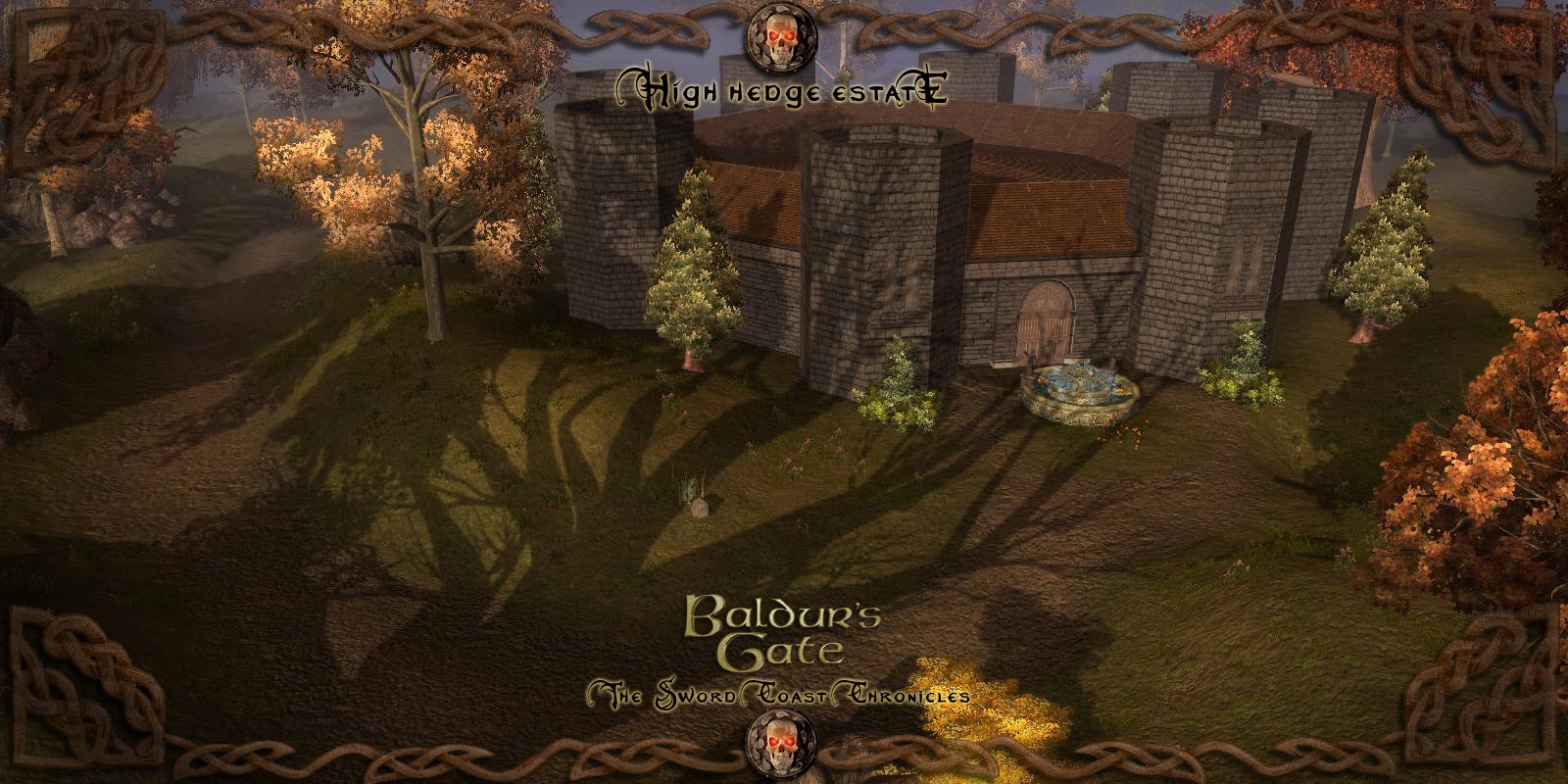
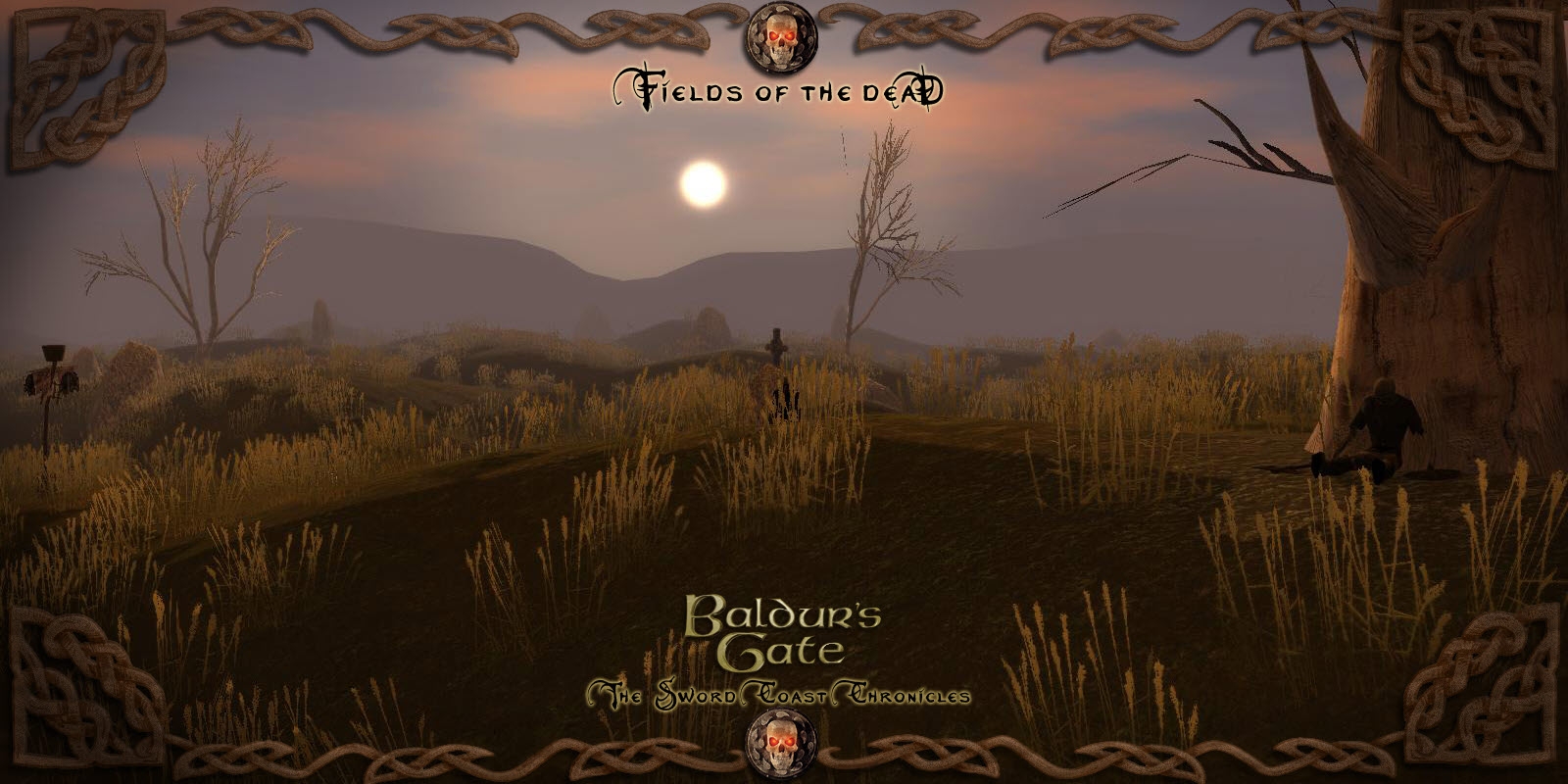
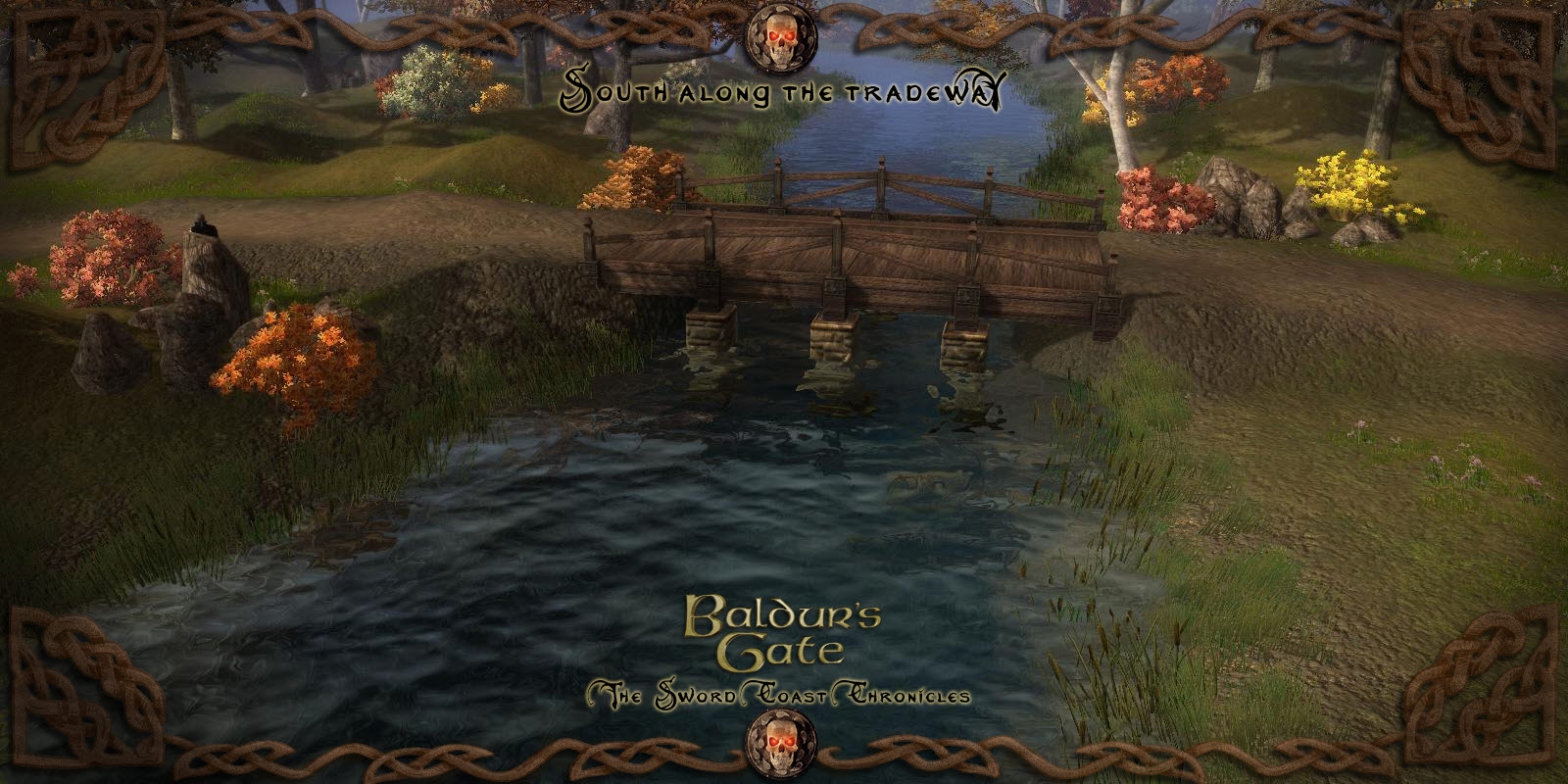
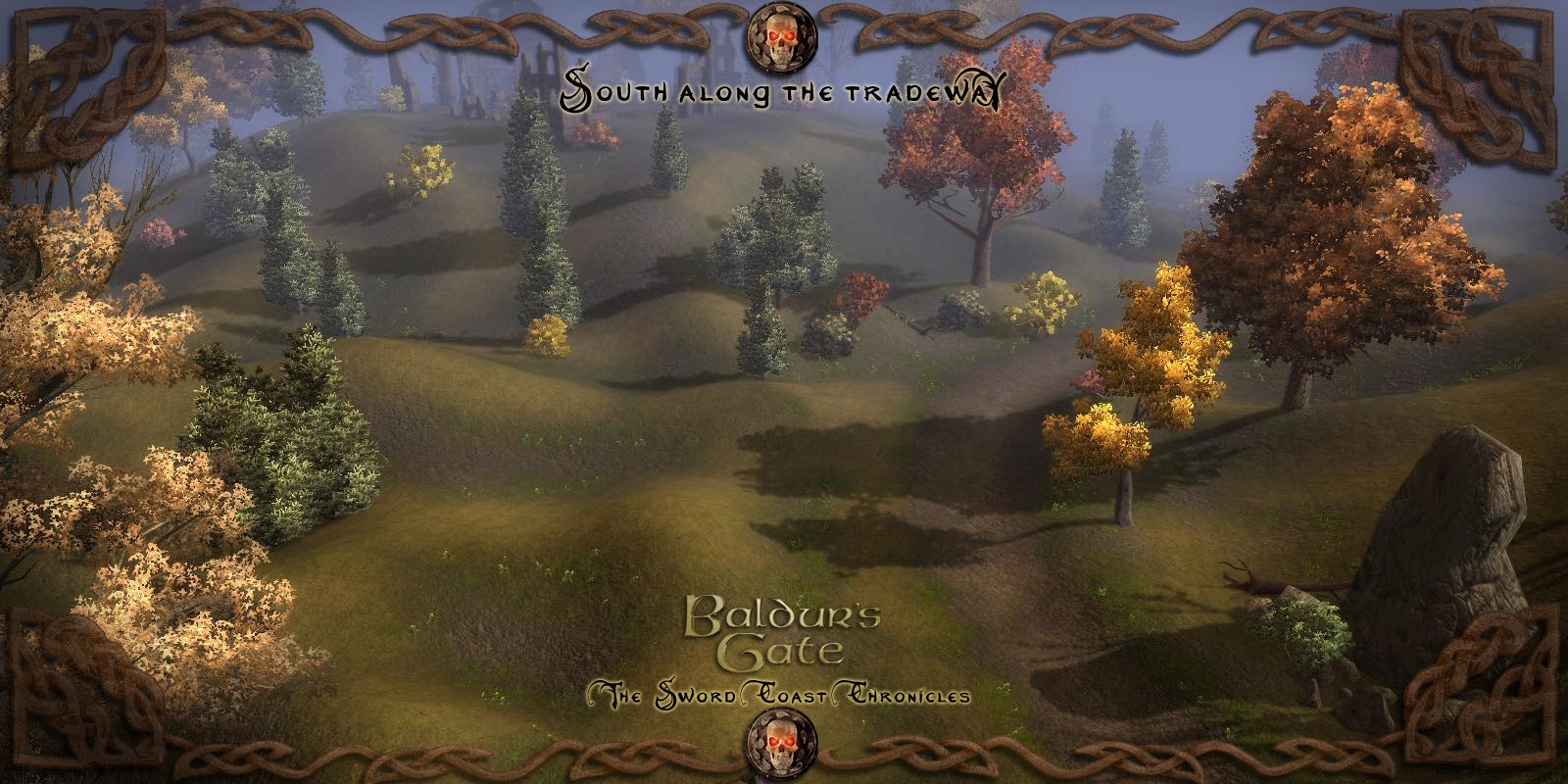
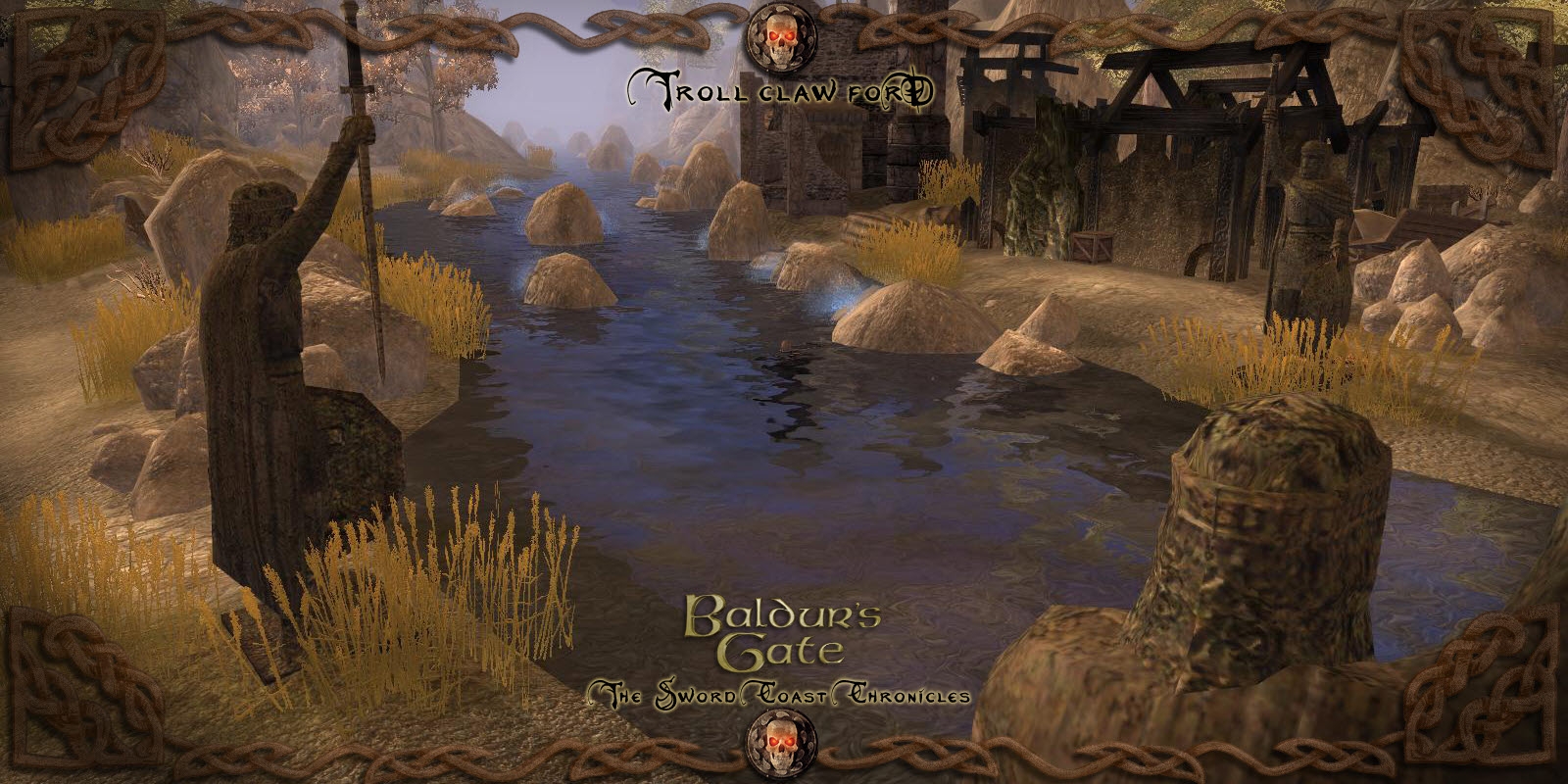
This module contains 133 areas, 209 monsters, 20 quests and over 1,000 items. The areas cover Baldur's Gate, Candlekeep, Beregost, The Cloud Peak Mountains, Cloakwood, The Woods of Sharp Teeth, The Fields of the Dead and every place in between.
Below you will find several files. One will be a module file that is ready to play, a directory folder version for you to look at in the toolkit, and the haks needed to run these areas. Also included are the item and monster add ons.
Install:
Place the Directory and the mod file in your My Documents/Neverwinter Nights 2/Modules folder. The Hak files go into the My Documents/Neverwinter Nights 2/Haks folder.
This excel sheet serves several purposes. The first tab is a map of the surface areas and how they connect to each other. The second tab contains a map of each of the areas intended CR and the third lists which monsters are set up for a specific area. You'll need to download the monster pack if you wish to use the monsters listed in this excel.
I doubt i will get a response from anyone but i cant start up the mod it says i am missing hak files and it does not start up. Is SoZ Required i only have MotB and OC
Posted by loon8 at 2011-11-01 04:12:24 Voted 10.00 on 11/01/11
lots of incredibly well done, well linked areas
Posted by TheNightbringer at 2011-09-22 21:54:33 Voted 10.00 on 09/22/11
Very well done, enjoyed wandering about and doing some interaction with npcs. Wish the monsters worked.. well other than the kobolds waiting for me in a mountain cave... could this be reloaded with monsters intact?
ive been trying to get this to work, ive deleted all the monster files and tried to import the monster script to get some monsters in the world. so far it keeps erroring out. no monsters and im missing 2 races. the world looks well made, i just cant get it to work! plus, anyone know how to get Kaedrin's PrC Pack to work with this?
"well i got it to work, is there any chance you'll release a pwc?"
How did you get it to work? I'm having the same problem.
Also when I walk around the world there are no monsters anywhere, it's all empty besides 'blue' npcs and chickens/pigs etc. No hostile spawns seem to be working. The beholder head statue in the tavern is moving around! I don't think any scripts are working.
I tried using the directory version instead of the .mod version and this makes npcs talk but there's still no mobs in the world etc i.e the other problems remain. The directyory version loads 155 areas the .mod version only 133.
Anyone else having these difficulties or know how to help? The areas look beautiful I'd love to play this module.
Hey, I've just recently downloaded your mod and when I start the game everything runs smoothly, but when I try to interact with the NPC's at the spawn area and whereever else I go in the game, I cannot, they dont say anything, I cant right click, or shift+right click to Talk To. Wondering if you can help an thanks
Posted by NCrawler at 2011-02-27 23:04:10 Voted 10.00 on 02/27/11
The only PW that I play...
Posted by Arath.inc at 2011-02-16 15:24:26 Voted 10.00 on 02/16/11
jlf2n: Thanks, voted. I'm curious what world is it that you and the other people are working on? If you want to share that is.
Posted by --Rufus-- at 2011-02-16 02:16:18 Voted 10.00 on 02/16/11
Would it be possible to get the hak that enables party creation (like in SOZ) included into this. My play is to DM a game for my mates where thay can create their own party of 4-6 PCs and I'll run a campaign for that party.
Posted by nertanef at 2011-02-08 19:26:06 Voted 10.00 on 02/08/11
Amazing detail, great areas, talk about nostalgia!
Meilil, as noted below. Download the directory version and and delete all *.utc files(monsters).
This will reduce the error messages down to about two or so. There are a few corrupt areas, but you will be able to open most of them. _________________________ Blackstone Keep PW
When I tried to open this module I got the same problem as Ugly Duck described here before.
"
Hi,
I tried to check this out, with and without the HAKs in place, but I couldn't get it to open in the toolset (directory or the module) either way. When loading, the toolset kept throwing out of range exceptions, and it took 15 minutes of "Loading..." before I shut it down."
What's the solution to this problem? Thanks for helping
Posted by BlakOrkz at 2010-12-22 18:49:08 Voted 10.00
driller, I much appreciate it. I can't seem to send you a PM, unfortunately. Send me an e-mail? Thanks!
Posted by BlakOrkz at 2010-12-22 10:47:00 Voted 10.00
Hey driller, thanks for the .utc suggestion. That removed the initial error messages. If you combine that with the grass/terrain file I linked, the module should open without a hitch.
However, if you go into the toolset and try to open several of the maps (notably Sshamath), you get an out of range exception error. Any idea why that would occur? Thanks!
Posted by sethseth at 2010-12-17 01:20:05 Voted 1.25 on 12/17/10
how come there are so many issue's with the uploads?
Posted by kas goldhammer at 2010-12-17 01:13:49 Voted 1.00 on 12/17/10
Hard to vote on somebodies rush job to pat their own back and get recognition.
Go the the BGTSSC directory and delete all *.utc files(monsters). I think they are corrupt. This worked for me. _________________________ Blackstone Keep PW
I'm having problems with unraring the mod to play this game. It gets to 98% then I get the error message unexpected end of line.
I've tried three different networks to download this mod and I get the same error. The hak file was just fine to unrar. Only the mod won't unrar right. I tried to send a message to the owner of this game but no responce so I decided to post in here. Maybe someone had the same problem and might be able ot help me get this game up and running.
I'm on a Mac using the Mac NWN2 OC with MoTB, MoW, and SoZ installed.
Somebody please help me?
Posted by Developer Silver at 2010-11-24 13:32:43 Voted 10.00 on 11/24/10
I'm just adding your areas to our PW: simply gorgeous! :-) _________________________ Developer Silver Faerûn Nights Admin
Posted by Deleverator at 2010-11-22 19:55:19 Voted 10.00
using these haks makes it so the gray orc and yaun ti do not show up during character creation. please help.
Posted by BlakOrkz at 2010-11-21 22:15:01 Voted 10.00
It appears that part of the error is coming from corrupted area files (but not all of it). I've tried redownloading the files several times but always get an error on the following:
Durlaq�s Tower 2
Nashkel
North of Beregost Abandoned Mine
The Wood of Sharp Teeth North
Sshamath Central
Sshamath North
Sshamath South
Goblin Lake Cave 2
Mist Lake
Stygian Tunnels
Varalla�s Passage
Posted by Deleverator at 2010-11-21 10:31:46 Voted 10.00
could we please get a separate download of all the scripts used? thank you!
Posted by BlakOrkz at 2010-11-19 16:57:47 Voted 10.00
Yeah, I think that the missing files are a few .utis out of the monster hak. I'll look at it in more detail tonight.
Posted by Deleverator at 2010-11-19 07:36:22 Voted 10.00
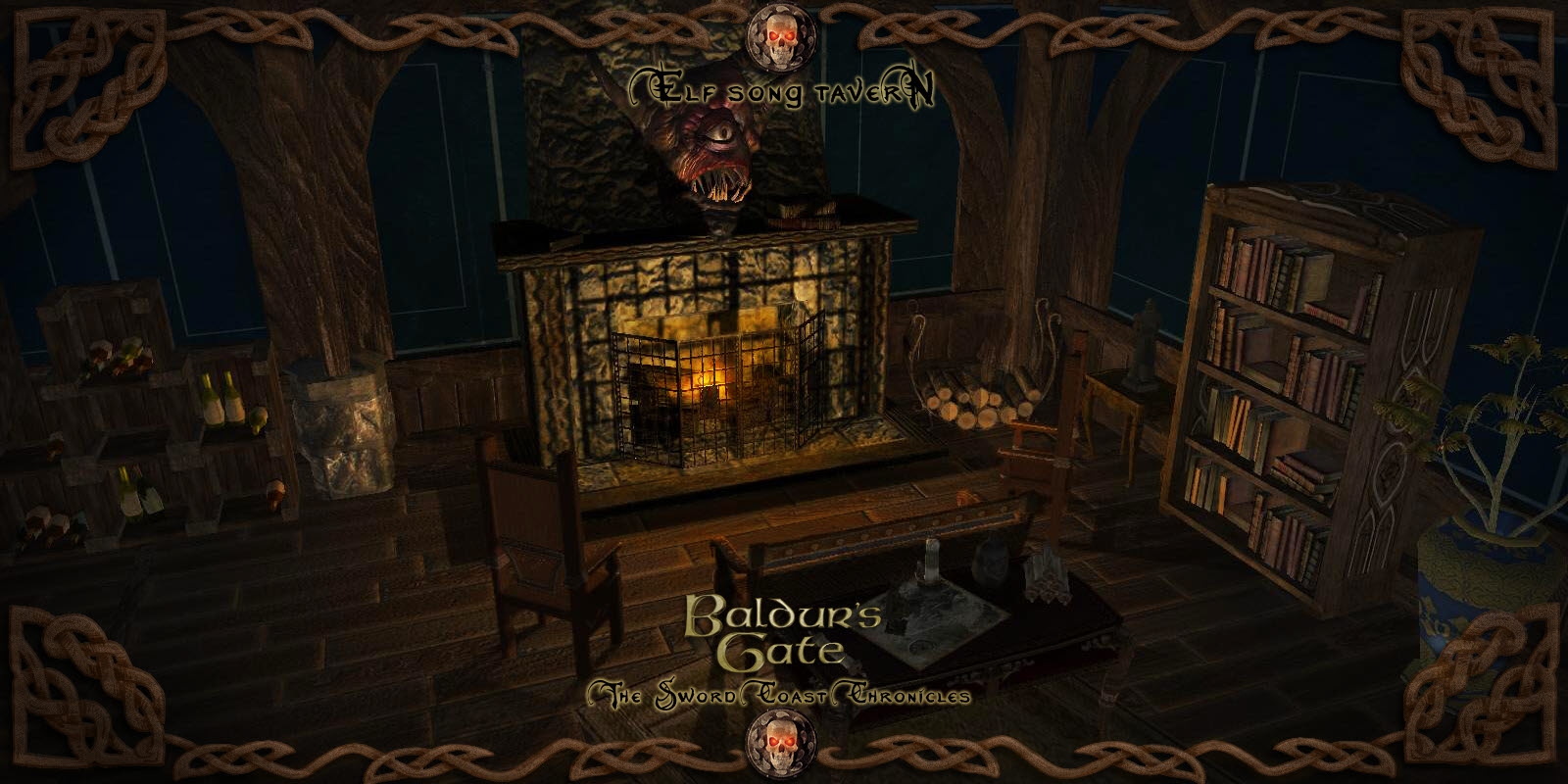
I can't open the areas nexus or elfsong in my toolset.
Also...I opened a fresh mod, applied your bg haks, then imported the items.erf -> so far so good there.
when I tried to import the monsters.erf, the toolset started giving me errors back to back, and I dumped out.
..thought I'd pass the info along
There was some concern I had after being informed by the head DM that he had banned enough people to fill two BGTSCC's. I tried to regain control of the PW I created and the conversations that followed resulted in me being removed by the people I had turned the world over to.
However I really didn't want this upload or forum to be about that. Most people that have worked with me over the several years we spent building this place knew that I had always planned on one day releasing the PW to the Vault for all to use.
10 - A Masterpiece, Genuinely Groundbreaking 9 - Outstanding, a Must Have 8 - Excellent, Recommended to Anyone 7 - Very Good, Deserves a Look 6 - Good, Qualified Recommendation 5 - Fair, Solid yet Unremarkable 4 - Some Merit, Requires Improvements 3 - Poor Execution, Potential Unrealized 2 - Very Little Appeal 1 - Not Recommended to Anyone






 Site
Site









 at 2012-10-16 13:43:58
 at 2010-11-19 07:19:25


