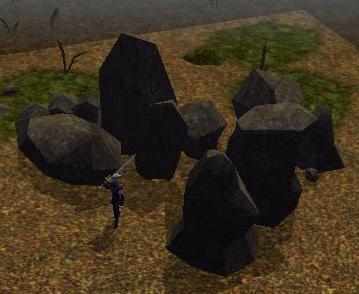
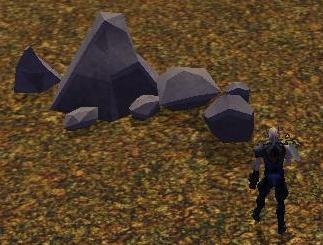
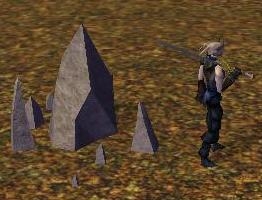
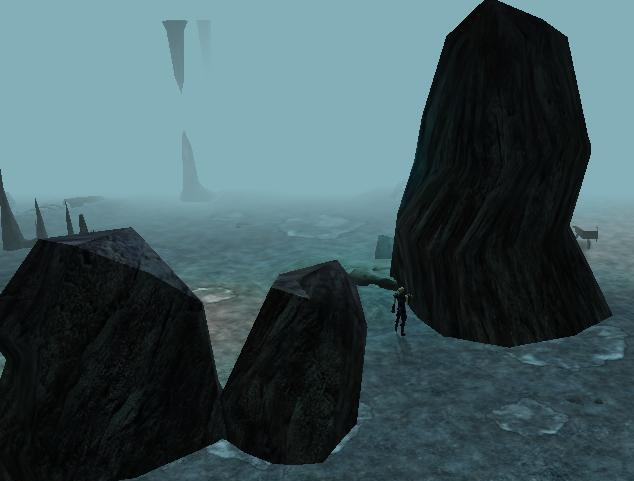
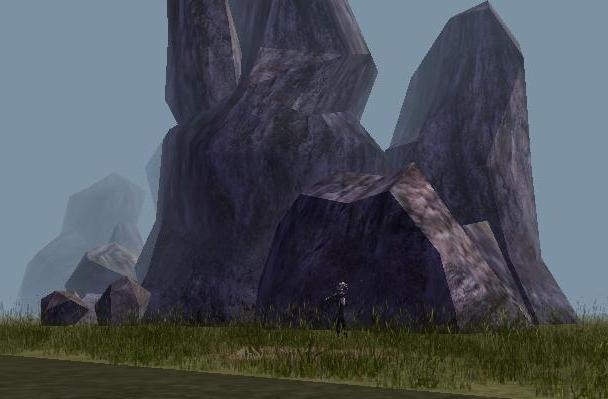
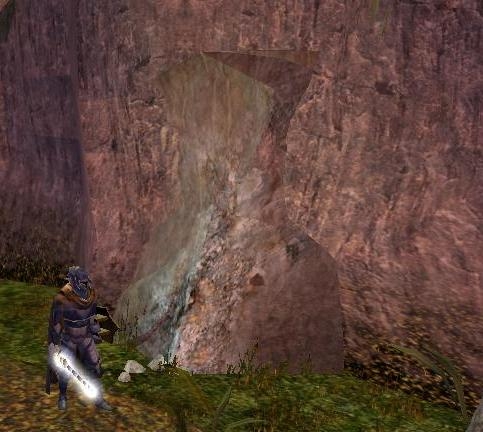
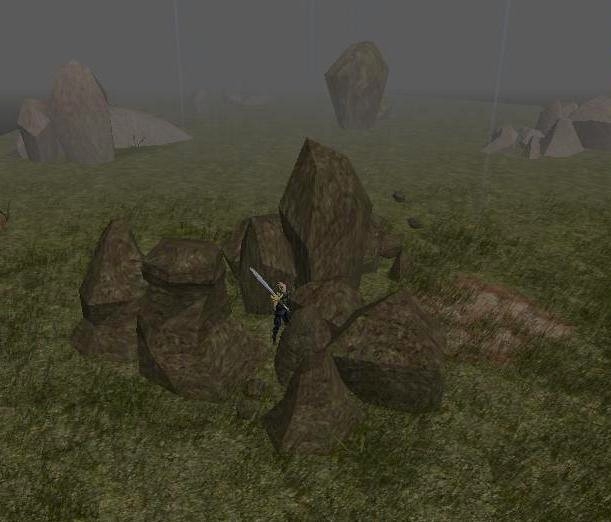
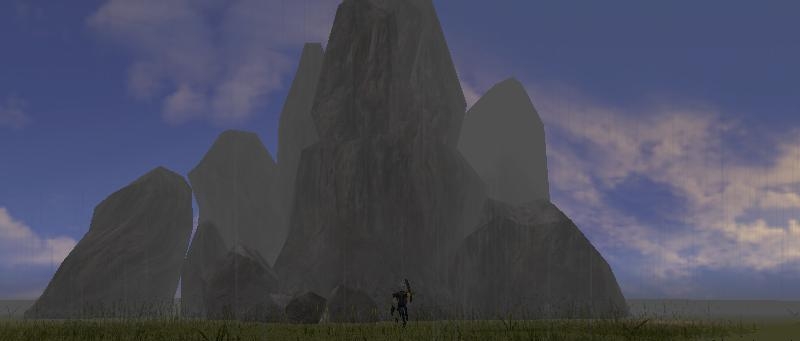
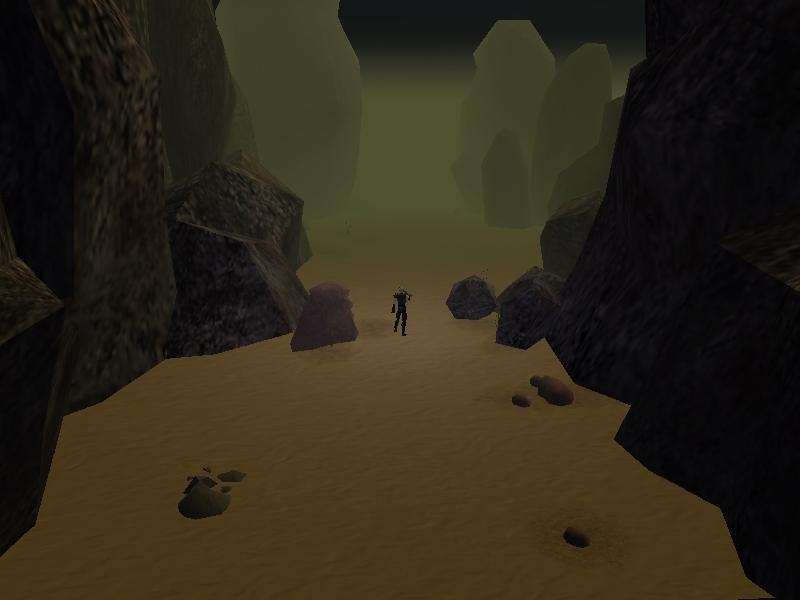
no, all the rocks disappear. I'm trying tilefade 1.
Posted by thegeorge at 2008-07-3110:48:46
Ok, so it's not a matter of 'fading' after all. Are only one of them disappearing? Try setting it to not static.
Posted by Tukaram at on07/31/08
"tilefade 0"
Posted by Tukaram at on07/31/08
No, also adding the line tilefade or they disappear
Posted by thegeorge at 2008-07-3110:21:37
Thanks. Did that make it behave like you wanted?
Posted by Tukaram at on07/31/08
:( No, sorry but also adding the line the placeable just disappears you away. The line I have amended as follows: filedependancy Unknown newmodel Rockface4 setsupermodel Rockface4 NULL classification Character setanimationscale 1.0 beginmodelgeom Rockface4 node dummy Rockface4 parent NULL tilefade 0 endnode node trimesh PLC_NL_RockFceT04 parent Rockface4
Posted by Tukaram at on07/31/08
Ok, it's in mdl file ;)
Posted by Tukaram at on07/31/08
yes, if you do it well. Is the line: tilefade 0 in the file mdl? However, a good job! :)
Posted by thegeorge at 2008-07-3109:46:21
Yep, that's simply the NWN engine doing its usual 'fading' behavior. It does this for performance reasons. You can set try to set the models to no-fade if you open them in a text editor and add the line: tilefade 0 after the line: parent NULL. I'll add no-fade versions of the rockfaces too.
Posted by Tukaram at on07/31/08
I hope they can be adjusted, ... are very beautiful if functional






 Site
Site