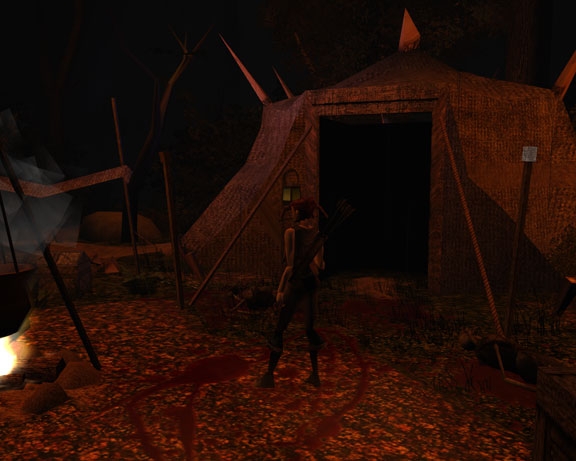
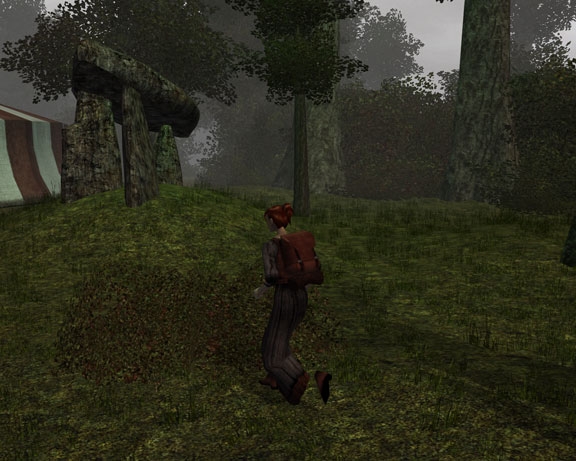
The Kingdom of Cardon, a custom setting from PnP games.
Number Players
1
Language
English
Level Range
Gameplay should end approximately around 5th level
Races
Any, but setting contains over 99% Humans, so human preferred.
Tricks & Traps
Medium
Roleplay
Medium
Hack & Slash
Medium
Classes
Any
DMNeeded
No DM Required
Single or Multiplayer
Single Player
Max Character Level
05
Max # Players
01
Min # Players
01
Min Character Level
01
Content Rating
Mature
Alignments
Any alignments, and some options are given for evil commentary at least, and some bad actions. Alignments are not enforced beyond the murder of innocents. Real roleplayer's stick to character and don't need arbitrary systems designed to penalize them for acting OOC.
Gameplay Hours
05
Description
Erebus: The Dark Rain
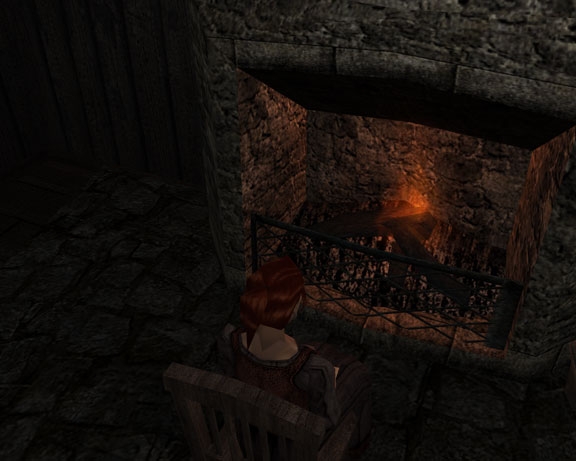
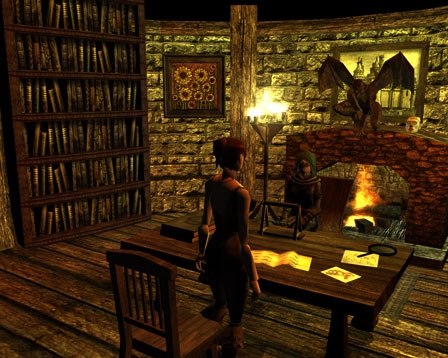
This module takes place in the Kingdom of Cardon, based on a homebrew Pen and Paper setting.
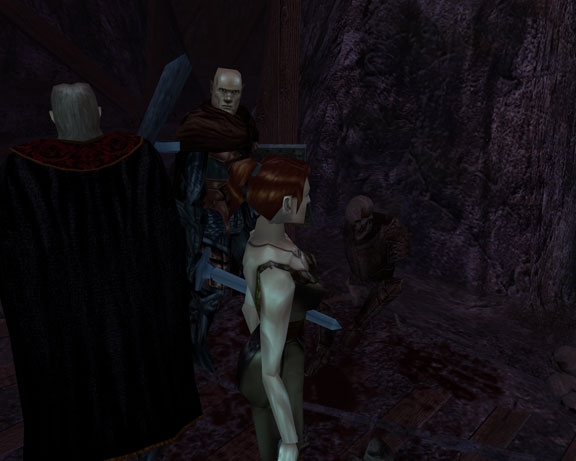
You take the role of a protagonist with a shadowy past. Waking in the village of Kach you have adapted somewhat to life without knowing of your past. When an attack by the K'thragong Clan of Orcs causes you and three others to action your part in this simple event spirals your reality out of control.
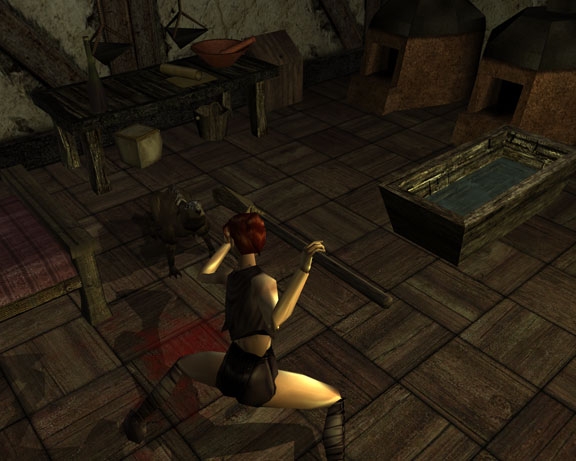
Features short term companions, compatible with all classes and races (human suggested, game is geared only towards humans). Simple fishing system. Utilizes HOTU crafting.
Also has a rhyming narrator ;)
Updated hak pak, and made several minor bug fixes that have been found.
I hadn't really considered doing a walk through, but I suppose it wouldn't hurt. SPOILERS! Yes you do have to step on them in a puzzle. You can email me and I'll send you the answer if you REALLY want the contents of the chest :)
Posted by JettaJoe at 2012-04-0103:48:19
I do like what I've seen so far. I do have a question though. Spoilers... ... ... ... ... I am in a crypt where there are some ruin plates (I think) and a chest. I assume I have to step on them in some sort of sequence to allow the chest to open. Just can't figure out how to do it. Is there a walkthrough in the works or can you tell me how to accomplish this little puzzle? Thanks! Joe
Posted by TheMadPoet at 2012-03-2910:27:43
I left the ending like that for a 2nd part should there be enough interest to warrant another few months of production. Thank you very much for the compliment! :)
Posted by acamantor at on03/29/12
Well, voting as it's a pity this module is not getting any credit in the slow rythm nwn has in this days. The adventure is quite good, has a strong plot, and well balanced combats, has some skills checks and traps who give the game the not-just-hack-and-slash flavour. Don't know if the end is like that for a second part or it's intended like that, in the second chance, I don't like that kind of final but it's a personal matter. Very good job, TheMadPoet. Your module deserve more credit than it's reciving in the old days it would rise on the top modules.
Posted by TheMadPoet at 2012-03-2813:11:34
Not a problem :) I want you to be able to play it after all.
Posted by furball at 2012-03-2813:08:33
Thank you for taking the time to help me. I will check on up on the information on Project Q's website. Again thank-you very much.
Posted by TheMadPoet at 2012-03-2810:54:30
Okay Furball. Thank you for the pictures. I can see that you are also missing some of Project Q's textures. The walls of the Fort Interior also do not seem to be there, as though the entire tileset was invisible. That's a whole different set of issues that are probably independent from my module. I suggest trying to re-install Project Q. There is plenty of information on Q's website Link and you might be able to get some help through their forums directly relating to this problem. Though you do seem to have the models for Q it would appear some of the textures are missing. Fort Interior tileset comes with NWN, so it may be that your issue is with your installation if you don't have anything in your override like you said. You may also need to run Project Q's updater utility. Again I would inquire with one of their staff.
Posted by furball at 2012-03-2720:16:21
Madpoet: I sent you screenshots of them walking on the furniture and I tried the console command. It did not work. thank-you for helping me to try to solve this.
Posted by werelynx2 at 2012-03-2708:31:47
furball: try using console command dm_jumptopoint x y , where x and y are coordinates. _________________________ Thanks Rolo:)
Posted by TheMadPoet at 2012-03-2611:03:35
I'm sorry. As of now I'm unable to reproduce this problem. Could you send screen shots of them walking on the furniture to my email address at themadpoet10@gmail.com ? Perhaps if I can see what exactly is happening I might be able to do something. I've tried logging in with each race to see if it's model size and I don't seem to be able to get it to do the same thing. Apologies.






 Site
Site