GPS Packhorse can be used by players in any existing module (official or community), including in an ongoing game. It can also be easily implemented by builders directly into their own mods and PWs.
---------------------
FEATURES
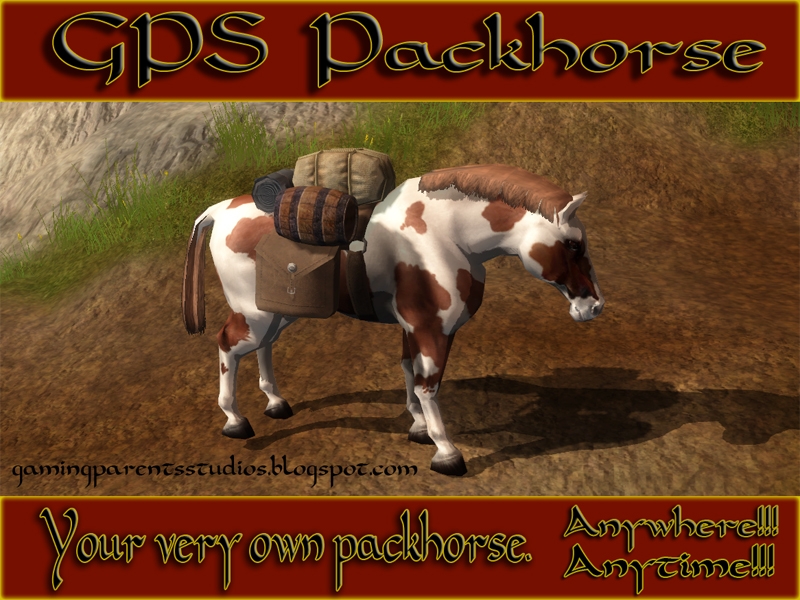
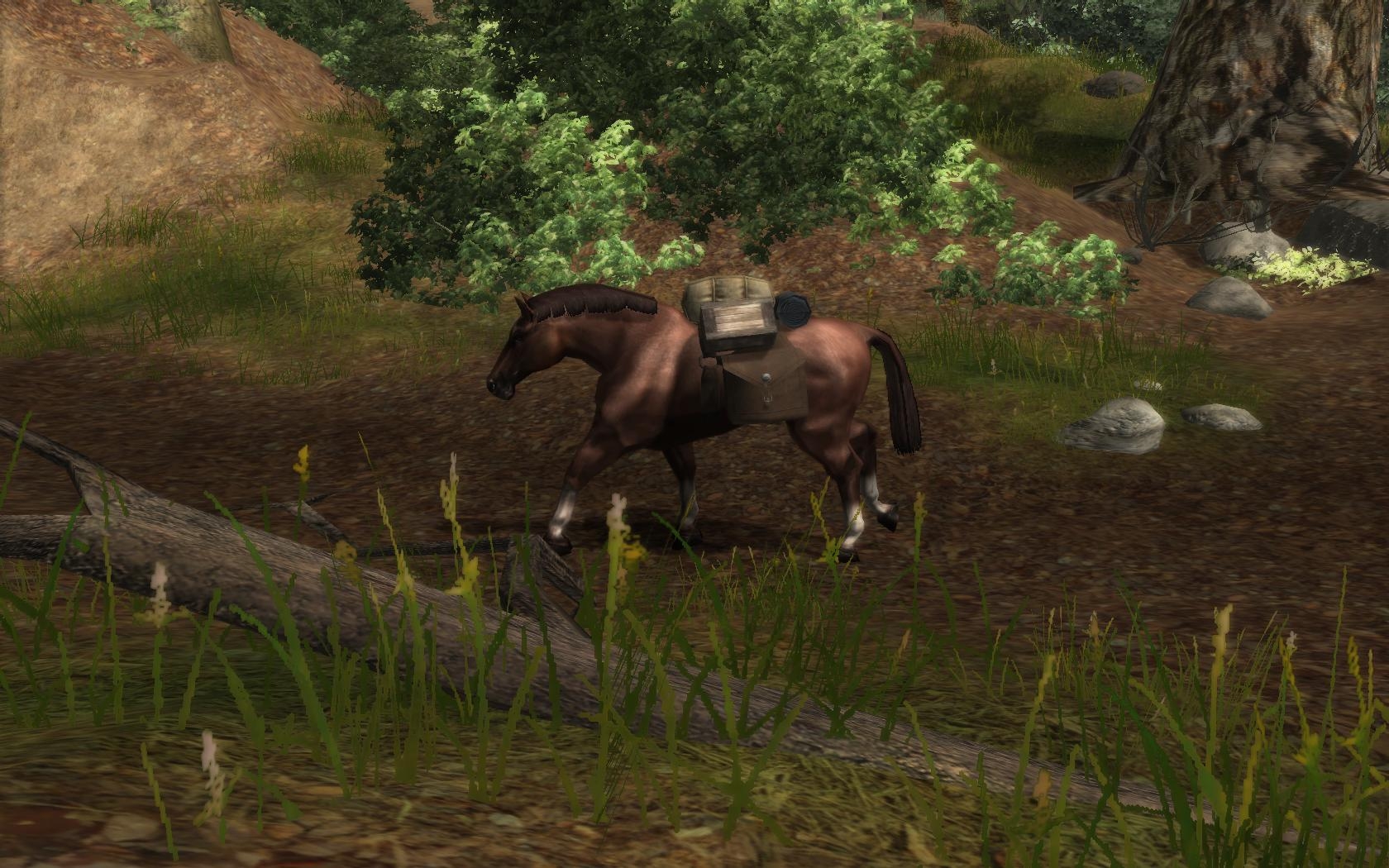
-Randomly spawns a horse in one of four different looks. One in ten chance to get a white stallion.
-Option to �pay� for the horse: for those who would like to RP their acquisition.
-Conversation-driven options and orders: stay, follow, personal and party inventory management, rename and despawn.
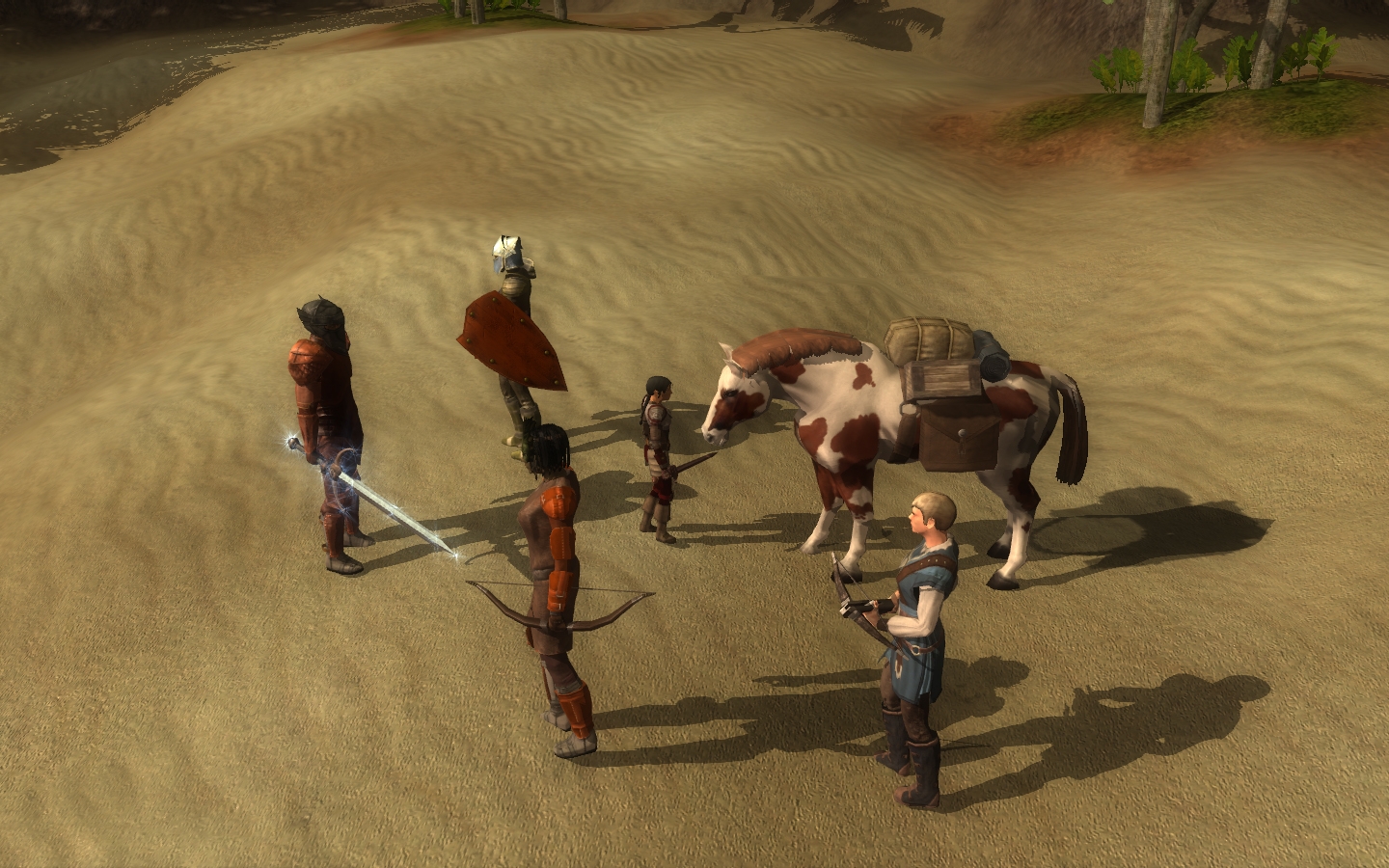
-When in party, packhorse will follow and respond to orders as any companion would. But packhorse is not a warhorse. It will flee all combat.
-Equipped with saddle bags for greater carrying capacity.
-�Slot Blockers� prevent players from equipping horse with their own equipment.
-Close to official D&D stats.
-Multiplayer theft prevention (BETA): only the horse's owner or a party member can �talk� to the horse and issue orders. Ownership can however be transfered to another nearby player.
-Requests for other features are welcome.
---------------------
INSTRUCTIONS
-Mask of the Betrayer required.
-Players: Extract the files, and place the resulting "GPS Packhorse � Override" folder inside your MyDocuments/NWN2/Override folder. At any time in game, bring down the console by pressing the �~� key. Then type the following, pressing �Enter� after each line:
debugmode 1
rs gpspackhorse
debugmode 0
A horse will be spawned into your party as a companion, even if you have reached your maximum number of companions for that particular module.
-Builders: All required files are there: scripts, blueprints and dialogues. There is no need for 2da edits. No module, area or other standard scripts are affected. Let me know if you have any questions.
-Please report any bugs or other oddities so we can address them quickly.
---------------------
USAGE NOTES AND LIMITATIONS
-Packhorse will flee all enemies and combat when not controlled and not in puppet mode (see below). It can however attack when directly controlled by a player. But it is not a very efficient fighter.
-Packhorse will be taken out of puppet mode automatically (if puppet mode is set) so that it will continue to flee combat as a packhorse should. It will be reset to puppet mode at the end of combat.
-When transferring entire inventories it may happen sometimes that some or all items �vanish�. Items still exist and will usually reappear if one or two other transfers are performed or if the inventory is manually or automatically rearranged.
-Similarly, it has happened that the horse will keep a "ghost" copy of its inventory after a transfer. These item "copies" are not useable however, and will disappear from the horse inventory after another transfer is performed.
-Packhorse is set to follow the party leader at distance "far" by default. However, this setting sometimes changes to "near" on its own. Desired follow distance can be reset in the horse�s behavior tab.
-In order to allow the horse to carry heavy loads, its strength was set to 23, which is higher than official stats. Its creature weapon however has a penalty which offsets the strength bonus.
-If your packhorse brings you to the mod's companion limit (as in SoZ), you will have to talk to it and "hobble" it (this will take it out of the party) before you can ask another potential companion to join you. Once you;ve done that, you can talk to the horse again to have it rejoin you.
-Packhorse is not rideable! ;)
---------------------
CREDITS
Gaming Parents Studios Original idea and beta testing: Sirchet
Packhorse's load : Daronas (rope, crate, keg, and bedroll modeled and textured by Obsidian)
Blueprints, dialogues and scripts: E.C.Patterson
I've just finished another test. I set up my module to use the posted hak, set the campaign flag "allowpersonalreputations" (previous reference to local reputations was incorrect) to TRUE and started up the module using NWX. I talked to the stable owner and selected the purchase horse dialogue option which I have set to run gpspackhorse. The horse spawned and was immediately attacked by the NPC stable owner. This time however, I was able to take possession of the horse. The stable owner was hostile (red) when I had the horse selected but neutral (blue) when I had my player character selected. If I controlled the horse long enough, the NPC would eventually stop attacking and turn neutral. However, the NPC would go hostile towards the horse once again if I deselected the animal. I did run the horse to an NPC that was a copy of the stable owner and found that one hostile too. _________________________ Co-founder of the PW (open beta) Sea of Dragons. It is a quest-heavy (yet has sandbox elements) role-play server geared towards party adventures for mid level characters.
Posted by The_Puppeteer at on12/16/09
Thanks for the quick reply and the hak. I'll see if it fixes the problem. At the moment, I've got all the packhorse files in my misc hak file which so I'm hoping that is the what caused the problem. Interestingly enough, when I set the Allow Local Reputations campaign flag to FALSE, the packhorse spawned and function perfectly via the stable owner conversation. It's just when I set that flag to TRUE that I encounter the two bugs (NPC's attacking it and it being uncontrollable). If the stand-alone hak does the trick I'll just swap out the originals for my customized versions of the file. The original packhorse conversation was exploitable in a multiplayer setting so I had to eliminate party item swapping. _________________________ Co-founder of the PW (open beta) Sea of Dragons. It is a quest-heavy (yet has sandbox elements) role-play server geared towards party adventures for mid level characters.
Posted by sirchet at 2009-12-1714:30:01
The_Puppeteer, The pack horse should be a default "commoner" as it's faction. Each PW that has used them has made a script to handle death, some want it to adjust your alignment and such. I recommend getting with your lead scripter and have him/her alter the nw_c2_default7 script for this, (it's the easiest way). The issue you're having with not being able to gain control of the horse is common with adding the GPS Packhorse files to an existing PW hak. These horses are uppity and demand their own hak. :) At least that's the only way I've been able to get them to work in a dialog driven method of acquisition. I recommend creating a hak with NWN2 packer, or post here asking and I will make one for you and post a link. :) _________________________ Help is good when asked for, Better when needed. Gaming Parents Studios
Posted by The_Puppeteer at on12/16/09
Nice work. It's one of the more flavorful mods I've seen for NWN2. Everything on it works the way it was intended to. Unfortunately for me, I'm trying to convert it into use for a PW and thus, some of the existing functionality is hampering me. The concept I have is that PC's can purchase a horse from a stable owner then go out adventuring with it in party. So far I've had success at setting up a conversation in which players can purchase the horse and have it join the party. The problem I face is that I want the creature to die, leave the party and decay if it is killed. At the moment, the corpse hangs around forever even though I have reset the property settings correctly. I'm pretty sure the issue is that the horse is a roster member and thus cannot decay. I do have the campaign flag for Party Members Dying set to TRUE. A scripter is looking into this for me so we may resolve the issue but if you have any suggestions, I'd be glad to know them. My own thought was to have an OnDeath script created that would force it out of the roster then force destruction of the horse. Even worse though, is that if I set the campaign flag for Allow Local Reputations to TRUE, then at least one neutral NPC will attack it as soon as I spawn the creature into the area. I haven't tested extensively yet but both creatures (horse and npc) are blue to me. Also, I cannot take command of the horse but instead get the message "you cannot take possession of this creature at this time" (roughly paraphrased). The second time this happened, the NPC stopped attacking after a couple minutes. However, I still could not take possession of the packhorse. Using the console commands to check on factions showed that the custom player faction had the exact same reputation as the player faction. It was the only faction I did not create myself in the toolset so I assume it was the horse's faction. If you have any insight on that issue, please let me know. Thanks. _________________________ Co-founder of the PW (open beta) Sea of Dragons. It is a quest-heavy (yet has sandbox elements) role-play server geared towards party adventures for mid level characters.
Posted by E.C.Patterson at 2009-10-2717:54:02
Hi again tsongo, here's some info for you: -It looks like you can adjust natural AC from the main properties pane (not the statistics pane). I too **sometimes** get an error when opening the stats pane (though with much less dratic consequences - just a crash). I can't pinpoint the source of the error unfortunately. -The horse was designed not to acquire XP (what exactly is it getting better at?...:) )But you can change that by setting Designer XP mod to 1 in the properties pane. -Loosing inventory on death has been reported before. I unfortunately have not been able to replicate it. Glad you found a workaround! Thanks for giving the packhorse a good home! I'm glad you like it. :) _________________________ E.C.Patterson Gaming Parents Studios Trinity, the NWN2 adventure : Download now.
Posted by E.C.Patterson at 2009-10-2715:03:00
Hey tsongo! Sorry I didn't get back to you earlier. I'm fairly busy on other things... I'll look into this issue. I highly doubt it has anything to do with the horse/mule though. ;) _________________________ E.C.Patterson Gaming Parents Studios Trinity, the NWN2 adventure : Download now.
Posted by tsongo at on09/27/09
I still love this horse by the way but was wondering if somebody could explain why this happened.. I tried to adjust the horses natural AC in the statistics area of his properties and my toolset went nuts with an unhandled exemption message that wouldn't take no for an answer it destroyed my properties tab ( it disappeared after refusing to close for about ten minutes) and resulted in me having to close down the toolset. Then when I reloaded it all my tabs were back to the original place and the whole toolset was reset as if I'd never used it. OK no problem put it back where I wanted and disabled auto save but my properties tab wouldn't work and just had a big red x in it. I turned off the toolset and computer and restarted same story tabs reset properties gone, so I had to uninstall NWN and re install it all over again ( haven't updated yet I can't be bothered at the moment ). I've adjusted the horse before but never in the statistics just changing the size,tag etc in the properties. All I was trying to do was help him but I suppose there must be an element of stubborn mule included in his AI. Why did this happen..? Is there a way to give the horse natural AC..? I don't want to go near him at the moment but if there's a safe and tested way I'd like to know please... Thank you..
Posted by tsongo at on09/27/09
One thing that happened to my horse was that it died ! A sad moment ! But when it came back it lost its inventory, changing it to no decay and lootable corpse false seems to have fixed it. But I might just go the whole way and make it into a God I like it so much and I'm sure its immortality is just around the corner. It really is a lot of fun I've had it leading the party attacking doors and rushing in with hoofs flying.... Probably why it died, I must remember not to do that too often. Is this a henchman or a companion if it's a henchman is there a way to give it XP ?
Posted by tsongo at on09/27/09
I just discovered this and think it's excellent, had to write a bit of a story to justify it being a horse ( stolen from an adventurer and forced to carry stuff about down some tunnels ) but not a problem, really well done best bag of holding I've ever seen !
10 - A Masterpiece, Genuinely Groundbreaking 9 - Outstanding, a Must Have 8 - Excellent, Recommended to Anyone 7 - Very Good, Deserves a Look 6 - Good, Qualified Recommendation 5 - Fair, Solid yet Unremarkable 4 - Some Merit, Requires Improvements 3 - Poor Execution, Potential Unrealized 2 - Very Little Appeal 1 - Not Recommended to Anyone






 Site
Site