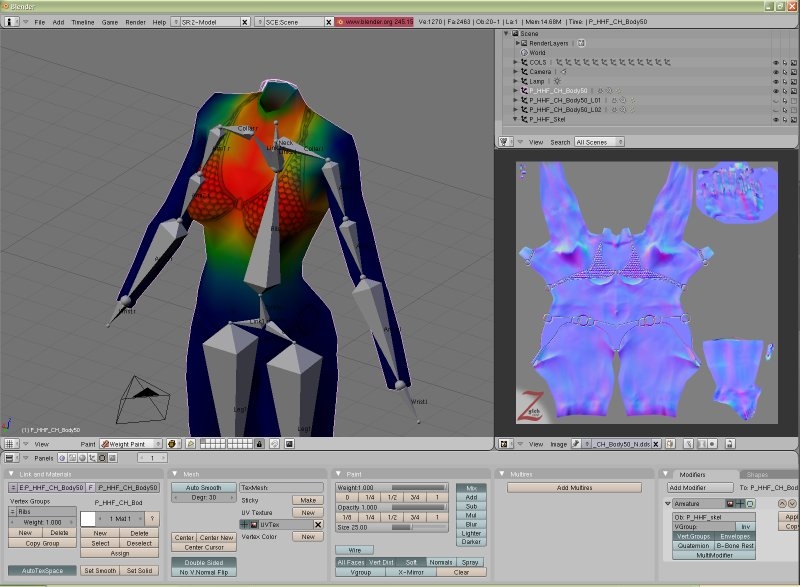
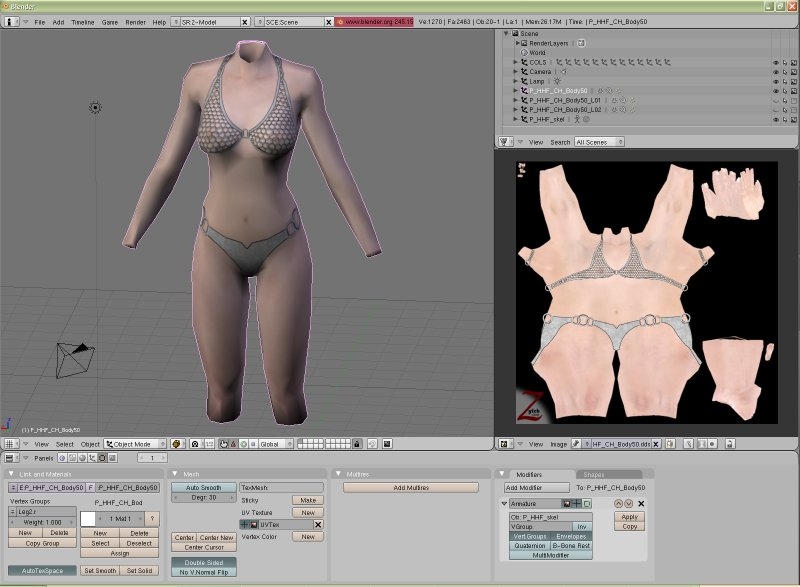
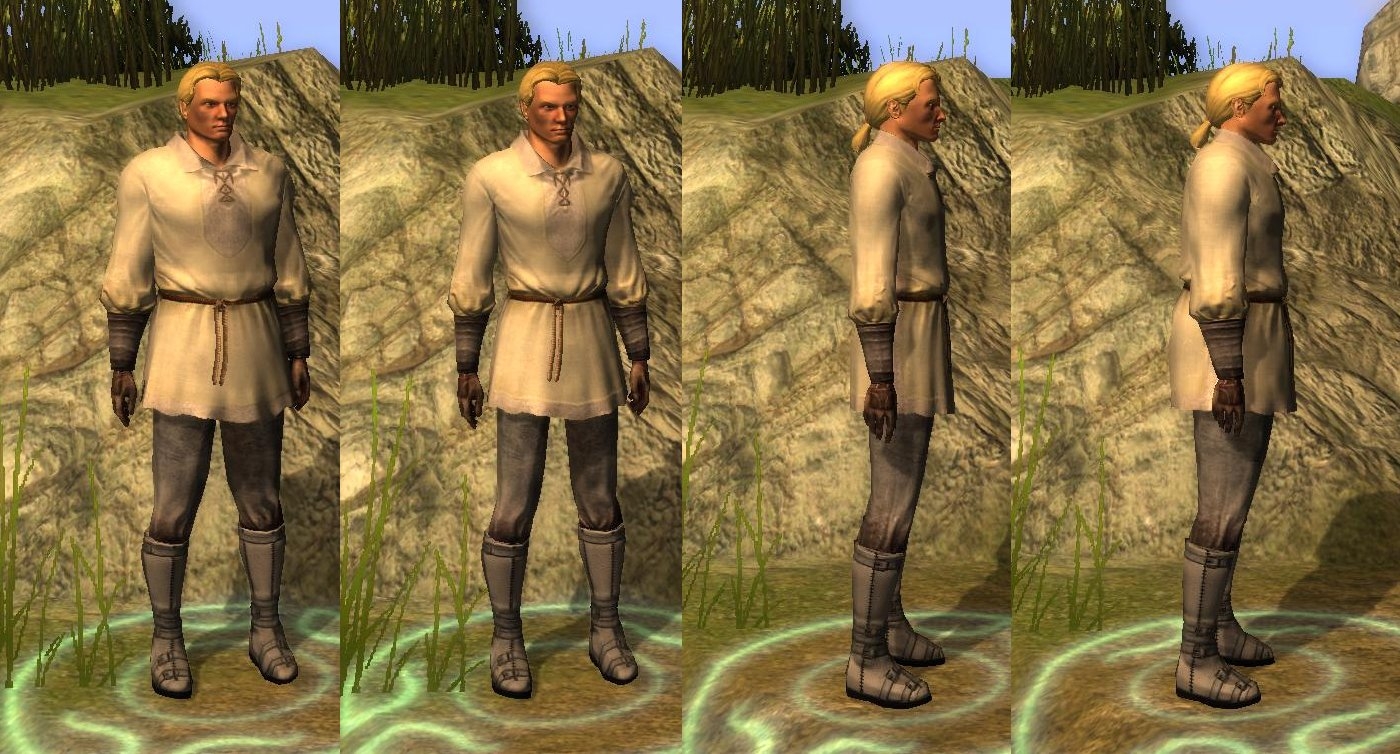
This is an interim release that fixes a couple of bugs and comes with a new tutorial. The next version should be a significant upgrade as the scripts original authors have picked up the torch again and are busy adding all the stuff I left out inorder to get it done quickly...
Eee, sorry. By digits I had meant the fingers. *nods* I was just a little worried how accurate their positioning should be, the feet were easy since it was a sub-divine. Should I just import some gloves and use them like tracing paper? o.o; Also, *squees @ the working head* :3
Posted by DarkMagnolia at on02/28/09
Thank you very much for this, and Ardell for the extra help. *nods emphatically* ^_^ I've managed to get feet working, but I'm still a little sketchy on how to add/position the digits. o.o;
Posted by Ardell at on02/08/09
Loki this doesnt support hair at the moment... the comments in the scripts state that "Currently this exporter only supports RIGD, COL2/COL3, WALK, and HOOK packets." It also supports SKIN and COLS (oversight on that comment) but HAIR and HELM packets aren't handled at all by the exporter. What i wrote below.. makes more sense now to relabel the bone defs for hands as H_pk.l and H_pk.r instead of LH_pk and RH_pk so that weightpainting can be mirrored. I've got gloves and boots working fine with this, but occasionally there's a division by zero error if you've weight painted vertex groups and later have to re-mirror a model. I had to clear all the weightpainting first before the exporter stopped complaining. Found my error with the COLS... each individual child COLS object has to be selected as well as the COLS... ignore what i said about that bug :)
Posted by loki12345 at on02/17/09
great one, but I have massivly Problems with exporting a Hair Modell. The mdb has its correct name (i just overwrite an old model from a hak), but everytime i try to choose it, nwn crashes. _________________________ GER] Zauberwald: the ultimate german persistent world for NWN1 Feline Fuelled Games: The best Place for German Singleplayer Adventures with NWN2. New: The Shaper of dreams in english. Check it out! LOWKEY-MUSIC: Music for Film, TV, games and more.
Posted by Ardell at on02/08/09
Ok first off i've been messing with this thing off and on for about 2 weeks now... for people having trouble exporting armor the script is very fussy about how you have to set up blender to export. You need to export the skel, the object and the COLS objects, and have all of these selected in the Outliner, each with all 3 restrict/allow icons toggled on. The object to export needs to be the main selected object, with its name highlighted in white. The object and its mesh need to be the same name. The script and armature are incomplete. For boots, subdivide the ankle bones and name the two new bones Toe.l and Toe.r. Next open up the script nwn2mdb.py and find the line that starts BONE_DEF={0:'Pelvis', 1:'Leg1.l', 13:'Spine', ....etc }. Add 3:'Ankle.l', 7:'Ankle.r', 4:'Toe.l', 8:'Toe.r' to that list. This line is simply a list of bone index numbers:Armature labels seperated by commas. For gauntlets, create 5 new bones on each hand attached to Arm3.l and Arm3.r (I think Wrist.l and Wrist.r are for the weapon attachment point... attaching to Arm3 works). These are the knuckles. I've labled mine LH_pk, LH_rk, etc for left hand pinky knuckle, left hand ring knuckle etc. Now subdivide each of these 5 new bones to create the finger digits. I've called mine LH_pd, LH_rd etc. Next duplicate the hand over to the other arm. You should have 20 new bones to re-label and weigh. I've used 0.15 for the bone influence distances, and 1.0 for the bone weights. Seems to work reasonably well at this weighting. Add this data to the BONE_DEF list in nwn2mdb.py: 19:'LH_pk', 20:'LH_pd', 21:'LH_rk', 22:'LH_rd', 23:'LH_mk', 24:'LH_md', 25:'LH_ik', 26:'LH_id', 27:'LH_tk', 28:'LH_td',34:'RH_pk', 35:'RH_pd', 36:'RH_rk', 37:'RH_rd', 38:'RH_mk', 39:'RH_md', 40:'RH_ik', 41:'RH_id', 42:'RH_tk', 43:'RH_td'. I should be able to get heads up and running with this shortly. Jester, are you still around? There seems to be a bug in the export script - it does not export the COLS data properly. If you import a model, tweak it and then export the skel COLS and object, exporting works... but when you IMPORT the mdb you just created, only the object and skel get imported. I'll see if i can fix this when i get some time.. for now creating the metaballs is easy enough to do, but i'm concerned that the COLS data isn't making it into the mdb for the game engine to use.
Posted by Ardell at on02/08/09
Thanks Jester.. great script! Even though its still really a work in progress this merits a 10 because it's groundbreaking and works perfectly for some (but not all) mdbs. As it stands now heads and boots do not export... I'll post in a bit how to get boots working with this.
Posted by santjago at 2009-02-0403:41:43
hi, sorry for my english, i have a problem with the script... i follow the tutorial and i export the mesh, i modified P_HHM_CL_Body16, I renamed it in P_HHM_CL_Body777 , in the Toolset, when i try to create new object from a copy of P_HHM_CL_Body16, i cant select, for the Model Part, the number 777 that i can see in the list... the script seams to work, it creates P_HHM_CL_Body777.MDB i have the last version of NWN2 and Blender 2.48a thanks for help.. biz
Posted by Yu-Cheng at on12/19/08
I have question in export. I can import armor, and export. When I import head, export head is error. It say phthon script error. How can I do? And Can I create gr2 for mdb? Thanks.
Posted by jabs at 2008-12-0510:27:05
Is this tool compatible with the latest release? My school is looking for a game engine that works with Blender, and having this tool would be a great push to get them to use NWN2 for modding.
Posted by Luthrendel at 2008-11-2922:49:59
hi, i installed this and im getting an error that says "ImportError: No Module name nwn2mdb" eh...its probably gonna be something obvious...but if anyone else had this error and finds a way around it then it would be nice to know how. thanks.
10 - A Masterpiece, Genuinely Groundbreaking 9 - Outstanding, a Must Have 8 - Excellent, Recommended to Anyone 7 - Very Good, Deserves a Look 6 - Good, Qualified Recommendation 5 - Fair, Solid yet Unremarkable 4 - Some Merit, Requires Improvements 3 - Poor Execution, Potential Unrealized 2 - Very Little Appeal 1 - Not Recommended to Anyone






 Site
Site