Posted by Gonzo_og at 2010-03-12 16:22:11 Voted 10.00 on 03/12/10
"Rock on!"
Ore you some kind of a comedian? _________________________ stuff
Posted by The Amethyst Dragon at 2009-07-29 15:31:22 Voted 10.00 on 07/29/09
Rock on! _________________________ World of Aenea (Hall of Fame PW and the origin of all my works)
Vault Entries: The Complete List (50+ entries, including 17 Hall of Fame awards)
Self-Promotional Honesty: If you have opinions on stuff I've made, or if you use any of it (as a player or builder), I like comments/votes/feedback...so do other content makers and builders. Keep us motivated. :)
Posted by Inayity at 2009-03-12 08:46:44 Voted 10.00 on 03/12/09
TheGeorge- thank you so much for this and your other contributions! Your tireless work to help bring this material to our community is much appreciated!
Posted by Winterhawk99 at 2008-09-24 15:26:34 Voted 10.00 on 09/24/08
I really really like the idea of takeing nwn2 models and converting them to nwn1 big kudos to you George. Your models are absolutely fantastic and with these particular models you can do so much with just a few things. its a big idea and well done in 3ds max
Posted by Winterhawk99 at 2008-09-19 04:56:08 Voted 10.00 on 09/24/08
just download this george and will take a good look at it next week in a test mod. It looks like it could be a great addition for harvest moon. thanks for makeing them for the vault
Posted by DM_Eonwe at 2008-09-07 09:10:53 Voted 10.00 on 09/07/08
Tukaram, set the placeables on "static", and they will be rendered even from afar. If you cannot set them to static, then the 2da file needs to be edited to allow for it.
Posted by Tukaram at 2008-07-31 11:09:30 Voted 10.00 on 07/31/08
My video card is excellent. As shown in the pictures linked, other placeables larger remain clearly visible. No, it's certainly setting some on the mdl. Now I try and then I'll tell you.
Now I think it's how the NWN engine handles large objects in the distance, and in that case your video card could be a factor. Do they fade away or just suddenly disappear? Maybe you could email me the module or area in question: [email protected]
Posted by Tukaram at 2008-07-31 11:00:34 Voted 10.00 on 07/31/08
even with tilefade 1 disappear :(
Posted by Tukaram at 2008-07-31 10:58:39 Voted 10.00 on 07/31/08
no, all the rocks disappear. I'm trying tilefade 1.
Posted by Tukaram at 2008-07-31 10:20:59 Voted 10.00 on 07/31/08
:( No, sorry but also adding the line the placeable just disappears you away.
The line I have amended as follows:
filedependancy Unknown
newmodel Rockface4
setsupermodel Rockface4 NULL
classification Character
setanimationscale 1.0
beginmodelgeom Rockface4
node dummy Rockface4
parent NULL
tilefade 0
endnode
node trimesh PLC_NL_RockFceT04
parent Rockface4
Posted by Tukaram at 2008-07-31 09:57:17 Voted 10.00 on 07/31/08
Ok, it's in mdl file ;)
Posted by Tukaram at 2008-07-31 09:51:23 Voted 10.00 on 07/31/08
yes, if you do it well. Is the line: tilefade 0 in the file mdl? However, a good job! :)
Yep, that's simply the NWN engine doing its usual 'fading' behavior. It does this for performance reasons. You can set try to set the models to no-fade if you open them in a text editor and add the line: tilefade 0 after the line: parent NULL. I'll add no-fade versions of the rockfaces too.
Posted by Tukaram at 2008-07-31 03:29:17 Voted 10.00 on 07/31/08
I hope they can be adjusted, ... are very beautiful if functional






 Site
Site









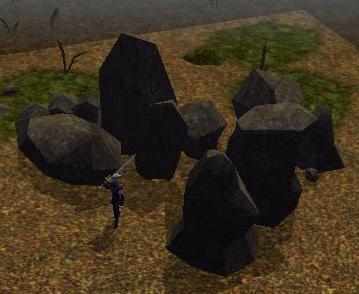
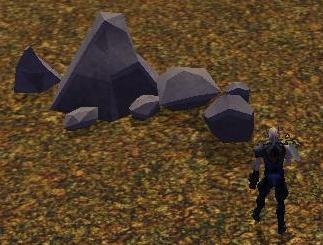
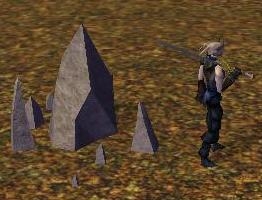
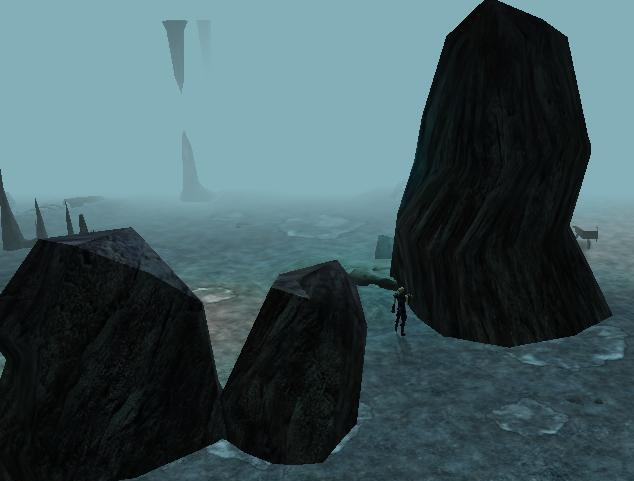
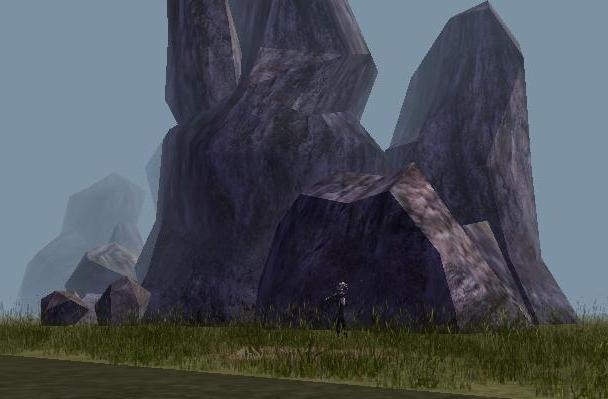
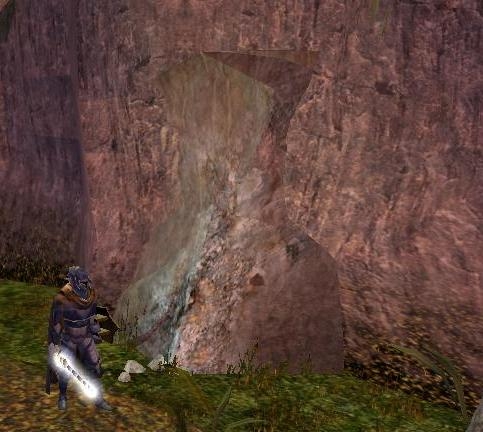
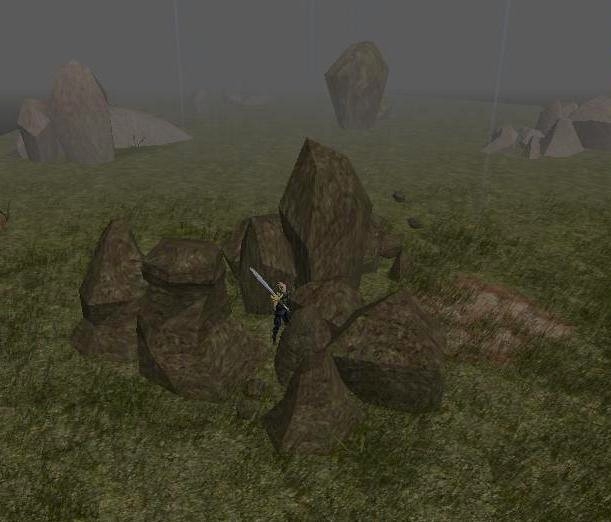
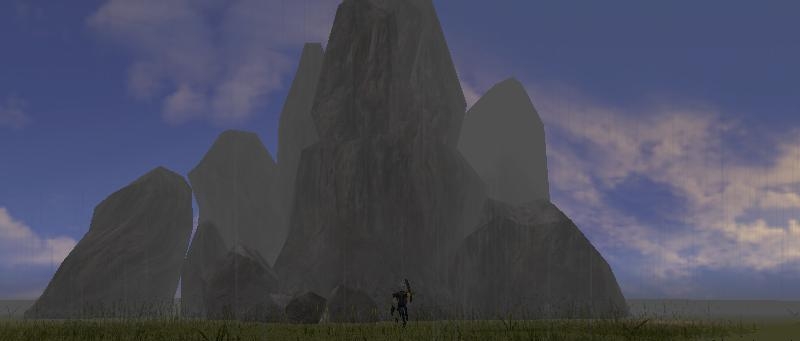
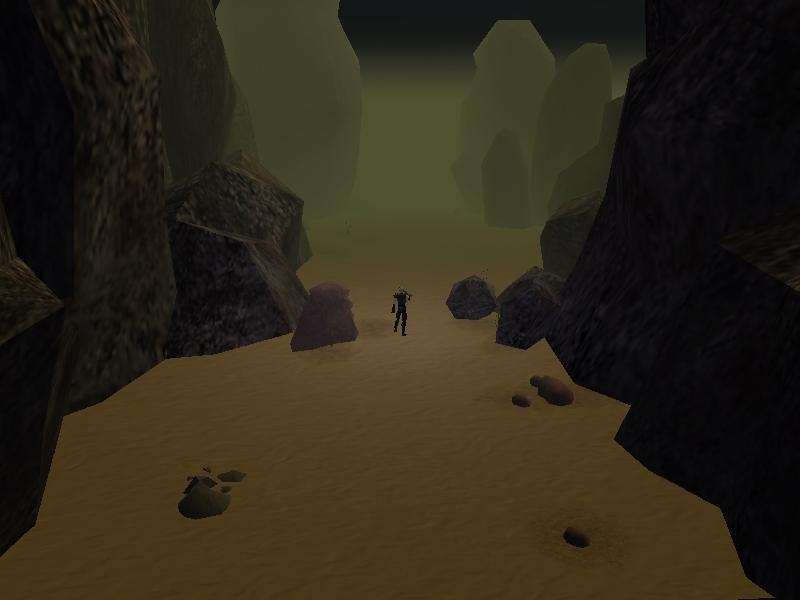
 at 2010-04-30 23:36:31
 at 2010-03-12 16:22:11
 at 2008-09-24 19:54:18


