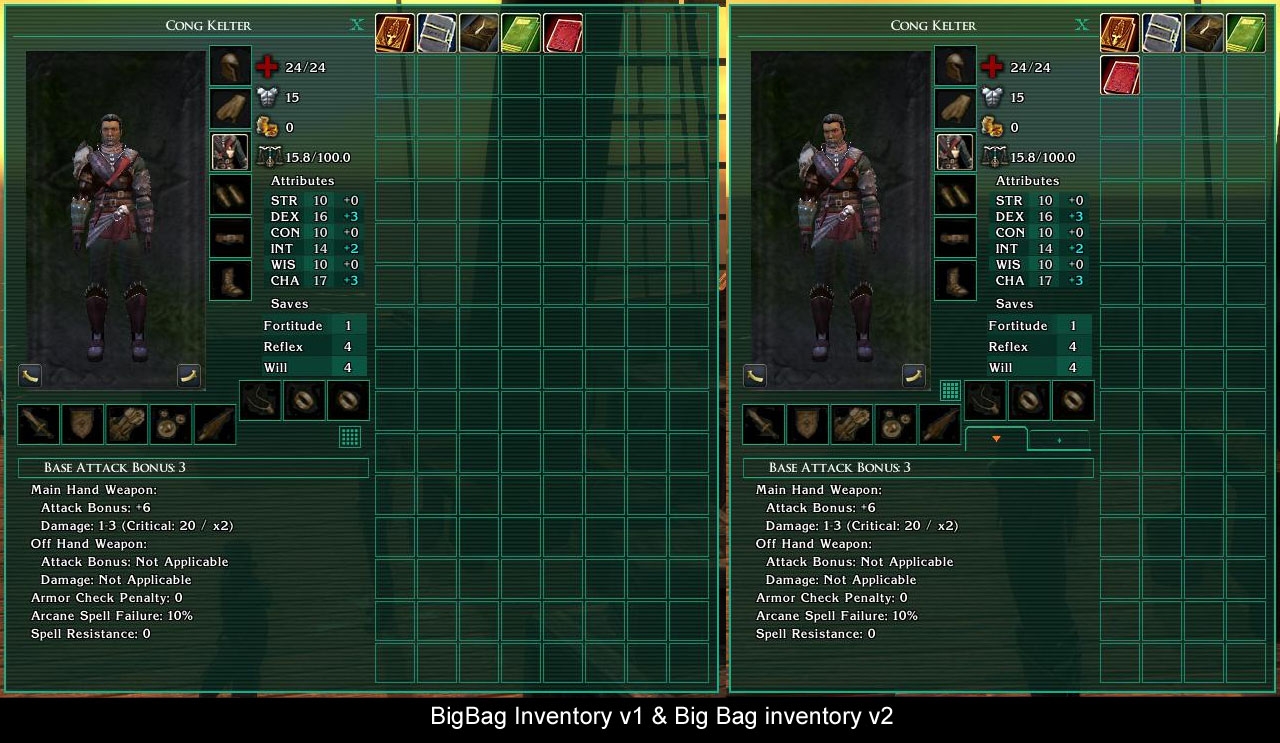
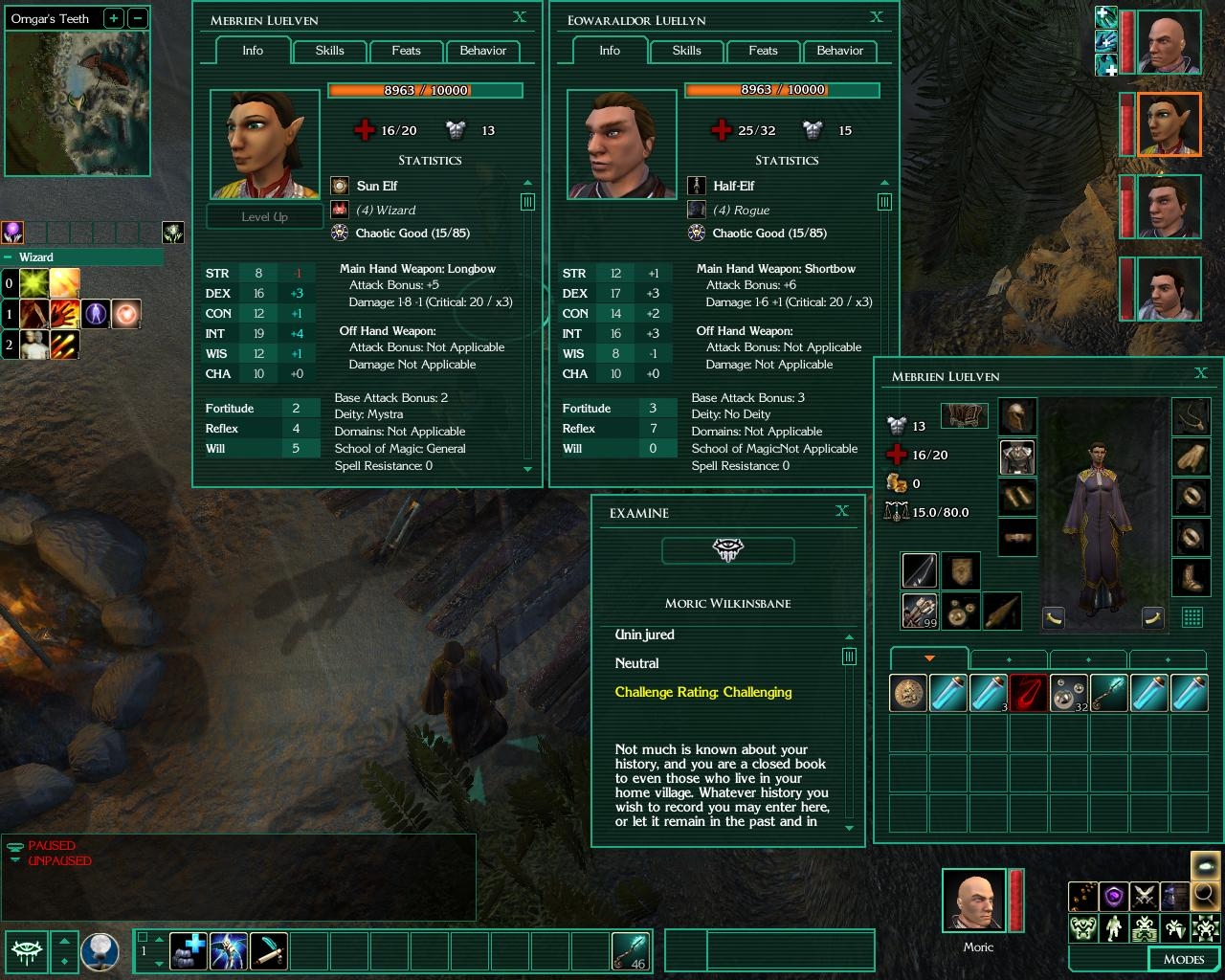
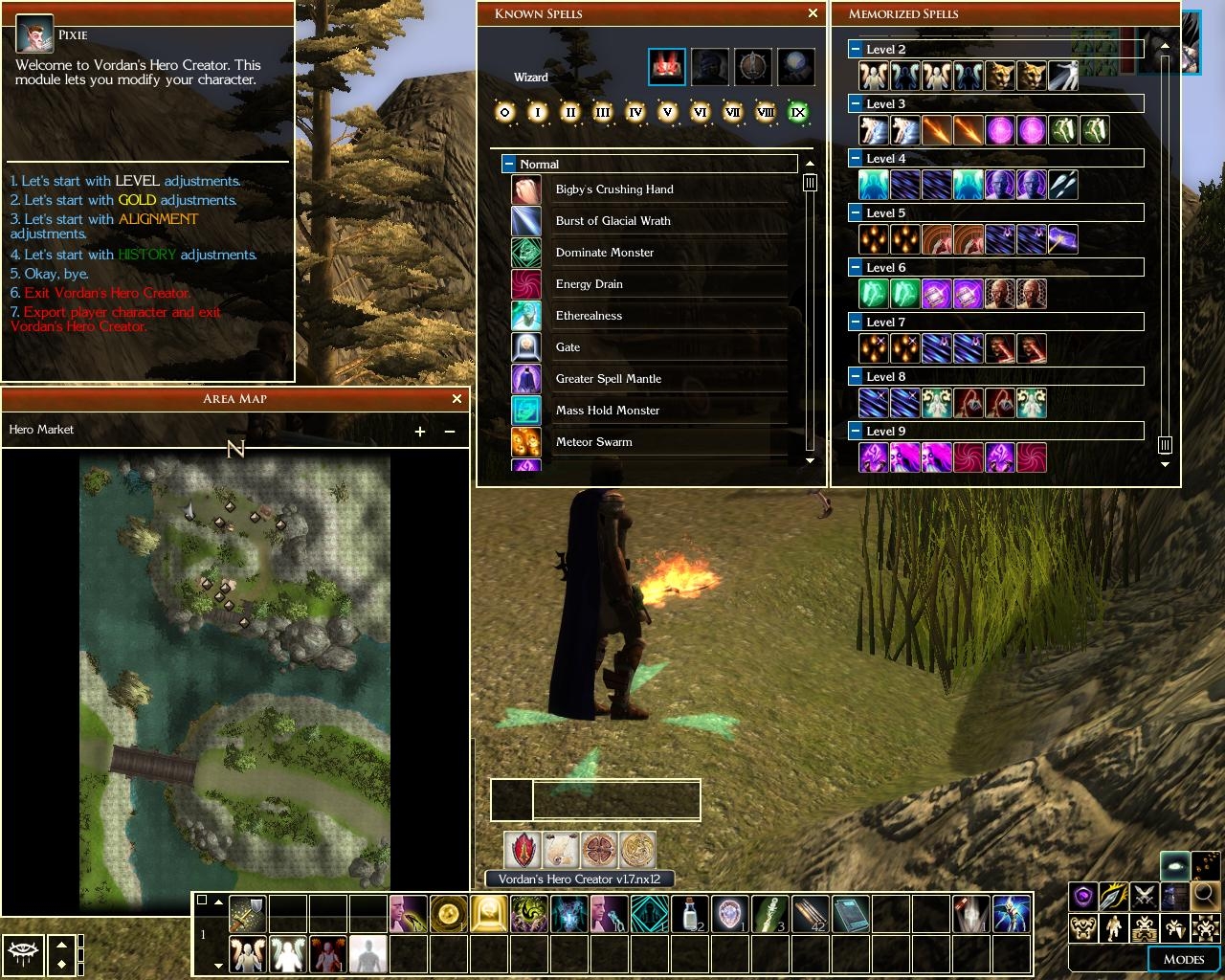
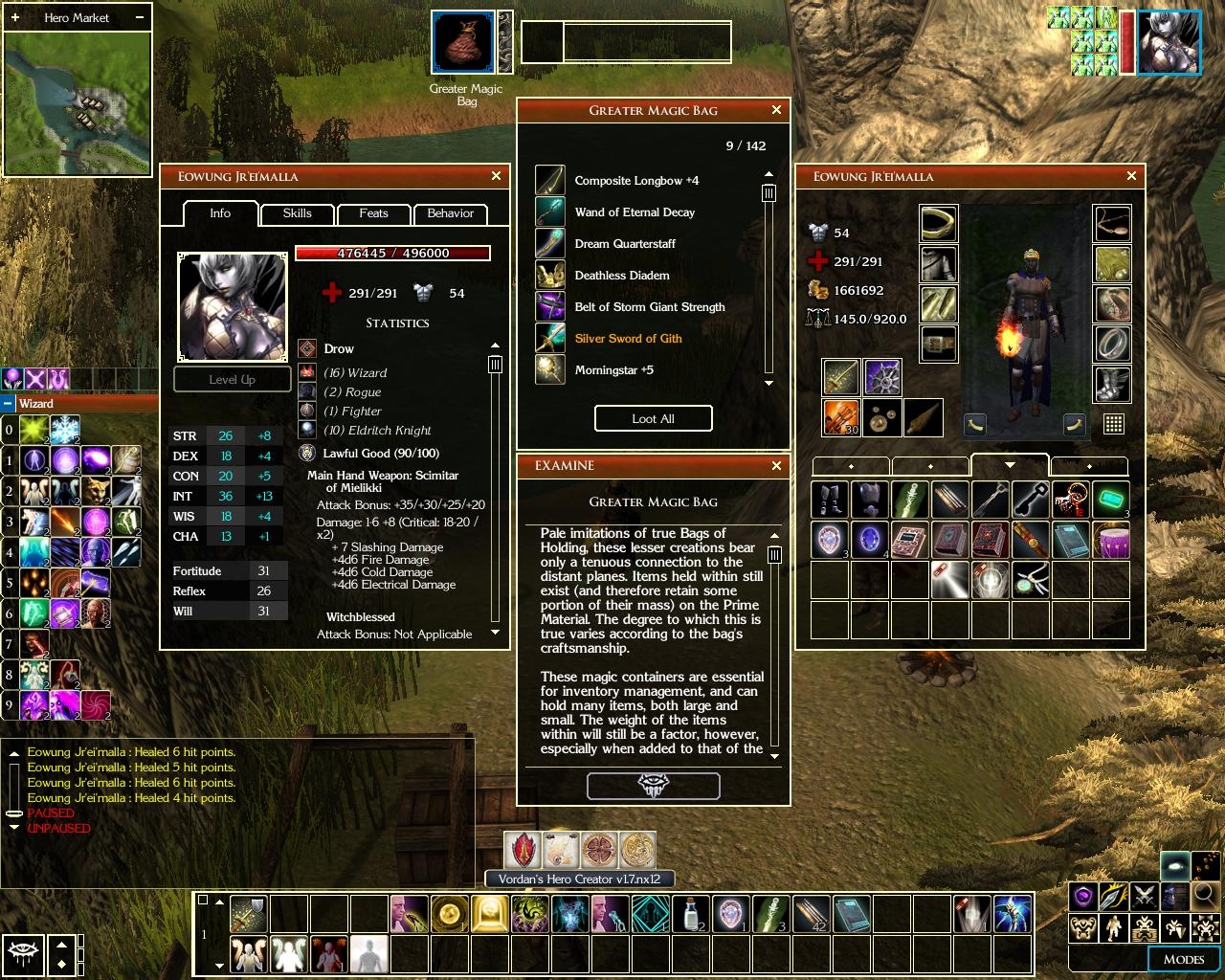
It all started out as a desire to compile all the various gui tweaks i was using into one (xUI, Slate's Tiny Spell book, Cyricc Compact Character Stats, Gaoneng Player's Handbook etc). I play in 1024 res and the default layout just takes too much space. I really loved the Baldur's Gate UI by Trevor Morris, but it took up even more space. Then I thought of modifying a few things myself...
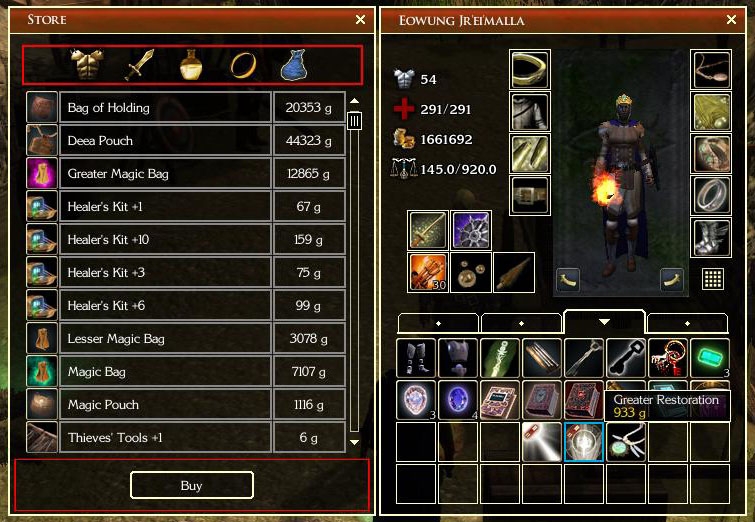
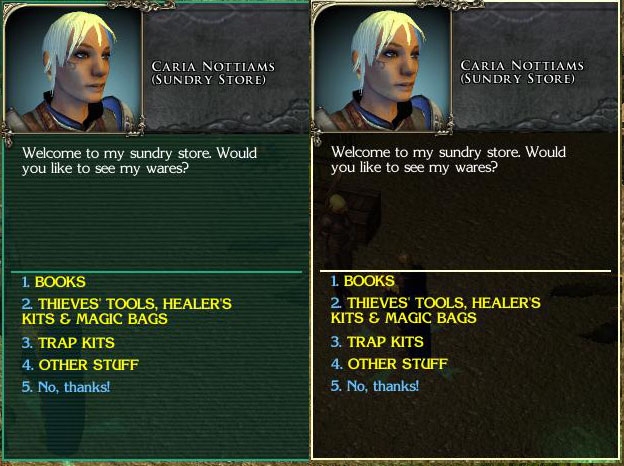
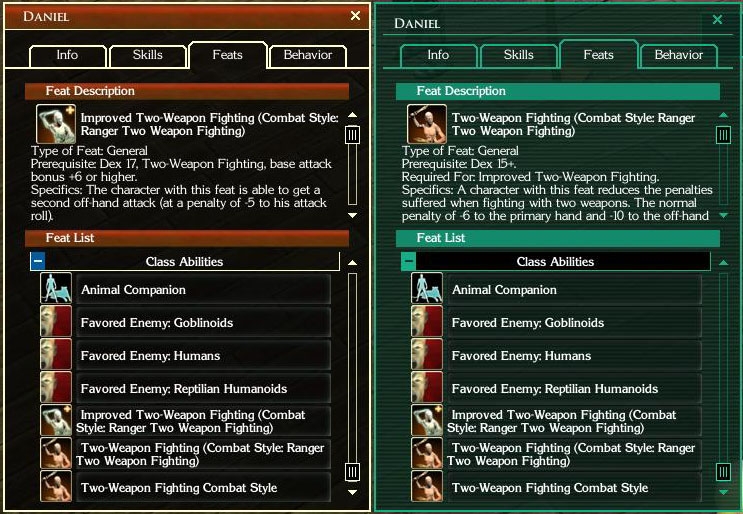
These are the changes to the default GUI (I tried to make the panels of uniform size and look - thin borders, transparent black background, smaller buttons, smaller scrollbars etc):
- Character Screen reduced in size to be the same as inventory screen. Changed background, smaller fonts with no outline (much clearer with the black background)...
- Changed the look of the Inventory
- Resized Known Spells and Memorized Spells to be the same size as the Inventory, changed look, replaced spell level icons with the ones from NWN1
- Resized Store, Barter Screens, changed look...
- Changed Quick Cast drop-down menu and Metadata Grid and look
- Mini Map changed a lot (square minimap) and Area Map changed just a little bit (not much that can be done there)
- Smaller Party Bar
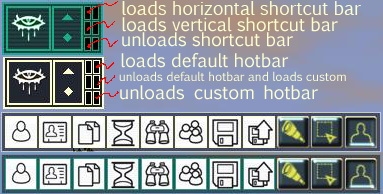
- Added Command bar options in the Mode Bar with the NWN1 Icons
- Changed the look of Hotbar, Action Queue, Target Enemy, Target Friend, Player Menu, Voice Menu, Journal
- changed the loading bar in Load Area and Load Module Screens
(15.08.2007)
****************************************
THANKS:
My sincere thanks goes out to XiDragon for allowing me to use and modify his code to create and give functionality to SlimGUI options screen. XiDragon's (xUI) has been an inspiration to me to make my own UI improvements.
This changes the size of the portrait in the chat window (take a look at the screenshot). To install extract to the override folder. Delete quickchat.xml from "ui\custom\slimgui folder". Can be used for both themes. NOTE: I will not be adding this to the installer, so it will remain a separate download.
Non Installer version of SlimGUI. With changes from v2.76 installation got a bit more complicated, but detailed instruction are inside. If you have any problem please contact me.
The package contains SlimGUI for the following versions of NWN2 (Both Gold and Green Themes) NWN2 v1.23 (OC, MotB)
NWN2 v1.23 (OC, MotB) with Compmonai v2.2
Storm of Zehir v1.23
Storm of Zehir v1.23 with Compmonai v2.2
Also included are extras:
Small Inventory
Big Bag Inventory v1
Big Bag Inventory v2
Warlock Buddy
Small Party Bar
From v2.76 Custom Hotbars with or without Options Screen are separated into various packages. Custom Hotbars install ALL of hotbars and an Options Screen to change them at will. Also are included separate hotbars witch replace hotbar.xml installed with basic SlimGUI. Only one of these can be selected during install and they can be installed along side custom Hotbars package. To manipulate various hotbars easily extra buttons have been added to the Playermenu. Please see the appropriate screenshot for more info.
*NOTE* If you use (Tony_K's Compmonai) or (Warlock Buddy) updated by Ladydesire don't forget to delete the original .xml files provided by the authors. For Compmonai those are characterscreen.xml, contextmenu.xml, creatureexamine.xml, and for Warlock Buddy quickspell.xml and warlock.xml. These files are usually located in the override folder.
If you are using compmonai.XX in hak form, open it with (NWN2Packer) and remove/delete characterscreen.xml,contextmenu.xml and creatureexamine.xml and copy/save the same .xml's from the right SlimGUI package.
10 - A Masterpiece, Genuinely Groundbreaking 9 - Outstanding, a Must Have 8 - Excellent, Recommended to Anyone 7 - Very Good, Deserves a Look 6 - Good, Qualified Recommendation 5 - Fair, Solid yet Unremarkable 4 - Some Merit, Requires Improvements 3 - Poor Execution, Potential Unrealized 2 - Very Little Appeal 1 - Not Recommended to Anyone






 Site
Site